Adobe Acrobat Pro is a PDF software platform that allows users to create, edit, convert, and annotate PDF files. Users can manage PDF files through multiple methods with Acrobat Pro. Adobe Acrobat Pro provides tools for users wanting to merge files into one document, convert Word documents to PDF, or sign documents digitally. The program includes multiple features that benefit individual users and professional operations.
PDF editing within the software is its most advanced capability. Adobe Acrobat Pro gives users editing capabilities for PDF text and images, along with formatting features, whereas the free PDF reader software only shows users the document content. The software's capabilities are essential if you need to alter or amend various documents throughout your work. Adobe Acrobat Pro lets users protect their sensitive documents through password security and encryption, along with advanced security measures.
Adobe Acrobat Pro enables easy digitization of paper records by converting scanned documents into editable and searchable PDF files through its OCR (Optical Character Recognition). Having this feature allows users to manage digital copies by obtaining indexed PDF files that function similarly to standard PDF files for editing and searching. The application has a user-friendly interface that enables straightforward access to its robust functionality. Whenever people handle digital documents with enhanced needs beyond basic viewing, Adobe Acrobat Pro stands as their essential tool.
Why Should I Download Adobe Acrobat Pro
The benefits of downloading Adobe Acrobat Pro become obvious to users who handle PDF files regularly because this tool delivers an effective platform to control their management. The software operates with a large selection of features, giving you multiple capabilities with only one tool. Adobe Acrobat Pro extends beyond basic PDF viewing to offer a complete set of editing tools that free viewers do not provide. You can modify any text or images and add additional PDF content directly through this program.
The system allows hassle-free document conversion processes. This stands as another strong motivation to use Adobe Acrobat Pro. Users of Adobe Acrobat maintain original content quality when they convert different file types into PDFs and back again. Users get precise quality preservation during their file conversions between Word and PDF or PDF to Excel. Creating PDFs involves more than generation, since users must ensure their files remain usable by others and remain modifiable while also being available in various document formats.
The software provides sophisticated tools for team collaboration by allowing users to apply notes or comments and perform document evaluations with both co-workers and clients. Users can provide feedback to shared files through Acrobat Pro without requiring separate versions of the application. The advanced features enable joint work between team members to maintain a unified understanding of the project contents.
The primary reason to select Acrobat Pro is its advanced security capabilities. Acrobat Pro users can access security tools that let them protect files through encryption, apply signatures, and use document access control systems. The advanced level of protection provided through the software proves essential, specifically for contracts and confidential information, as well as official documents. The protection of your files through encryption brings comfort because unauthorized meddling or inappropriate access scenarios are avoided.
Through OCR technology integrated in Acrobat Professional, users can perform quick document digitization by converting physical document scans into editable digital text. Acrobat Pro automatically saves endless work periods because users no longer need to transcribe handwritten documents. The tool stands as vital equipment for employees who need to archive or digitize paper documents to convert them into digital files.
Finally, it’s about professionalism. Adobe Acrobat Pro serves as evidence of dedication toward optimizing quality standards and delivering efficient results. Professional document organization and presentation abilities create positive impacts during report submissions, as well as collaboration and proposal-sharing situations in the workplace. Students can use this software as an investment tool to control the appearance of their professional work.
Is Adobe Acrobat Pro Free?
Adobe Acrobat Pro can only be acquired through payment because it operates under a non-free pricing model. Users must maintain Adobe subscriptions to access the complete set of features provided by the premium software solution.
Users can access a free trial from Adobe to test its functionality before deciding to subscribe. Acrobat Pro's cost is justified given the extensive set of capabilities it offers to business professionals and business users.
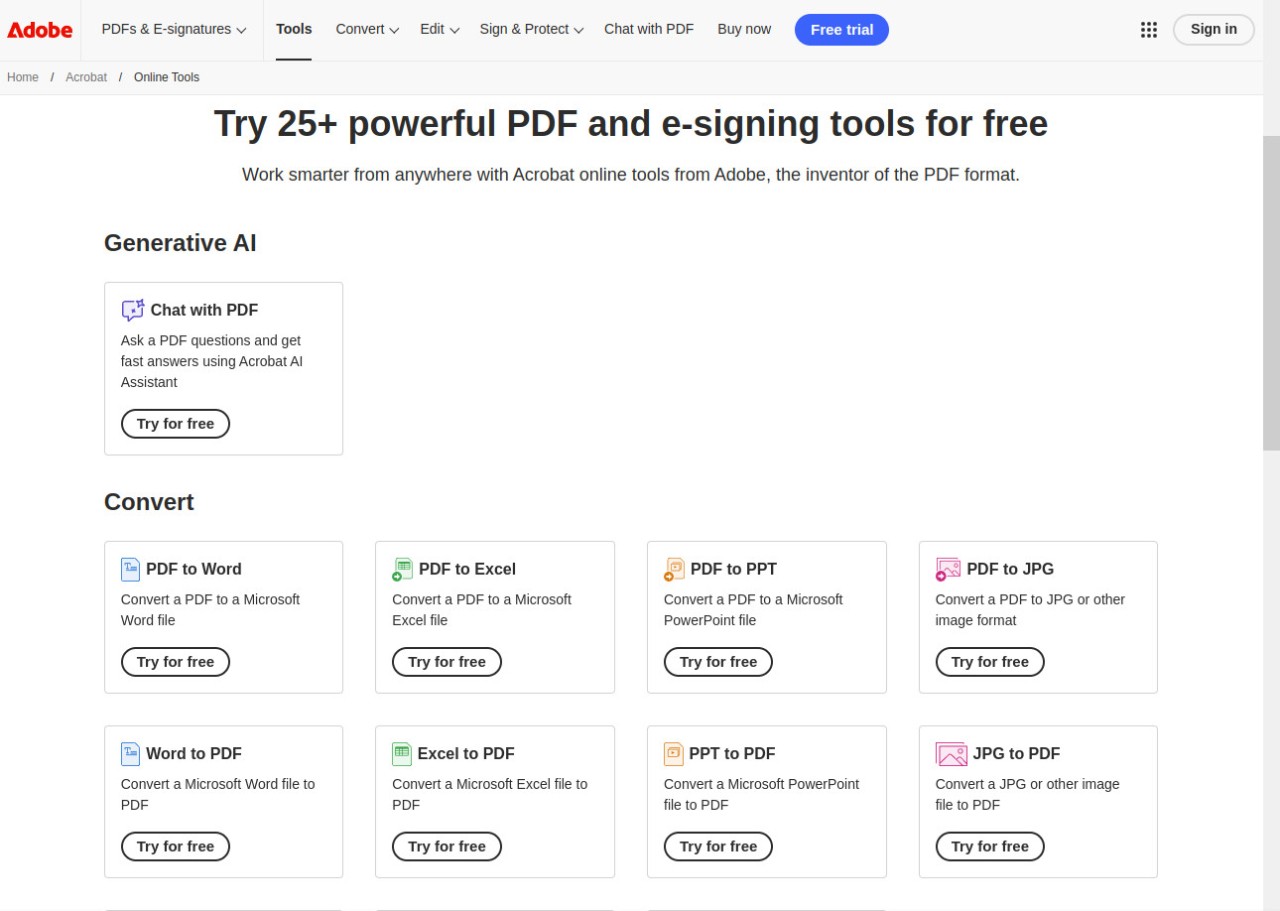
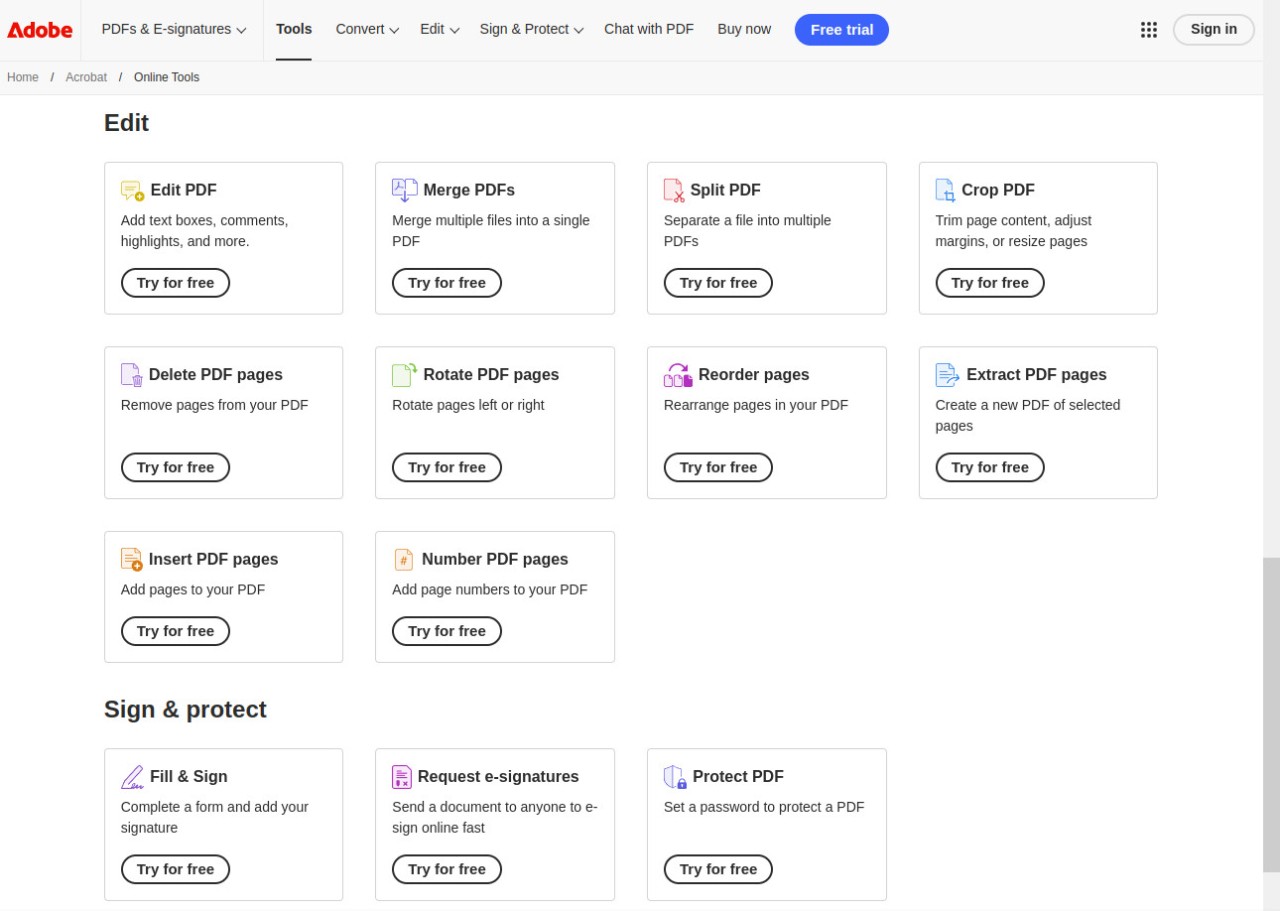
Some features of Adobe Acrobat Pro are also available online as free web apps. Finally, if you are only looking for a PDF viewer and annotator, you can try the free Adobe Acrobat Reader.
What Operating Systems Are Compatible with Adobe Acrobat Pro?
Adobe Acrobat Pro functions on all Windows and macOS computer platforms. The software functions properly on Windows 10 up to the latest versions, and on macOS 10.15, which extends to the current releases. The program achieves top performance on both Windows and macOS by leveraging core system features to provide better usability and speed.
Users on iOS or Android devices don’t have access to Adobe Acrobat Pro. But they can use the Adobe Acrobat Reader PDF viewer to sign, fill, and annotate their documents.
Adobe also provides some features of Acrobat Pro through the Adobe Acrobat online website. It still requires an Adobe account to be used, but it is mostly free.
Users can keep being productive regardless of their selected device because of the software's compatibility with multiple platforms.
What Are the Alternatives to Adobe Acrobat Pro?
The primary replacement for Adobe Acrobat Pro is Nitro PDF. The application delivers a wide array of capabilities that match those found in PDF creation, editing, and conversion processes. The tool enables electronic signatures while providing collaboration features that draw professionals to use it. The main strength of Nitro PDF comes from its simple interface, together with its ability to connect with cloud services, including Google Drive, OneDrive, and Dropbox. The tool serves as an economical platform that enables users to access comparable features instead of subscribing to Adobe. Although it does not have the same famous branding as Adobe, its professional reputation remains strong among industry professionals.
Wondershare developed the alternative PDF application named PDFelement. The software enjoys wide recognition because of its user-friendly interface, together with its many advanced capabilities. The software PDFelement enables users to edit PDFs through its available features, along with annotation tools, document conversion, and form processing, and includes features like OCR for scanned documents. Users can save money on PDF applications because PDFelement's price stays below Adobe Acrobat Pro's while providing a full range of PDF features. The software suits users and small organizations well, needing trusted PDF management abilities without premium brand expenses.
The PDF-XChange Editor represents a useful third alternative when compared to other software options. This software delivers outstanding operating capabilities on systems from various generations because it provides both speed and a lightweight design. PDF-XChange Editor provides users with multiple editing capabilities and enables them to insert annotations and make markup additions and form-based changes. The application stands out from other alternatives by including OCR functionalities, which enable users to convert physical documents into digital files. Users select PDF-XChange Editor because it offers professional functions at a more affordable price point than mainstream Adobe programs. Adobe PDF Editor’s interface might show signs of imperfection, while PDF-XChange Editor maintains its purposeful layout design.