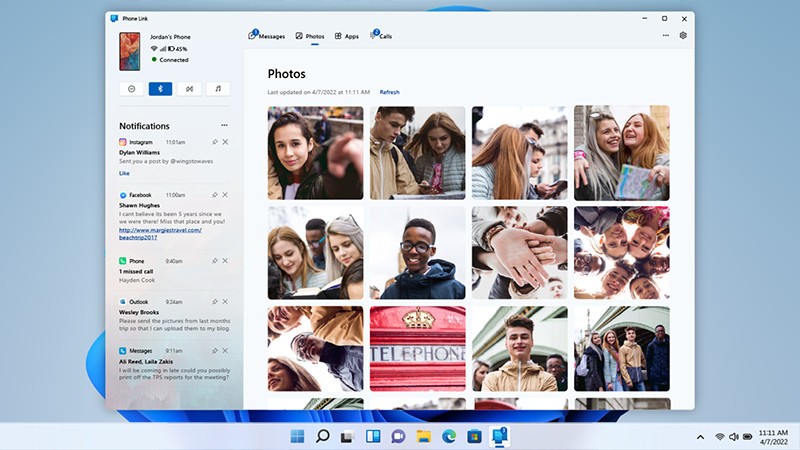
Phone Link, formerly known as Your Phone, is a Microsoft application for Windows operating systems that connects a PC to an Android smartphone or iPhone. To use it, the companion app Link to Windows must be installed on the mobile device.
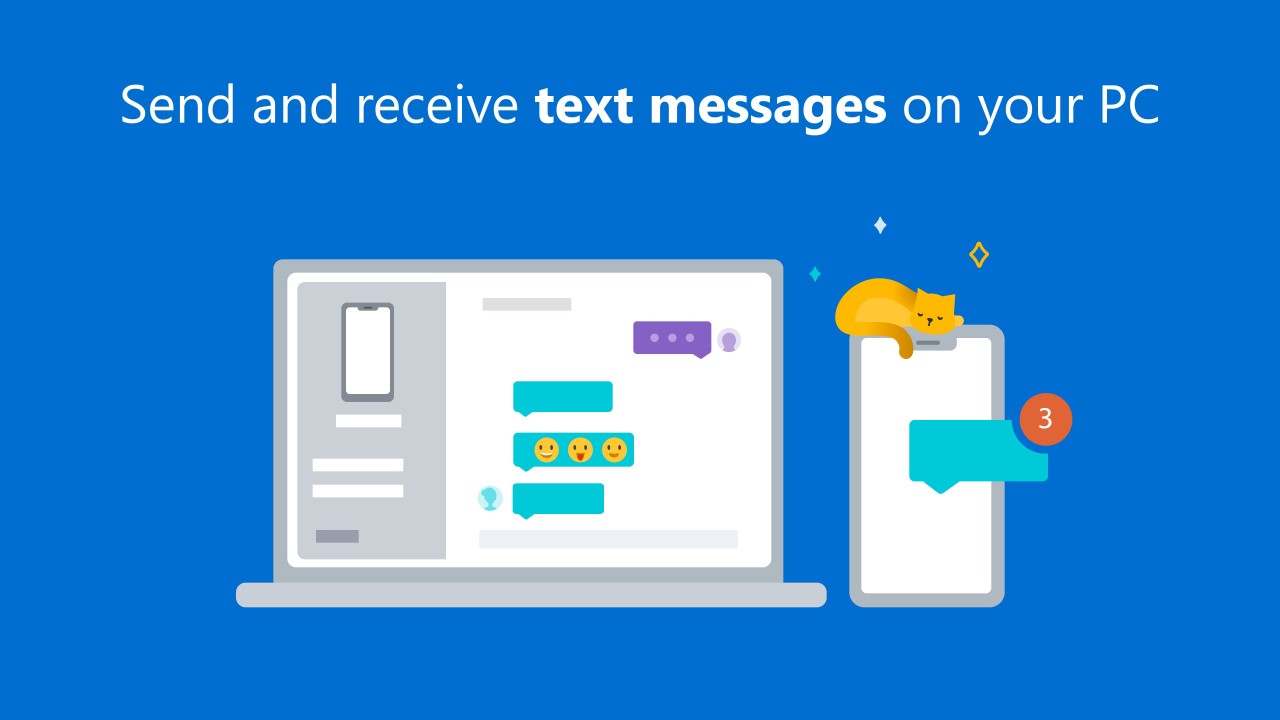
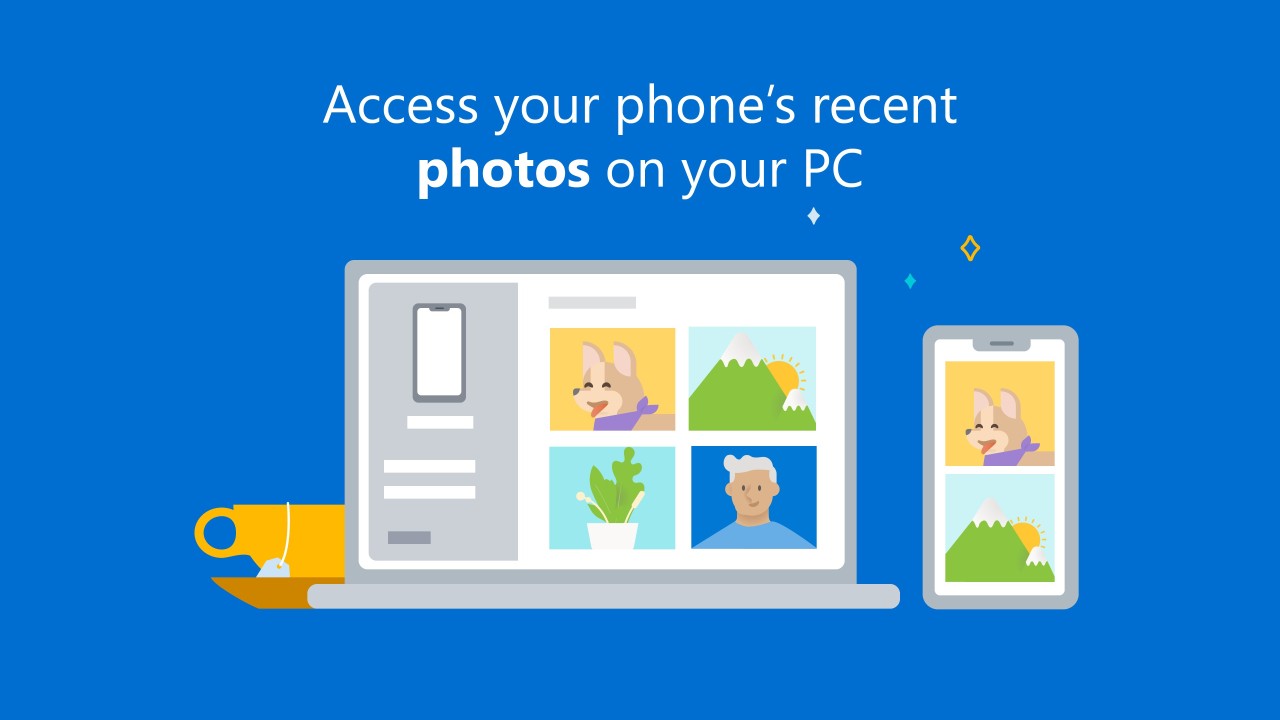
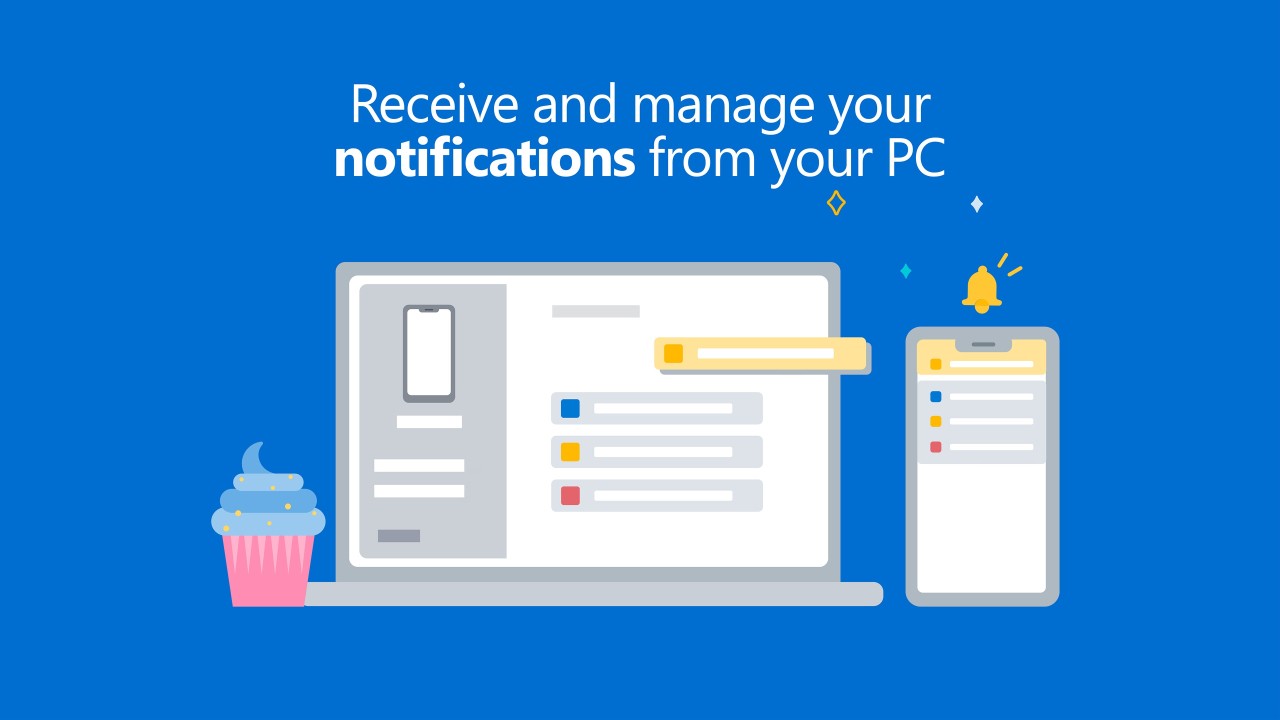
Link to Windows delivers full integration between the phone and PC, letting users view notifications and messages and manage photos directly from their computer screen. Phone Link gives access to smartphone functions through the desktop without having to pick up the phone. Originally launched for Android, the app now supports iOS as well, broadening compatibility for users with different devices.
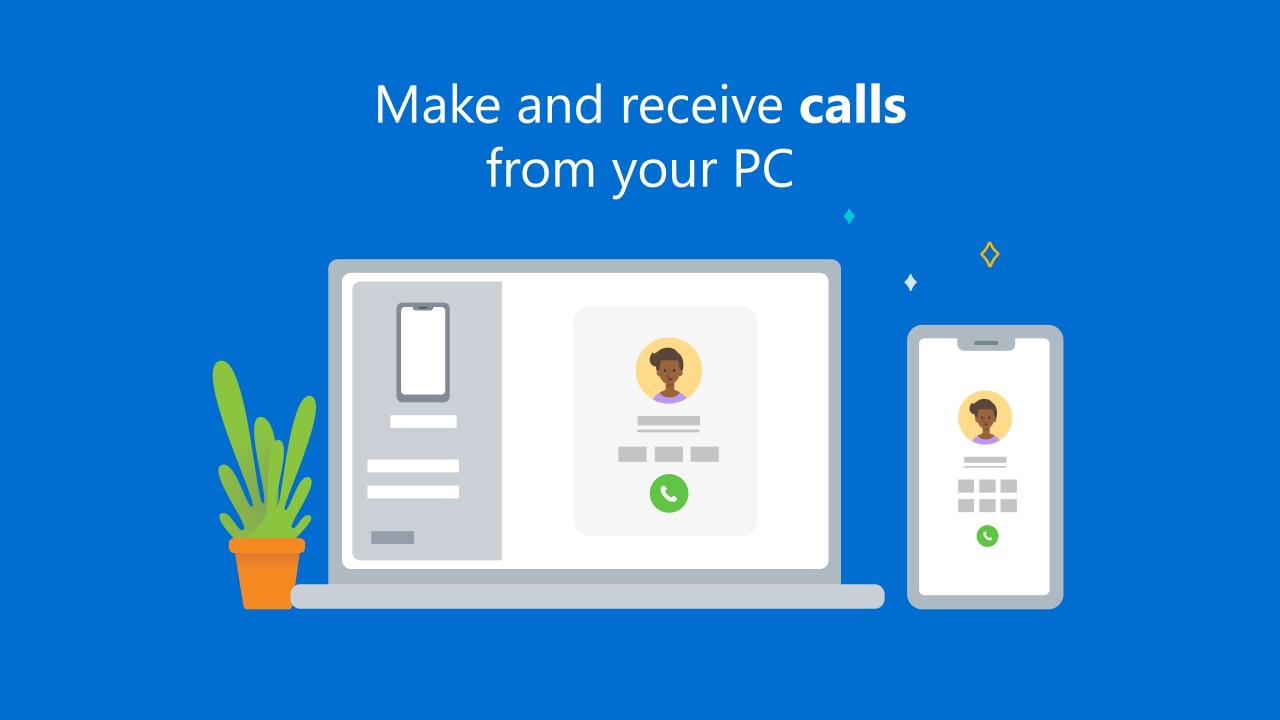
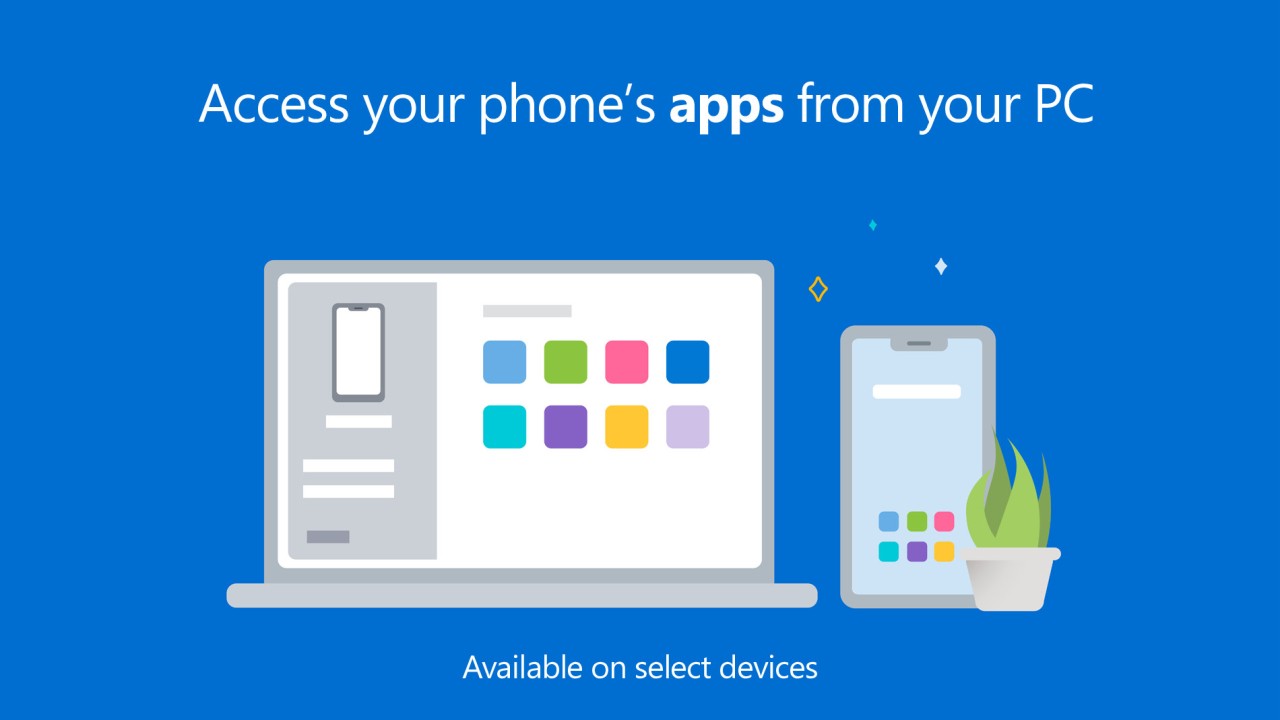
The main advantage of Phone Link is uninterrupted productivity. Users can read and reply to messages and notifications without switching devices, with everything appearing on the computer screen, so the phone can stay off the desk. Calls can be handled and essential apps accessed without interrupting work.
Devices connect via Bluetooth or Wi-Fi, making setup quick and flexible. Once linked, the full content of the mobile device is manageable through the PC display without juggling two screens.
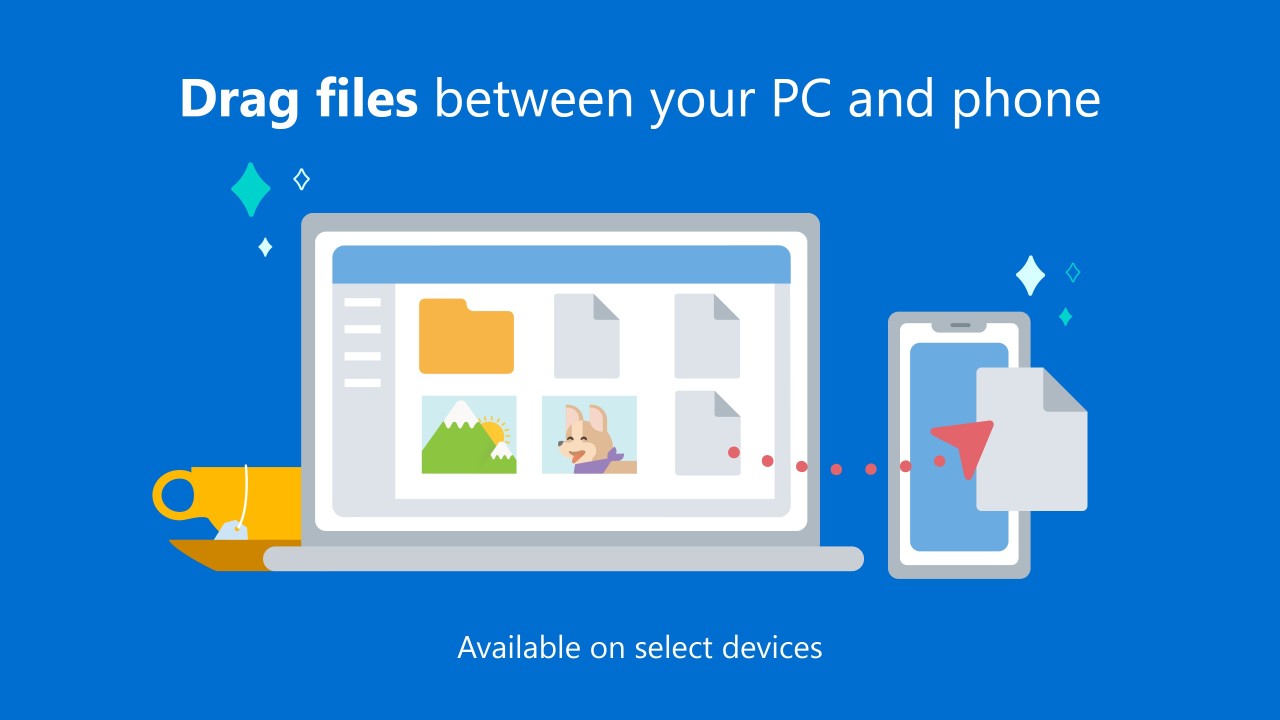
File transfers between phone and PC are also supported, with no need for email attachments or USB cables. Phone Link integrates tightly with Windows, making the two devices behave as a single connected unit.
Why Should I Download Phone Link/Link to Windows?
Phone Link is a significant practical benefit for anyone who wants to reduce the time spent reaching for their phone during PC work. The app keeps everything accessible through the computer screen, minimizing the interruptions that switching between devices creates throughout the day. Phone alerts appear on the PC, messages can be read and replied to from the keyboard, and essential apps are reachable without touching the phone at all. For people who want to stay connected while maintaining focus on their work, managing everything through a single screen is a real advantage.
Downloading the app also improves overall workflow efficiency. The habit of switching between a PC and phone repeatedly throughout a working session consumes time and breaks concentration more than most people realize until they stop doing it. Phone Link keeps text messages, social media notifications, and phone calls all accessible through the computer, so there is no need to interrupt work to check the phone or deal with missed notifications later. All communication stays visible in the workflow rather than waiting on a separate device.
File sharing between devices also becomes much more practical with Phone Link installed. Moving photos or documents between a phone and PC no longer requires cloud uploads, email attachments, or a USB cable. The Windows Link application allows files to be dragged directly from PC to phone and vice versa, making fast media and document sharing possible in just a few seconds without leaving the desktop environment.
Microsoft updates Phone Link regularly to deliver new features and improve connectivity and stability. It has become an essential productivity tool for people who need to manage both PC and mobile activity from the same workspace without missing anything important happening on their phone.
Is Phone Link/Link to Windows Free?
Phone Link is free to download and use. No subscription or hidden fees apply, and the full feature set is accessible for both iOS and Android users at no cost.
What Operating Systems Are Compatible with Phone Link/Link to Windows?
Phone Link works with Windows 10 and 11 and supports Android smartphones running OS version 7.0 or later. Phone Link is typically pre-installed in Windows, but can be downloaded separately and linked to a Microsoft account for synchronization across devices.
iOS support is available under the Link to Windows name, though some features work better on Android than on iPhones running iOS 16 or higher. The iOS version continues to improve with each update.
The Link to Windows companion app needs to be installed on the mobile device to connect with Phone Link on the PC. It is available through the Google Play Store for Android and the App Store for iPhone. Connection uses either Wi-Fi or Bluetooth, giving flexible options for different setup environments.
What Are the Alternatives to Phone Link/Link to Windows?
Several other applications offer phone-to-computer connectivity with their own strengths.
Vysor is a strong option for users who specifically need screen mirroring and Android device control through a PC. It is especially useful for presenting mobile apps on a larger screen or using computer-based navigation for phone content. A USB connection between devices delivers the best mirroring performance, while the free version is functional, and the paid version unlocks higher resolution and full-screen mode.
KDE Connect is an excellent open-source solution for connecting Android devices with Linux-based PCs. It supports notification sync, file sharing, media management, and PC-based SMS messaging. The application works best on Linux systems, but the community builds support for Windows and macOS as well. KDE Connect is completely free and a strong choice for users who prefer open-source tools.
Intel Unison was formerly a popular alternative for cross-platform device connectivity, but Intel discontinued the service in June 2025. Users who relied on it will need to migrate to one of the remaining options, such as Phone Link or KDE Connect.