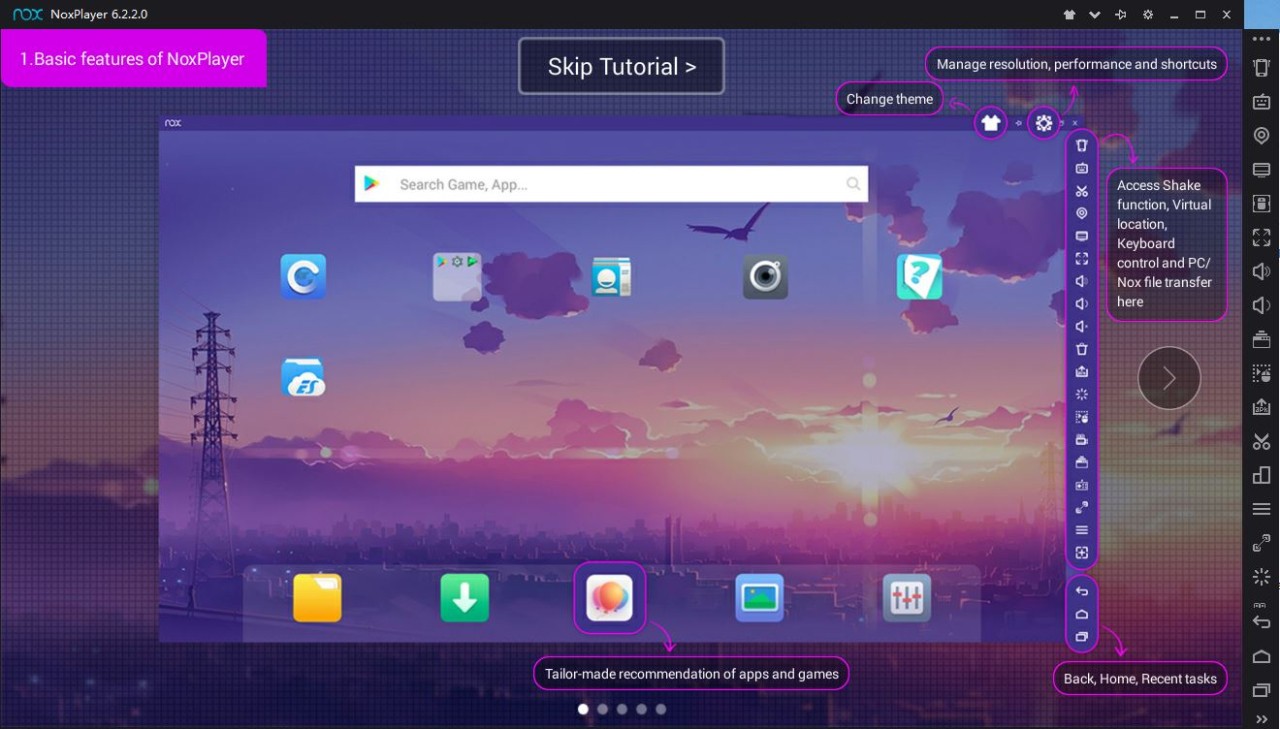
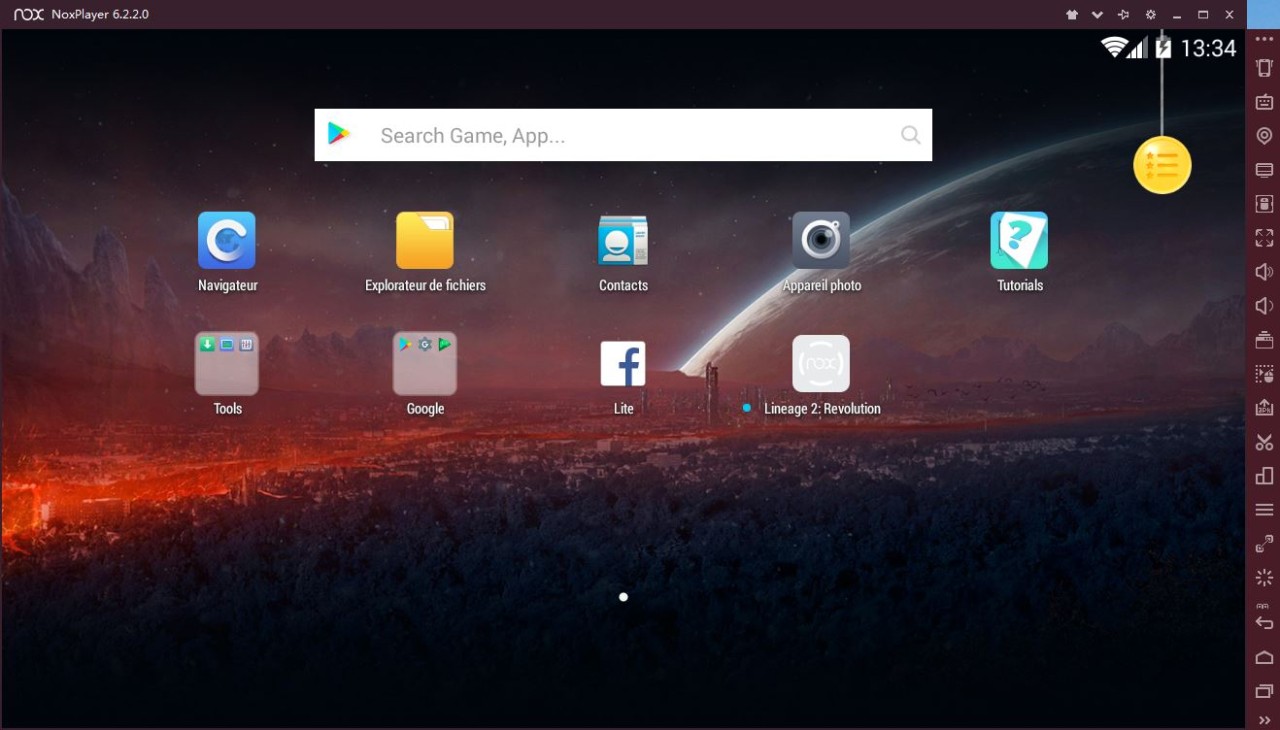
NoxPlayer is an Android emulator that lets you run Android apps and games on your computer. It also enables users to customize settings for optimal performance and supports a wide range of Android apps, making it a popular choice for those looking to play their mobile games on a larger screen.
If you want to create an Android virtual machine on your PC, download NoxPlayer. It's a versatile solution that helps you bring your Android apps and games to a desktop computer and a larger screen. The emulator supports a wide range of Android applications, making it suitable not only for gaming but also for social media and productivity tools.
The tool is simple to use and requires no technical knowledge to set up. This software allows you to map keyboard keys to correspond to touchscreen interactions and use it for social media, productivity apps, and other purposes. It supports multiple instances, allowing you to run NoxPlayer in multiple windows on the same machine, adding to its impressive feature set. It enables you to play multiple games at the same time or manage multiple accounts in the same game.
Additionally, the Scenario Recording feature enables automation of repetitive in-game tasks. With just one click, you can execute multiple actions automatically, making farming and grinding much easier and more efficient.
Why Should I Download NoxPlayer?
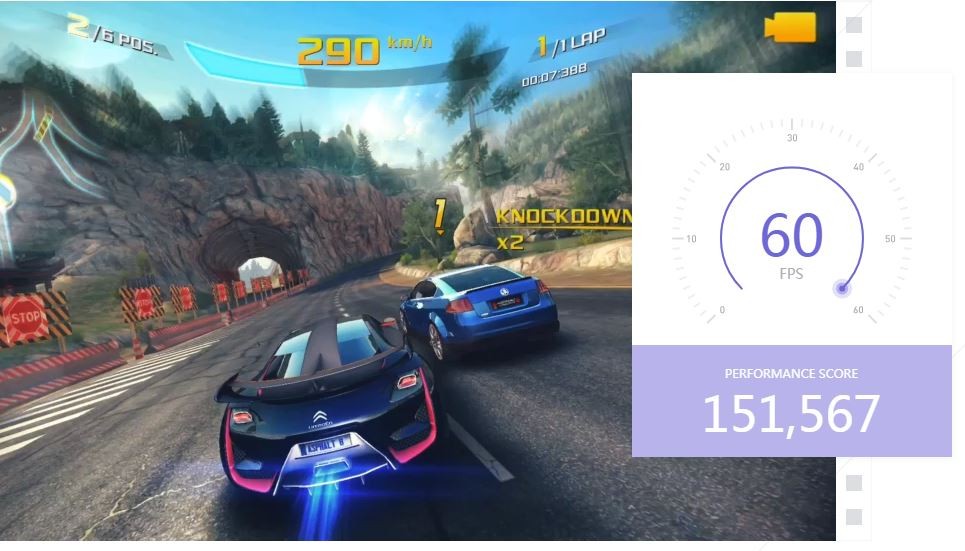
Bringing your Android apps to a PC has several advantages, including the ability to view them on a larger screen or launch them multiple times, as well as use your mouse and keyboard for more precise actions. When you install NoxPlayer, you'll discover that it has a powerful engine that efficiently allocates your machine's resources, making it ideal for gamers who want to play even the most demanding and intensive titles on their computer. The tool balances how it uses your CPU and GPU for the most effective performance, minimal lag, and fast loading.
If your hardware allow it, you can launch multiple instances of NoxPlayer to run multiple apps or play the same game across multiple accounts. You can adjust settings such as resolution, frame rate, and keyboard controls to optimize the experience and system load.
The tool also lets you customize your interface and decide whether to use your Android environment vertically, as on a smartphone, or horizontally, as on a tablet.
Whether you're a casual player or a developer who's testing their app, you can get different software from the Google Play Store as you would on a mobile device or upload APK files for other apps or those you can't find in the official app library. You can also use the built-in screenshot and screen recording tools to create tutorials or educational content, or to simply share it with others.
Another extremely useful feature of NoxPlayer is the ability to record various key sequences and then create a macro from them in order to quickly launch and automate repetitive tasks. This can significantly improve your productivity or help you level up in a game faster. The tool is a reliable software that is constantly updated to cover even the newest Android updates. Users appreciate the versatile use cases it applies to, whether you're on Windows or macOS.
Is NoxPlayer Free?
Yes, you can download the software for free and use all its features at no cost. This software has everything you might need to successfully emulate the Android environment, whether you're an advanced user or not, without the need to purchase a premium version or have a subscription.
What Operating Systems Are Compatible With NoxPlayer?
To download and use NoxPlayer, you need a Windows machine with version 7, 8, 10, or 11. If you're a Mac user, you need at least macOS 10.12 or later.
There's no official support for Linux at the moment. Also, keep in mind that downloading apps from the store or playing certain games might require you to have an internet connection.
What Are the Alternatives to NoxPlayer?
There are other solutions geared toward running Android on a desktop machine. One of the other most chosen ones is called BlueStacks. This emulator has been known for its extensive feature set as well as its robust performance on various computers. Similarly to NoxPlayer, you can run multiple instances at the same time, customize and adjust your controls from touchscreens to a keyboard and mouse, record macros with Combo Key for various repetitive actions and purposes, and optimize how it uses your software and hardware for the best experience and performance. Available entirely for free on macOS and Windows with the support of multiple versions of these systems, you need to be mindful that BlueStacks system requirements grow bigger the more advanced your use case is, but for simple tasks, it supports even older systems.
Gameloop is another software that offers to emulate your Android system, and it's a choice that's most popular among gamers, as the name suggests. One of the focuses of this tool is to deliver high frame rates and optimized graphics to all mobile games you want to run on your desktop computer. It's perfect for gamers who pay attention to the graphics and performance of the titles they want to play via the virtual environment. Gameloop is free software that supports itself with ads and has advanced options to customize how it is configured and uses your machine resources. You can use it to play even older and legacy titles that are no longer available otherwise, but keep in mind that Gameloop is only available for PCs that run on Windows. At the moment, there are no official versions for other operating systems, such as macOS or Linux.
Anyone who is looking to test their mobile applications for Android on their computer should give Memu Android Emulator, or MEmu Play, a try. With multi-instance support and a wide range of advanced settings for performance and resource optimization, it's a perfect solution for developers or QA specialists. The same set of features, as well as the ability to highly customize control schemes, makes Memu also an enticing choice for gamers, as it balances flexibility and high performance. While it's available for free, you can only download Memu Android Emulator on Windows machines, so if you're using a different operating system, you need to look for other software for this purpose. With Memu, you get an option to add paid upgrades to extend its features through its version called Memu Business, which also removes ads and provides professional online customer support.