For developers and administrators of MySQL database systems, MySQL Workbench's unified visual interface facilitates more efficient workflows. The platform unites various applications that enable users to create models, design databases, and develop SQL code alongside configuring servers.
The software enables users to visualize data through structured interfaces that support database management for both new and established databases, without distinction. Users can access both graphical and command-line functionalities from the same platform because the tool merges various database-oriented capabilities.
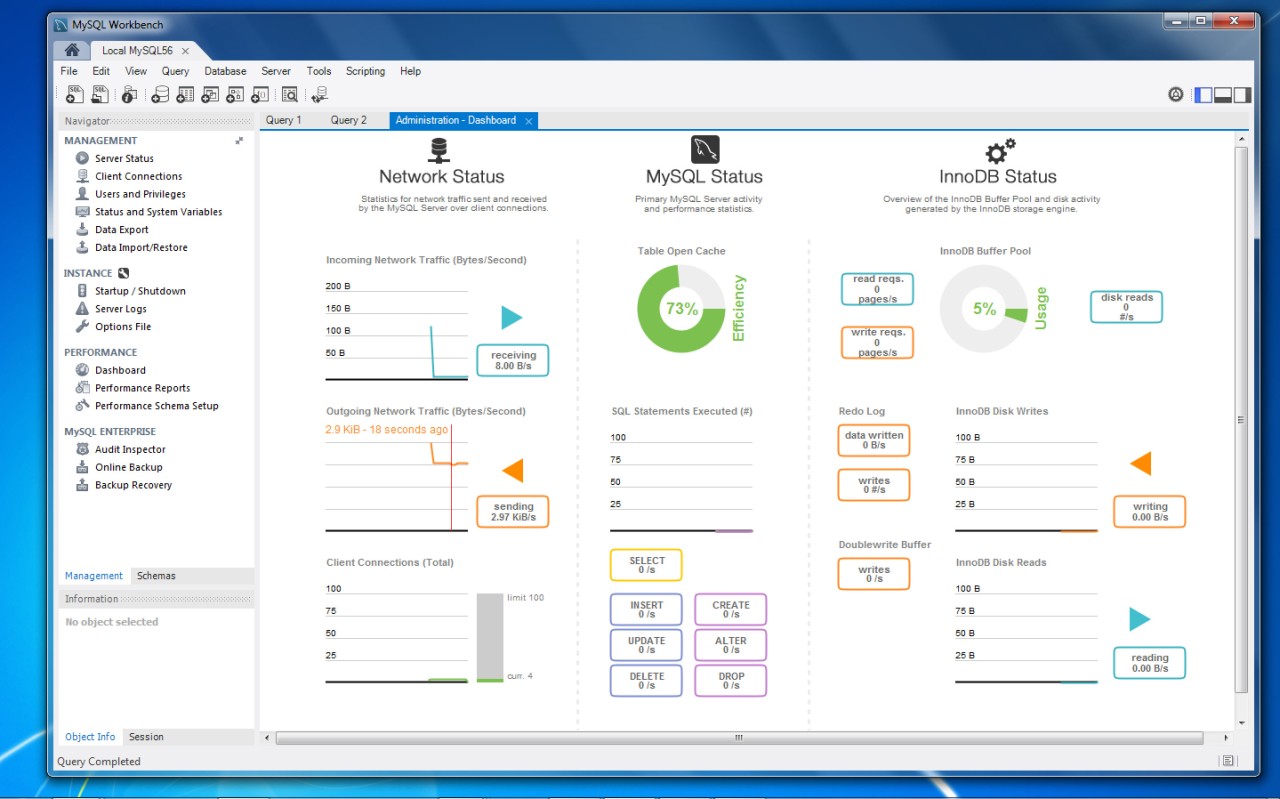
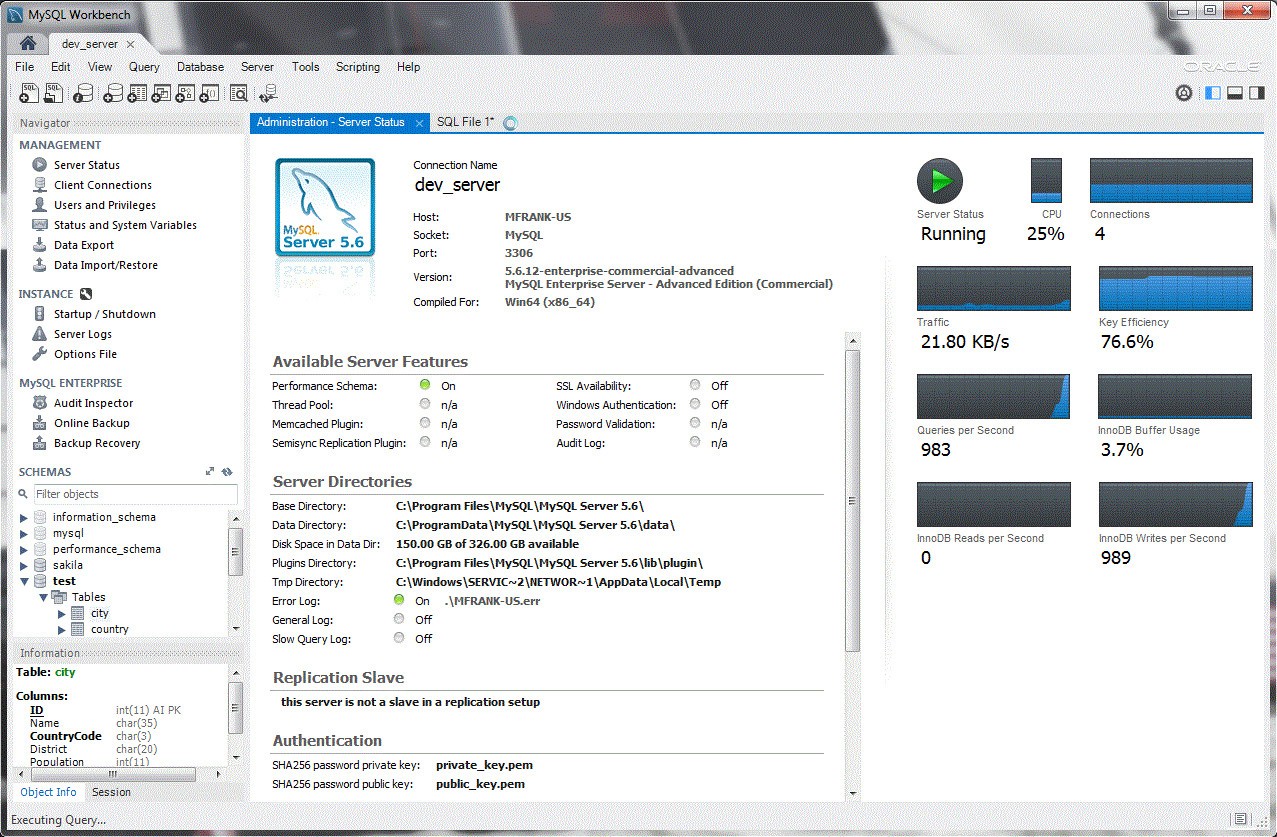
MySQL Workbench provides an accessible user interface that enables users to execute SQL development along with data modeling and perform comprehensive administration tasks, including user management, server configuration, backup execution, and performance monitoring. The tool makes complex database systems easier for users of all experience levels to read.
The features for reverse-engineering database migrations and schema synchronization made MySQL Workbench a standard tool for serious MySQL users. Its open-access nature, together with flexible functionality, makes MySQL Workbench an excellent solution for current data workflow requirements.
Why Should I Download MySQL Workbench?
Downloading MySQL Workbench is beneficial for people who perform database work or anticipate upcoming management needs. This tool appears simple when you first start, but you will need it more often as you use it. People begin with fundamental queries and design tasks, which later lead them to realize that MySQL Workbench reduces confusion and saves time when complex operations come into play.
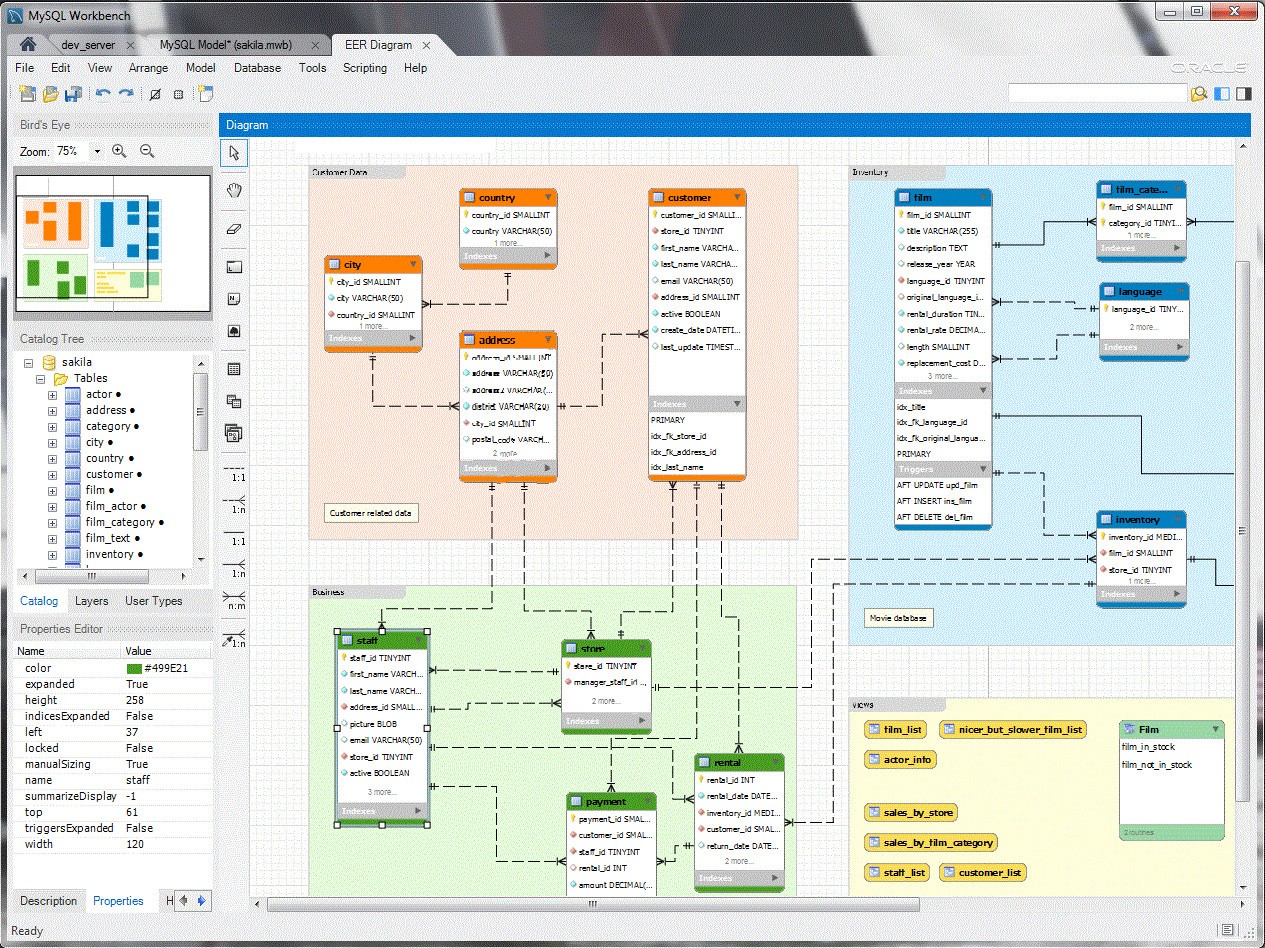
Database architects use visual modeling tools to establish a well-structured design while avoiding reliance solely on written code. Database planning becomes faster with MySQL Workbench because users can draw entity-relationship diagrams through a user-friendly drag-and-drop interface to create table relationships and specify data types.
MySQL Workbench contains an SQL editor that is more complex than a standard query interface. It’s smart. The editor provides syntax highlighting, automatic suggestions, and error detection features that serve programmers who work on multiple queries. The program functions as an understanding assistant that helps you develop your plans. This design exceeds a basic typing platform. The software helps prevent errors and reduce work time, especially when pressure builds or data volumes grow.
Server administration functions are among MySQL Workbench’s main features. With MySQL Workbench, you can access server control features that allow you to grant permissions to users, track server performance metrics, view log files, and schedule automatic backups. The tools are distributed across diverse utilities or require command-line interactions, which both pose barrier-to-entry challenges for novices and create efficiency issues for multitasking professionals.
Such combined features within a single dashboard help users complete their work more efficiently while minimizing distractions. This tool provides excellent support to systems that require continuous running and swift performance, including production floors alongside applications accessing real-time information.
The migration feature is one of the main benefits users experience. MySQL Workbench provides assistance for system migration from earlier MySQL editions as well as different systems, including Microsoft SQL Server and PostgreSQL. Through its step-by-step process, the platform provides users a unified environment to match schema formats along with data conversion, including result verification. The platform shields users from hours of tedious work, combined with the related risks for their system.
Teams benefit from more efficient communication through this tool, since it enables the visual sharing of database designs. A person without daily SQL writing skills can examine the diagrams to understand relationships and provide useful feedback. The system allows developers, analysts, and product managers to access database structure information, which enhances collaboration between these groups.
The software receives frequent updates and is from Oracle, with guaranteed platform stability. It ensures compatibility with current and next MySQL versions without causing any operational problems. MySQL Workbench positions itself as an excellent data management solution because it provides stability, along with capability and straightforward data management features.
Is MySQL Workbench Free?
You can download MySQL Workbench for free because the software is licensed under the GPL (General Public License). The open-source structure lets users use all features of this tool at no cost.
Small businesses alongside developers can use the entire functionality of the community edition because it contains all the daily operational elements required for their work.
What Operating Systems Are Compatible with MySQL Workbench?
MySQL Workbench is available on all major platforms, including Windows, macOS, and Linux. The tool operates on Windows 10 and greater versions and all recent Linux distributions, including Ubuntu, Fedora, and CentOS, as well as macOS with version 10.15 and up.
Installation proceeds smoothly, and the interface, along with user experience, maintains identical characteristics across platforms, which avoids the need to learn new features when users change devices. By supporting this characteristic, you can integrate your development platform along with remote working solutions.
What Are the Alternatives to MySQL Workbench?
Sometimes, users need alternative development tools because the powerful features of MySQL Workbench do not fulfill their unique professional requirements.
Businesses use PowerAMC as their main data modeler for corporate database development. This tool provides advanced ERD capabilities to create comprehensive database architecture plans at scale. The core power of PowerAMC lies in its tight integration with enterprise resource planning (ERP) systems and its ability to work effectively with various database engines. The tool caters mainly to enterprise needs, and architects who manage extensive layered schema structures typically utilize it.
Visio from Microsoft serves as a famous option, but operates mostly as a visual design application rather than being designed for database management. People who require visual database schema design together with a clear presentation can work effectively with Microsoft Visio. Professionals use this tool during documentation preparation, together with planning activities, before database implementation occurs. Nonetheless, it serves database teams through design functions, even though it doesn't execute SQL commands or manage server resources. Consulting with other Microsoft system users brings added value to institutional clients.
IBM presents InfoSphere Data Architect as one of its solutions. As an enterprise-level solution, this program offers complete data ecosystem capabilities in addition to database features. The tool enables users to build data models and perform structural analysis for governing extensive data systems. MySQL is among its database support options, together with numerous other database systems. The InfoSphere data platform delivers exceptional results for integration needs that cross various systems and demand top-level data integration combined with standardization capabilities. The combination of challenging adoption and high costs prevents adoption, but its multi-faceted functionality suits users in big data and compliance work environments.