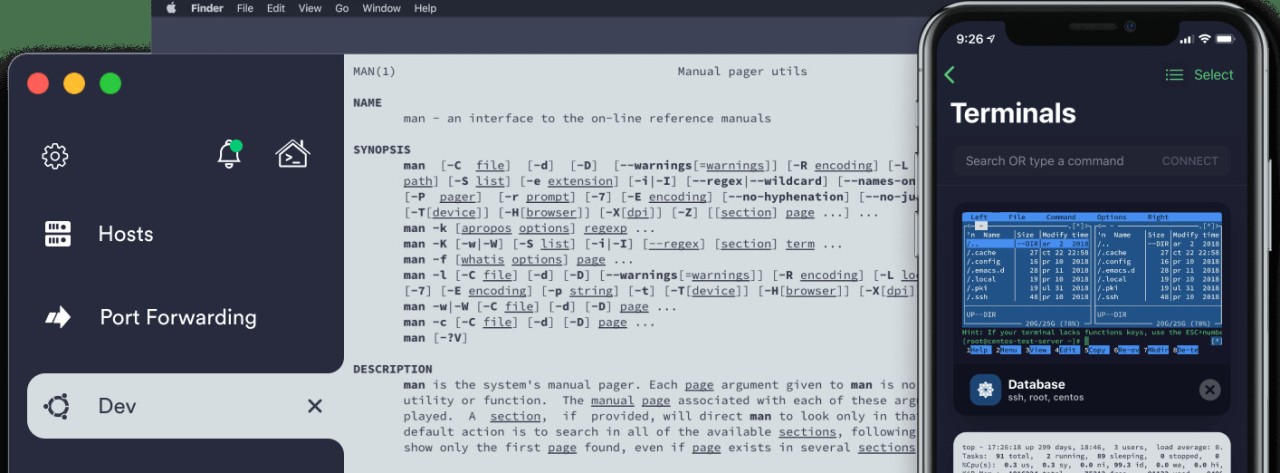
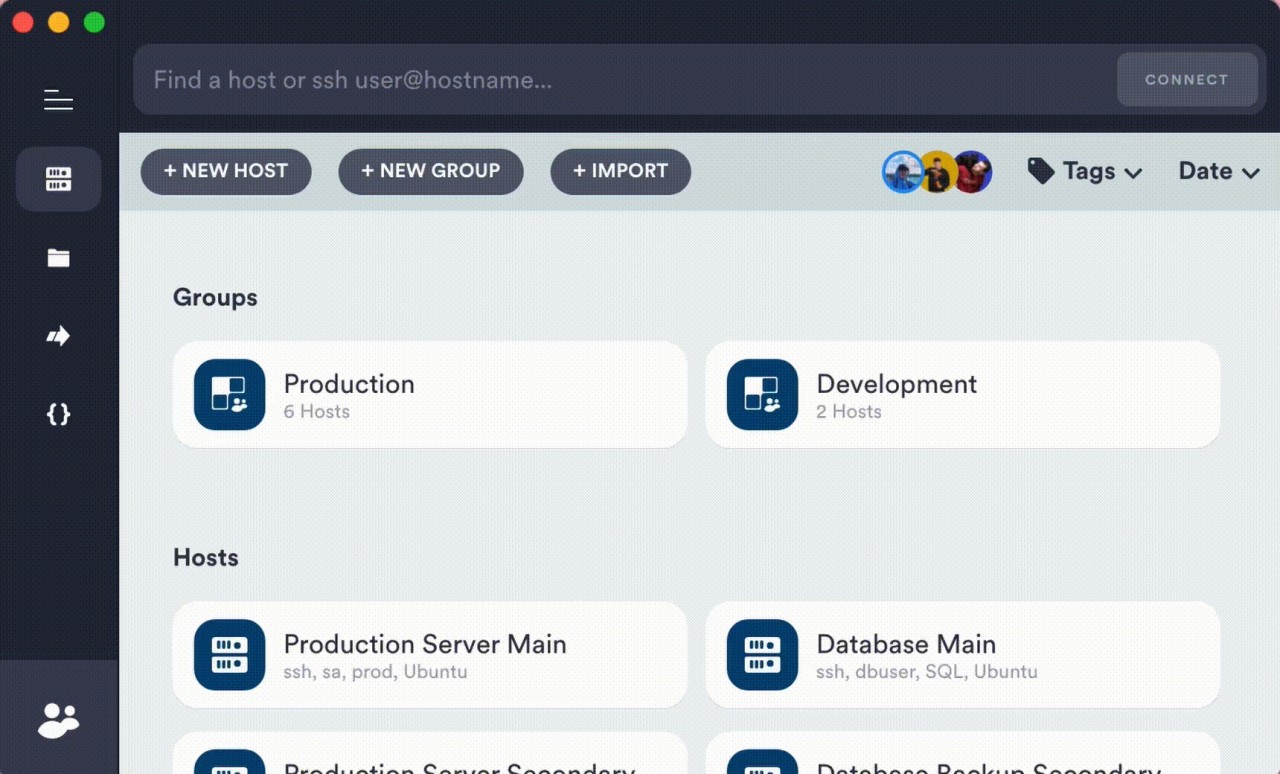
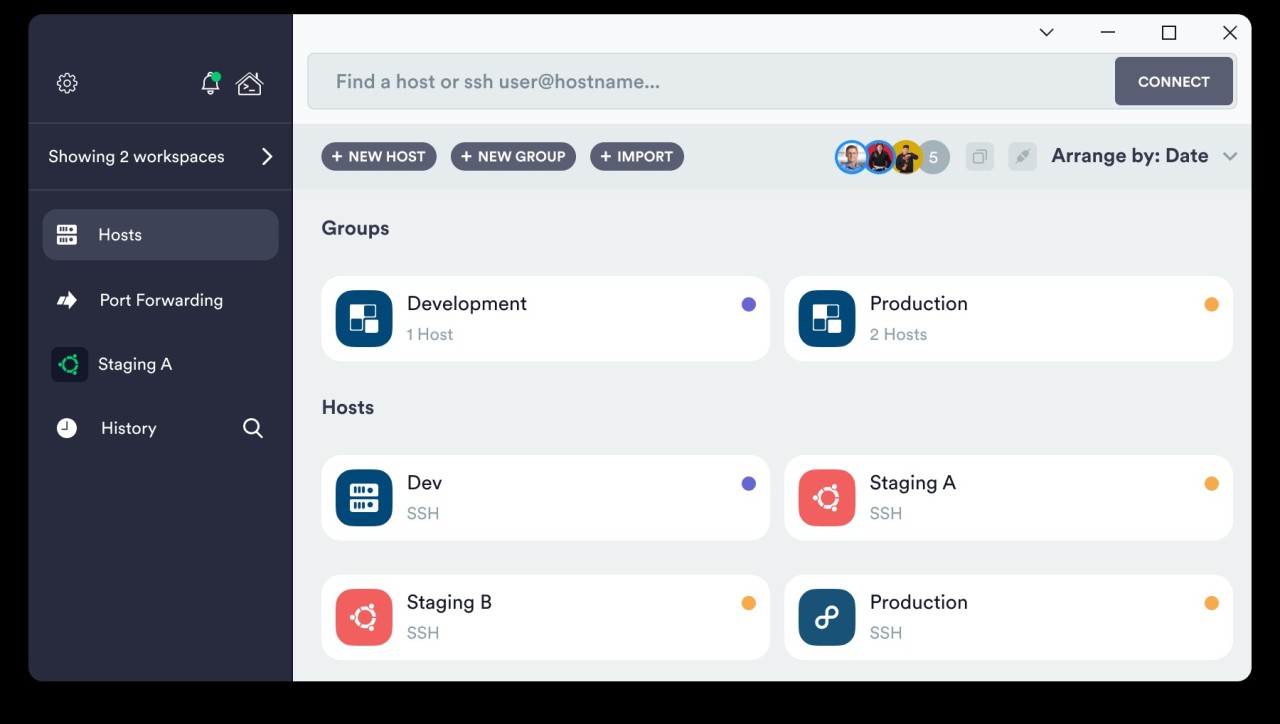
Termius goes well beyond what you'd expect from a traditional SSH client. It lets you manage remote servers without feeling like you've been transported back to the 1990s. The interface is modern, clean, and smooth, keeping everything focused on what actually matters: connecting to your servers and getting work done.
There's no juggling multiple windows or fighting with clunky interfaces. Termius provides a single terminal platform that works across desktops, phones, and tablets while keeping all your sessions and settings in sync. It's essentially a portable workspace for terminal commands that follows you wherever you go.
Beyond just giving you a text field to type commands into, Termius actually helps organize your workflow. You can group hosts, save frequently used commands, and manage multiple connections without losing track of what's running where. It also supports Mosh and Telnet alongside SSH, which comes in handy for unstable connections or legacy systems that still rely on older protocols. Anyone who has spent enough time managing servers knows how frustrating the experience can get, and Termius works to smooth out those rough edges with a cleaner, more organized approach. The minimalist interface stays out of your way while still giving you everything you need, which is surprisingly rare in this category of software.
Why Should I Download Termius?
If you've spent any time working with traditional SSH tools, Termius feels like a breath of fresh air. It doesn't try to look complex or intimidating. The interface feels familiar from the moment you open it, with no steep learning curve to deal with. You connect to hosts, navigate between sessions using tabs, and get to work.
Cross-device synchronization is the biggest advantage Termius brings to the table. You can start a session on your computer, close it, and pick up right where you left off on your phone with all your connection details and settings intact. No memorizing IP addresses, no re-entering credentials on different devices. Your work carries over automatically, and the transition between devices feels natural rather than disruptive.
Security is handled well. End-to-end encryption keeps your credentials protected, and you can store SSH keys, manage identities, and set device-level access restrictions. If you're managing anywhere from five to fifty servers, having that level of security built directly into the client makes a real difference compared to handling everything manually.
The snippet manager is a feature that saves more time than you'd expect. Instead of memorizing or searching through notes for frequently used command sequences, you can store them in Termius and reuse them with a couple of clicks. It's a small addition that compounds into a noticeable productivity gain over weeks and months of daily use. SFTP integration is also built in, so you can transfer files without opening a separate client or switching windows. Everything happens from within Termius, which keeps your workflow compact and focused.
The visual design deserves mention, too. The interface is clean and uncluttered, with customizable themes that let you adjust the look to suit your preferences. Whether you're working in daylight or late at night, you can set things up to be easy on your eyes without sacrificing functionality.
The bottom line for downloading Termius is straightforward: it makes server management faster and less frustrating. You get the full power of an SSH client combined with the convenience of mobile access, and you don't have to sacrifice anything to get both.
Is Termius Free?
Termius offers a free tier that includes the core features most users need to get started, including host and session management, along with basic credential storage.
A paid subscription unlocks premium features like team sharing, SFTP access, and full cross-device synchronization. Even without upgrading, the free version provides solid functionality for individual users who want a modern SSH client they can download and start using without paying for it.
What Operating Systems Are Compatible with Termius?
Termius runs on all major platforms. Desktop apps are available for Windows, macOS, and Linux, while mobile apps cover both iOS and Android. The mobile versions are fully functional and match the desktop experience closely, which sets Termius apart from most SSH clients that treat mobile as an afterthought.
The app is lightweight and runs efficiently even on older hardware. As long as your operating system is reasonably up to date and you have a stable internet connection, Termius will work without issues regardless of your device.
What Are the Alternatives to Termius?
Termius covers a lot of ground, but depending on your needs and preferences, a few other tools might be a better fit.
PuTTY is the classic SSH client that has been around for decades and has earned its reputation through sheer reliability. It's stripped down to the essentials with no flashy interface, no cloud sync, and no mobile app. PuTTY excels on Windows, where its straightforward, no-nonsense design appeals to users who just want to open a terminal and connect. If you work from a single machine and don't need your sessions to follow you between devices, PuTTY is fast, free, and proven. It won't win any design awards, but it gets the job done without getting in the way.
MobaXterm is a more full-featured alternative that bundles SSH, X11 forwarding, RDP, VNC, and several other protocols into one application. It also includes a local Unix command set, so Windows users can run Bash commands, grep, and other Linux utilities without installing a separate environment. MobaXterm works well for users who manage connections across multiple platforms and need a broader toolset than a standalone SSH client provides. The trade-off compared to Termius is that MobaXterm lacks cross-device synchronization and mobile support, so it's best suited for users who do all their work from a single desktop.
OpenSSH comes pre-installed on most Unix-based systems and is the backbone of remote server management across the industry. If you spend most of your time in Terminal or Bash, you're probably already using it. OpenSSH is completely free, highly reliable, and about as lightweight as a tool can be. The downside is that everything is manual. You manage your own keys, remember your own hostnames, and build your own organizational system as your server list grows. That approach works fine for a handful of machines, but it gets tiring when you're dealing with dozens of connections or looking for any kind of workflow automation.