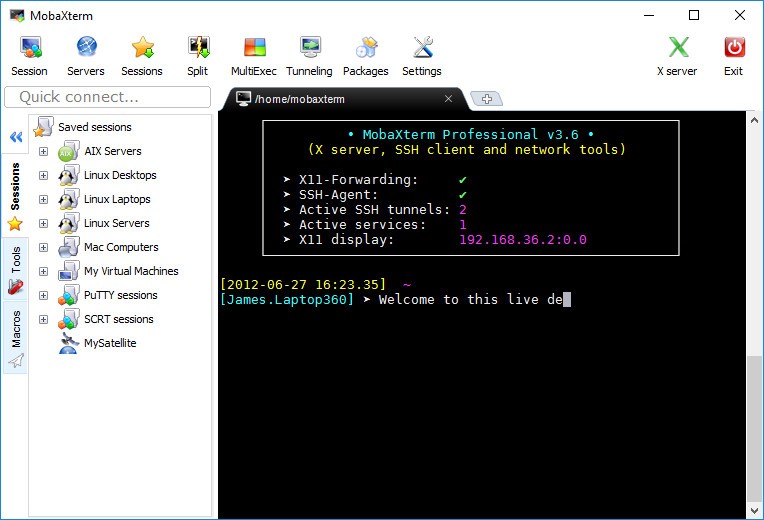
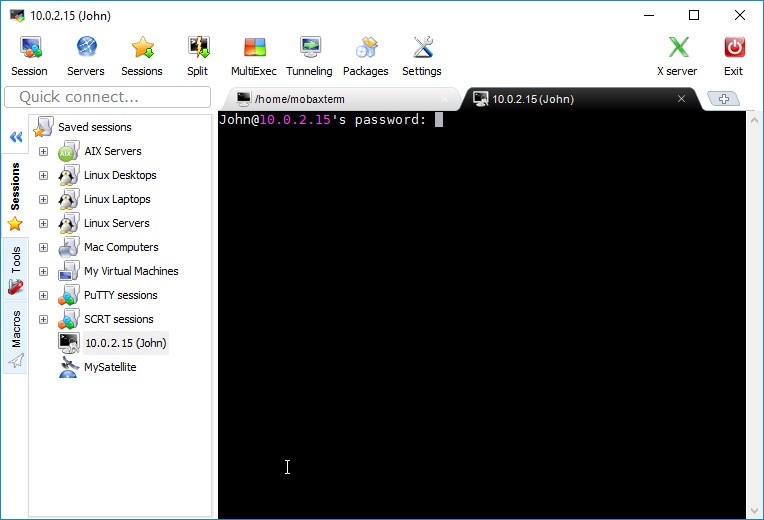
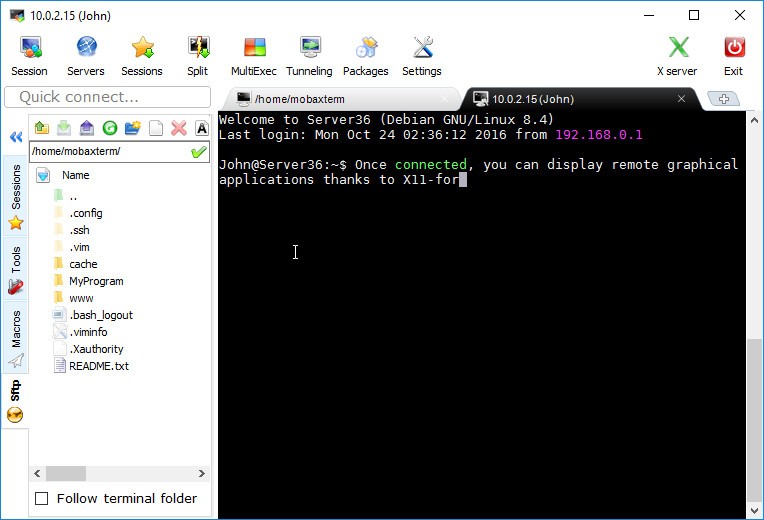
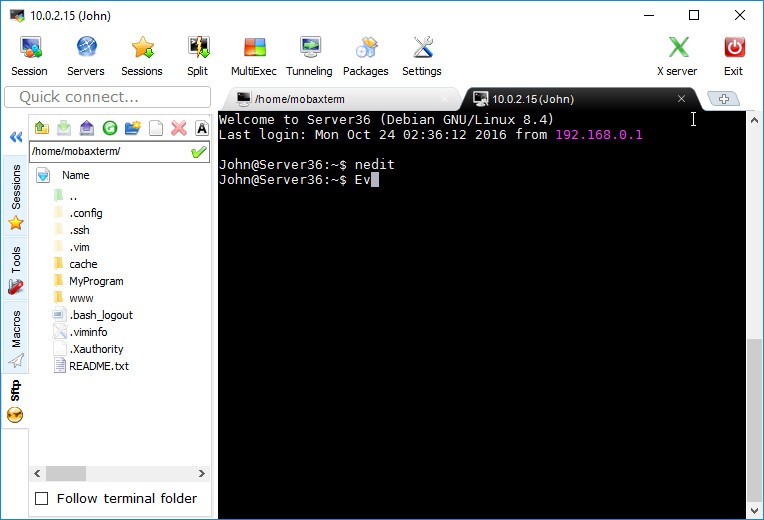
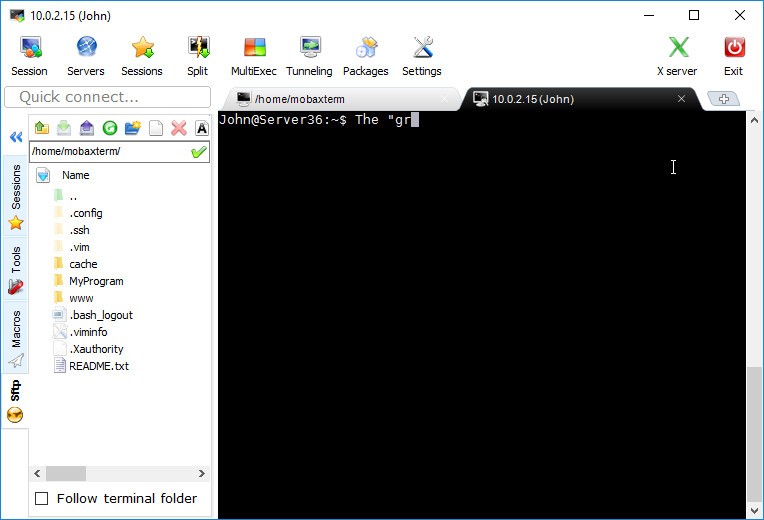
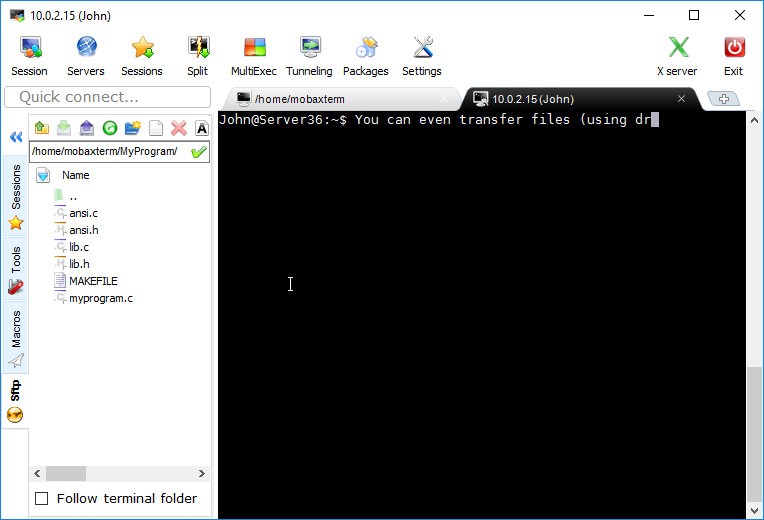
MobaXterm functions as a multipurpose remote access application that merges everything users need to connect between machines and servers during Windows system use. MobaXterm presents an entire list of protocols like SSH, SFTP, RDP, VNC, and X11 forwarding, as well as other options, inside a modest footprint program. The app merits more than terminal emulator status. It’s more than that.
Remote system access becomes much simpler through MobaXterm because the software eliminates the need to work with multiple applications. Users gain access to Unix/Linux commands through Cygwin and a tabbed terminal, remote desktop, and graphical SFTP, along with built-in X server and port forwarding tools in a single download.
The features of MobaXterm extend beyond its extensive characteristics. The program delivers usability through its space-saving design that matches everyday practical needs. You can use MobaXterm as a portable application since it does not require installation; you can easily access different environments using your USB drive. The utility reveals its usefulness during urgent situations. With MobaXterm, you can forget about traditional work methods.
Why Should I Download MobaXterm?
Remote access through Windows comes with many difficulties due to its clumsiness. The system requires different applications for SSH, SFTP, and VNC access, and the documentation browser window has to stay open. It’s chaotic. MobaXterm offers a solution. The program provides access to a tidy control room with preestablished system connectivity to your essential networks.
Within the same graphical interface, you can perform SSH, SFTP file browsing, followed by transfers and remote X11 application execution, and simultaneous session handling. You can save minutes and even hours of your time with this function. The greatest advantage of MobaXterm is that it doesn’t get in your way. MobaXterm recognizes that work is a priority and operates unobtrusively.
All users, from system administrators and developers to network techs and DevOps engineers, appreciate MobaXterm. The application avoids controlling your operational workflow. It adapts to it. The interface of MobaXterm exists solely to serve users who like to work without limitations. MobaXterm allows users to personalize their environments through session management and terminal customization for both macros and visual aesthetics.
MobaXterm offers an integrated X server functionality that users appreciate. Through MobaXterm, users can run Linux-based graphical applications remotely on Windows desktops. After a simple connection and app launch, it will operate as if it runs natively. That used to be a chore. Not anymore.
Is MobaXterm Free?
The core functionalities within MobaXterm are present in the free version of the software. The free version of MobaXterm fulfills all basic requirements. The application provides users with SSH, SFTP, and X11, and a complete terminal environment with other capabilities.
The Professional Edition allows teams and enterprises to access advanced features for unlimited sessions along with persistent tunnels and enhanced customization options. The free edition of MobaXterm provides users with complete functionality without any features or limitations that would impede their individual work speed.
What Operating Systems Are Compatible with MobaXterm?
MobaXterm exists only for Windows operating systems. MobaXterm can function with the current Windows versions 10 and 11 while providing solid performance on both Windows 8 and Windows 7 as well. It functions effectively when installed or operated as a portable application. MobaXterm works on restricted systems because it does not require administrator privileges.
The platform is not available on macOS and Linux systems natively. Many users run MobaXterm through Wine and virtual machines, though software developers do not endorse this method. MobaXterm functions at its best when integrated with Windows because this configuration enables the highest level of performance.
What Are the Alternatives to MobaXterm?
Although MobaXterm stands out as a great remote access and terminal tool, it is not the only available software in this category. You can find other options depending on your specific needs and personal preferences for the setup environment.
PuTTY represents one of the longest-running SSH client applications that numerous users employ. Users working with SSH on Windows systems have probably dealt with this system. MobaXterm has been on the market for many years because it operates swiftly and efficiently, and maintains reliability. But it’s also barebones. The terminal application PuTTY specializes only in SSH, Telnet, and serial connections, along with SSH functions. The interface does not include graphical tools or SFTP browsing as basic features. Users who require command-line accessibility through SSH, Telnet, and serial connections should consider using PuTTY, given its basic yet reliable functionality. To access MobaXterm's integrated platform, users need to install extra plugins independently, as they will not get the benefit of a single interface design otherwise.
Another interesting alternative is Termius. Termius adopts a current cross-platform design and development method. Termius operates as a multiplatform application that allows users to connect from Windows, Mac, and Linux, as well as Android and iOS devices, while maintaining a universal session and credential synchronization. Users will appreciate Termius for its attractive interface, terminal customization tools, support for key authentication, and actual mobile server administration functions. Termius provides exceptional functionality to users who need to work across multiple devices. Most of Termius' features require users to subscribe before use. MobaXterm provides more comprehensive free features than Termius. The latter is a suitable option for mobile technicians who need to manage various devices.
And then we have OpenSSH. The default authentication choice exists in Unix systems and Linux distributions, together with Windows versions 10 and 11. The application is free and open-source, and it maintains excellent security while providing high flexibility. The fundamental SSH program, together with its sibling commands SCP and SFTP, appears directly within terminal applications through OpenSSH. The user interface is not friendly, but it offers excellent control. If you appreciate complete command-line interface control or need direct access to connection specifications, then OpenSSH is the tool for you. The technology exists in enormous infrastructures that span the entire globe. The interface probably appears sparse to beginners who prefer visual guidance.