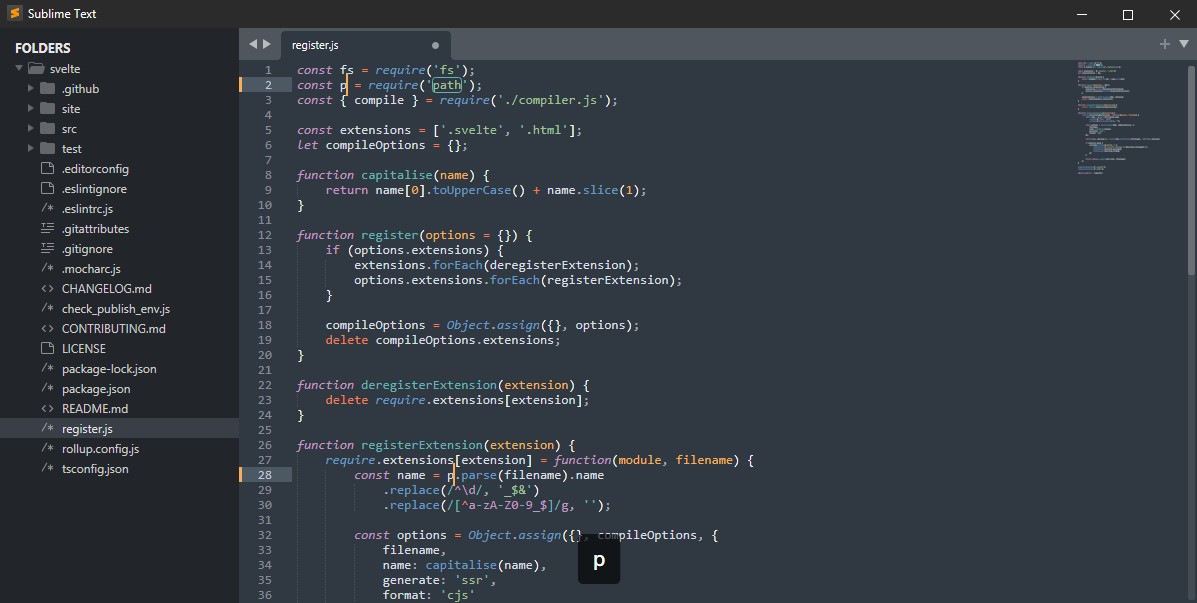
Sublime Text is a text editor that developers rely on because it delivers speed and a lightweight footprint. Coding is its primary use, but it serves other purposes just as well. Content creators, writers, and script authors choose it because it carries the power of an IDE without the heavy overhead.
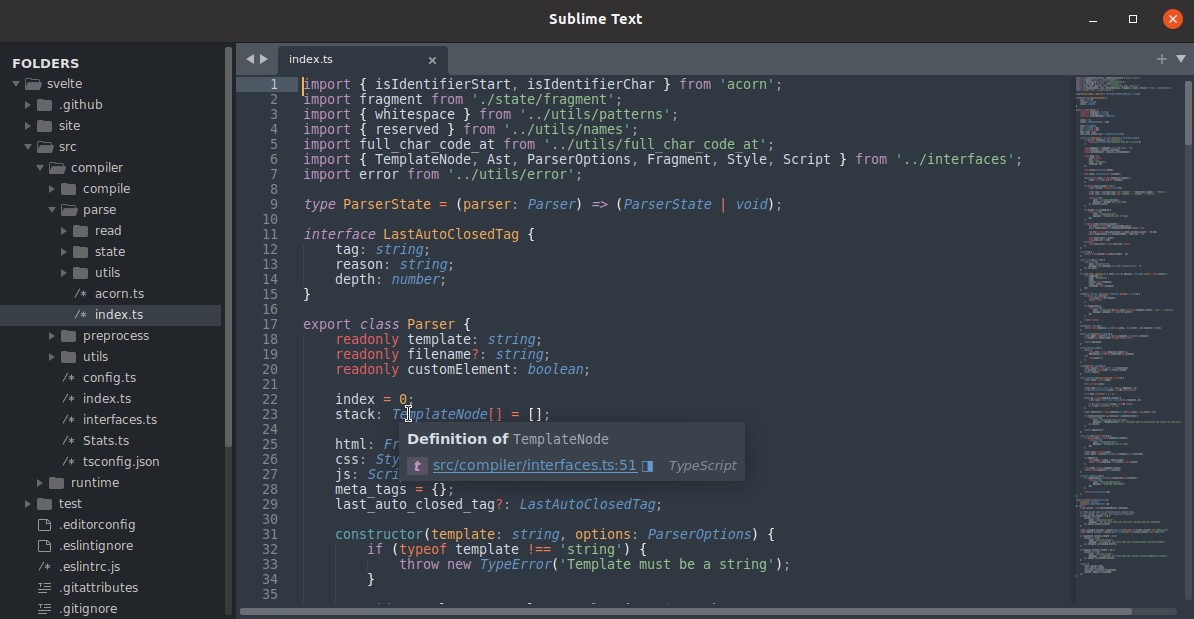
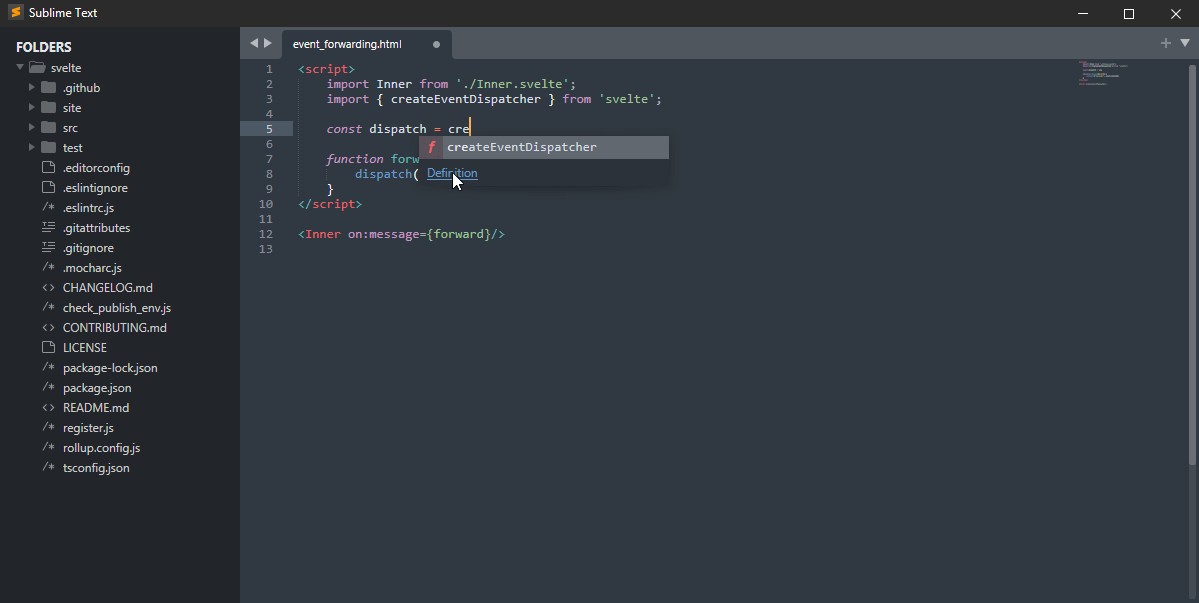
Getting started with Sublime Text requires no complicated setup process. After installation, you can launch the program and begin typing right away. You stay focused because the interface is clean and uncluttered, offering a distraction-free viewing area. There is no noise. The editor provides automatic syntax highlighting for many programming languages and lets you extend your experience through packages and themes you can install and personalize.
Unlike heavier editors, Sublime Text runs quickly on any platform without draining system resources. It gives you space to do your work without getting in the way. It does not try to direct how you code or write. Instead, Sublime Text adapts to match how you prefer to work, without any fanfare about its own functionality.
Why should I Download Sublime Text?
Sublime Text offers a quick, refreshing editing experience for anyone who dislikes long loading times or sluggish software. Most people only realize the difference once they use it regularly. It is remarkably fast. You click, and it opens. You search, and it finds. Waiting, spinning wheels, and slow loading times simply do not happen. The program moves between individual files and large codebases without any noticeable delay. Once you experience that kind of responsiveness, it changes how you work.
Users typically notice the minimalist interface right away compared to other editors. All menus and panels stay hidden until you need them. The design keeps you focused because it wants you working, not navigating menus. The multi-caret feature is one of the most useful tools in the editor. It lets you edit in multiple places throughout a document at the same time. You might think it sounds minor at first, but once you learn it, you will not want to go back to editing one position at a time.
Within the customizable workspace, you can install packages built by the community through the built-in package manager. Through that manager, you can explore and install different tools, themes, snippets, and extensions without dealing with a tedious installation process. What makes Sublime Text stand out is that you do not have to install anything extra at all. Right out of the box, it delivers an excellent performance experience without any configuration.
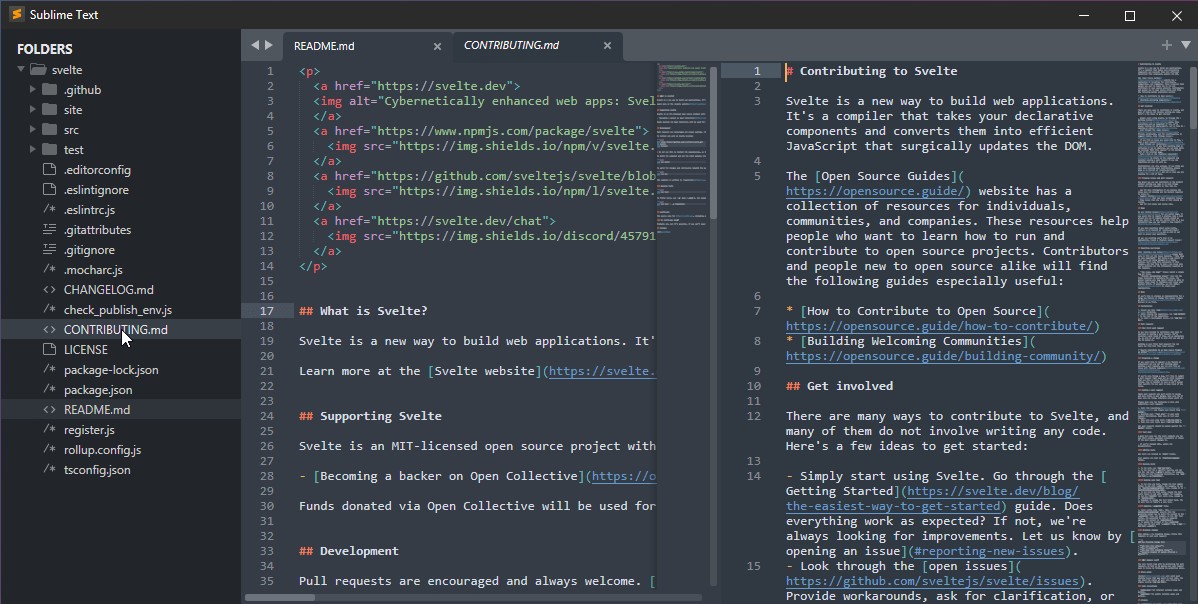
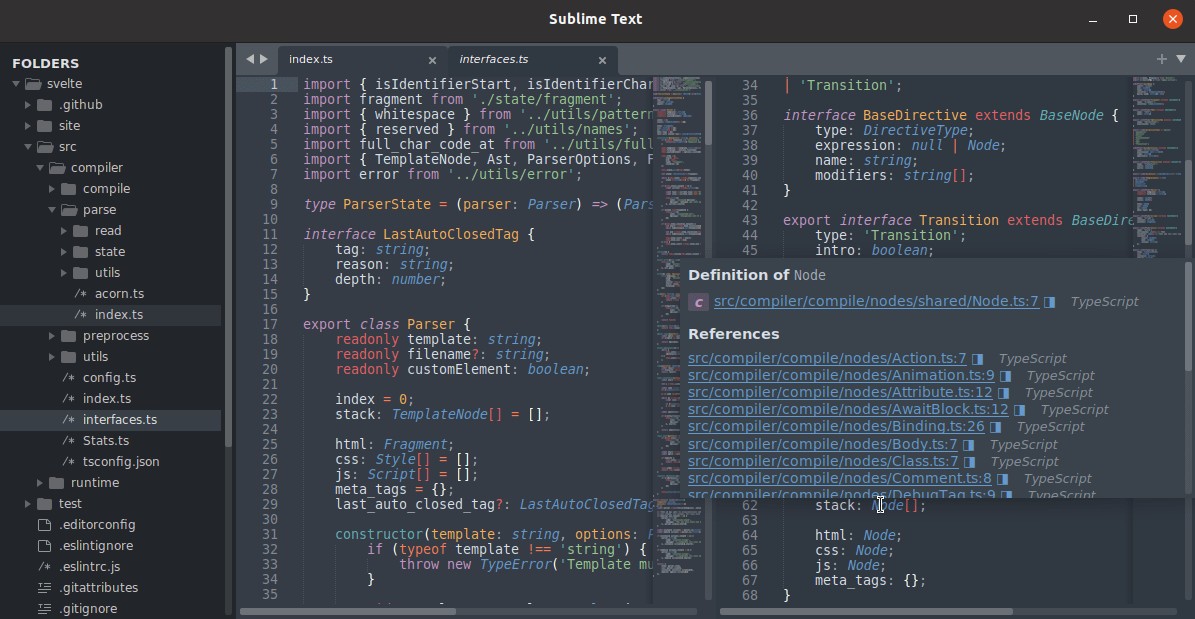
Where Sublime Text really shines is its ability to handle projects of any scale. It keeps working without delays whether you are editing a small HTML file or a large software project spanning multiple directories. It does not crash, and performance stays consistent even with five large files open across five tabs at once. It just keeps going. The editor also lets you view two or more files side by side, which is useful when you need to compare differences or reference content across documents.
Because developers spend so many hours each day inside a text editor, how the tool feels matters. The many small touches in Sublime Text, like helpful keybindings, macro creation, and fast file navigation, add up to an experience that feels genuinely pleasant to use. The developers of Sublime Text built a tool that feels like it came from people who code every day, because they understand what separates something you tolerate from something you actually enjoy using.
Is Sublime Text Free?
Technically, yes. You can download and use Sublime Text for free for an indefinite period. The software is fully functional, but you will see occasional prompts suggesting the purchase of a license.
Sublime Text gives users full flexibility with no time limits or restricted features. The prompts do not interrupt your workflow in any meaningful way.
What Operating Systems Are Compatible with Sublime Text?
Sublime Text is available for Windows, macOS, and Linux. The program behaves identically across all three platforms, so users who switch between operating systems will not encounter unexpected differences in their experience.
That consistency is a real benefit for developers who work across different machines or operating systems throughout the day. You can download the right version, install it, and pick up exactly where you left off. The software feels native regardless of which system you are running it on.
What Are the Alternatives to Sublime Text?
Sublime Text sits among several strong options in the text editor market. Other development tools provide excellent alternatives depending on your particular needs.
Notepad++ is one of the most popular choices among Windows users. It is an open-source, free editor with extensive functionality behind a traditional interface. Users who need fast editing, script creation, and broad language support will find it more than capable. Notepad++ works best for people who want a no-frills tool and do not need advanced visual features.
Within the Linux community, Notepadqq functions as a close equivalent to Notepad++ on Windows. It provides syntax highlighting, search tools, and tabbed editing, though it lacks the polished user interface that Sublime Text offers. Users who want a simple Linux text editor without a complex setup will find it practical for daily work. The experience will feel familiar to anyone coming from other editors, even if it runs a bit slower and feels less refined.
Visual Studio Code, commonly referred to as VSCode, is another major player in this space. It is free, open-source, and packed with features. VSCode is the natural choice for users who want their editor to function like a full IDE. It comes with built-in Git support, an integrated terminal, and extensions for nearly every purpose imaginable, along with a large and active user community. The tradeoff is weight; VSCode is a heavier application, and some users find that they spend more time configuring settings and extensions than actually writing code. Many developers accept that tradeoff willingly, since the tool offers strong functionality at the cost of a larger system footprint.