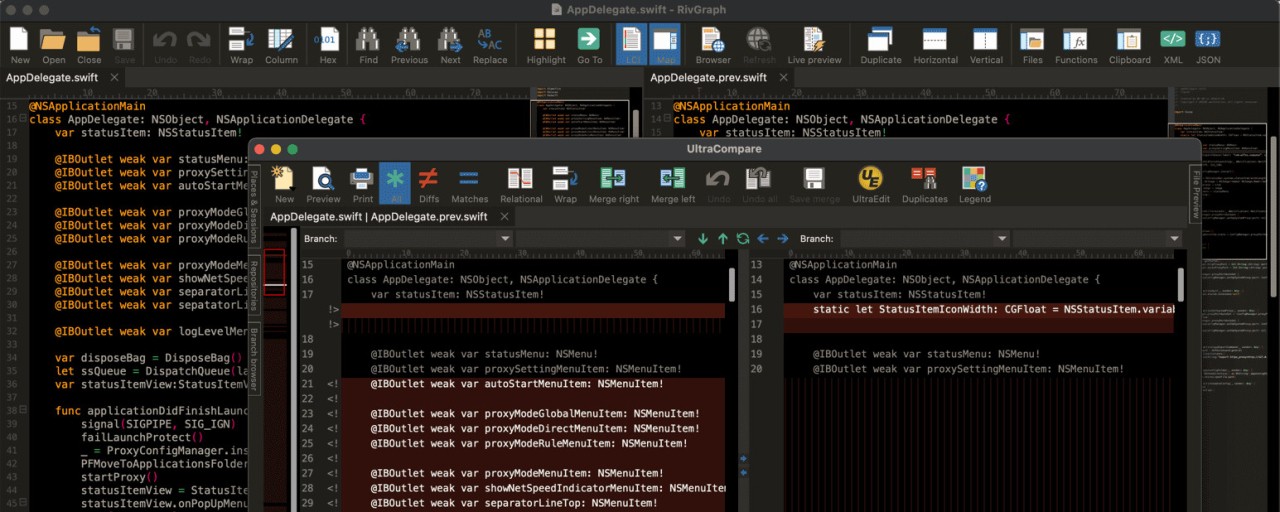
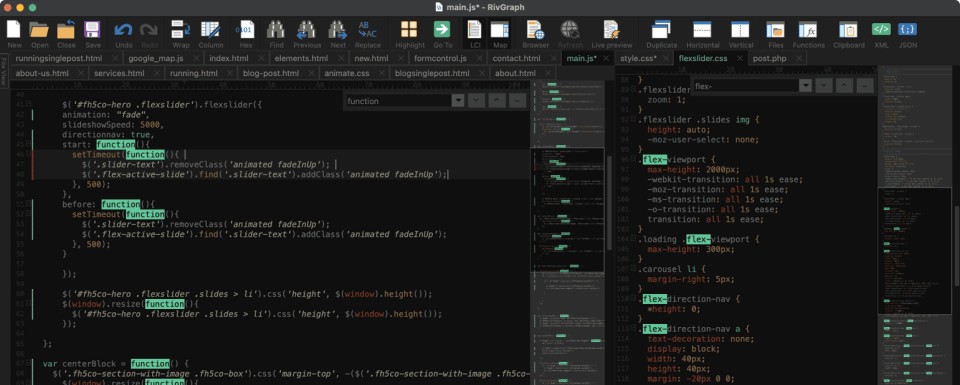
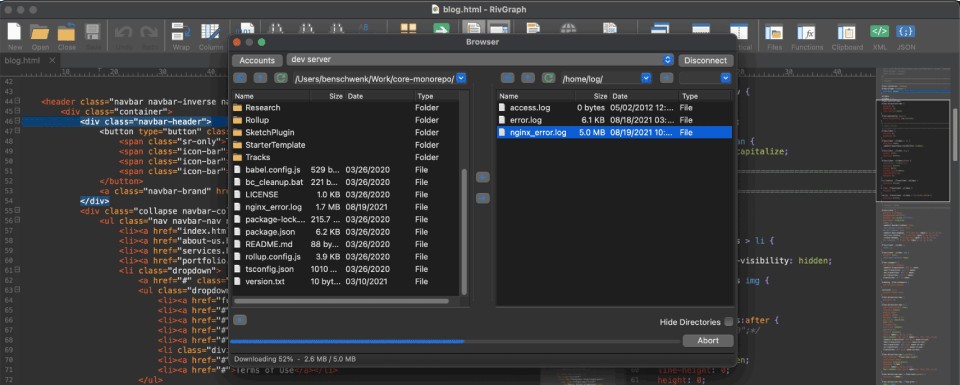
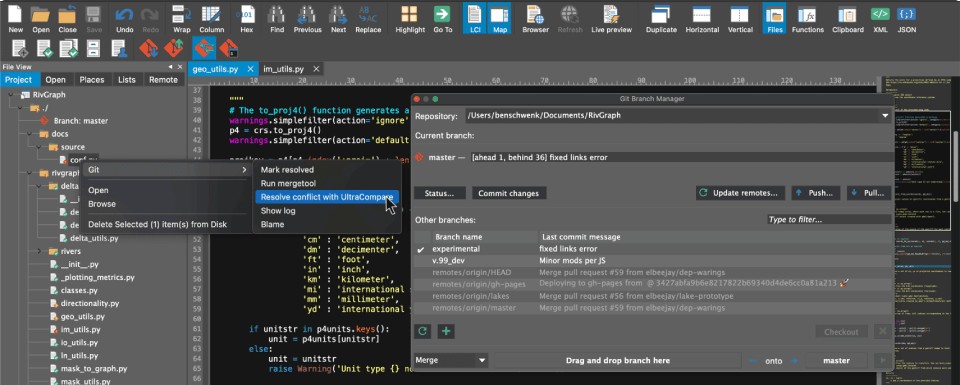
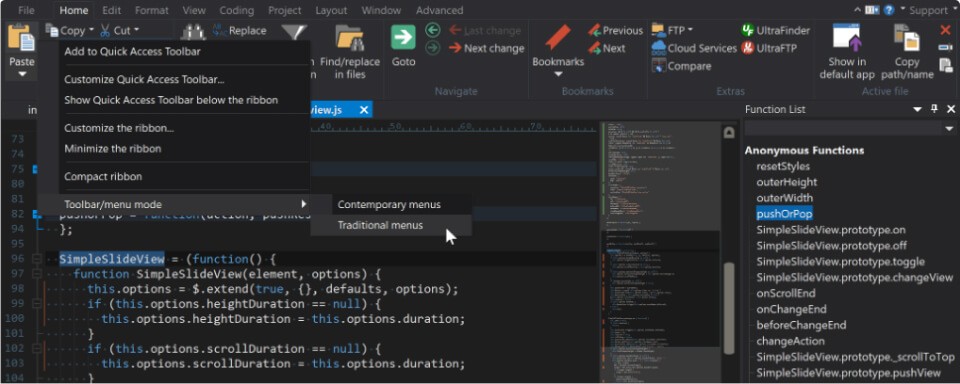
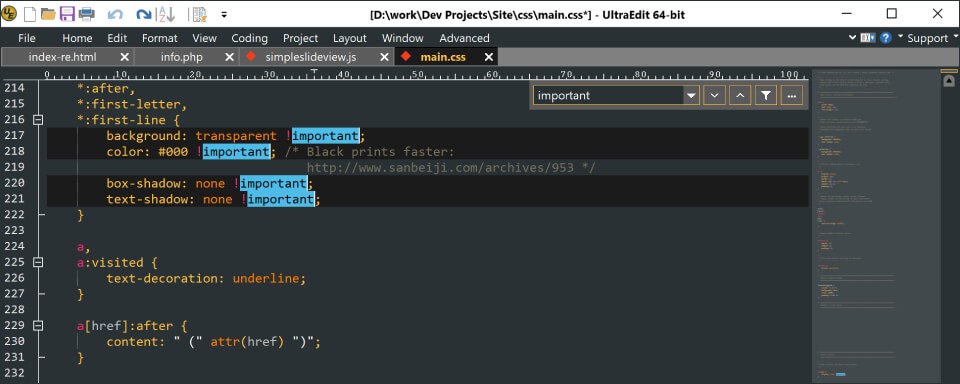
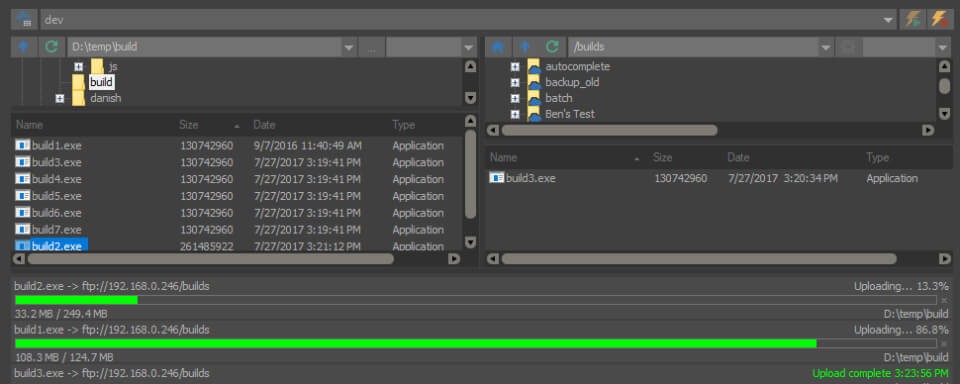
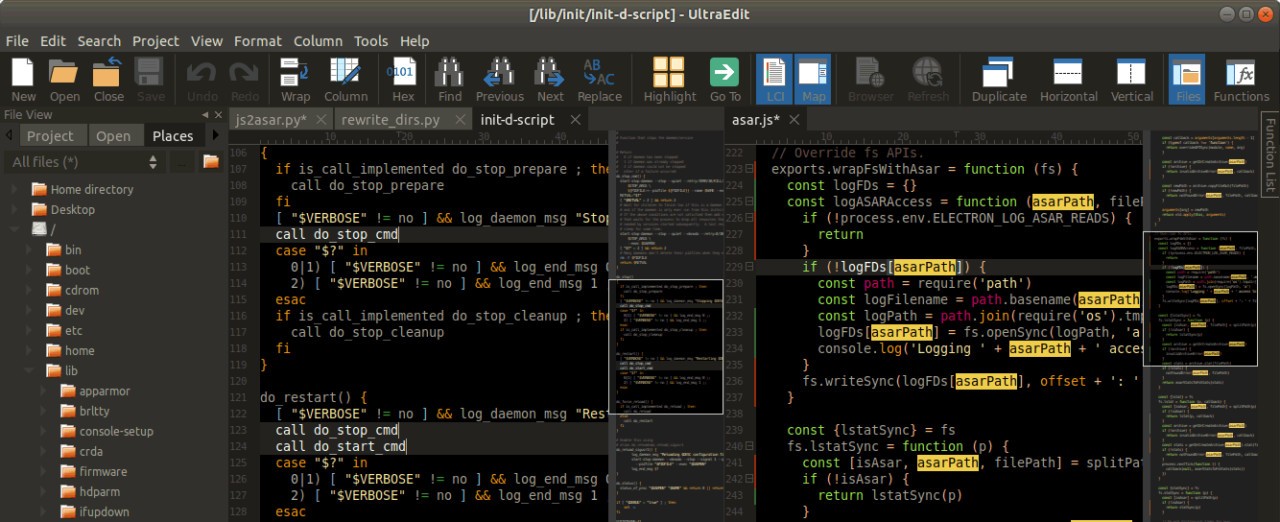
UltraEdit is a text editor. The interface looks like a standard tool for both coding and file management, and text document handling. The software goes beyond simple typing functions because its design takes on challenging computing tasks as well as enormous files that break down other programs.
UltraEdit has maintained its position in the market for several decades, which can be seen through its exceptional craftsmanship. It feels solid, not flashy. Reliable, not bloated. The program provides complete respect for the user operating it.
This program serves developers, along with writers and data editing professionals, who demand an application that resists failing under demanding operations. The editor responds quickly and works precisely when you use it to edit 4 GB log files or create HTML or debug complex Python scripts, or modify structured data through column selection. Its user interface is uncluttered, while syntax detection operates seamlessly, and the system options extend deep into advanced configurations. It’s not trying to be trendy. It’s trying to be useful. The software achieves its silent success effectively.
Why Should I Download UltraEdit?
Do you require an editor that performs without glitches, which does not freeze during large file opening or crash during complex search execution? UltraEdit established its reputation through performance excellence, whereas professional developers and big data processors find it nearly impossible to find a better editor. The application targets developers who need code access but find configuration time wasteful before starting work. It’s clean, quick, and professional.
The first-time opening of UltraEdit creates an obvious impact. Upon launch, this program avoids pushing unwanted pop-ups or surplus instructional materials. It simply opens. The application exists to allow you full control over everything. You can personalize the user interface together with macro creation and task automation features, while establishing custom syntax rules to adapt the whole environment specifically for your workflow needs. Although this tool operates at a professional level, it remains humble in its actions. This application operates in a quiet manner by assisting productivity through its unpretentious interface.
The tool works well with extensive file sizes. Really large ones. Not just a few hundred megabytes, but gigabytes of text. The application maintains maximum speed during those challenging moments when contemporary editors either slow down or crash. Engineers and database developers, together with system administrators, choose this program as their preferred tool because they must work with big datasets such as raw data and machine-generated reports. UltraEdit operates instantly while you perform searches, then shape and sort, and filter the file.
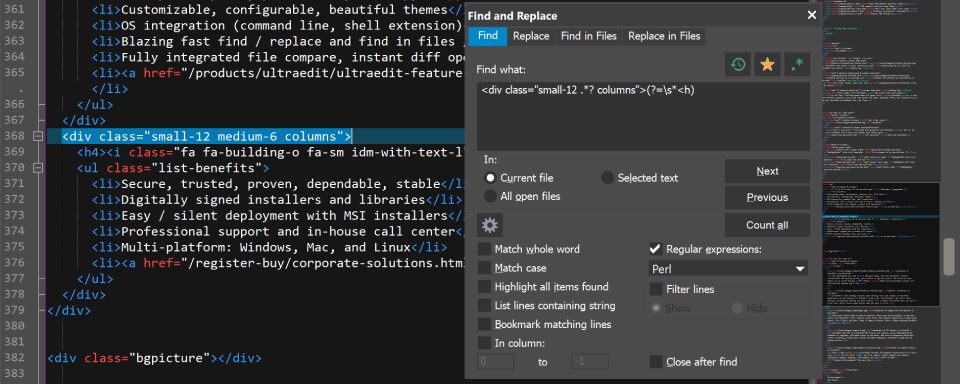
Users maintain their usage of this software mainly because of its capabilities for multi-caret editing, as well as column mode functionality and enhanced find/replace functions. The functionality extends inside all software levels and becomes part of the core system. All users who need to perform the same repeated editing within structured data blocks will recognize the extraordinary value of this feature. UltraEdit moves beyond filling gaps from simpler editors as it increases the possible features when users advance past their initial software. The software provides reliability combined with unlimited hybrid functionality within its powerful core design that avoids complexity. That’s a rare balance.
Is UltraEdit Free?
UltraEdit provides users with a free trial option, although the software is not free. UltraEdit demands the use of a paid license to function after concluding the trial period. The application deploys a once-off purchase structure, which allows users to purchase additional features as secondary options beyond the core package. Most users find the combination of investment cost and system performance valuable for the money they spend.
What Operating Systems Are Compatible with UltraEdit?
The developers provide UltraEdit's software platform for Windows, macOS, and Linux systems, ensuring broad development environment support. The Windows edition offers maximum features, yet the support for macOS and Linux versions remains active. The interface of this software operates identically across all operating systems and delivers stable performance results. The software works independently of powerful PC specifications. Its lightweight structure makes the program run efficiently on various older systems while providing rock-solid performance.
What Are the Alternatives to UltraEdit?
Some excellent alternatives exist to UltraEdit that use different capabilities to address text editing needs.
Notepad++ shares most lightweight editor features and performance speed with its closest relative in functionality. This software provides both open-source status and free availability and can easily be customized through plugin integration. The file editor Notepad++ proves to be dependable when used for scripting tasks or web development contexts or basic code modifications. The editor does not excel at dealing with large files the way UltraEdit does nor does it have column editing functionality, yet it fulfills standard everyday requirements.
VSCode is the short form of Visual Studio Code, which stands as a leading text editor in the market today. VSCode represents a contemporary Microsoft development that excels in team tasks and web programming, and code sharing. The tool features a modular structure, enabling extension through a large selection of available extensions. The system has additional weight compared to other options. Some users who need quickeditor performance and fast startup combined with big file handling may find VSCode too complex. Users find it difficult to overstate the refinement quality since this powerful multilingual code support tool is available at no cost.
The writing application Mark Text represents another elegant option for users. This software specializes in Markdown editing to provide a simple writing experience. The application serves writers nicely, and developers create documentation as well as an appealing alternative to UltraEdit despite lacking its full power capacity. Mark Text delivers an exceptional writing experience because of its Markdown preview features, even though UltraEdit provides more comprehensive tools for large file handling. It also offers unique key features that appeal to different user needs. Your editor selection depends on your substance requirements and budget flexibility for achieving the needed results.