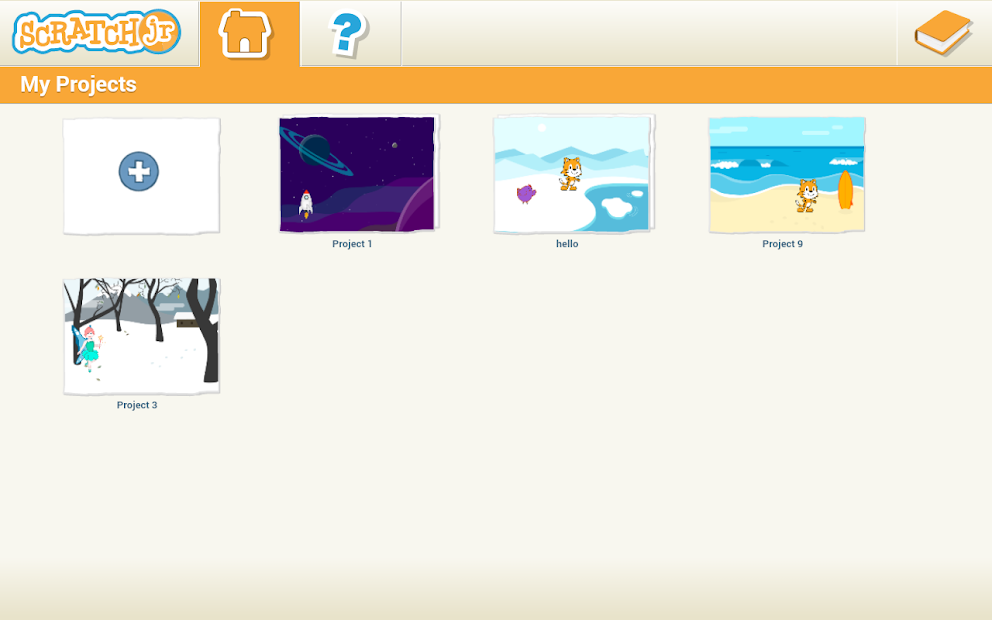
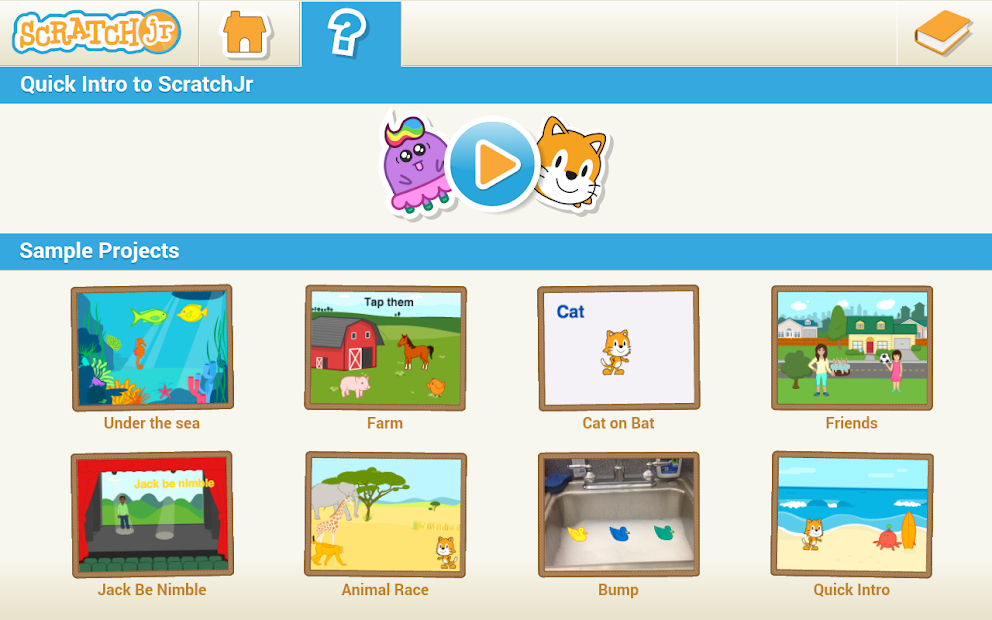
ScratchJr offers an intro to programming to young kids through a series of engaging tasks that they can follow to create a game or an interactive story. This way, they can learn the basics of the Scratch programming language, but with code replaced by visual blocks that a kid can snap together. The app has a cartoonish interface and simple controls that enable children to explore programming, boost their creative thinking, and work on their STEM skills.
Through sounds, movements, and visual effects, ScratchJr helps kids grasp the fundamental idea of cause-and-effect that coding is based on. The app includes interactive guides and tutorials, and integrates best practices used in education to give children safe and fun access to the world of programming, software development, and problem solving.
The software was developed by MIT University in collaboration with other partners, and you can download ScratchJr on mobile devices or access it through its website on any operating system via a modern browser.
Why should I download ScratchJr?
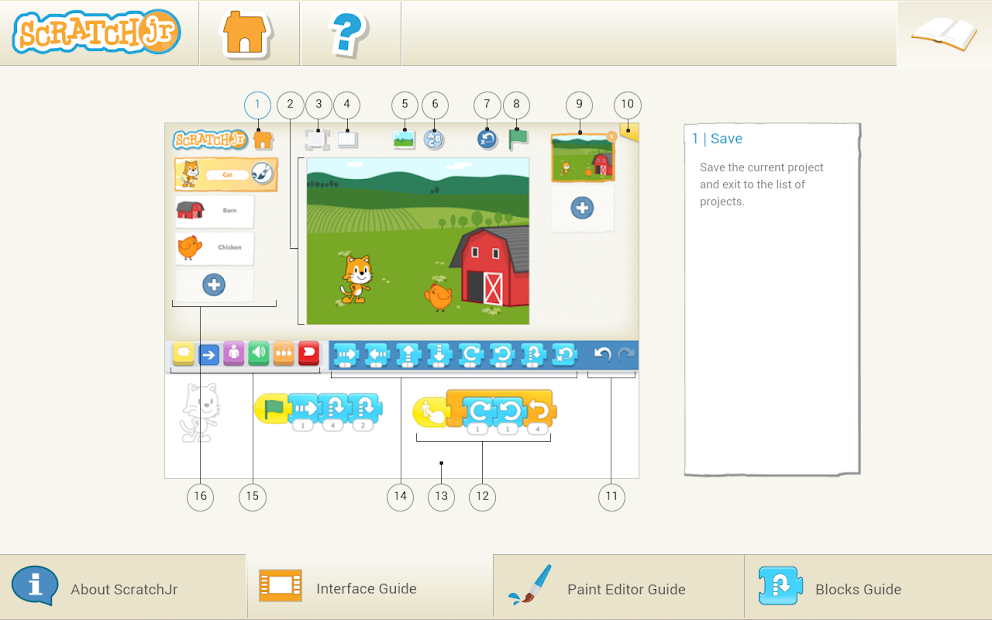
If you want to introduce your kid to computer science and programming, ScratchJr offers an age-appropriate solution that incorporates different educational techniques. It's perfect for children who are just learning to read and write, as the interface is mainly based on symbols, icons, and large and colorful blocks that you need to drag and snap together.
This creates command sequences, and each block represents different actions. For example, "jump", "repeat", "move", or "say hello" are all actions. In ScratchJr, functions like motion, looks, controls, and others are assigned different colors so children can easily differentiate between them. The app also gives kids visual and audio feedback so they can understand what’s happening without reading.
With the different blocks, kids can create various interactive projects where they animate characters, produce dialog sequences, move different objects on the screen, and get the objects to respond to their taps and interactions. ScratchJr also offers a built-in drawing editor that kids can use to customize their characters or create new ones, and edit or draw their own backgrounds.
They can also record different sounds and incorporate them into their projects, making ScratchJr a fun and personalized learning experience. All of the features you can find in ScratchJr aim to develop skills like sequencing, logic, storytelling, and problem-solving, as well as help children with reading and counting.
ScratchJr can serve as a first step before introducing your kids to the Scratch platform, which is aimed at slightly older children (8 years and above). Scratch features more advanced logic and variables, and introduces more coding blocks with various levels of complexity. There is an online community that supports kids and allows them to share their creations with others. Starting with ScratchJr is a great way to help your children grow their skills naturally and learn complex concepts step by step, at a reasonable pace that won't overwhelm them.
All you need to download ScratchJr is an internet connection. Once downloaded, the mobile app works offline so that kids can stay focused and parents can have control over the content their children see. It’s a great tool for when your kids are traveling or studying in a classroom. You can download ScratchJr on any iOS or Android smartphone or tablet, including the older models, and it doesn't need extensive resources to work.
Is ScratchJr free?
Created by various educational institutions, this app promotes computer science and STEM skills. You can download ScratchJr for free, and there are no paid upgrades, ads, or added fees. Any and all updates and content are available without any additional costs.
If you're a teacher who is looking to use ScratchJr in your classroom, you can take advantage of the free resources, like teacher guides and curricula, on the app’s website.
What operating systems are compatible with ScratchJr?
Since the app is designed primarily for touchscreens, you can download ScratchJr on smartphones and tablets (that is recommended). The supported systems are iOS 11 or higher, Android 5.0 or newer, and any Chromebooks with touchscreens. The web browser version is optimized for mouse and keyboard controls, enabling kids who don’t have access to mobile devices to use ScratchJr.
What are the alternatives to ScratchJr?
Kidlo Coding is another app dedicated to teaching children the basics of coding through a number of gamified activities and tasks. It's appropriate for children between the ages of 4 and 9. Kids get to learn through various puzzles, logic challenges, and sequencing games. Children can enjoy navigating through mazes, manipulating blocks to change characters' behavior, or solving different tasks based on logic. When compared with ScratchJr, this alternative offers a more structured and systematic approach that takes your children through various difficulty levels and achievements step by step. You can download Kidlo Coding on iOS and Android devices, but only some parts of the app are free. To access all of its features and content, you need to get a paid subscription to the app's pro plan.
If your kid is into robots, then they will love PictoBlox. It is a coding and visual programming platform centered around robotics, AI, and IoT (Internet of Things). The app is aimed at slightly older children, so it can be a great next step once your child grows out of ScratchJr. You can get it on Windows, macOS, Android, and iOS, and switch between online and offline modes. The base version is available for free and gives you access to all the necessary features. You can expand PictoBlox with paid upgrades.
Tynker is a platform for children of different ages, from early elementary to middle school students. Its purpose is to introduce kids to JavaScript and Python. Kids can start with code-based coding tasks and activities, and eventually reach text-based programming activities. Tynker comes in a limited free version, but you need to subscribe to its paid plan to access certifications, specialized courses, lessons on building games, and various STEM challenges. The fun part about Tynker is that it has a huge repository of expansions, including creating custom mods for Minecraft or programming a drone. You can download Tynker on Android and iOS, or access it through its website.