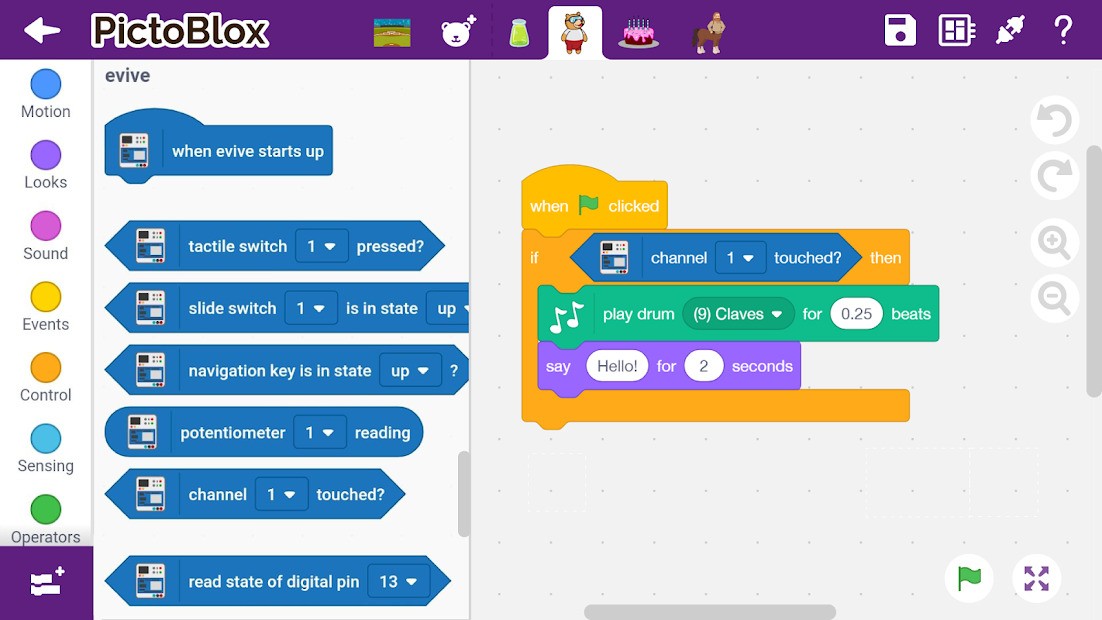
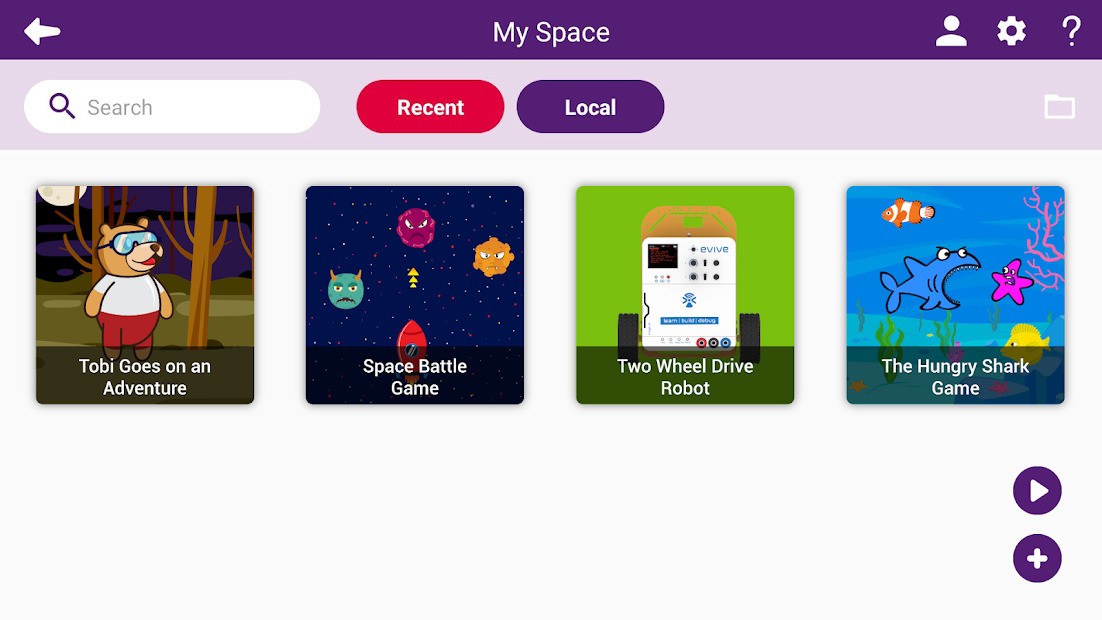
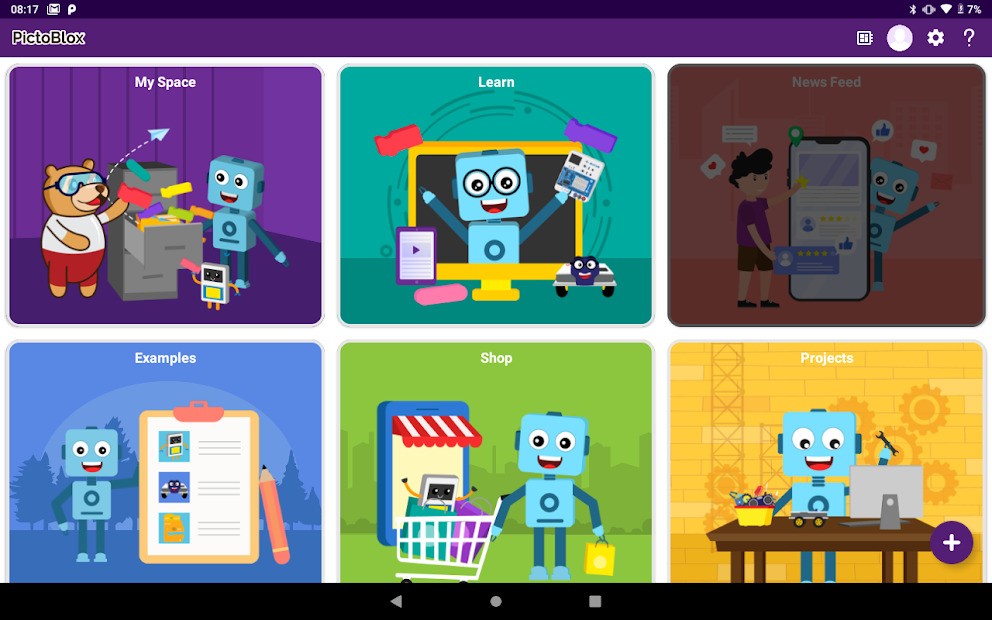
PictoBlox handles computer programming for children with functionality that surpasses most simplified education tools. The game combines fun elements with genuine coding functions on a single platform. Using Pictoblox demands more than random block movements. Users construct logical programs while making animations and robot control sequences, and develop artificial intelligence models.
Young minds obtain valuable insights about digital methods of thinking through the platform. The user-friendly programming aspects of PictoBlox allow children to grasp fundamental coding principles through games and storytelling and electronic devices even without prior programming knowledge.
This platform extends the functionality of Scratch programming language by adding additional features. The programming environment uses colorful elements that work together similarly to puzzle formats. Programming fundamentals like loops, conditions, variables, inputs, outputs get transmitted to students via an accessible programming language.
Experience with PictoBlox allows your coding projects to grow more complex each time you engage with it. You would start with cartoon animation fundamentals. Through PictoBlox, you can move from basic programming tasks like animated cartoons to robot commands that move along provided lines or listen to voice commands. PictoBlox delivers an exceptional experience for users at this specific point.
The program merges coding with practical problem-solving through an interface that people find both natural and interesting to work with. Learning code in PictoBlox allows you to develop true creator thinking skills.
Why Should I Download PictoBlox?
Instructional learning of coding should move beyond printed textbooks combined with formal teachings. PictoBlox offers an exciting journey through programming that proceeds according to your personal pace. Learning with PictoBlox does not require perfect execution from the beginning. Experimentation together with repeated trials helps students observe as everything falls into place. That kind of learning sticks. Operating Pictoblox goes beyond programming syntax into something greater. It becomes confidence.
The exceptional power of PictoBlox emerges from its ability to connect creative thinking with actual development. PictoBlox will lead you through constructing genuine projects with your ideas starting from zero, such as stories, robots, or mini-games. And if you hit a wall? The platform helps users progress through its built-in guidance features, such as examples and step-by-step tutorials, and embedded tips. It doesn’t leave you stuck.
This program proves useful for users of all ages. This platform serves users who teach and play hobby activities, along with being useful for parents. PictoBlox offers assistance during student projects and sensor exploration through AI, so users experience continuous progress irrespective of their background or interests.
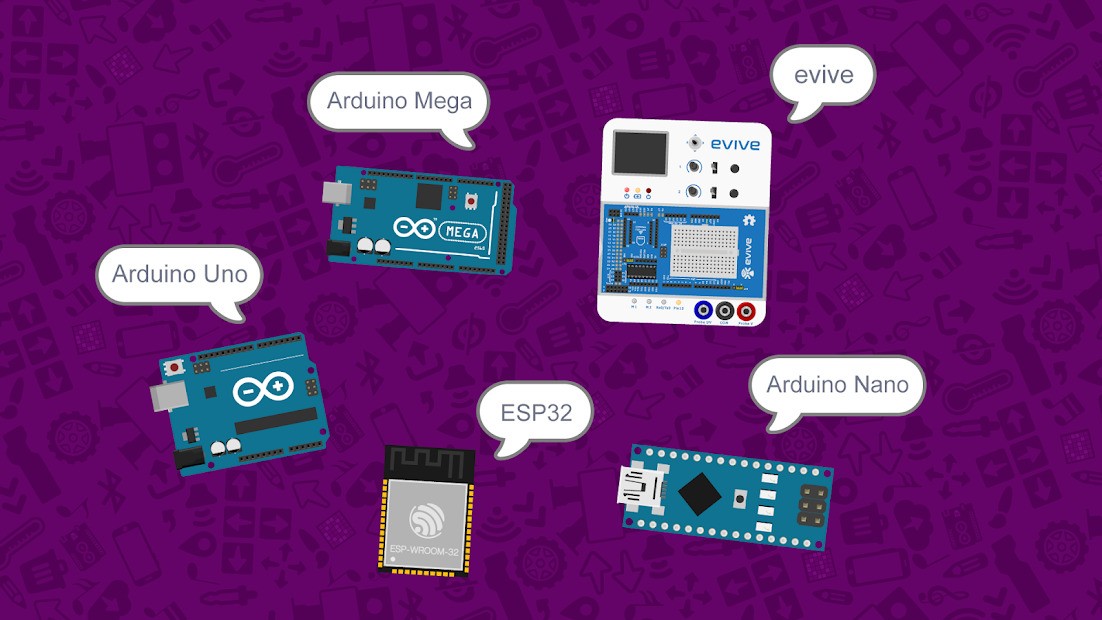
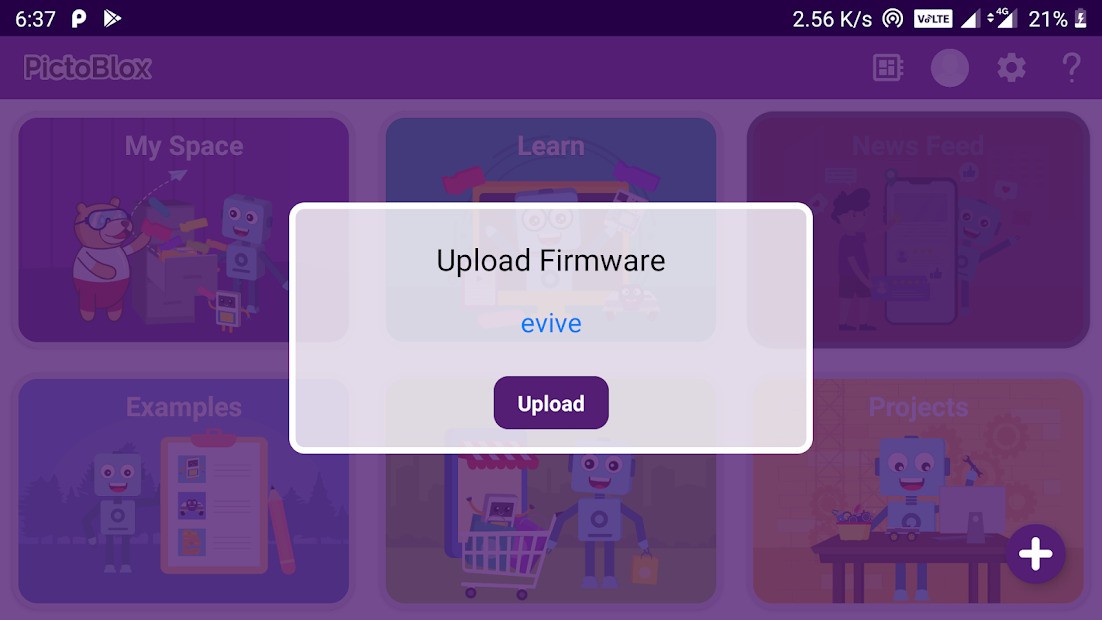
Users working with Arduino micro:bit and evive can access enhanced project opportunities through this platform. Through the identical block-based interface, you can write code that enables LED lighting capabilities and controls sensor readings and motor movements. The interface requires no switches between environments or languages. The platform teaches you a single system that extends its functionality to match your evolving project needs. The continuous nature of learning through PictoBlox creates an improved and beneficial educational journey.
And then there’s the AI part. Basic artificial intelligence functions along with machine learning within PictoBlox use simple teaching methods which avoid complexities. The system teaches itself to identify gestures and classify images, alongside listening to specific words through an interface requiring no complex programming codes. The combination of coding principles and creative thinking is found here. Learning skills with PictoBlox goes beyond job preparation. Learning PictoBlox allows you to understand the developing world we live in while developing your power to shape it.
PictoBlox transforms ordinary students into creative builders who actively produce results in school environments. PictoBlox serves STEM and STEAM educational frameworks as an ideal teaching solution. Parents use PictoBlox to convert children's screen usage into educational activities that students will not view as classroom work.
Students experience PictoBlox as an environment where they can both damage equipment while simultaneously repairing it for personal advancement. Educators benefit from PictoBlox by accessing an educational resource that implements an engaging and accessible approach to future learning.
Is PictoBlox Free?
PictoBlox offers its basic functionalities, including block-based coding with free use and an unrestricted experience to users under its free download option. The core learning environment in PictoBlox provides complete free access to its abundant value, even though some advanced features require payment through premium extensions.
What Operating Systems Are Compatible with PictoBlox?
PictoBlox works across multiple platforms. PictoBlox supports Windows and macOS for computer use while maintaining Android and iOS versions for handheld device coding convenience both inside and outside the classroom. You will recognize the same interface when using PictoBlox across different systems and devices and this makes switching easy.
The coding process happens without glitches while remaining synchronized between your home computer and your school computer and your workshop computer. One can install this software without difficulty because it works well on basic computer systems and needs minimal resources to function.
What Are the Alternatives to PictoBlox?
The closest substitute for PictoBlox comes from MIT through their product Scratch. The concept of block-based coding expanded its educational reach into classrooms worldwide, starting from this platform. Coding logic together with storytelling capabilities and animation process form the core strengths of the Scratch platform. This tool stands out because of its basic design, yet effective programming system, which many developers already use. The platform operates exclusively on software programming elements throughout its functions. Robotics and hardware integration would present limitations to users who prefer this field. Visual coding students who are novices or students at younger ages identify Scratch as their preferred program for learning visual coding.
AlgoRun enables users to experience a gaming presentation of solving puzzles through character programming to achieve objectives. The platform provides a linear structure to solve puzzles through a learning game framework rather than an open platform interface. The platform provides interactive sequencing instruction of logical structures, although users cannot achieve the free authoring capabilities of PictoBlox. This tool provides exceptional support to learners who seek step-by-step instruction or benefit from solving problems through programming. PictoBlox offers its users more open exploration, which PictoBlox users can approach after gaining foundational experience through this application.
Human Resource Machine presents its programming logic education through an office-themed puzzling platform. The platform provides users with assignments to sort information and carry out repetitive tasks while requiring execution through coding syntax. The concept shows deep levels of intelligence while remaining out of reach for beginner learners. The game's humor and programming method appeal best to young adults who want to learn programming principles through narrative scenarios. The focus of this platform lies in abstraction rather than equipment or robotic elements, so the learning experience depends on mental reasoning.