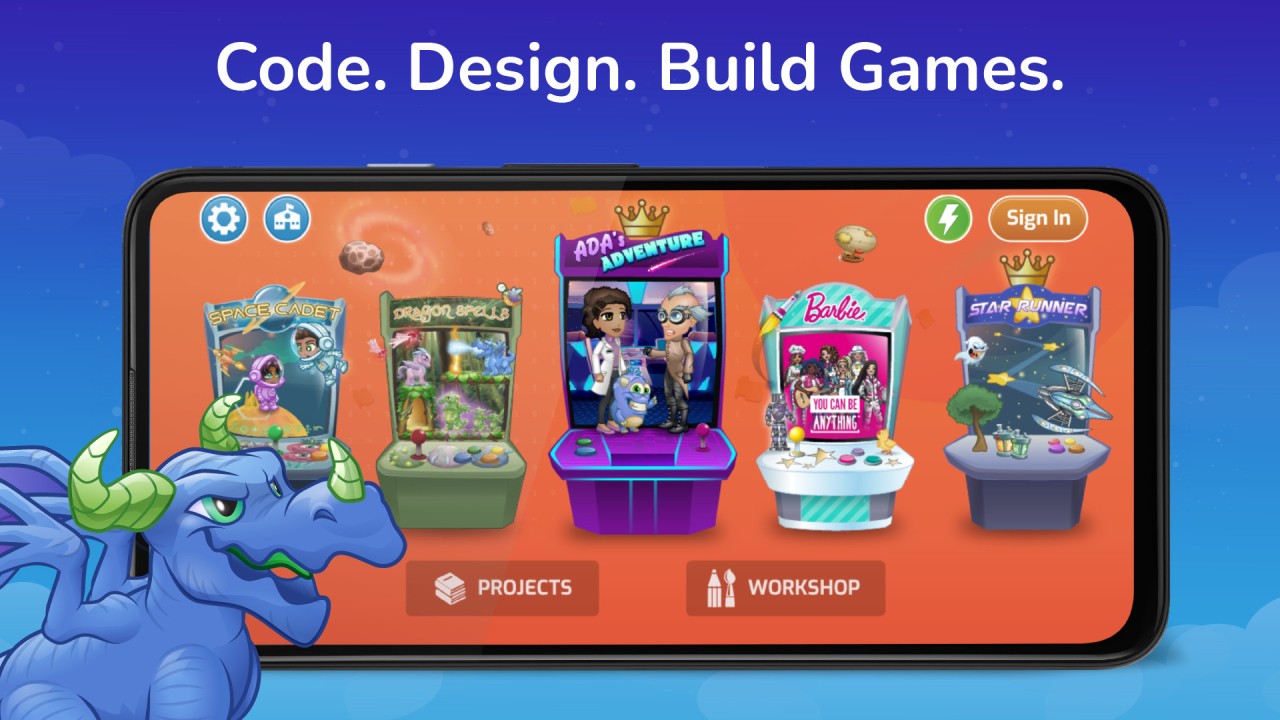
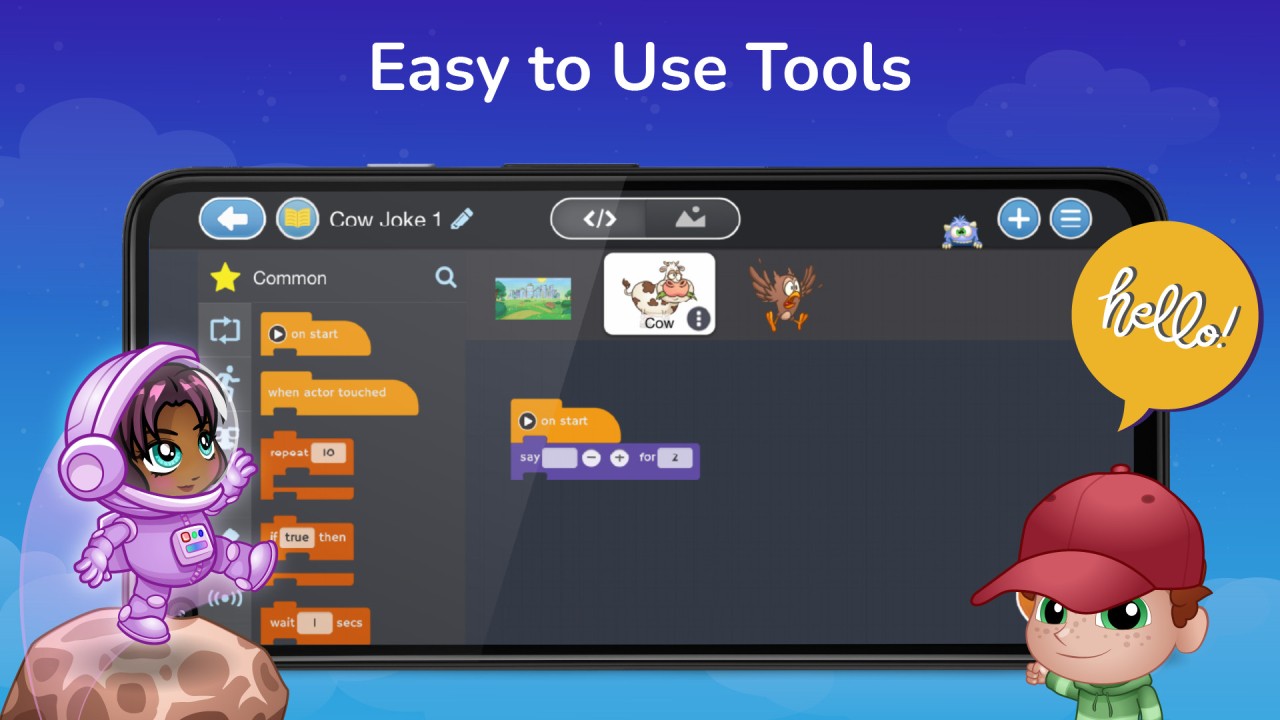
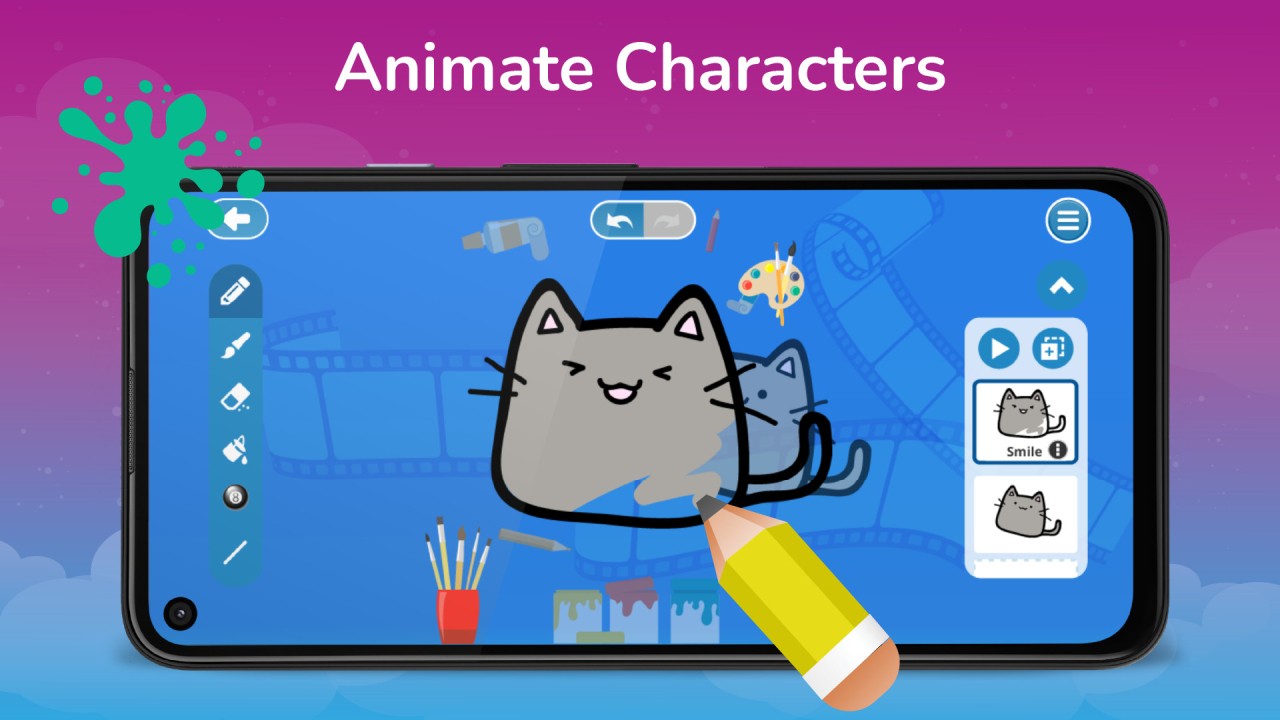
Tynker is a game/platform dedicated to teaching children how to code and offers an engaging and dynamic introduction to programming. It uses games and various interactive tutorials targeting young learners, making coding fun. It has a visual programming interface where kids can build apps, games, and short animations by snapping together different blocks.
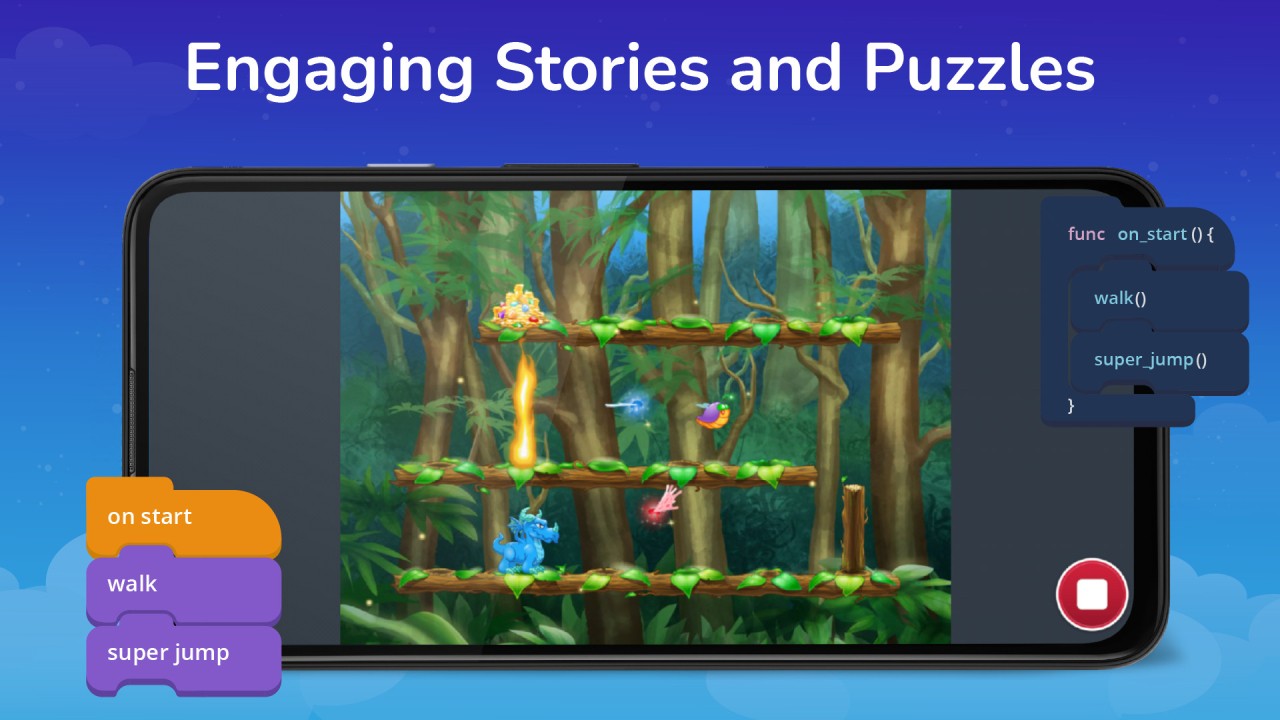
The platform has a specifically designed progression system. First, your children are introduced to simple, intuitive challenges. Then, they can naturally develop their problem-solving and logical thinking skills to solve more advanced tasks and create more complex projects. Tynker has a wide range of different puzzles, quizzes, and interactive stories that keep your kids engaged in their learning journey.
As a platform targeted at developing STEM skills and familiarizing children with computer programming, Tynker also boosts their creativity and is used by over 90,000 different schools. It also encourages individual learning with specific challenges that allow kids to create mods for Minecraft or program drones in various ways. You can use it either through its web service or download Tynker on mobile devices.
Why should I download Tynker?
As a platform for kids, Tynker is an excellent option as it has a multi-level progression system that guides kids depending on their age and experience level. Whether it's your child's first encounter with coding or they are teens who want to get deep into machine learning or grasp Python and JavaScript, Tynker caters to all those different levels.
The first stage, called Tynker Junior, is aimed at children between 5 and 7 years old, where the kids are introduced to puzzles or can build short, interactive stories through the app's simplified visual language that doesn't require reading.
As your children develop their skills, they can move on to the main platform, which has a more advanced system based on blocks. There, they can learn things like loops, conditional logic, variables, and event-based programming by completing different quests and projects. They gain rewards and stars as they go to keep them engaged and make the activities worthwhile.
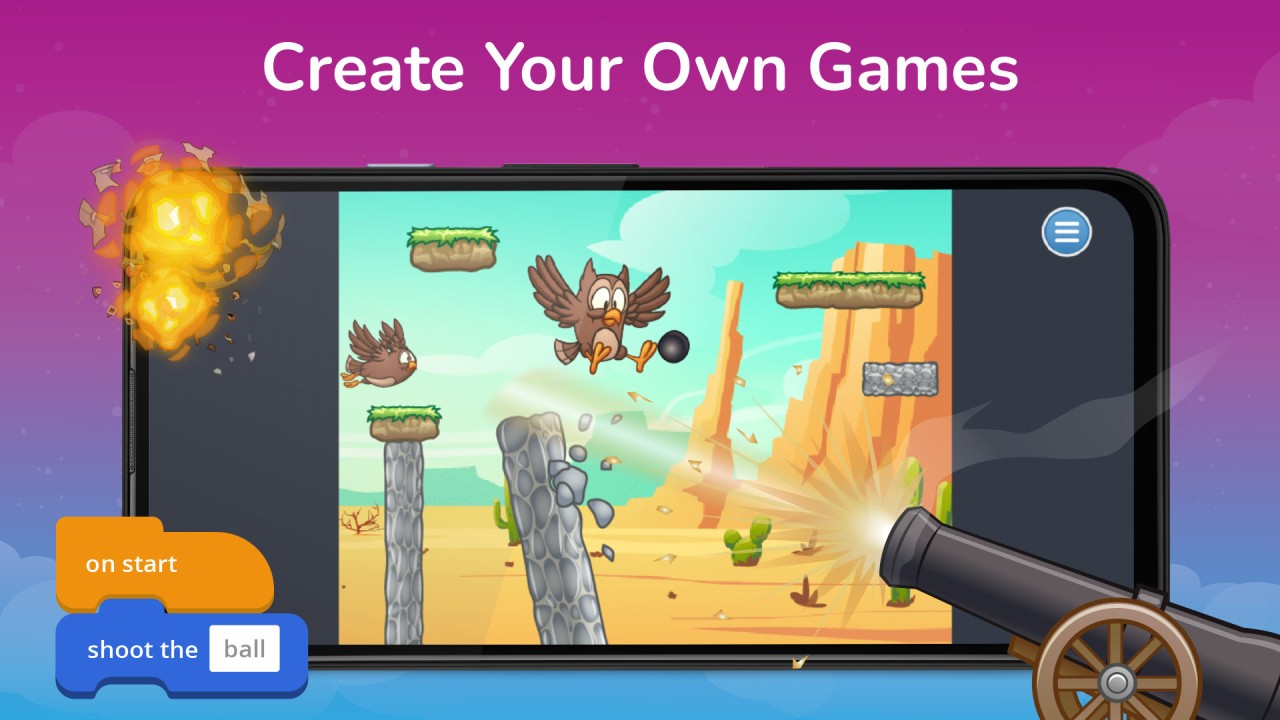
The whole foundation of Tynker revolves around project-based learning that encourages children to create games, animations, and short, interactive stories. If they prefer something more practical, they can develop mods for Minecraft, programs for controlling robots, or even work on algorithms that can generate art. Various hardware integrations allow kids to program drones (like Parrot Mambo), LEGO Mindstorms, micro: bit, and Arduino modules.
Tynker also has specific learning modules dedicated to teaching AI and machine learning, where children can discover how to train models, recognize patterns, and apply AI logic through simple interfaces. All of those features make it a great tool for both teachers and parents, as they can track the kids' progress on the dashboards, utilize grading tools, or even review the children's projects.
There are also social aspects to downloading Tynker and using it with your kids—it allows you to publish the games your children develop, view other people's work, and collaborate on shared databases. Everything is hosted in the cloud and available through a web service or on mobile devices.
Is Tynker free?
While there are limited games and tutorials that you can access even without an account, Tynker is not a free platform beyond its starter lessons on simple logic and coding via blocks.
To access its full library of courses, you need to have an active Tynker Premium subscription. You can choose between individual plans on monthly and annual payments, family options when you have multiple kids, and there are also special licenses for schools and teachers. You can test the full version on a free 7-day trial.
What operating systems are compatible with Tynker?
If you want to use Tynker on your computer, all you need is a modern browser like Google Chrome, Mozilla Firefox, Safari, or Microsoft Edge, and its web service works on Windows, macOS, Linux, and even ChromeOS.
You can also choose to download Tynker to a mobile device, and it needs to run on iOS 15 or higher or Android 8.0 or later.
What are the alternatives to Tynker?
Kidlo Coding is a platform for younger children where they learn programming in an interactive and playful block-based environment. It has vivid graphics, animations, and interesting characters that your children can learn with. You can download Kidlo Coding for free on iOS and Android devices, and there are in-app purchases that can unlock additional content or more advanced tutorials. It doesn't offer a complete learning path for children of different ages and experience levels, but it can serve as a great starting point before moving on to other, more robust solutions.
Another great option is ScratchJr, which is a special version of Scratch for children who can't yet read or write. It uses large, colorful blocks to allow kids to create interactive stories, games, and animations. It has a less structured approach where children are free to explore different features and options on their own by dragging different objects and snapping them together to get reactions such as "jump," move," or "play sound. ScratchJr is available completely for free on iOS and Android smartphones or tablets as well as on desktop computers through its website.
PictoBlox is oriented at slightly older children, focuses on robotics, and offers interactive projects through visual programming. Kids can learn by using different features that PictoBlox offers, such as drag-and-drop coding, sensor integration for robotics projects, and the option to create interactive games and animations. The free version of PictoBlox includes basic modules and programming blocks, while the paid option gives you access to more advanced projects and different blocks and objects. You can use PictoBlox on Windows, macOS, and Linux, and there are also mobile apps for iOS and Android.