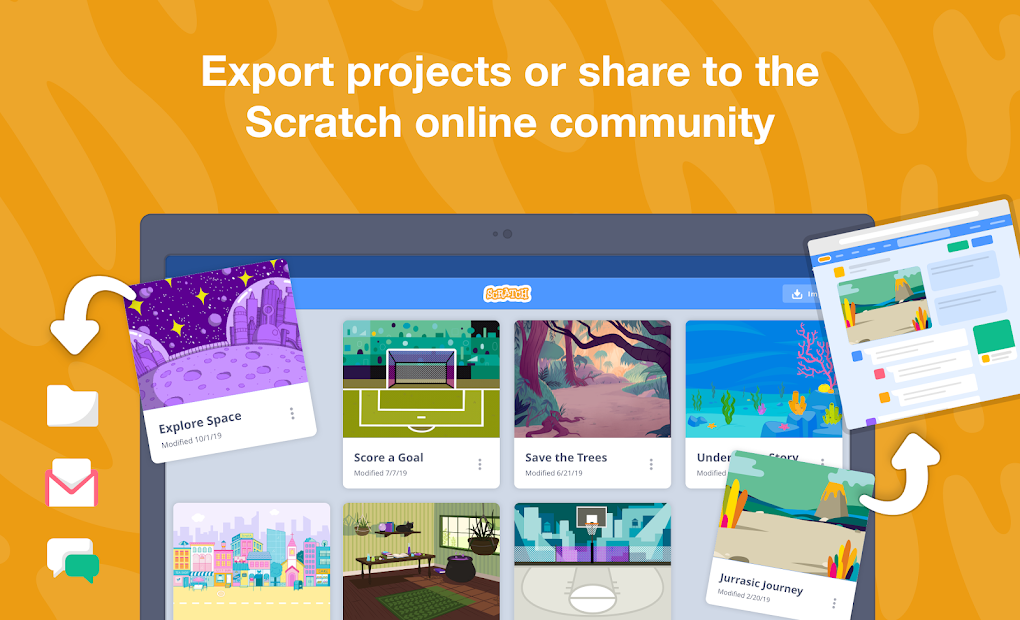
Scratch is the starting point for programming newcomers, especially kids, because it strips away the complexity of traditional code. This visual programming language, developed by the MIT Media Lab, pairs a block-based coding system with an online community where users share their creations.
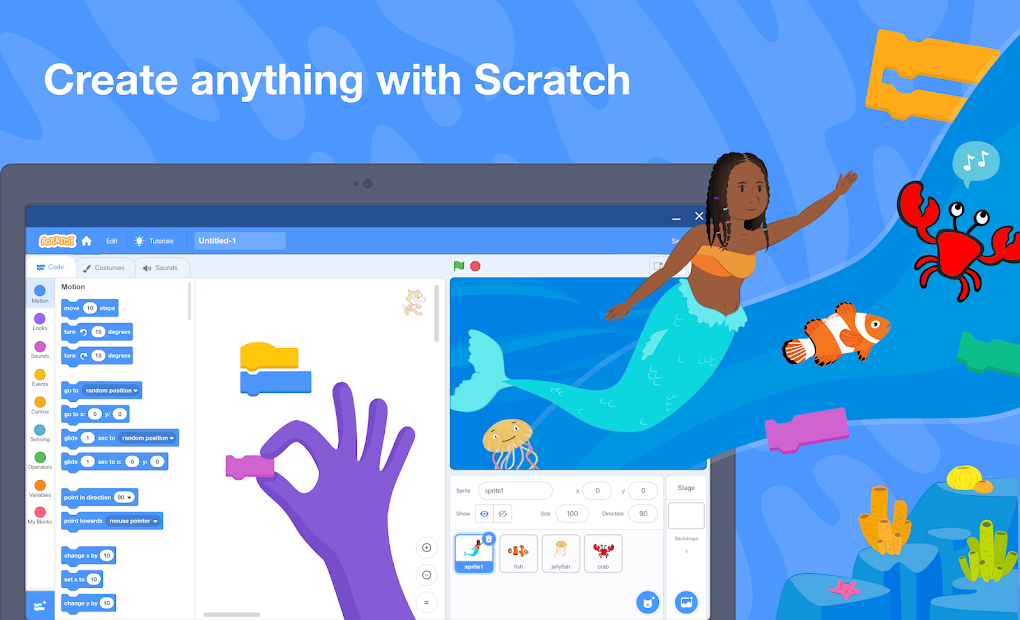
What makes the program stand out is its unique block system. Instead of traditional programming syntax, you build projects like stories and games by snapping together color-coded blocks. The goal is to learn logical relationships and creative coding methods rather than memorize syntax rules.
Many children begin understanding how computers work through this method. Blocks let you tell characters to walk around, speak, or wait for user input. Small pieces that start simple gradually become powerful completed projects with real meaning.
The application goes well beyond simple entertainment. Educators use it to teach critical thinking, problem-solving, and structured creative expression. Scratch provides the playground. You bring the imagination. The more you explore within Scratch, the more possibilities the platform reveals to you.
Why Should I Download Scratch?
Through a hands-on educational approach, the platform teaches development logic instead of making you repeat lines of code or memorize information. Students, parents, teachers, and adults who want tech experience will all find that Scratch creates a safe environment for free experimentation.
Young learners can build their confidence through Scratch. The system displays immediate feedback for every action you take. Click the green flag and your animation starts instantly, with your sprite performing funny actions or dance moves depending on the blocks you used.
The direct link between cause and effect helps users understand programming logic naturally. The visual elements prevent you from getting lost in typos or formatting errors because the interface just shows your work. You can concentrate on developing ideas instead of researching the code needed to build your project.
The education community considers Scratch to be an invaluable resource. It matches creative learning standards and works effectively in classroom settings, coding clubs, and remote learning environments. The platform promotes narrative development and team-based work using logic principles. Within the moderated community, students can modify projects from others while sharing their own work for feedback, creating a safe space focused on positive creation.
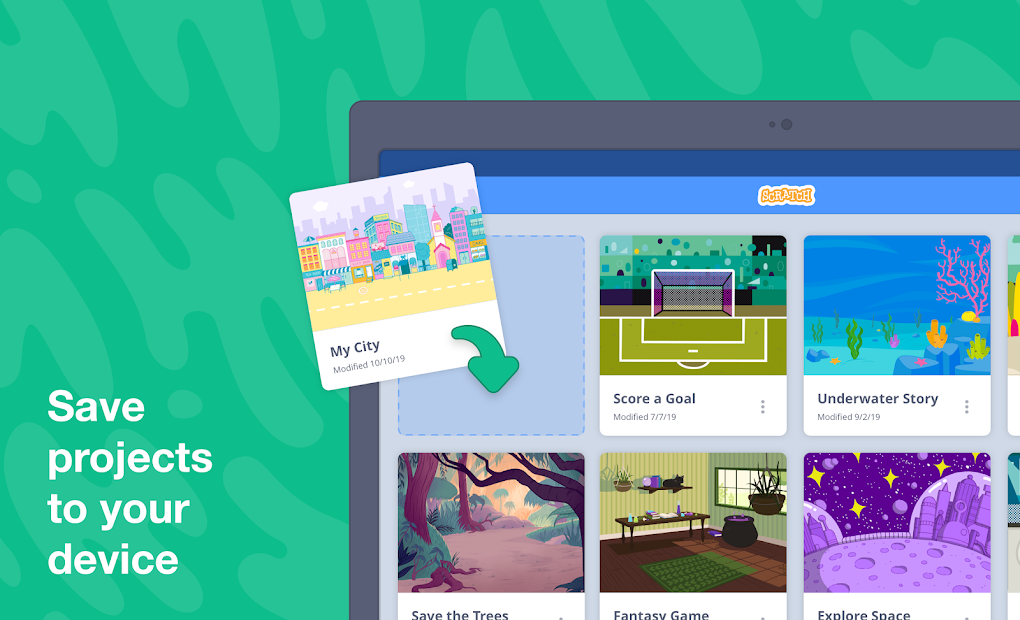
Building something from the ground up creates a deep sense of satisfaction beyond the classroom value. Scratch lets you produce interactive quizzes, simple games, or digital greeting cards, then share your work for free without any complicated process.
The software keeps things minimal while still leaving room for growth. One simple, fun project leads you to think bigger before you even realize it. That is where the magic happens.
Finally, for younger users (below 8 years old), there is a simpler version called Scratch Junior (ScratchJr), available to download on Android and iOS devices.
Is Scratch Free?
Yes, Scratch is completely free with no hidden costs. The program has no fees, sign-up is free, and the entire shared project library is fully accessible. There are no secret pricing plans, premium tiers, or locked features. It exists as an open resource that anyone can use without restrictions.
What Operating Systems Are Compatible with Scratch?
Scratch runs on all major desktop operating systems. You can access it through your browser on Windows, macOS, Linux, and ChromeOS. Scratch Desktop is the offline version, available to download on Windows and macOS.
If you use the online version, you need an updated browser and an internet connection. System requirements are minimal, so it runs easily on basic hardware, which makes it accessible for schools and users with older computers.
Scratch is also available for Android devices (smartphones and tablets), but the iOS version is not available. iOS users can only download the Scratch Junior app, which is designed for younger kids.
What Are the Alternatives to Scratch?
The options widen when you step beyond Scratch, with alternative programming tools available for different needs, including robotics and puzzle-based coding.
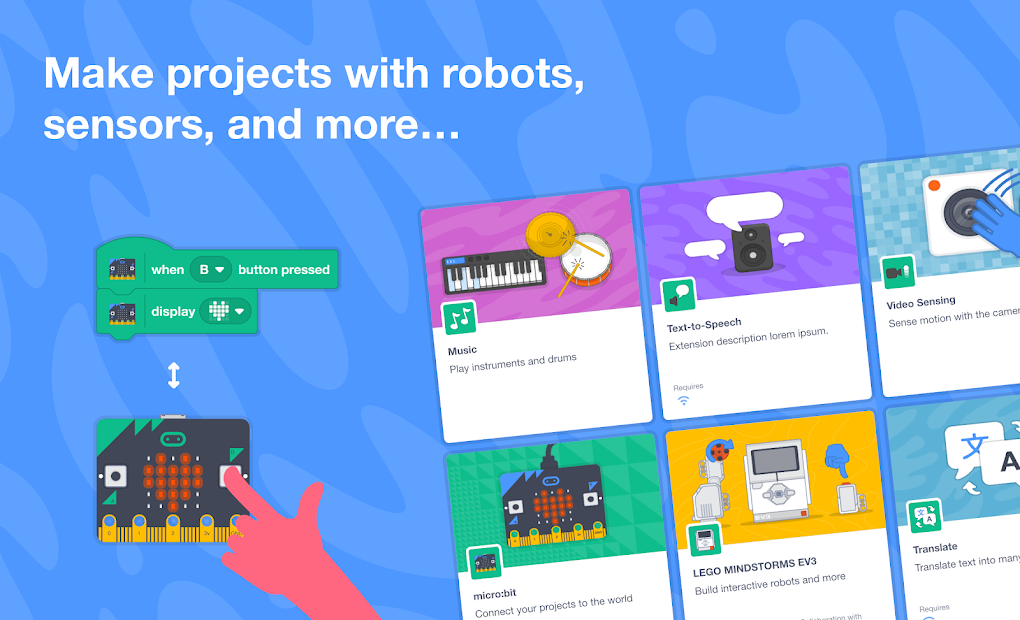
PictoBlox is a strong alternative that includes block-based features while also offering solid compatibility with physical computing equipment. You can use PictoBlox to program sensors, LEDs, and motors, plus AI functions like face detection. It is excellent for kids who want to combine physical hardware with digital projects. Many beginners start with Scratch because it lets them learn through play, and PictoBlox extends that hands-on approach by turning problem-solving into a game-like experience. Children can build projects that go beyond the screen and interact with real hardware, which deepens their understanding of how programming connects to the physical world.
AlgoRun takes a game-based approach to teaching code through puzzle mechanics. Rather than open-ended creative projects, programming here follows a structured path. You use coding commands to guide an on-screen character through increasingly complex levels. Developing predictive thinking and understanding flow control becomes easier through this format, though it lacks Scratch's open-ended flexibility. Students who prefer structured challenges over free-form creation will get the most out of AlgoRun.
Human Resource Machine is a distinctive alternative that wraps challenging puzzles in an office-themed setting. Under the playful surface, it teaches advanced programming concepts rooted in assembly language principles. The difficulty goes beyond what Scratch offers, targeting adolescent and adult learners, though it does a good job showing how computers process instructions step by step. The approach is partially visual but demands more mental effort, bridging the gap between beginner programming tools and more professional environments. Each of these alternatives brings something different to the table, so the right choice depends on whether you want hardware integration, structured puzzles, or deeper programming concepts. For most beginners, though, Scratch remains the ideal place to start.