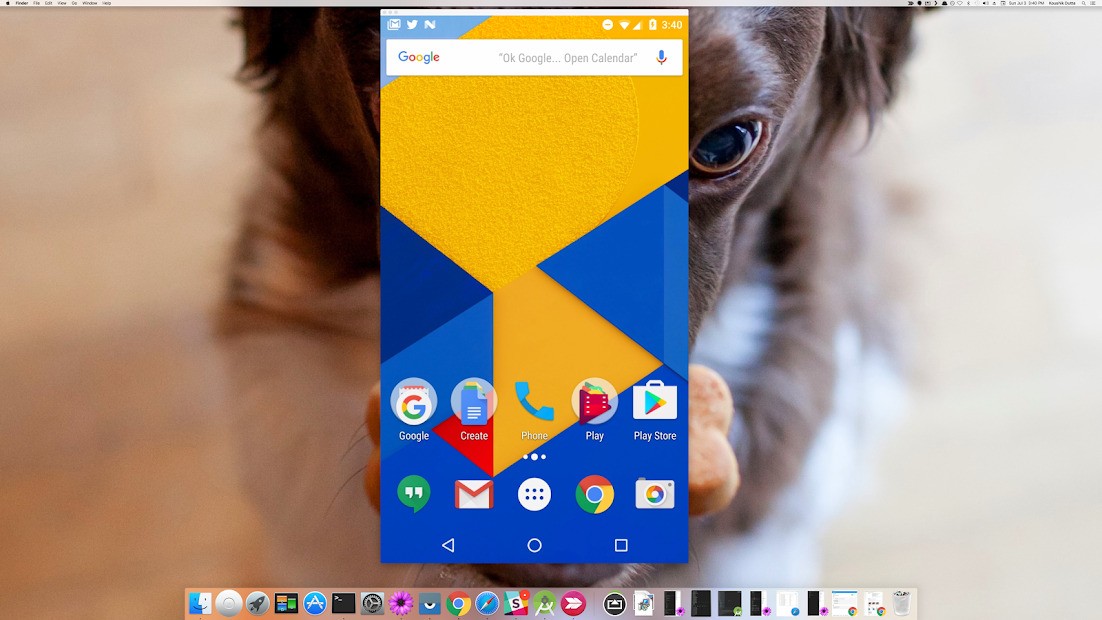
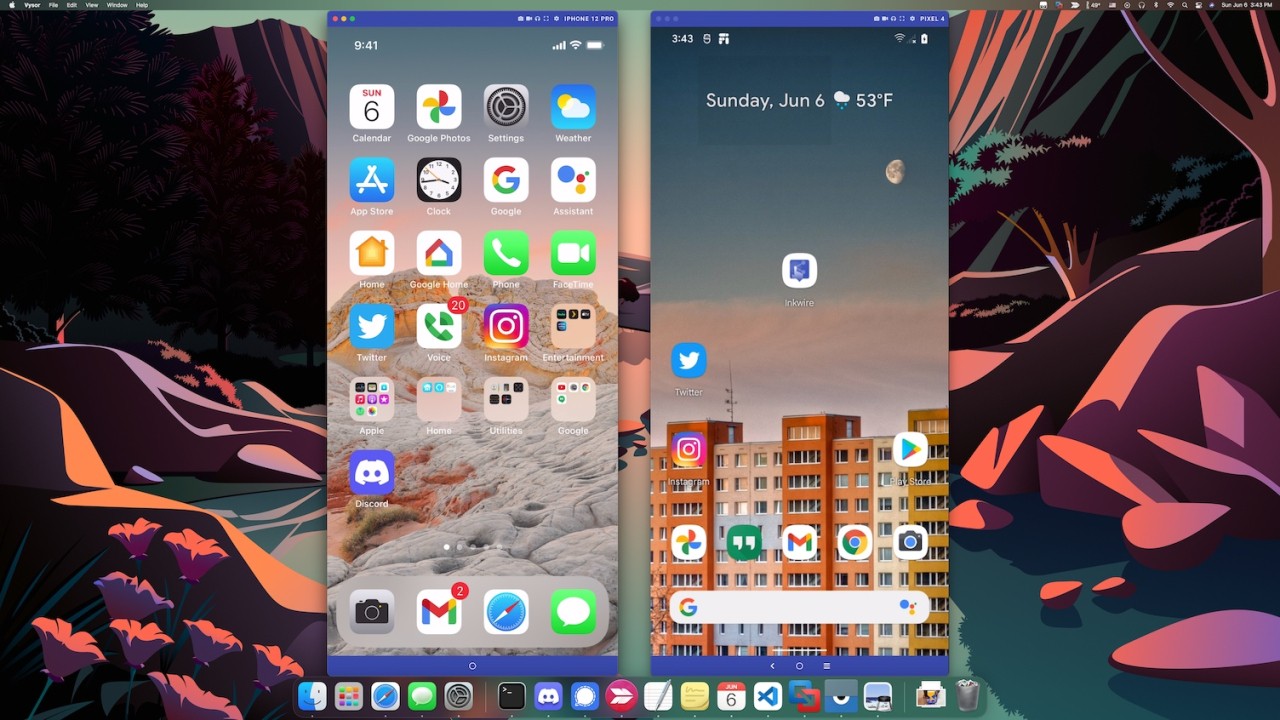
Vysor functions as a compact package that delivers exceptional performance when users need to manage their Android system on their desktop computer.
The application provides a real-time display of your Android screen on your desktop, letting you use your mobile device as if it were an additional PC window. Vysor provides a user-friendly connection that streamlines Android device control from a computer. The program supports USB and wireless connectivity to suit users who want convenience, as well as those who prefer more control.
The essential feature of Vysor exists within its easy-to-use nature. The application avoids making itself complex or technical in any way. The program delivers everything required in a simple user experience, with screen visibility, mouse-driven device navigation, and fully supported keyboard typing.
The system requires no complicated interface and presents no deep menu structures. Open your device on a phone screen using Vysor by simply connecting it, then launching the program.
The platform serves developers perfectly well by enabling them to conduct app tests and take screenshots through its emulator-free functionality. The application provides people with a smooth method to handle smartphones without spending time staring at their tiny screens.
Why Should I Download Vysor?
Among all the advantages of using Vysor, the primary benefit is its ease of use. Working on your computer for extended periods while repeatedly moving between phone and computer will eventually lead to decreased productivity. With Vysor, all your smartphone content appears directly on your computer screen.
The application lets you handle each task on your computer screen without having to reach for your Android device. The application turns your Android phone into a native component on your desktop. Your daily movement will improve significantly when you install this tool.
The application offers tremendous benefits to developers, along with other advantages. Developers using Android and testers can view their software running on actual devices via the Vysor platform, rather than in virtualized environments. Vysor will let you capture better screenshots while recording device sessions, performing functional demos, and detecting bugs, since the constant screen-switching process is obsolete. It makes presentations easier, too. As a meeting or demo begins, you can connect a phone to display what you are currently working on. Users can access their work demonstration seamlessly through this tool.
Stowaway's interface is simple and intuitive, which attracts users. Any person can easily understand the system without advanced technical skills. Basic configuration and complex network adjustments remain unnecessary since starting operations on this device. After installation and connection, Vysor operates as intended, showing your phone screen on your computer while you control it with your keyboard and mouse. The intuitive design choices make the app particularly likable to users.
A full-sized keyboard for typing all your social media texts brings amazing convenience to people who spend time on texting platforms and social media. Your responses become quicker and more accurate, and you feel more comfortable during communication. The need to handle messages via thumb typing or device copying becomes irrelevant since Vysor provides you with computer-style keyboard and mouse control. With Vysor, your phone operates as if it were an extension of your computer rather than an independent peripheral.
Is Vysor Free?
Vysor offers a free version with basic USB-enabled screen mirroring capabilities. The standard set of functions available in the free version meets most users' needs for controlling their phone with computer access.
Getting full-screen mode, wireless connectivity, high-resolution mirroring, and drag-and-drop file sharing requires a subscription. The basic free version provides sufficient performance for standard operation, though it allows users to understand the tool's main functionality.
What Operating Systems Are Compatible with Vysor?
All users can access Vysor across Windows, macOS, and Linux. The web app version of Vysor is effective in situations where users rely on browser-based tools.
After enabling USB debugging on your Android device and installing the companion app, setup takes minimal time. Users can activate wireless functionality in the paid version of Vysor, which extends the service to desktops and mobile devices via a network connection. The solution has universal platform compatibility, serving both professional organizations and personal users.
What Are the Alternatives to Vysor?
The tool Vysor does not meet all requirements, but you may consider alternative applications that better meet your professional needs.
The Phone Link application from Microsoft functions as a strong alternative. It was previously known as Your Phone. Phone Link provides a suitable solution for Windows users who own Android mobile devices, as well as iOS devices. Phone Link enables users to manage mobile messages while responding to texts, viewing images, accepting telephone calls, and controlling the screen. Setup is easier and faster because Phone Link integrates naturally with Windows without causing installation issues. To use Phone Link, you must first download and install the mobile app Link to Windows on your Android smartphone or your iPhone (iOS users may have fewer functionalities).
The Linux-originated KDE Connect now provides its cross-platform capabilities to users beyond Linux. The tool enables Android device users to display notifications, transfer files, share the clipboard, and issue remote input commands from their desktop computers. Open-source status and free use make this tool highly attractive. KDE Connect offers excellent features for users who prioritize data privacy alongside control over tool management. The range of synchronization features provided by KDE Connect surpasses Vysor's core screen-mirroring functions, although both tools serve different primary purposes.
Intel Unison was another very strong candidate. Unfortunately, Intel stopped the service a while ago.