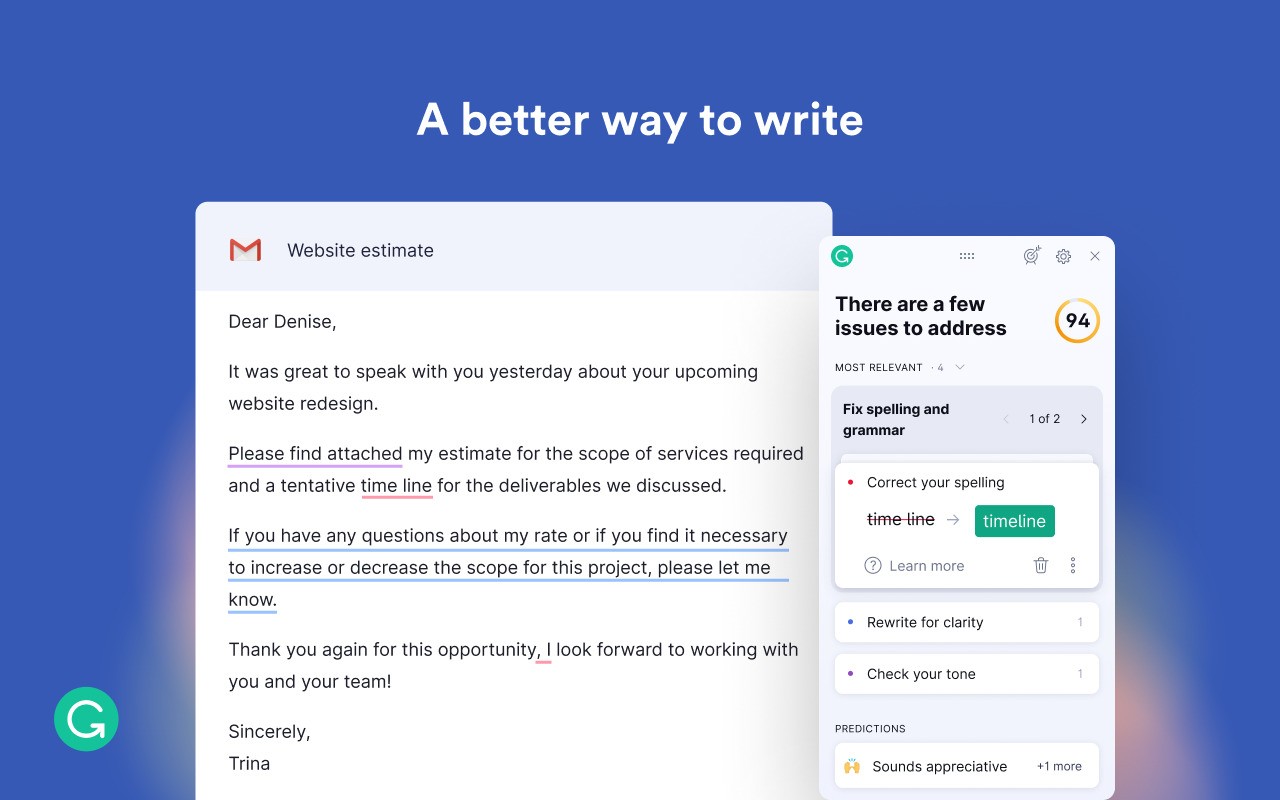
As a digital writing assistant, Grammarly helps users enhance their text clarity, together with grammar, while modifying tone and improving overall writing quality. The writing assistant operates by silently providing real-time support that reviews your content during all writing activities, from email messages through to blog content generation to report creation.
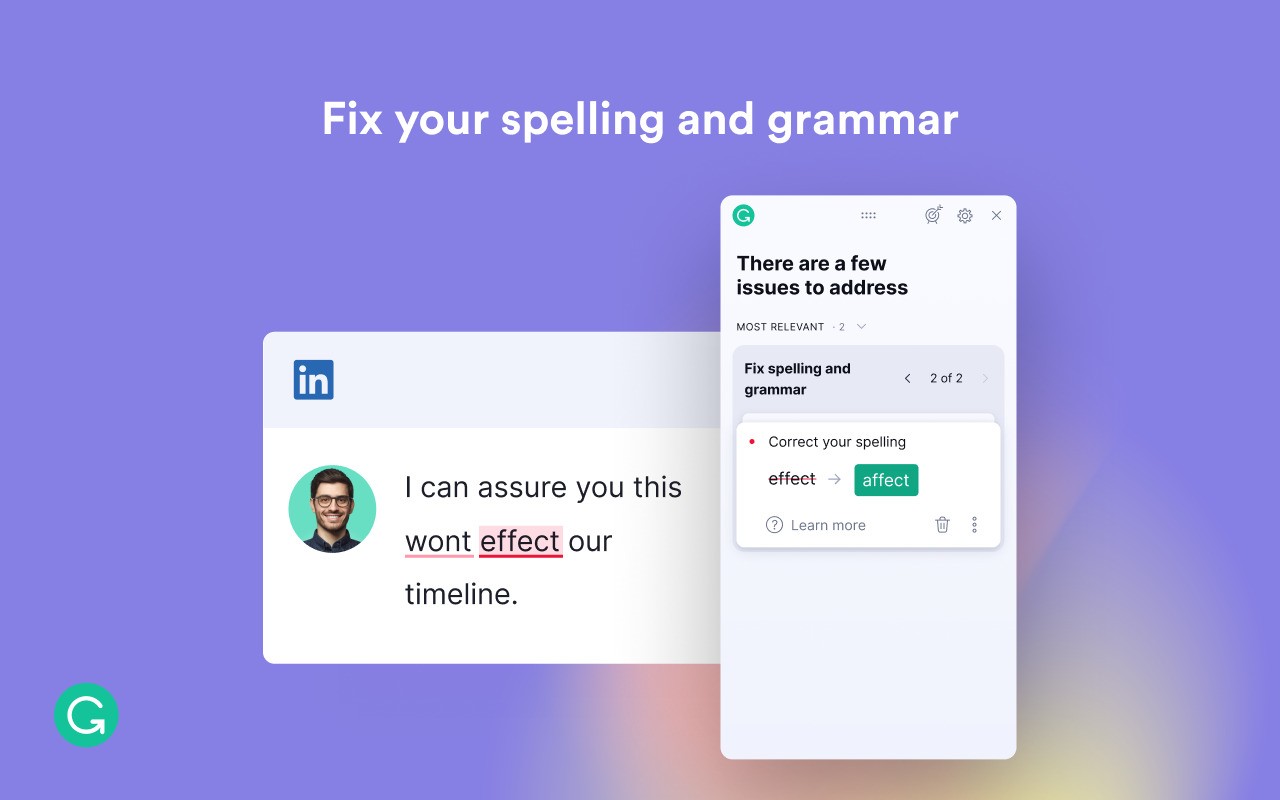
The system provides a dual-monitor effect through which it detects minor writing problems, including errors and incorrect punctuation that human eyes might overlook. Spelling correction is not the main purpose of such tools, but they exist to create a timeless writing style which reads smoothly and is digestible.
The function of this program follows effortless procedures. The program highlights potential issues as you type, then instantly provides possible remedies next to the errors. The system provides one-click acceptance of recommendations but allows users to reject proposals when their original work delivers better results.
The solution contains a tone detector system that assists users in determining their message delivery approach relative to other people, by indicating if the tone is formal, blunt, or informal. The platform exists for diverse users who include students and professionals, together with casual writers, who all wish to achieve effective word presentation.
Using Grammarly helps you avoid judgment of your writing while pointing you toward better expression.
Why Should I Download Grammarly?
You will understand the necessity of Grammarly only when you begin using its features. Regular writing of any content, including reports or emails, together with social media posts, allows Grammarly to enhance the quality of what you express. The software works for anyone who needs its assistance.
This tool delivers its maximum benefit to regular users who require their thoughts to flow confidently through their writing. Writing something in text often falls short of our mental presentation because we know the words we want to convey, but the screen delivery lacks clarity. Grammarly provides user-directed word correction instead of executing rewrites, so it guides your sentences to better content.
It also saves time. Instead of spending your time either multiple reads of your sentences or debating your grammar rules, you receive instant recommendations. Working with deadlines becomes much easier because Grammarly provides prompt assistance for efficient task completion. Using Grammarly leads to skill acquisition, as it provides learning opportunities through regular use. Grammarly functions as a tiny instructor that suggests writing improvements while you remain the author, since it never marks your initial unsuccessful attempts.
And then there’s the convenience. Grammarly's operation extends beyond single applications because it supports multiple platforms. This tool functions within all popular programs, including browsers, email drafts, Google Docs, Microsoft Word, and smartphones through the keyboard. You never need to manually transfer your content between programs because Grammarly will provide feedback directly in the original editor. It goes wherever you write.
The application matches its functions according to your selected writing style. A professional cover letter requires formal language, which the tool will suggest. The program enables casual writers to maintain a flowing dialogue without deviating from natural speech patterns. Writing flexibility that Grammarly provides is an essential tool for various educational and commercial writing tasks.
The extra benefit of Grammarly is that users experience increased self-assurance when using it. The tool gives you more than just error corrections; it also shows you are sending error-free content. It takes that pressure off. Students and working professionals can breathe easier when they have Grammarly as their writing ally because their written work directly reflects their performance to others. Although the software requires human judgment for final decisions, it offers an improved way to produce messages that achieve your intended meaning.
Is Grammarly Free?
Grammarly offers users access to basic functionality through its free version. The essential elements the tool addresses include grammar rules, spelling checks, and punctuation correction.
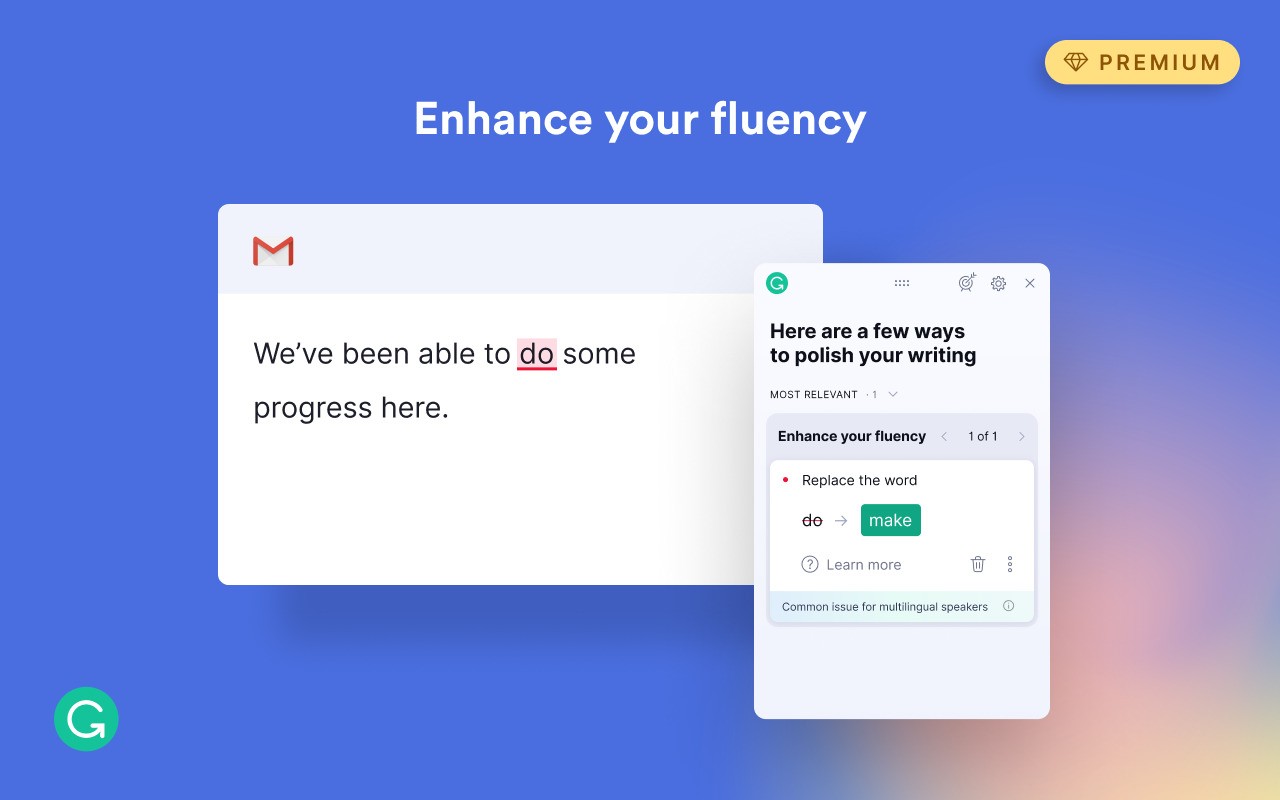
You can get sophisticated text recommendations regarding clarity, tone, and word selection through Grammarly by purchasing its premium edition. Truth be told, most users can benefit from the no-charge version as their initial writing foundation.
What Operating Systems Are Compatible with Grammarly?
The Grammarly application operates on multiple computer platforms and operating systems. Users of Windows and macOS have the option to install desktop Grammarly apps or browser add-ons for Chrome, Firefox, Edge, and Safari.
Mobile users can find Grammarly installed on their Android and iOS devices, with a dedicated keyboard for the application.
Google Docs, together with Gmail, as well as additional web applications, allow you to access Grammarly.
You can use Grammarly regardless of your operating system, since its core cloud-based features deliver smooth performance whenever you have an internet connection and use a modern browser.
What Are the Alternatives to Grammarly?
Grammarly stands as a prominent tool among writing enhancement software, yet people have alternative options for improving their text. The preferences of certain users differ regarding interface style and features, and they also want offline functionality.
The writing application LanguageTool represents one of the reliable alternatives available to users. LanguageTool functions like Grammarly to verify grammar and spelling, but offers multiple language capabilities that serve writers conducting translation work or speaking several languages. Users can find this tool as a browser extension, which features free and paid versions with different capabilities.
For users of the French language, Grammalecte presents itself as the best choice in the market. Grammalecte specializes in analyzing French language grammar beyond surface-level English areas that Grammarly addresses. Users can integrate the tool with LibreOffice software or use it through their browser plugin. The tool offers better solutions for users who frequently compose in French or need precise French-language assistance than programs primarily focused on English readers. This tool gives precise technical assistance that fills an underrepresented market segment.
Scribens provides users with grammar support both English and French. With real-time feedback, users have a simple interface at their disposal and can check multiple types of grammar rules. Scribens delivers basic technical capabilities through its interface, without complicated features, because it aims to serve writers seeking functional grammar tools beyond simple design enhancements. The user can use the tool both through an online platform and through the Microsoft Office plugin and browser extensions.