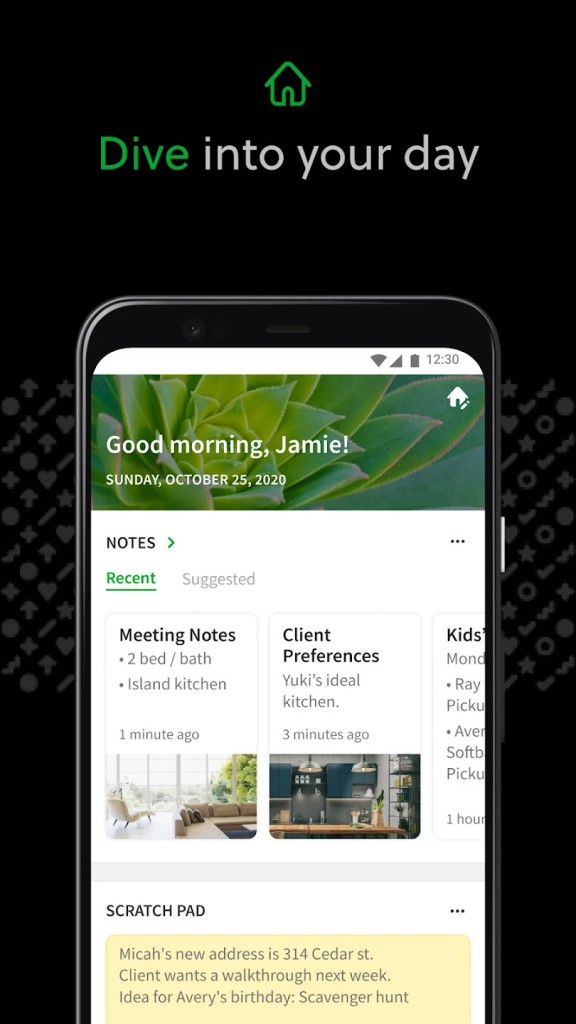
With Evernote, you can easily capture, store, and organize information, and have it synced across devices or accessed offline. The app supports multiple ways you can use it, whether you just want to control your personal tasks, research, build and plan professional projects, or work with someone else on your documents.
When you download Evernote, you'll discover there's much more than just text that you can add to your notebooks. You can also add web clippings, audio notes, and various multimedia. To make it easier to find various content, especially if your library is big, you can add labels and tags or use Evernote's AI-supported search features.
You can integrate this platform with calendars or other apps to streamline your work and create a connected environment. You don't need to copy and paste between different systems to keep all the information synced.
You can download Evernote for desktop computers and mobile devices, and it also offers a web service that can be accessed from any browser. With one account, you keep everything in sync across all your devices.
Why should I download Evernote?
If you need a comprehensive solution that lets you take notes, organize your affairs, and boost your productivity, then Evernote is a great option. It can become whatever you require it to be, whether it's a journal, to-do list, task manager, or research file.
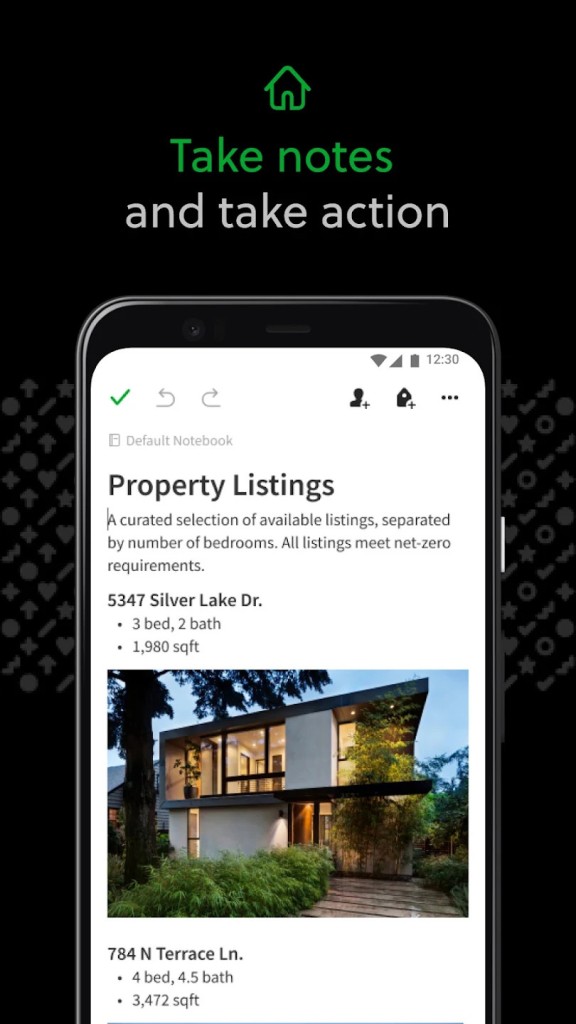
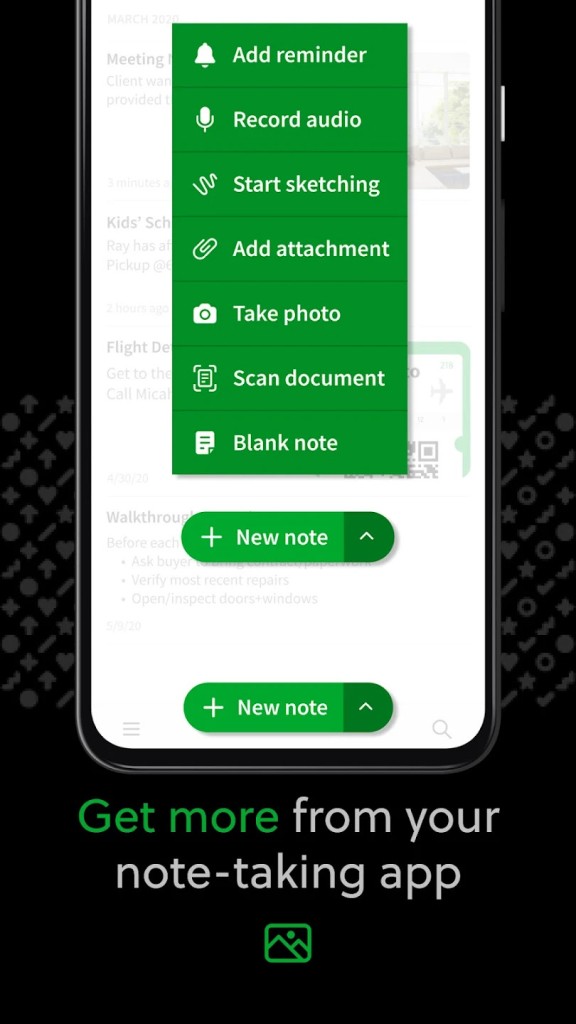
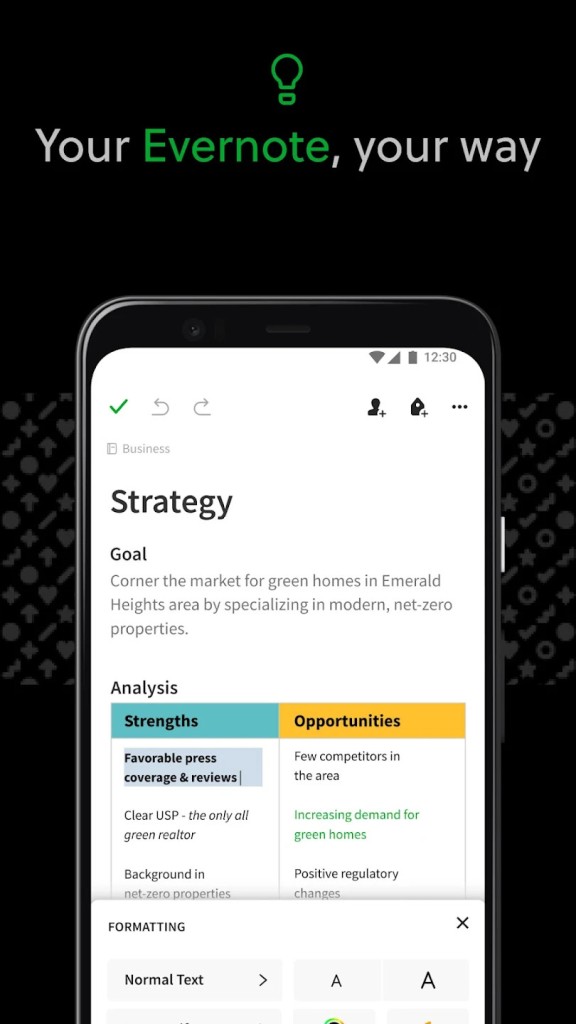
It helps you easily work with and manage a large amount of information, so when you create a note, you can format the text with different tools and add images, voice recordings, checklists, and links to different sources. You can also upload PDFs or other attachments.
Evernote also provides you with access to its library of templates, so you can quickly reuse a common pattern for your note. You can even embed websites or parts of them with the Evernote Web Clipper browser extension.
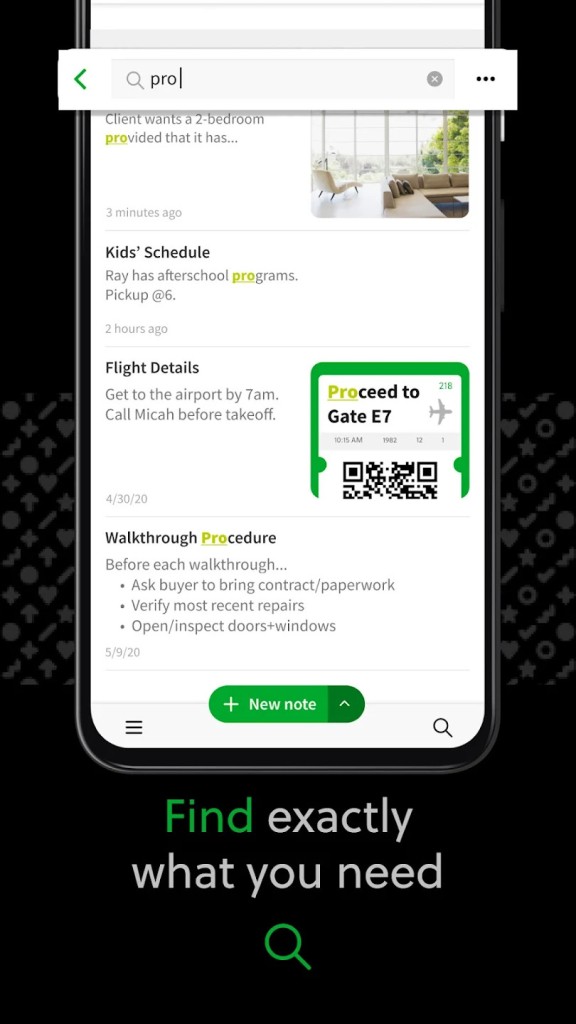
To further structure your content, you can collect notes into themed notebooks and add specific labels or tags to parts of your documents so you can find relevant information later. Doing that also enables Evernote to filter through the tags. The Search feature uses a powerful engine that allows you to scan PDFs, handwritten notes, and uploaded documents to find what you need. It's also possible because Evernote supports Optical Character Recognition (OCR), so all types of content are searchable. On paid plans, you can also look for things with the help of AI.
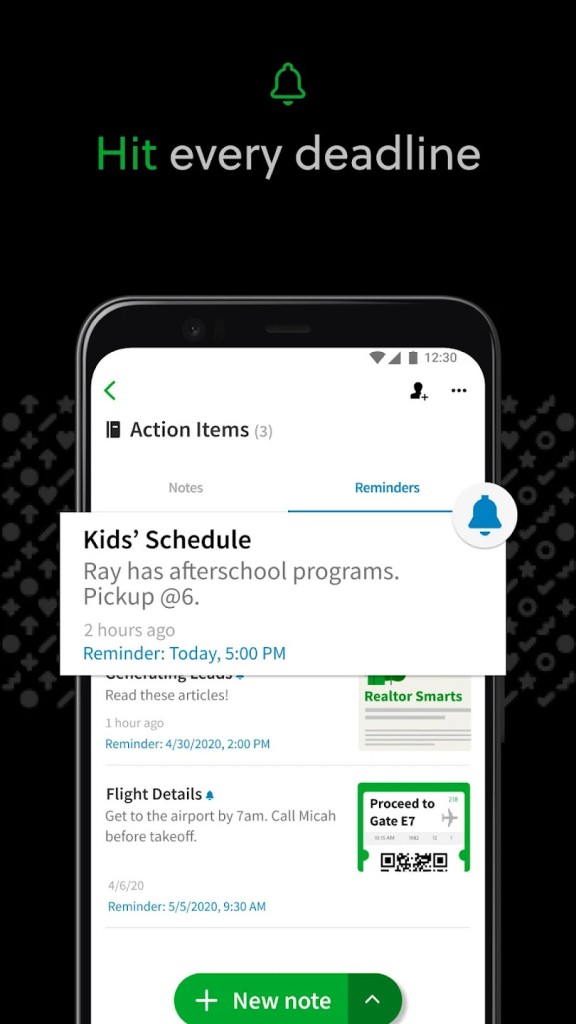
If you download Evernote to manage tasks, this system gives you the option to create action points directly in notes, and you can define their due dates, add reminders, or track all tasks from an overview page. There are also ways to assign tasks to different team members or sync them with your Google Calendar or other popular platforms, such as Slack or Microsoft Teams.
Many users also appreciate Evernote for how it syncs their content between devices. Since you can download Evernote for computers and mobile devices, or use it in a browser, it's important that you have access to the most up-to-date versions. Evernote also supports offline access, so you can open a note even when you don't have an internet connection. The mobile apps also let you scan documents with your phone camera.
You can choose to use Evernote on both free and paid tiers, each tailored to different user needs, and the app also offers great collaboration features. You can share notebooks with others, edit notes with multiple people in real time, create specific team spaces, or add comments to your documents to discuss various elements.
Is Evernote free?
Once you download Evernote, you can start using it for free. It has all the essential features, like syncing across 2 devices, creating basic tasks, uploading up to 60 MB monthly, and searching through the notes you write.
If you decide this isn't enough, or you quickly run into usage limits, you can select from two other paid plans, Personal or Professional. These exceed your storage and upload limit, introduce more advanced search and task management, and also let you sync unlimited devices with each other, integrate with other tools, or use AI-powered features. Both are available on monthly or annual subscription options.
What operating systems are compatible with Evernote?
The great thing about this software is that you can download Evernote on multiple systems and use it across various platforms smoothly and without issues.
For desktop computers, you need Windows 10 (or later; both 32- and 64-bit are supported) or macOS 11 (or newer).
If you're planning to use Evernote on mobile devices, your smartphone, or tablet should run Android 9 (or later) or iOS 15.1 (or later).
You can also use Evernote through the web-based service that is designed for desktop computers and supports Chrome, Firefox, Edge, Safari, and Opera.
What are the alternatives to Evernote?
A widely popular competitor is Notion, which lets you combine notes, calendars, and databases in its workspace. You create your content using various highly customizable media blocks, can reuse templates from their vast user-generated library, or work with others on your documents. Notion offers a freemium version and paid plans, and you can use it on Windows, macOS, Android, and iOS. Similar to Evernote, there's also a web-based service.
Another option is Notewise, an excellent solution for those who use a stylus to write notes in their own handwriting on digital paper. It's a mobile app for tablets and smartphones on both iOS and Android, and you can use it for drawing, taking notes, or annotating photos or images. You can use Notewise for free, but there's also a paid version.
If you want something more focused on privacy, Joplin is a note-taking app from an open-source project. It supports full Markdown, and you can also add local encryption to keep your files safe, whether you're using it on Windows, macOS, Linux, or a mobile operating system. You can format your text, assign tasks, upload attachments, or even sync your content to cloud storage or other tools, depending on whether you'll be using the free version or the paid plan.