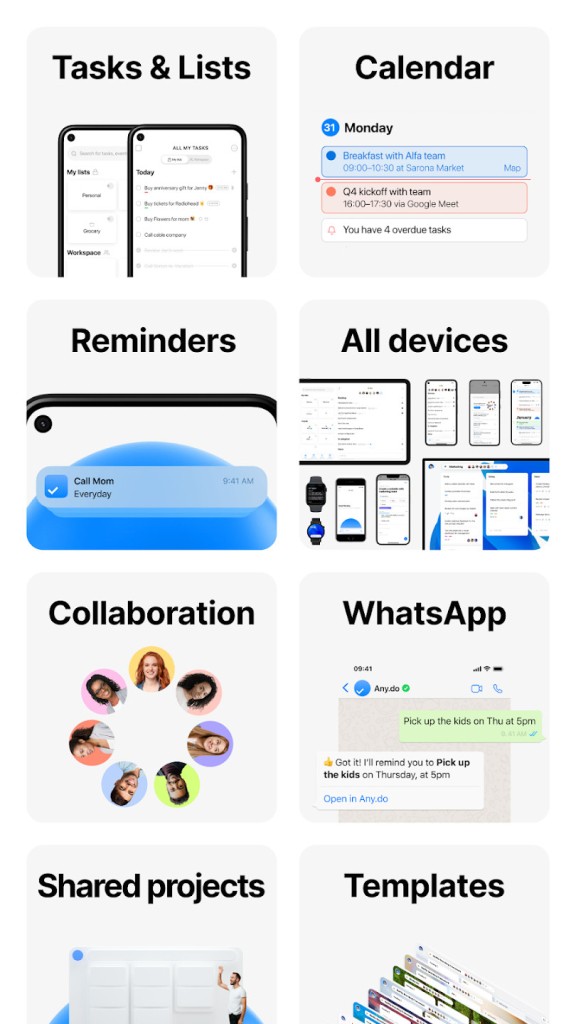
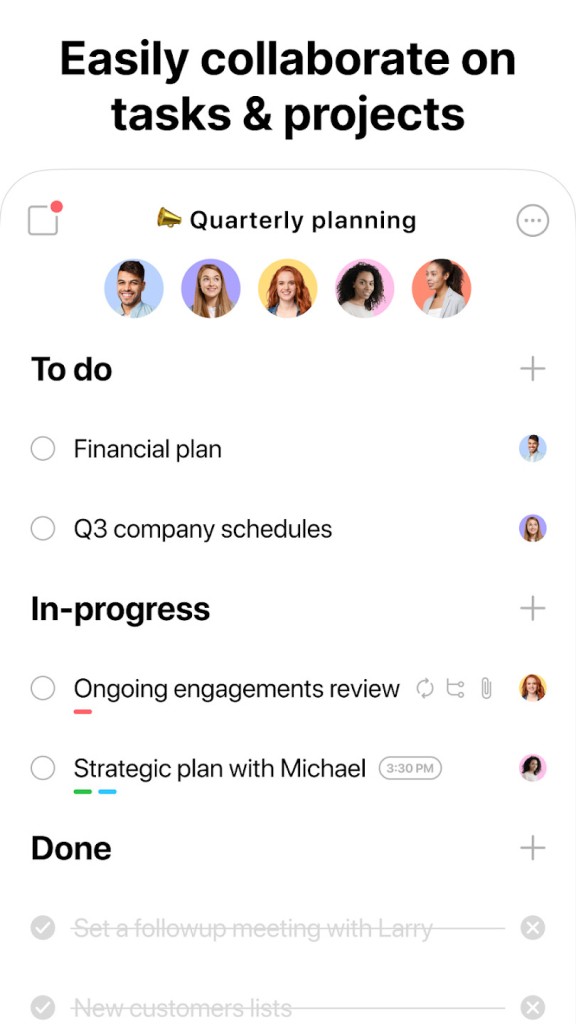
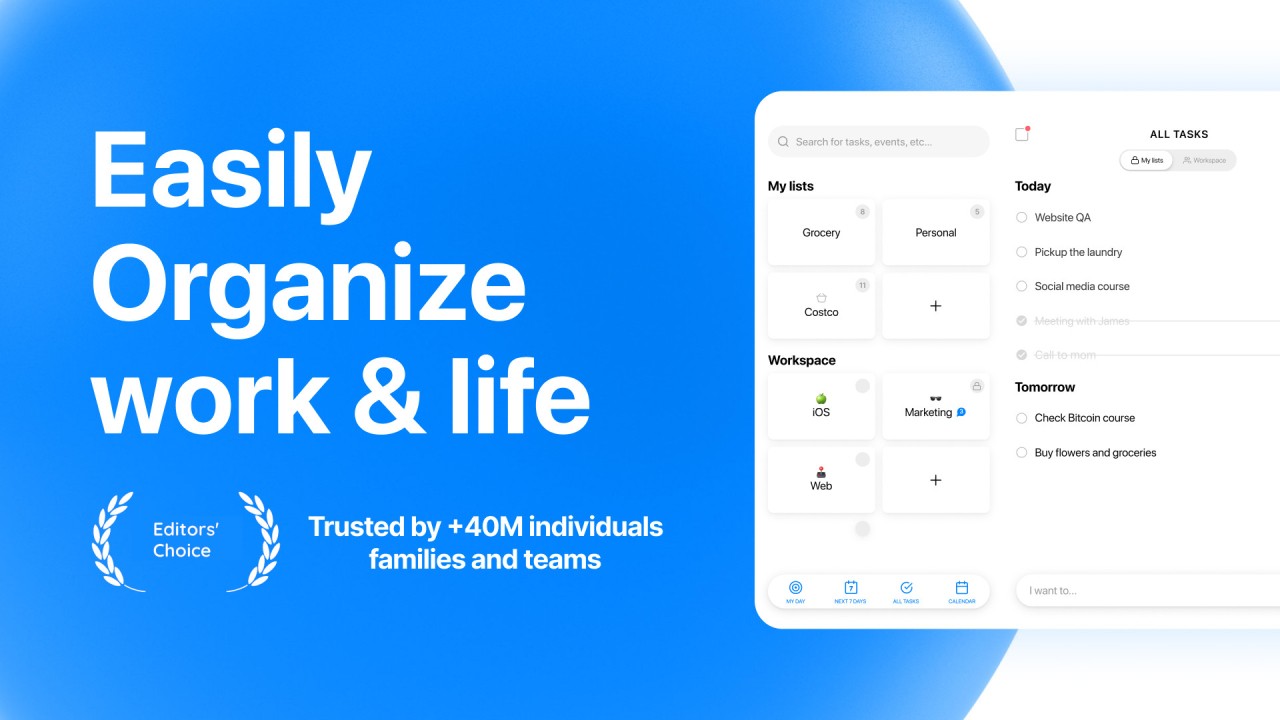
Any.do is a task manager application that integrates your calendar, to-do list, reminders, and daily planner into a single, straightforward place. It is targeted at individuals who prefer to keep things organized but are not fond of too technical or busy tools. Whether you're planning your work week, doing house chores, or juggling both, Any.do is built to help you keep all the balls in the air, in a single place, without it seeming like an additional job on its own.
It helps keep things clean from the moment you open the app. Your tasks appear visibly, and your schedule just fits into your to-do list. You no longer need to jump between apps, but instead, you simply scroll and look forward to what is next: a meeting, a trip to the grocery store, or a personal objective. It all remains interlinked.
Any.do is effective since it has not overreached to accomplish many things simultaneously. It maintains the feature's minimalistic approach: creating a new task does not take much time, creating a reminder takes several seconds, and rescheduling items is as fast as dragging and dropping. It is not that kind of app that requires a user manual to figure it out, no, this one meets you at your level and evolves as you become more acquainted with it.
Why should I download Any.do?
Life becomes chaotic, and this happens quickly; hence, people turn to Any.do. Between work, family, side projects, and running day-to-day errands, there is so much that your brain can take. It is like putting that mental burden down and placing it somewhere you can do something with it. You do not simply have to remember what to do, but you actually see what is important, when it is important.
The interface is junk-free. There will be no pop-ups screaming at you and excessive buttons. Simply swipe to tick off a task, tap to snooze a reminder, or drag to reschedule. It is that type of design that makes you feel in control without having to go through a steep learning curve. Being a student, parent, freelancer, or simply a person with a lot on your hands, such usability can make a difference.
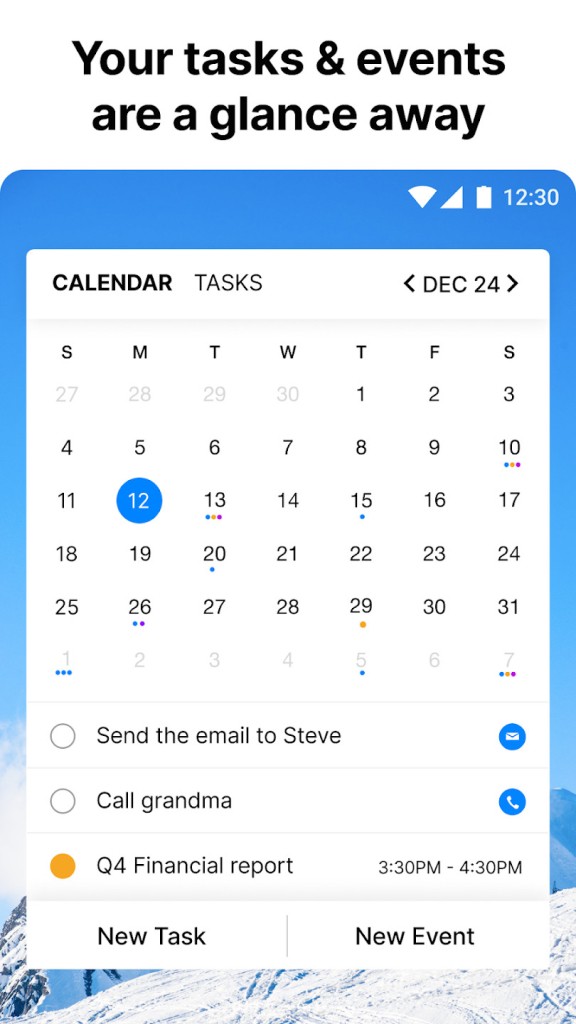
Another major attraction is the way it integrates to-do lists with calendar events. You need not consider them as separate anymore. You can put a goal, put a date on it, and it will appear in your timeline. Have to make a plan for the day in the evening? It is just drag and drop. Prefer a closer shot? Change to daily view and get a plain list of what is ahead.
A voice input option is also worth mentioning. When you are in a hurry, all you have to do is to say what you have to do, and the app will create a task out of it. That will be the only way to make sure that you do not miss anything when your hands are full or when your attention is divided.
Any.do integrates with your email as well as your digital assistants, such as Google Assistant, Alexa, and Siri, too. Then you will be able to add tasks by voice or receive reminders without opening the application. It simply picks up and becomes a part of the existing tools you already have, which is more like a friend than extra work.
The second reason to get Any.do is how it integrates into your life and does not make you change your existing habits of doing things. There is no need to reorganize your life to use it; it shapes around your day. It can be used when you are planning your morning over breakfast or writing last-minute reminders before you go to sleep; it is always ready when you are. It is more than an app; it is something that silently integrates into your life and helps you to remain down-to-earth and productive even when you have the busiest days.
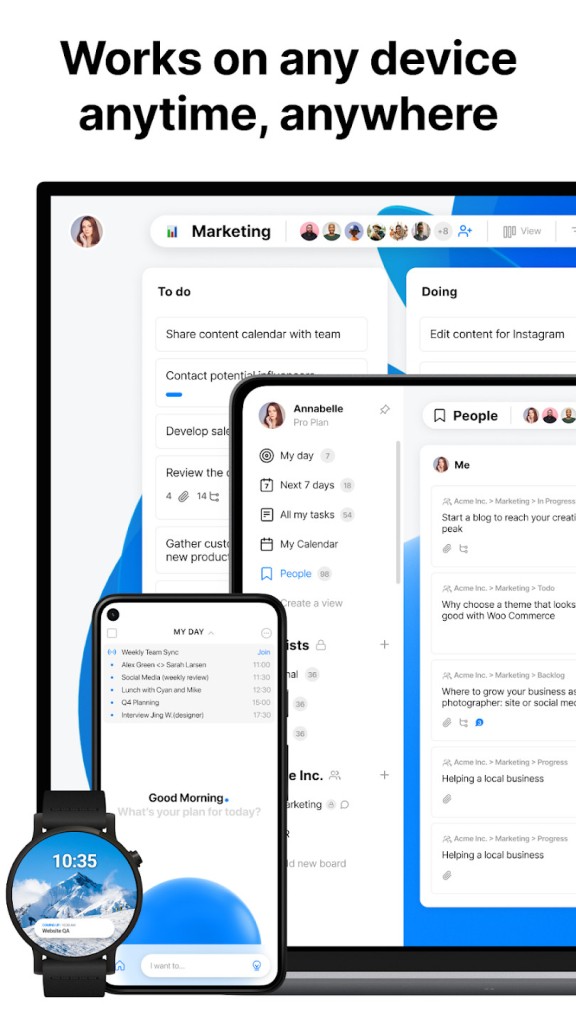
Another thing: Any.do is cross-platform. Your tasks are synced in real-time on your phone, tablet, and desktop. You could be on your laptop putting due dates and then receive reminders on your phone when you are out and about. Such flexibility is important to the contemporary routine that does not necessarily remain at a fixed location.
It promotes small victories, too. It is pleasant to cross something out, and it contributes to the fixation of the positive process. The more you use it, the more organized you get, not due to the fact that the app puts you under pressure, but due to the fact that it helps you maintain your pace. It is very easy to get back into it, even if you fall behind, it’s easy to get back on track without feeling discouraged.
Is Any.do free?
The answer is yes, Any.do can be used freely with basic functions such as task management, daily planner, reminders, and cross-device syncing. There is also a premium plan that has more features like recurring reminders, color tags, location-based tasks, and customizable themes in case one needs more control over their productivity environment.
What operating systems are compatible with Any.do?
Any.do can be used on both Android and iOS phones and tablets, as well as on desktop (Windows and Mac). It also operates in a Web browser and provides Chrome extensions. On mobile, laptop, or when you are within Gmail, Any.do helps you to keep your plans close. Start where you left, on any device.
What are the Alternatives to Any.do?
A common alternative among the users is Google Calendar, which offers a graphic display of the schedule and an emphasis on it. It is very much integrated with Gmail, Google Tasks, and other Google products and is effective at managing meetings, events, and deadlines. Though it does not do to-do lists in the same fashion, it is a powerful calendar-wise organization.
TimeTree is a socially oriented approach to scheduling. It especially comes in handy when there are families, roommates, or teams that require the sharing of calendars and need to coordinate activities. It combines individual and group planning and makes collaboration simple, particularly for those groups that thrive on cross-functional communication and visibility.
Proton Calendar suits the needs of users who are very concerned about their privacy and data security. It is constructed by the developers of ProtonMail and provides encrypted calendar services with strong privacy policies. It is more minimalistic in nature but offers the security to the users who are apprehensive of employee habits being tracked by mainstream applications.