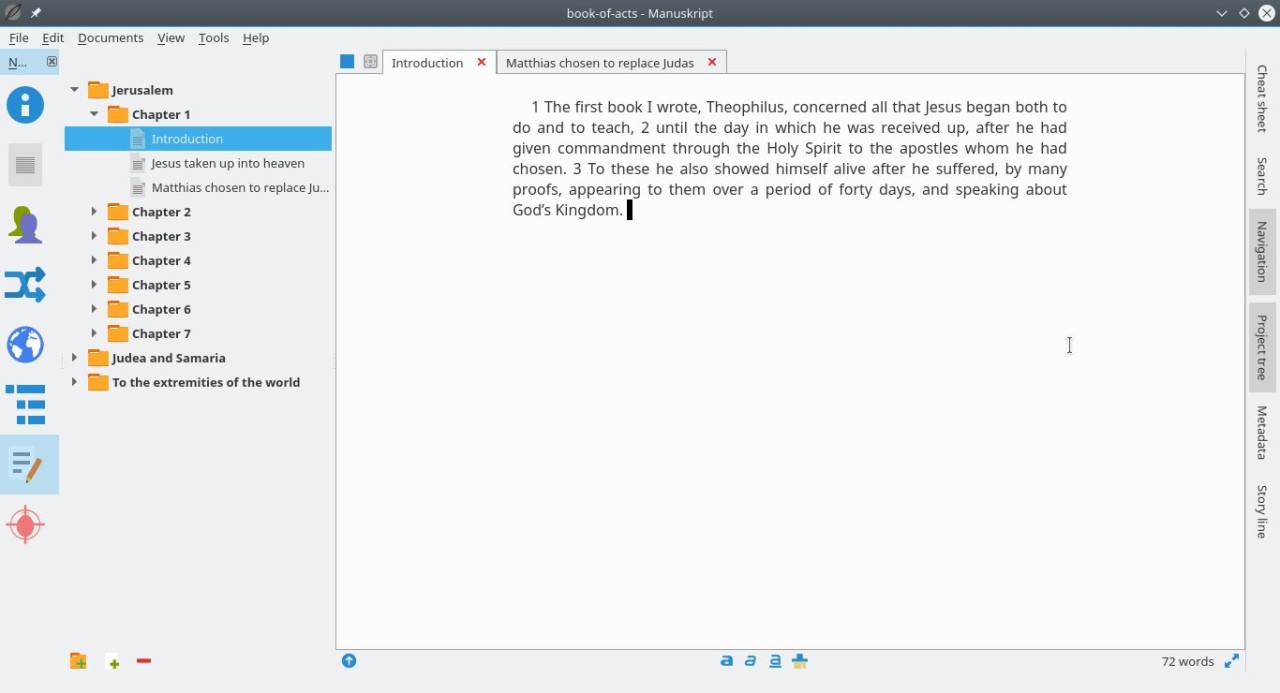
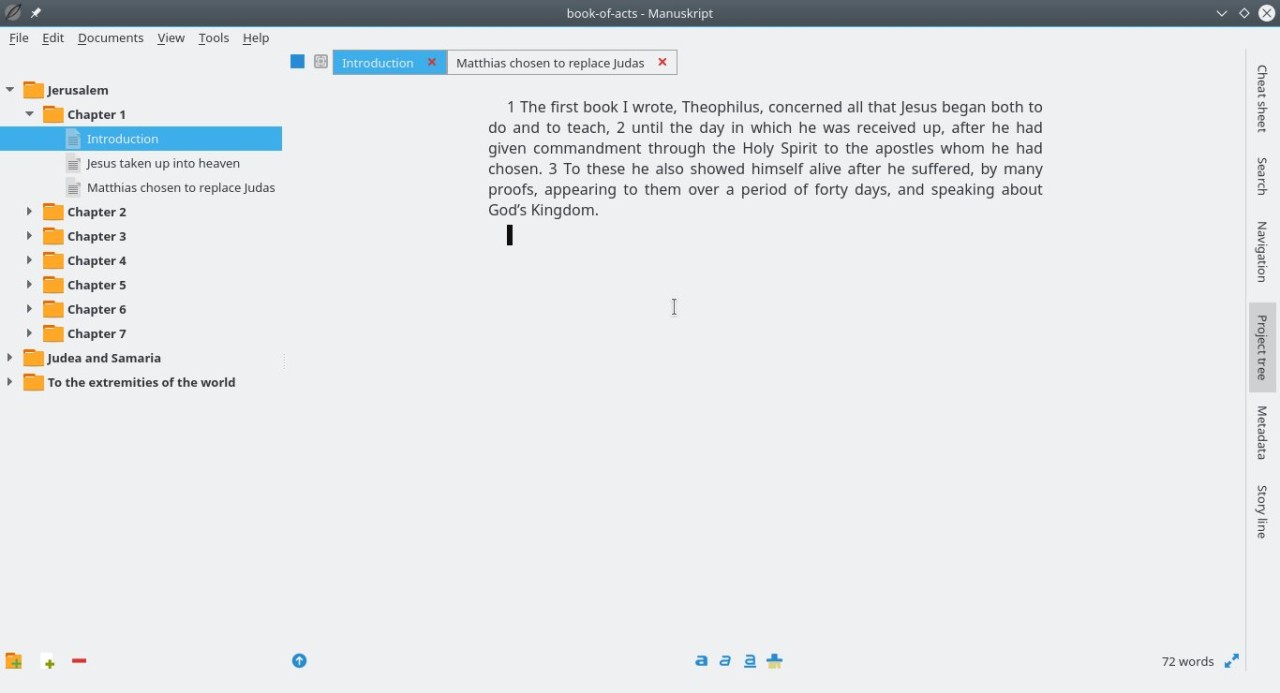
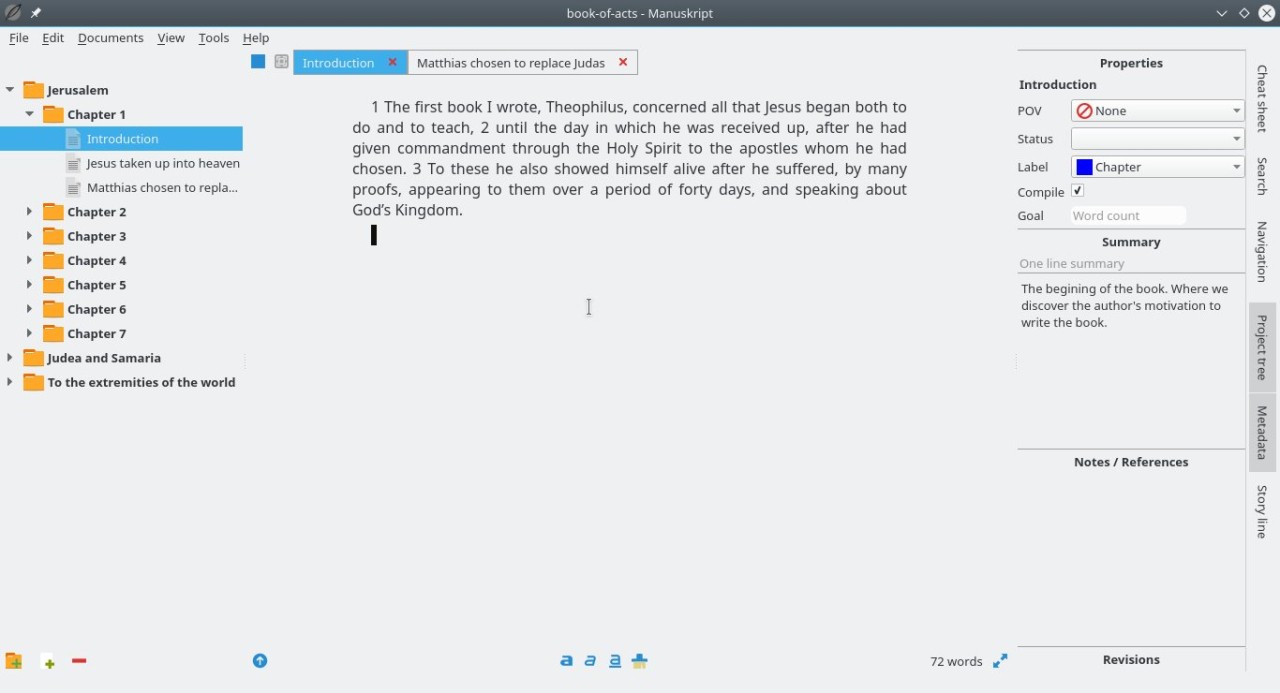
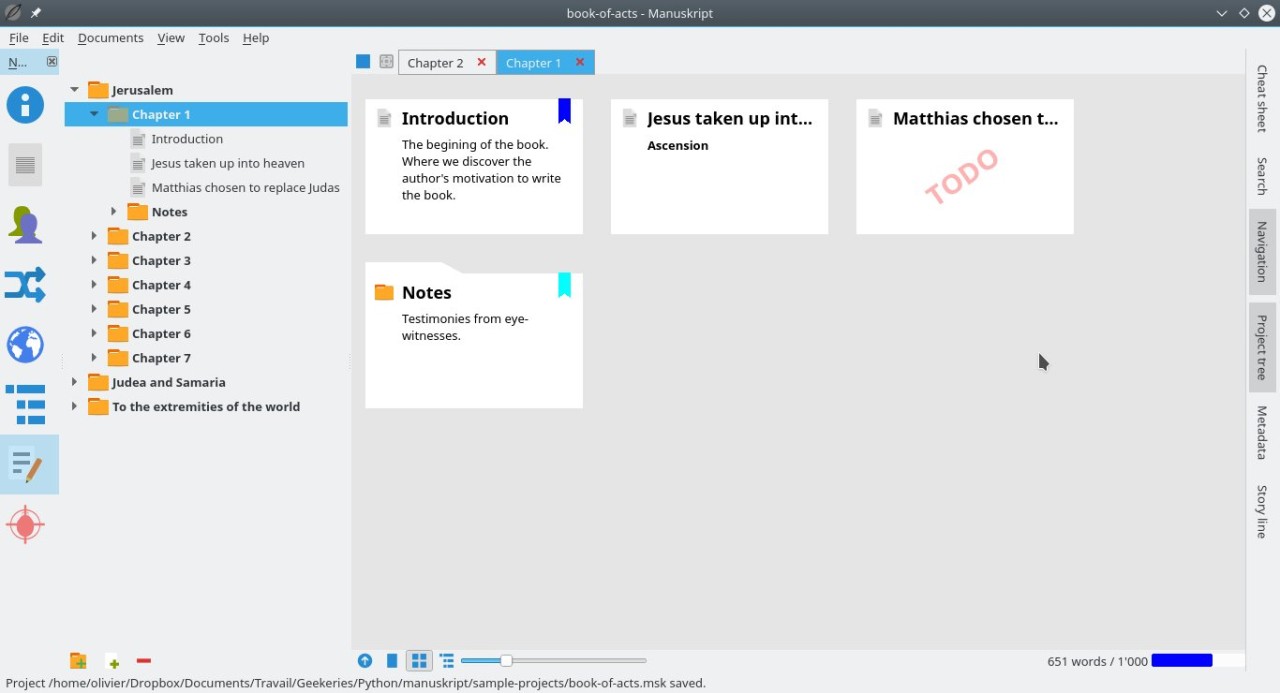
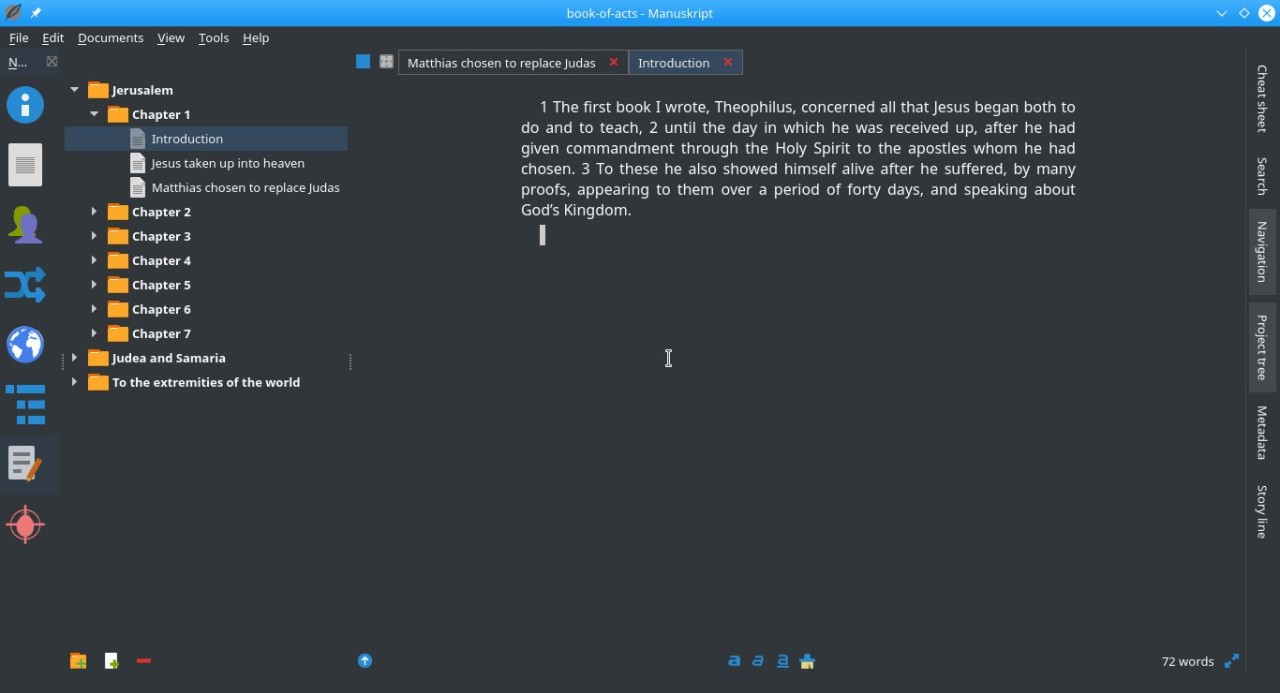
Manuskript is a writing software created for writers who require space, structure, and freedom. It’s open source, which already tells the kind of software it is. It’s not out to sell you anything. It’s only there to aid you in writing and structuring your thoughts without thinking you’re being put into someone else's idea of what writing should be. You open it like a little quiet notebook, and then behind it, there’s this massive framework in which you can expand whole novels, or short stories, outlines, or just fragments.
Manuskript’s idea is not to suffocate you, but to inspire you with proper tools at the proper time. You can write scene by scene, or you can move parts around like puzzle pieces and create character sheets, outline your plot step by step, or you simply open the blank page and start typing with nothing else in between you and your words.
For fiction writers in particular, it is like a rough draft assistant who doesn’t chatter too much. It shelters your outlines while you’re not ready for writing. It allows you to form your characters and their arcs in ways you wouldn’t even know where they’re headed yet. It also allows you to brush off all of that and just write when that’s what you want to do.
Why Should I Download Manuskript?
Most writing apps come with something odd. They either become far too minimal or far too crowded. On one hand, you’re getting these sleek, clean, distraction-free editors that are basically giving you a white box; not much else. On the other hand, you get huge publishing suites crammed with tabs and timelines and colors and noise. Somehow, Manuskript falls between those two extremes. It provides you with room for thought, tools to think with, but it doesn’t force you. That balance is rare.
If you like to write with some structure, Manuskript makes that easy. You can break your story into segments; label scenes, count words, and move your pieces around without losing your mind. There’s a mode for outlining the whole story from the beginning till the end, where you just break the plot into increasingly smaller details until you can fit the whole thing without trembling with fear. Or, you can bypass that altogether. Whenever you need hand-holding, you can turn features on, and whenever you do not need it, features can be turned off. You can’t be bound to one way of working.
It’s also fine if you’re a person who writes things in fragments. Sometimes you can’t even have a full scene; all you have is a line or a paragraph, or a loose idea. For those, Manuskript is built, too. You can hide them away in your notes or shove them into a placeholder and return when it’s more suitable. It’s an awesome room to allow the mess to be, without watching it from a superior position.
The laid-back nature of Manuskript is one of its quiet pleasures: it never attempts to dazzle you. It doesn’t give a damn if your novel is cluttered or your outline isn’t concise. What it’s not asking you to do is publish or share, or sync anything. It’s just calmly waiting for the next sentence. You don’t need a subscription. You don’t need to log in. You don’t even require the internet once it’s installed. It does not interfere with your process, no matter if you’re writing under pressure or writing to write something out in your head.
The interface is simple, but it’s not a bad thing. It’s more like it doesn’t distract you. And though obviously lacking the polish of commercial software, it makes up for what it lacks by way of flexibility. You have the options of altering how things work, of saving your different projects in various formats, exportation to markdown, HTML or regular plain text. Everything can be backed up locally. You’re always in control of your words, and this is something inherent in things that are lost in more modern tools often enough.
Therefore, if all you require is to write without strings attached and no background noise, Manuskript is definitely worth downloading.
Is Manuskript Free?
Yes, Manuskript is entirely free to use. It is open-source (it’s developed and supported by a community of volunteers who believe that they should give tools to people for free). There are no paid options, no ads, no upgrade reminders. You download it – it works. That’s it. You can use everything, without having spent a penny.
What Operating Systems Are Compatible with Manuskript?
Manuskript is cross-platform and runs on all major desktop operating systems. You can have it on your Windows, Linux, and macOS operating systems. Installation takes a short and uncomplicated period and does not consume much RAM.
It’s great for older machines, too, which is wonderful if you’re not running the latest hardware. Your system will do fine with basic desktop apps, so Manuskript should run just fine. It’s not for mobile, so it’s best for laptops and desktops, in which writing somehow feels more grounded, anyway.
What Are the Alternatives to Manuskript?
If Manuskript isn’t quite your workflow, and you want to see what other tools are out there in the writing space, then a few others come up often in this conversation.
The first one that tends to get mentioned is Scrivener. It’s a super full-fledged writing environment and likely the most popular paid rival. It provides strong organization templates, split-screen writing, and sophisticated export capabilities. It’s excellent if you’re a big project person and don’t mind the cost. But it’s also very dense. Learning it requires some time, and not everyone is willing to waste hours configuring settings before he or she can type a paragraph.
Then there’s yWriter. It’s not as spiritually similar to Manuskript as it should be, but it’s run by one person and aimed at fiction writers mostly. yWriter divides your novel into scenes and chapters, tracks your characters, and offers simple tools to keep things organized. You’d say it’s old-school in design, but it’s reliable and clean. It’s also free, but donations are welcome. It is an amazing find for writers who love planning and who don’t need a bazillion features to distract them.
Another of them is Sigil, but it’s a little different. Sigil is more eBook editing tool than a pure writing tool. It allows you to take a completed manuscript and prepare it for EPUB so obviously, if you're aiming to self-publish, then Sigil is a good tool for that point. It’s not, strictly speaking, for writing your first draft, but when your book is done, it lets you polish your file, take control of metadata, and make sure your finished product looks good on an e-reader. Some use Manuskript to write, but then publish using Sigil, and this makes for a decent two-step process.