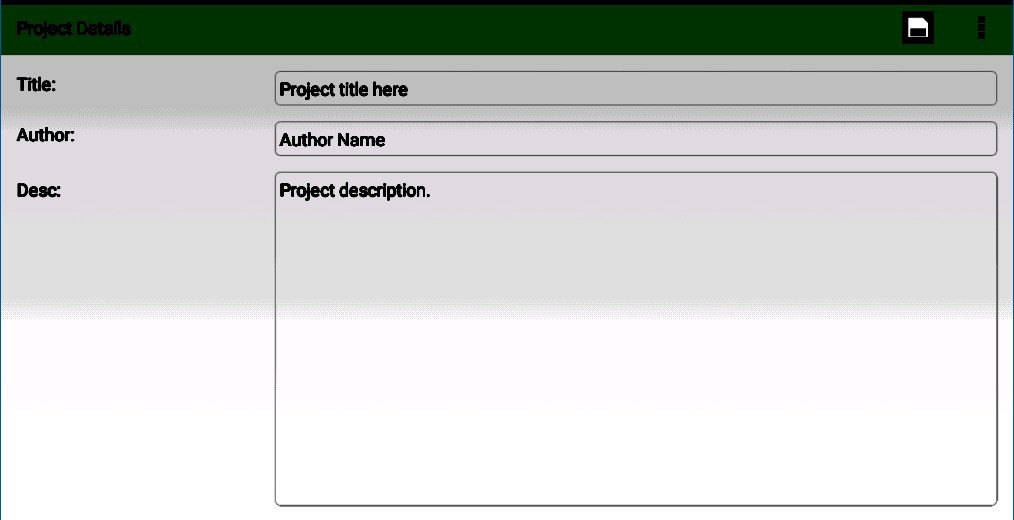
yWriter is a writing software developed not only for words, but also for structure. It is not about the pretty fonts or Stylish interfaces. Nevertheless, it is rather connected with making sense of a messy novel.
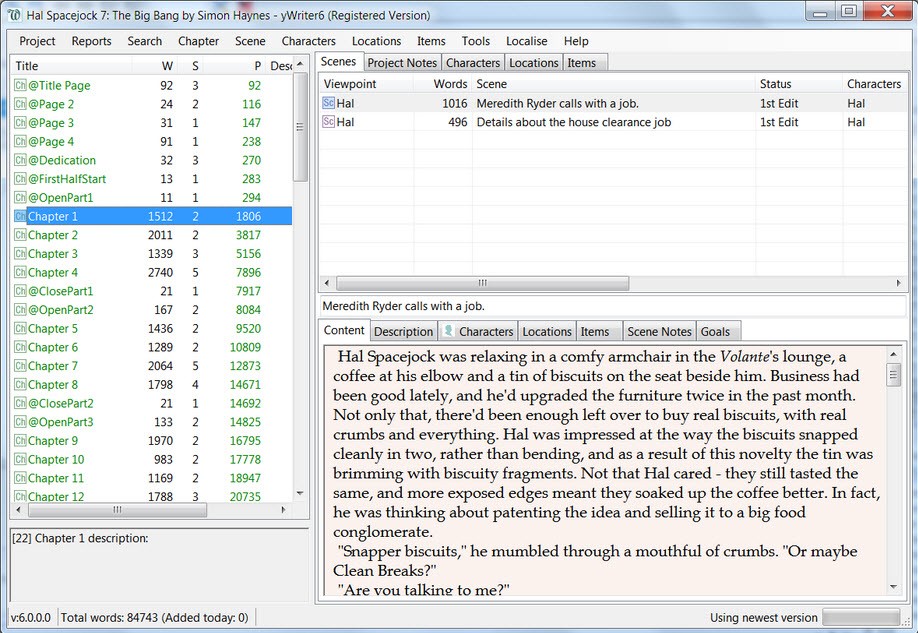
Developed by Simon Haynes, a software developer who also writes novels and books, yWriter will take your story apart, scenes and chapters, making a long, tangled novel into something you can navigate through, chapter by chapter. Looking at small blocks of writing instead of staring at a huge document. A chapter here. A scene there. You get to drag things, label things, take notes, and record your characters or locations without having to look through hundreds of pages.
It doesn’t write for you. It only provides you with a skeleton. And when we are talking about big fiction – multi-POV books, timelines, complicated arcs – that structure means more than you think. What makes yWriter feel different is the fact that it does not make the pretensions to be what it is not. It’s plain. It’s technical. But it is truthful about what writing usually is – rewriting, reorganizing, and remembering what has been written already. That’s where it helps. It is not in the dreaming but the shaping. You provide the words, and all that yWriter does is put them in order.
Why Should I Download yWriter?
When you are halfway through a novel and end up being lost in your own plot, then yWriter may seem like a lifeline. The majority of the writing tools consider your manuscript one long scroll. And it’s fine for some people, but for those who write in scenes, think in chapters, or edit in fragments, it gets irritating in a hurry. yWriter is for the kind of writer who would like to pick up a story and examine all of its facets. It allows you to see how your narrative goes together, but not get lost in the prose. You can skip from the middle of the story to the end and to the beginning, because you are not restricted to the boundaries of one document.
Such flexibility is what makes yWriter useful. It is an instrument that takes into consideration the way in which stories are constructed. Slowly, scene by scene. You do not need to write everything in the form of an order. You don’t even have to remember in which place you last saw that minor character. You just write what’s ready. And the program helps to find where to put it. Each scene can have notes. Tags. Characters. Goals. You are at liberty to reorganize chapters without having to worry that you may mess up your draft. It makes the writing process into something that is more modular, easier to handle.
And although attractive looks or high-pitched marketing buzz is not something for YWriter to brag about, it has something more useful in store: clarity. It tells you how much you have written, how much you don’t have, and what still needs to be worked on. It’s a quiet assistant that stands in the background, keeping the whole structure from collapsing in on you when you are totally lost in dialogue, buried under a paragraph. For those writers who are dizzy by the size of a novel or who would like to stay organized without having to assemble spreadsheets from scratch, yWriter provides a pared-down, streamlined environment to write in and revise. It is not an inspiration for you. But it does at least intend not to get in the way.
Is yWriter Free?
Yes, yWriter is free, and there is no subscription to it. The developer accepts donations, and there's a paid version with several features, but the core version is free without paying.
What Operating Systems Are Compatible with yWriter?
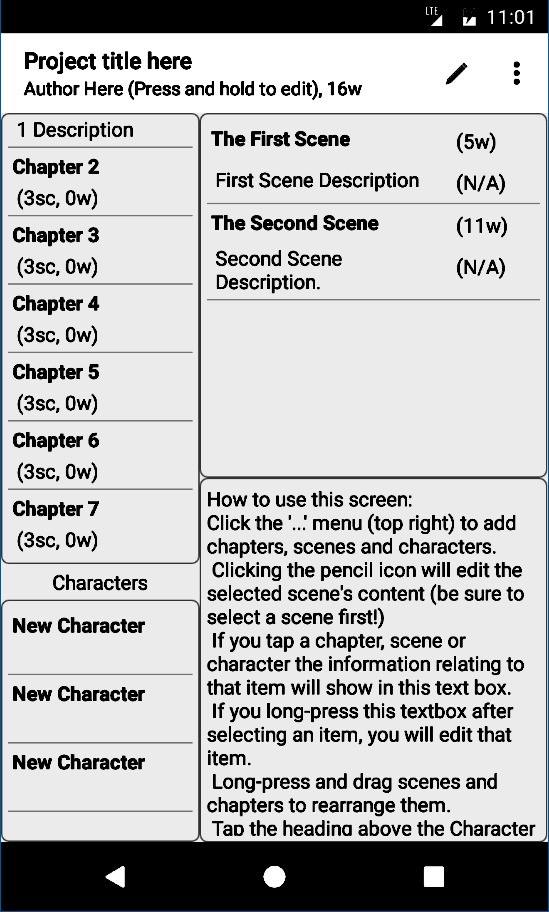
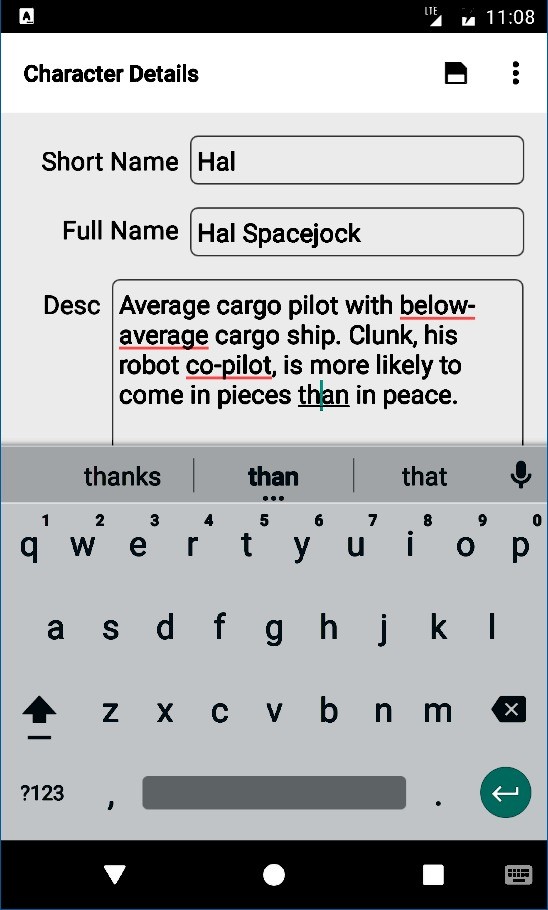
yWriter was initially created for Windows and performs very well on all the versions that are currently in place. There are also versions available for macOS, iOS, and Android.
Although the Windows version is the most complete and updated on a regular basis, the cross-platform support ensures that writers using different devices can use it. The installation file is small, and does not ask much out of your computer, meaning that it works great on older systems or writers working with multiple systems. It will take you minutes to install it and start working.
What are the Alternatives to yWriter?
If yWriter doesn’t work for your style or is only of curiosity as to what is out there, there are a few other programs that work in the same storytelling lane.
Among the most widely used and popular alternatives, one can mention Scrivener. It provides much flexibility and enables one to divide the project into fragments, organize the research, handle character sheets, and export them in their professional shapes. Scrivener has a harder learning curve, but with it, you are getting a more polished interface and predefined templates. It’s awesome for the writers who would want to work in one place where everything from outlining to final formatting will be handled. That being said, it is not free, and it might not be comfortable for all people to use its layered interface.
Manuskript is another alternative, particularly to writers who are not against the use of open-source software. Similar to yWriter, it breaks your novel into scenes and chapters, but it also allows you to go more into planning. You are able to set story arcs, specify worldbuilding elements, and track their evolution over time. It’s a bit conceptual, and the interface is yet to be perfected, but it shows great promise for writers looking for outlining deeply before moving to their drafts. Manuskript also attracts the audience who likes tinkering since it is very customizable and not held for ransom.
Then there is Sigil, which is not really a writing tool; it is more of an EPUB editor. It is relevant at the publishing time, when you’re done writing your novel and are interested in making a clean and polished ebook. Unlike authors who wish to go for a traditional publishing approach, Sigil leaves you with the power of authoring your formatting, metadata, and structure. It’s not the place where you would put a novel together, but it is a great helper, along with something like yWriter, once your work is ready for the eye of readers.