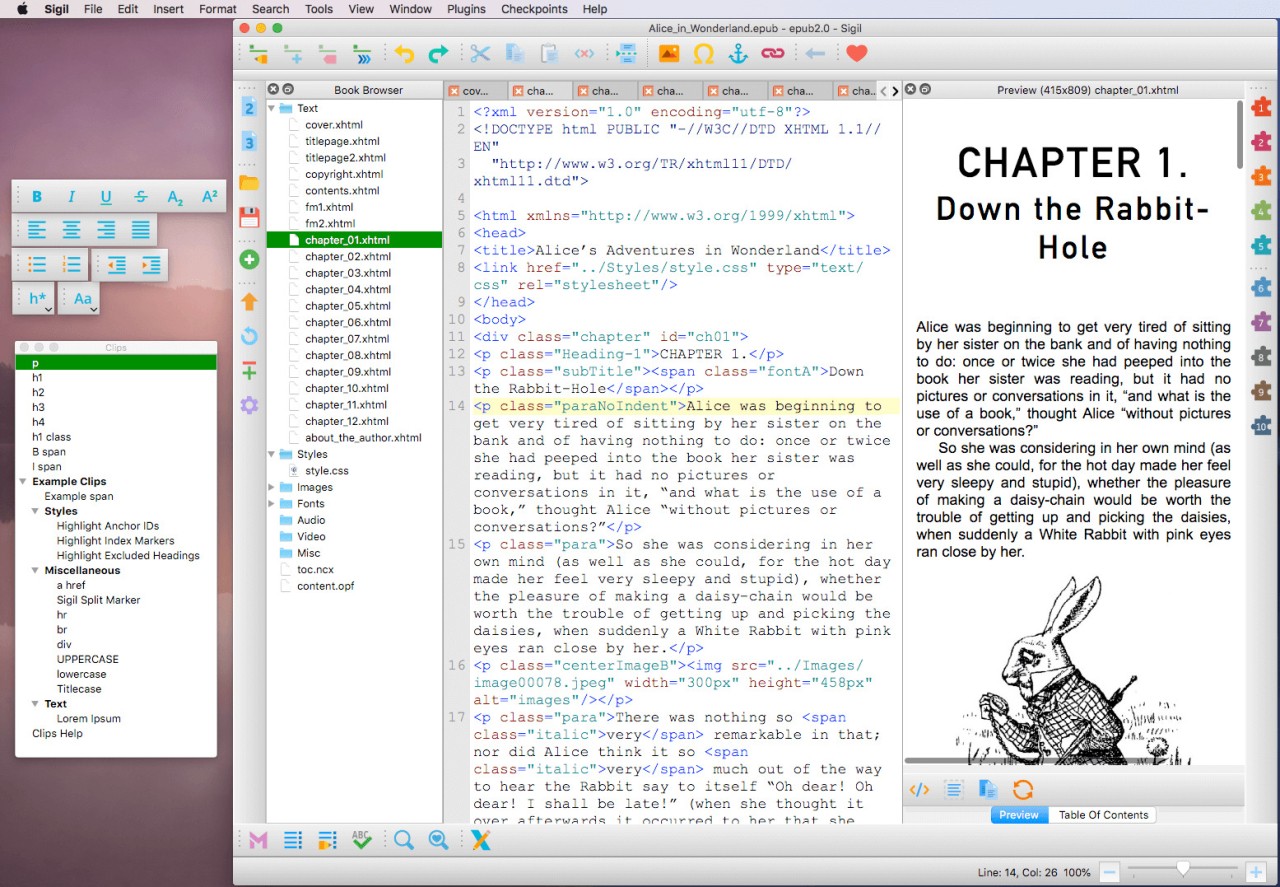
The arrival of Sigil in your eBook world happens subtly but becomes instrumental for modifying how you manage your e-books. The program's appearance lacks both flashy elements and eye-catching banners, and shiny designs. Sigil works exceptionally well at all it aims to achieve.
The free open-source program Sigil serves authorities who need complete control during their eBook visualization and functionality development. Authors, publishers, and file enthusiasts will find Sigil serves as their exclusive space for creating and modifying EPUBs starting from bare elements.
The main distinction of Sigil emerges from its capability to handle much more than visual layout operations. The application allows hands-on access to your eBook structure for editing purposes. Using Sigil lets you access all coding elements of EPUB, including the HTML and CSS and metadata and Table of Contents.
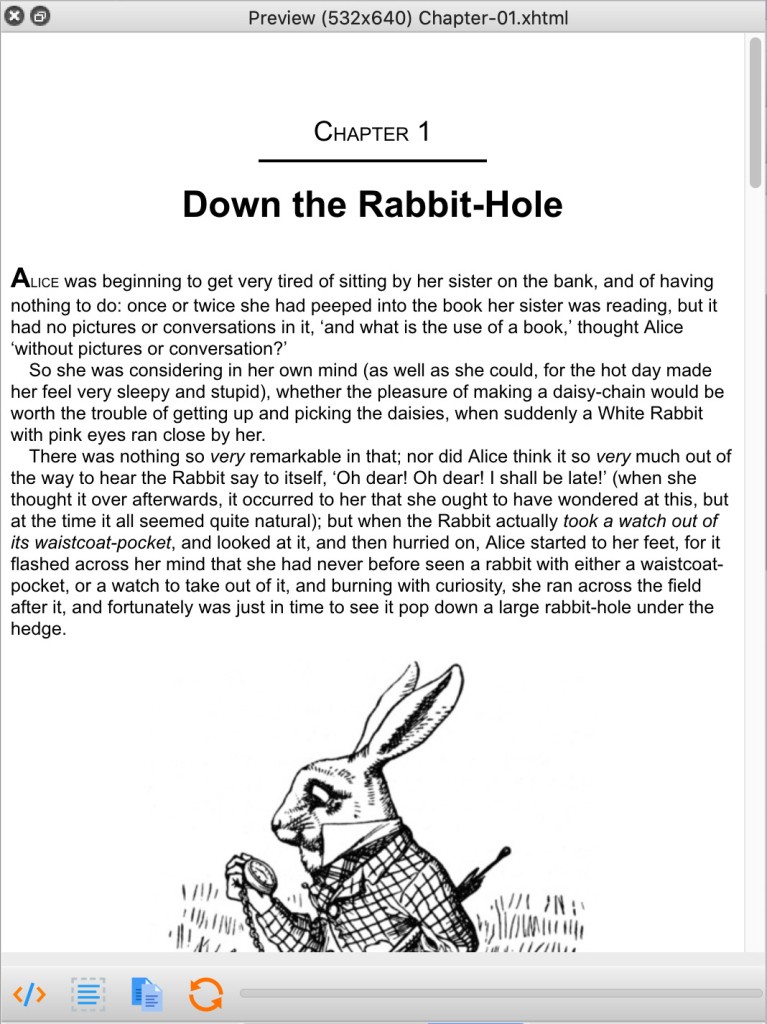
The tool provides exact editing capabilities while showing a visual preview of the final document presentation. Through Sigil, you achieve visibility of reader experiences without losing the detailed XML and HTML behind your file structures. Its power stems from both visual presentation and intricate control over the complete system of writing through the application.
Why Should I Download Sigil?
Users often find eBook work procedures challenging to navigate properly. The Word document fails to transform into a proper eBook format. Your EPUB stands out great, but one problematic chapter makes its font size improper, and you lack the skills to correct this issue. The tool arrives without fanfare to become one of the most beneficial programs you will ever launch. This program avoids reducing everything to a single pre-programmed solution. The program reveals the entire file contents for you to manage the content directly.
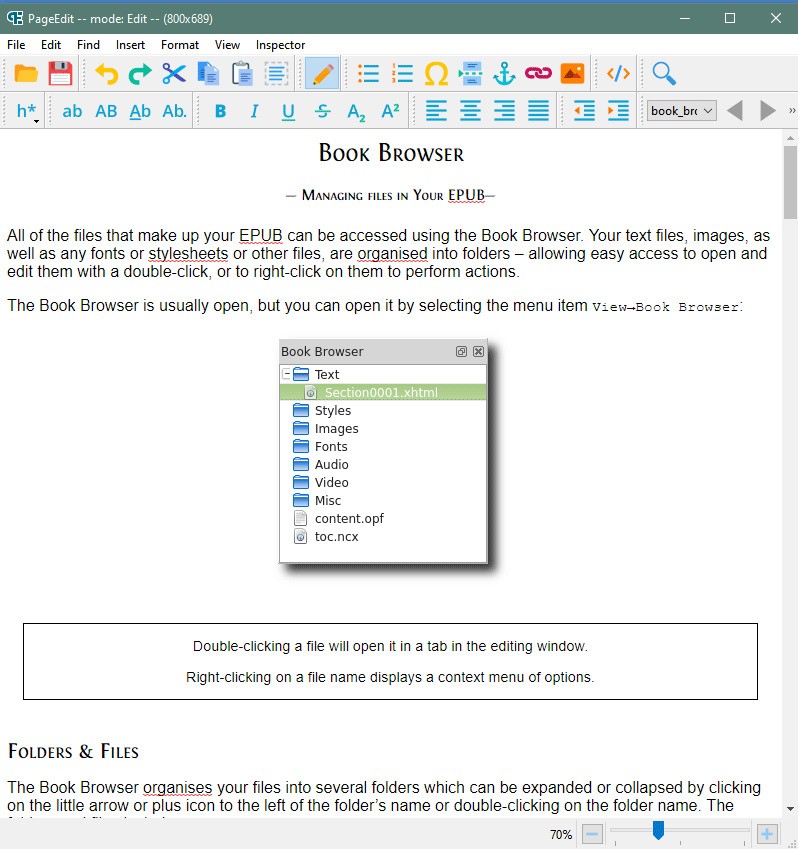
After launching an EPUB file in Sigil, users find a conveniently displayed breakdown of their document contents through HTML code, together with stylesheets and images as well as metadata and navigation files (toc.ncx), which are visible in the sidebar panel. The application lets you monitor your document through both code text and desktop view.
Learning occurs in real-time through the platform's interface because it displays all aspects step by step. Someone experienced in publishing benefits from Sigil because it provides access to fix complicated formatting issues that basic conversion tools would rather ignore.
The program enables users to transform difficult-to-read source code into simpler versions. The coding tool Sigil enables users to handle messy tags and decreased file quality that results from particular digital creation tools. The application enables users to edit headings and repair links and layouts while creating new Table of Contents without requiring full document rewrite. The application gives indie authors maximum control during self-publication because it removes the need to hire external file clean-up services and demonstrates clear documentation practices.
The support for plugins stands as one of the important reasons why Sigil matters to users. The basic functionality of the program runs fast and simple, but you can adjust its performance based on your specific requirements. The available plugins for Sigil support both spell check and ePub validation as well as markdown conversion, among others. The program allows you to work independently of fixed processes. The program enables users to modify the interface according to their current development requirements.
The software program refuses to exceed its actual capabilities by any means. The software system provides straightforward viewing, which creates powerful outcomes when users allow enough time for familiarization. The application provides the tools necessary for repair or new construction purposes by eliminating unnecessary elements that confuse usage. After mastering this tool for EPUB editing, you will find no other method adequate for the job.
Is Sigil Free?
The entire Sigil application exists as a totally free and open-source tool. The only requirement to use Sigil is simply downloading and installing it because there are no trial versions, and it requires no hidden features or account creation. Users gain instant access to downloading and installing the program before they can begin their editing tasks. You can utilize Sigil for free in personal settings and academic needs, and commercial reasons without any limitations.
What Operating Systems Are Compatible with Sigil?
The popular operating systems Windows, macOS, and Linux support Sigil for operation. The application maintains similar user interface features between systems, so you can transition from one platform to another without re-learning how to use the program. The program maintains a sortable file size while performing optimally across all computer specifications. The main requirement is that your device must adhere to standard specifications, which allows you to use Sigil. This program offers flexibility through both system functions and user locations where it can be used.
What Are the Alternatives to Sigil?
Although Sigil stands as a leading solution for manual EPUB file editing, it faces competition from additional programs that deliver different approaches to eBook management and conversion tasks. The tools offer specific advantages that match different user needs.
The management program Alfa eBooks Manager provides better collection control for users who avoid heavy structural changes. Effective management takes precedence over traditional editing tasks within this system. The program allows users to organize their digital book collection by creating catalogs, applying tags, ordering authors, maintaining metadata records and achieving overall orderly bookshelf management. Such software serves as an ideal choice for those who handle hundreds of books through its user-friendly interface.
Online eBook Converter serves as another tool for users who prefer such digital file transfers. It operates without requiring installations, and it serves users who need to move between document formats, including conversions from DOCX to EPUB or MOBI to PDF. Upload your file to the service, then pick your output format, after which you will receive the downloaded version in a few seconds. No fuss, no installation. All users seeking fast format conversions can find suitable solutions with Online eBook Converter, despite lacking the advanced editing capabilities that Sigil provides.
Calibre stands as a top-level program dedicated to managing eBook files. The all-in-one approach of this platform provides users with capabilities for both file editing techniques, along with digital document organization and device file transfer operations. The built-in EPUB editor in Calibre lacks the structure-oriented features that Sigil offers to its users. Calibre provides a usability advantage as a substitute for exact document adjustments. All aspects of managing large book libraries through bulk metadata editing and adding content to a Kindle device can be handled from a single user interface.