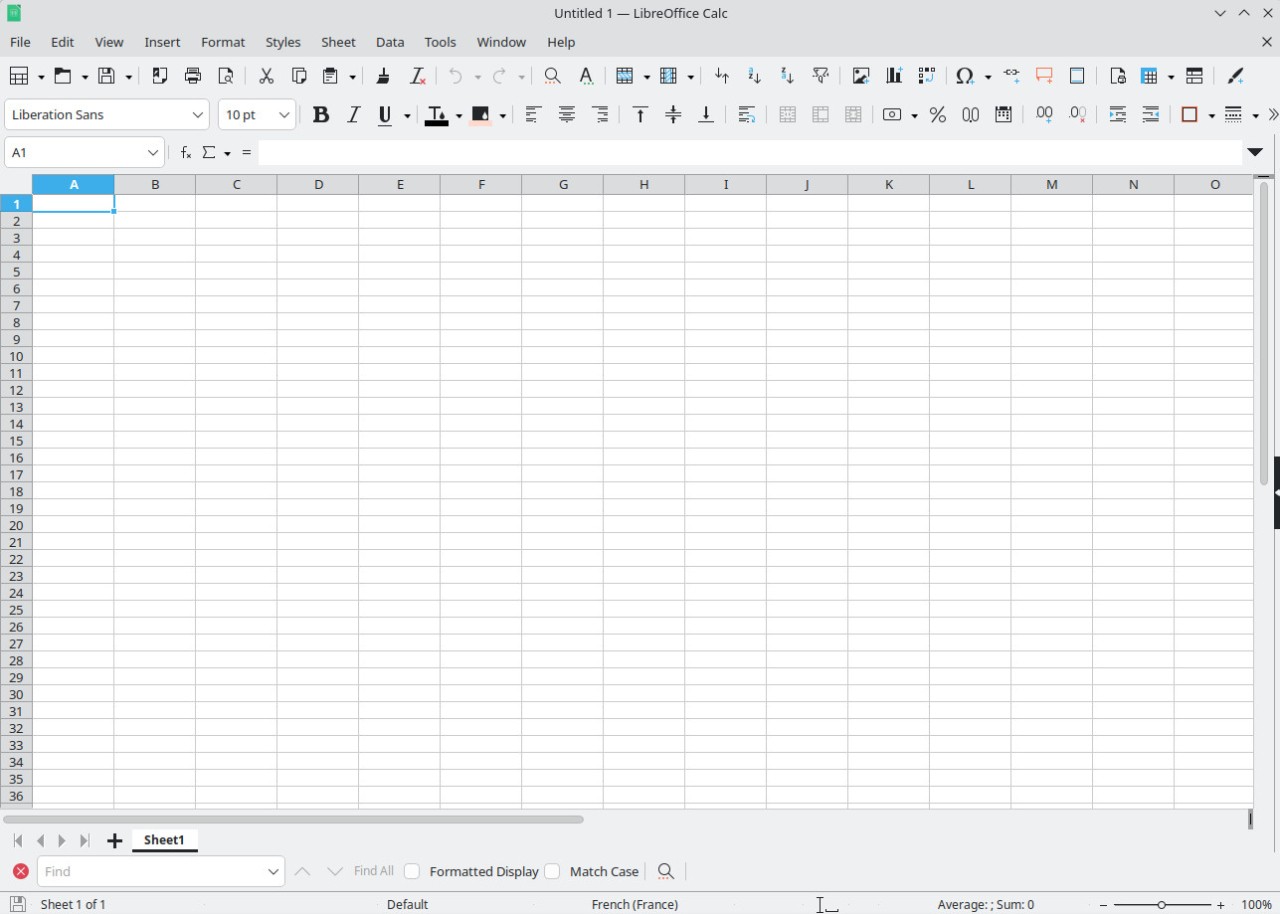
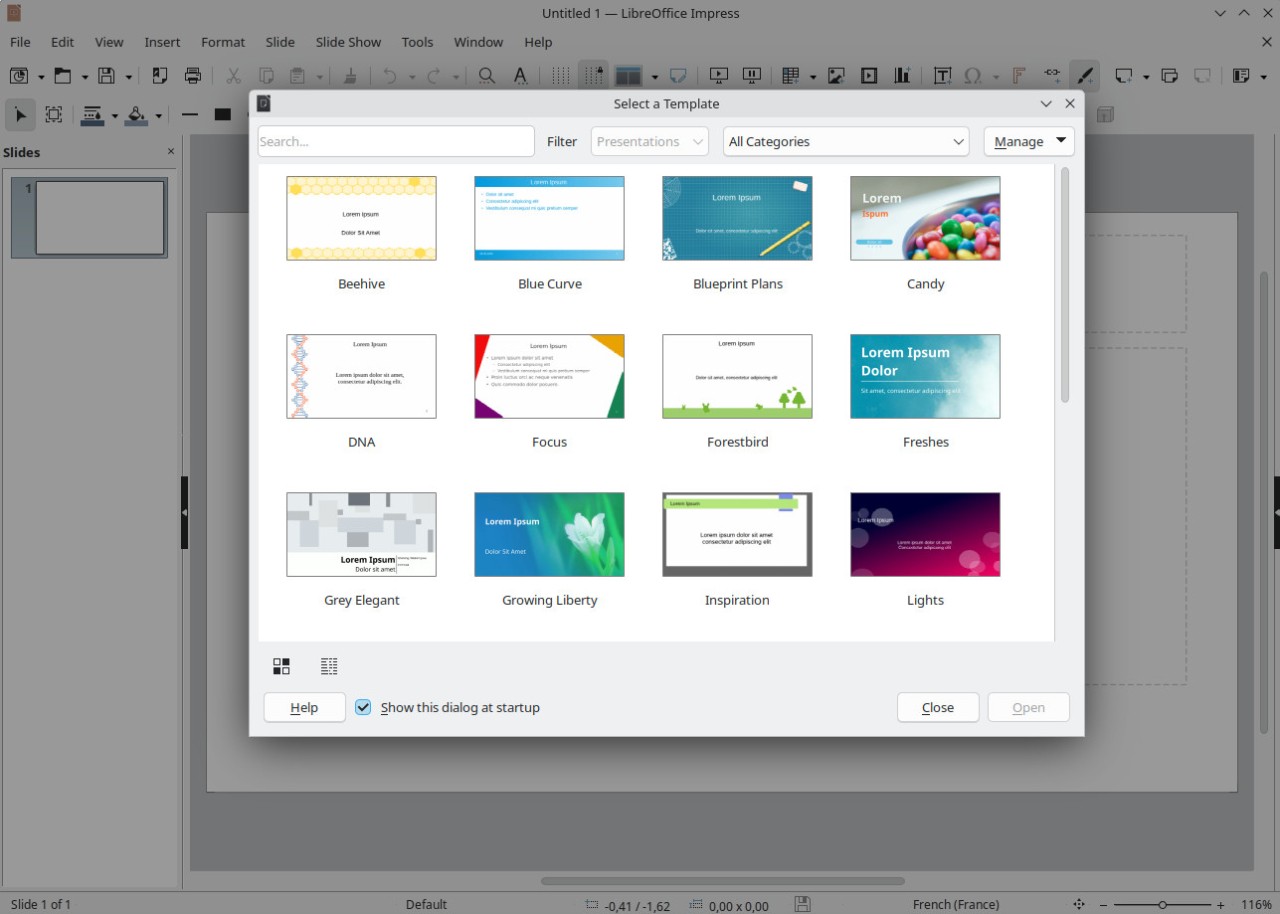
Through open-source licensing, users have free access to all LibreOffice programs, including word processing, spreadsheets, presentations, and extra database features. This open-source office suite, developed by the Document Foundation and based on OpenOffice, is one of the best alternatives to Microsoft Office. It relies on international development teams to create and maintain the program, fix bugs, and make it available to all users.
LibreOffice is a collection of programs that let users work with Writer documents, Calc spreadsheets, Impress presentations, Draw diagrams, and Base database tasks. Among other file formats, the program supports Microsoft Office and OpenOffice, enabling people to easily access and modify documents. LibreOffice's primary strength is its broad product adaptability, which benefits its users. Because LibreOffice does not require users to subscribe or update to new versions, they have complete freedom. The program offers unlimited capacity to satisfy the requirements of individual users, corporate entities, and educational establishments.
LibreOffice presents an interface that feels familiar to users of other office software platforms since it combines simplicity with ease of use. The application performs well on different operating systems because it receives periodic updates that include new features and security fixes. LibreOffice functions as a community-driven open-source project that safeguards user rights and data security while granting users who choose not to pay for licensing unrestricted access to all of its features.
Why Should I Download LibreOffice?
Any user who needs a cutting-edge office solution should consider LibreOffice as their preferred choice. The program offers all the productivity tools needed to manage spreadsheet data while writing documents and creating presentations. It extends all of its capabilities free of charge, since users do not have to pay for a subscription. This makes it ideal for students, small companies, and those looking for alternatives to pricey office equipment.
The ability of LibreOffice to handle a variety of file formats is the main reason to download it. Everyone who needs to open, edit, or save files from Microsoft Word to Excel and PowerPoint systems will encounter no difficulties with the software LibreOffice. The program creates a seamless workflow between office users, even when they operate different software applications. Because OS standards like ODF function independently of closed document formats, they provide individuals with long-term file access.
LibreOffice gives the greatest amount of control over how it operates. Users maintain complete management of software usage because LibreOffice operates as an open-source program. The product includes no hidden expenses and displays no advertising content while avoiding enforced product updates. Users obtain personalized experiences through extension integration as well as settings configuration that streamlines their work processes. Because the platform runs on several operating systems, it can avoid compatibility problems by using the same software on different devices.
LibreOffice delivers exceptional performance among its core advantages as an office suite. Because of its lightweight design, the program maintains good system performance and can run on less powerful computing machines. For people looking for dependable software that works well on less powerful hardware systems, this application turns out to be a suitable option. Regular security updates and system enhancements stem from an active community that maintains this software.
LibreOffice facilitates easy collaboration among participants through its features. The program lacks built-in cloud storage, but its smooth integration with third-party cloud platforms enables individuals to save their documents securely through the internet. Professional users can accomplish tasks beyond simple office tasks thanks to the software's sophisticated features, which include mail merge, macros, and custom templates.
People seeking privacy will find LibreOffice to be the optimal solution. LibreOffice, an open-source office suite, refuses to record user activity, demonstrating complete respect for user privacy. LibreOffice protects sensitive and private data by securing it.
Be careful when choosing an office suite because LibreOffice offers a full feature set free of any limitations. For users looking for free alternatives to commercial office packages, the software offers a reliable solution with effective performance at no cost.
Is LibreOffice Free?
The entire LibreOffice suite has no monetary costs for its users. Everyone can receive LibreOffice free of charge because it operates as an open-source program without asking for payments through subscription or license fees.
LibreOffice carries no existing side costs, nor does it impose trial restrictions or feature limitations. Users obtain unchallenged access to download and install LibreOffice while being able to use it without limitations.
Through support from both volunteers and donation funds, LibreOffice maintains its long-term accessibility as it develops toward better performance.
What Operating Systems Are Compatible with LibreOffice?
Because LibreOffice is cross-platform compatible, it can be used by a wide range of users, giving them operating system flexibility. The software works on three main operating systems: Windows, macOS, and Linux, thus letting different platforms take advantage of its features. To ensure compatibility with new operating system versions, the software team regularly updates its codebase, giving users a reliable experience.
There is no need to install LibreOffice separately because it is included as the default office suite in many Linux distributions. Older computer systems can run this office suite efficiently because it does not require extensive hardware resources while providing smooth operation for those who want effective work productivity software. Users who depend on third-party mobile applications can view and edit LibreOffice files on Android and iOS devices.
What Are the Alternatives to LibreOffice?
Users choose different office suite alternatives from LibreOffice because each has specific needs, such as cloud integration, collaboration functions, and familiar interfaces. The list of available substitutes for LibreOffice includes different programs that excel in particular areas.
Microsoft Office functions as a popular platform among users because it provides the complete productivity suite containing Word, Excel, and PowerPoint. The suite delivers sophisticated capabilities and enables OneDrive cloud connection and real-time teamwork. Users must subscribe to Microsoft 365 or make a one-time purchase to access this solution. LibreOffice provides better compatibility with open-source standards than Microsoft Office, which limits its support to its proprietary format system.
Users can choose from a trio of free cloud-based programs known as Google Docs, Sheets, and Slides, which operate as a substitute for LibreOffice and can be accessed directly from the Google Drive interface. They access these online tools via a browser to work together simultaneously, while the program saves documents directly to Google Drive. The most beneficial feature of Google’s office suite enables users to share documents online while enabling real-time editing features. The full operational capabilities need access to the internet, while the program works well for essential tasks, yet falls short of the advanced possibilities available in LibreOffice and Microsoft Office.
The office suite application OnlyOffice provides users with features from both offline and cloud applications. Collaborative editing functions are enabled through this tool, and it works seamlessly with Microsoft Office file types. Businesses often select OnlyOffice as their platform because it works well with both Nextcloud and ownCloud. However, it provides users with the benefits of cloud collaboration as well as data control. Those who require offline work features as well as cost-effectiveness will benefit from OnlyOffice's open-source strength, which combines features from Google Docs while avoiding the high costs of Microsoft Office.