ONLYOFFICE Workspace provides an all-encompassing business solution for professionals and groups or individuals who need document management, project organization, communication management, and productivity features in a single workspace.
Workspace incorporates online document editing capabilities, presentation and spreadsheet functionality, project management tools, CRM functions, a mail service, and collaboration resources. The entire digital office operates as a single interface through this platform. This product distinguishes itself with its workspace design, which unites different components into a single platform.
Users who use multiple online tools daily now have the opportunity to create one cohesive workspace. This software system provides businesses of all sizes and remote work teams a single solution to manage their workflow and maintain complete operational control. You can easily navigate between work tasks with ONLYOFFICE.
The application provides flexibility, allowing users to choose their approach. ONLYOFFICE serves as a support system to help users create their preferred work routine.
Why should I Download ONLYOFFICE Workspace?
Users find ONLYOFFICE Workspace truly unique because it combines multiple tools into a single unified platform, which avoids complicated interfaces. Users only need to access one platform where they can execute all their tasks, including document writing, email communication, task planning, and internal message management. The integrated platform structure saves time and energy. ONLYOFFICE Workspace allows users to focus on work by eliminating all unnecessary communication.
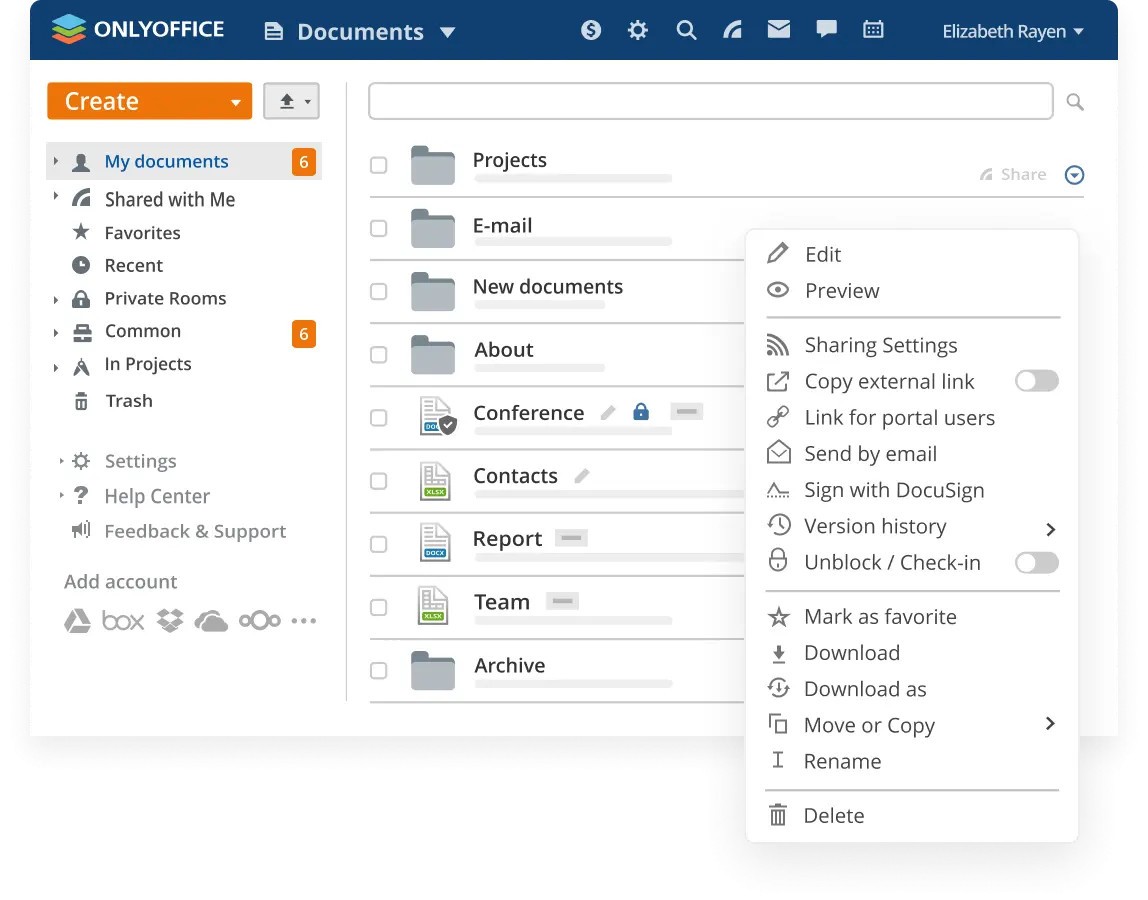
One of the strongest features of the tool is document editing. The program supports Microsoft files, including .docx, .xlsx, and .pptx, which means users can edit documents directly in their work environment, using the browser or desktop app. It also enables real-time collaboration. Users can view documents, add comments, and track changes. Teams working from different locations can take advantage of the fast feedback loop.
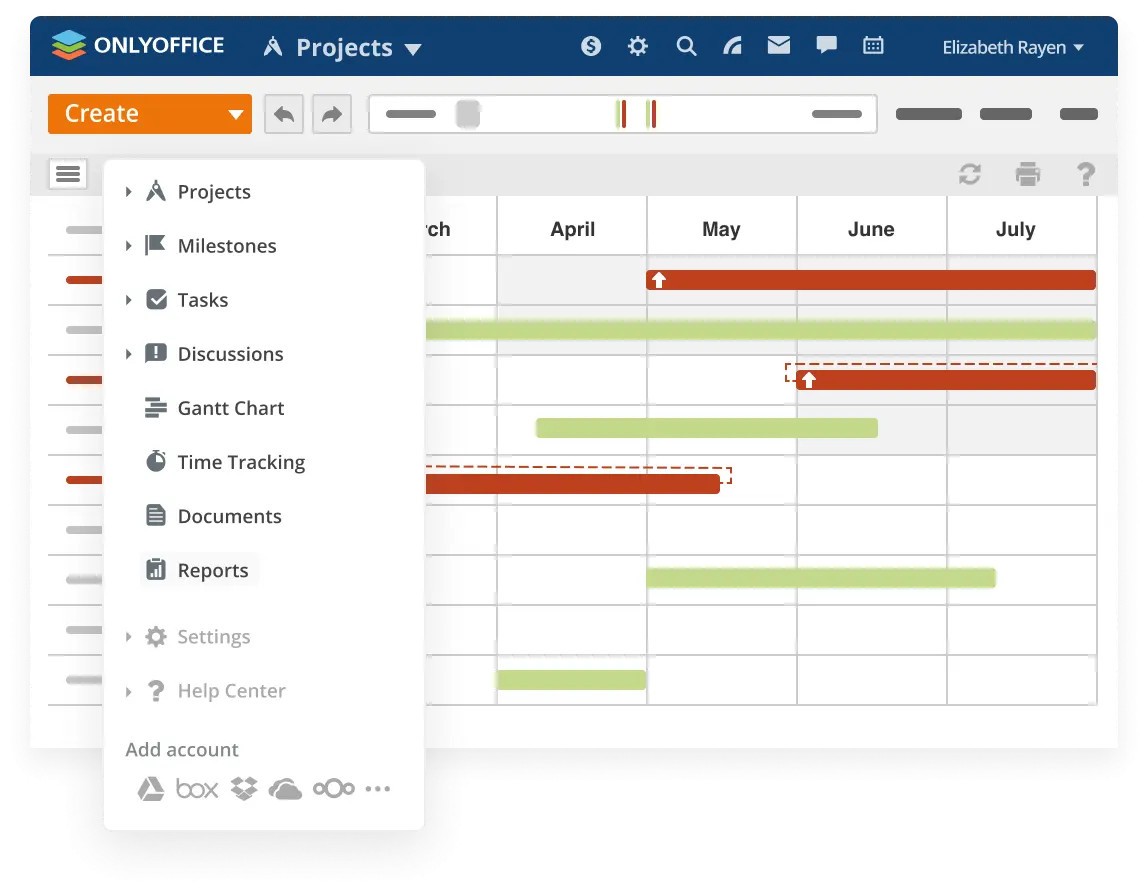
Teamwork manages projects through its sophisticated system that enables structure and flexibility. You can define work goals through milestones and assign work to team members with measurable steps and deadlines. Unlike robust tools like Jira and Asana, ONLYOFFICE provides a lightweight experience that keeps users from feeling overwhelmed. The tool boasts workflow management capabilities. It takes care of the admin, so you can focus on work tasks.
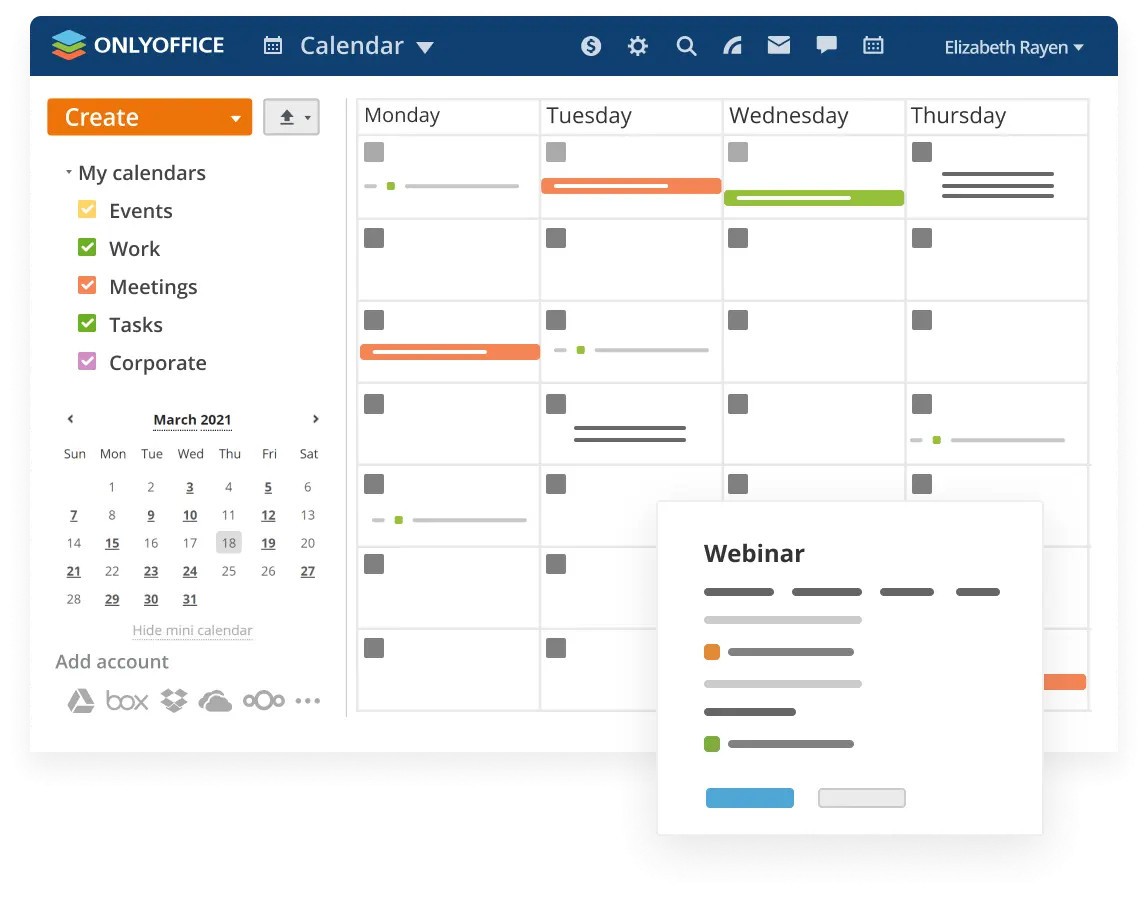
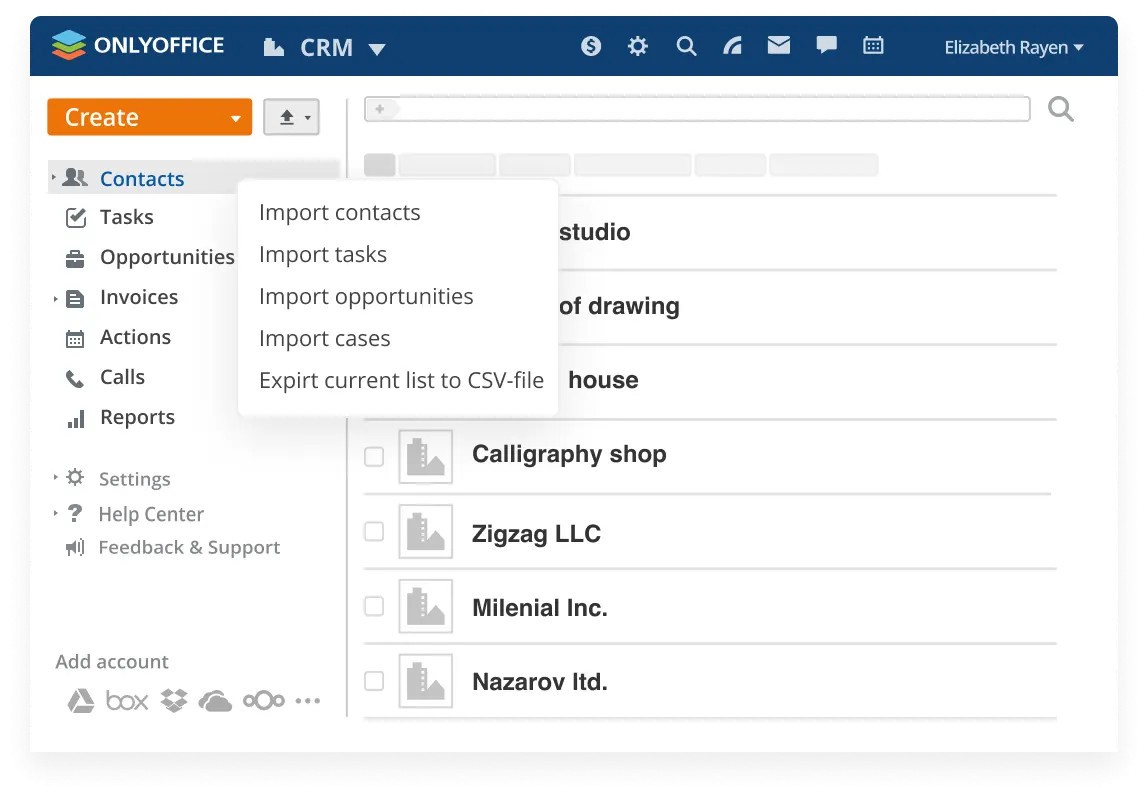
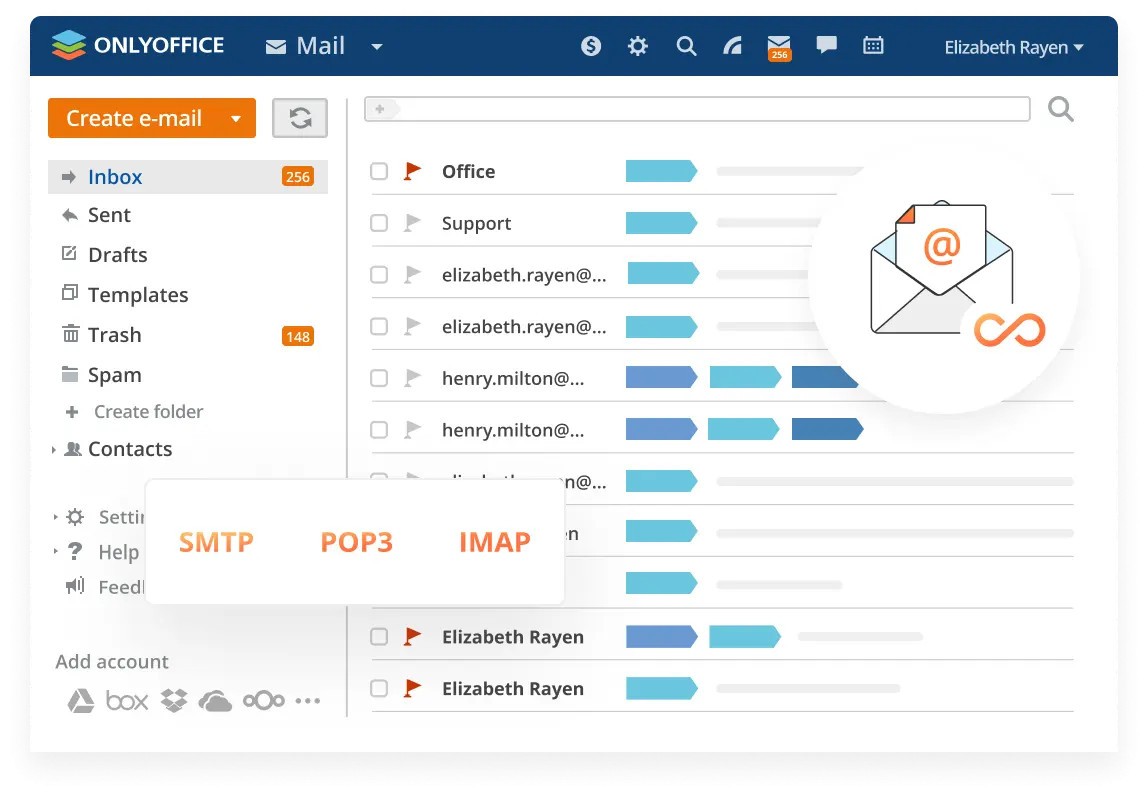
ONLYOFFICE features a CRM system. No frills necessary here because this tool helps you properly track contracts and deals while keeping customer communication organized. The platform offers additional features, including scheduling through the calendar module and direct mail communication, so users do not need to switch between applications. All functions work together seamlessly, resulting in more effective collaboration and communication.
Privacy and control are other advantages of the platform. Users have the option to host documents on the ONLYOFFICE cloud or maintain full server control by hosting their documents independently. The platform provides unrestricted freedom of choice.
Is ONLYOFFICE Workspace Free?
A free version of ONLYOFFICE Workspace exists. It’s suitable for small teams and individuals. All the core features are accessible in the free plan, but advanced capabilities, extra users, and more storage are only available through paid tiers. Users can achieve significant progress with the free version before exploring the possibility of an upgrade.
What Operating Systems Are Compatible with ONLYOFFICE Workspace?
ONLYOFFICE Workspace provides operating system compatibility for all kinds of platforms. Users can access ONLYOFFICE Workspace through Windows, macOS, and Linux desktop computers, as well as experience smooth performance on current browsers.
You can access ONLYOFFICE Workspace through the Android or iOS mobile application. The program allows users to connect to their documents and tasks from any place.
What Are the Alternatives to ONLYOFFICE Workspace?
OnlyOffice has a few respected alternatives that provide separate functional advantages.
Google Workspace stands among the most famous groups of software tools available today. Users get access to Docs, Sheets, Gmail, Drive, Calendar, and additional bundled applications through this product. Browser-based live updates add a smooth feel. The main drawback of Google stems from data organization, since larger projects or deeper integration demands present challenges to users.
Microsoft 365 is another strong option. Organizations commonly utilize this program because it provides extensive features, particularly to customers already familiar with Microsoft Office applications, as it gives access to Office Online. Users can leverage Teams within Microsoft 365, as this solution has evolved into a dynamic communication and meeting platform. Users can rely on Microsoft tools, which offer trusted performance, but managing these systems requires IT alignment when attempting advanced customization. This solution fits enterprises perfectly, yet smaller teams might find it exceeds their requirements.
The WPS Office software provides users with a budget-friendly and lightweight suite option. The program presents a Microsoft-like interface with complete support for various software document formats. Users seeking a comfortable experience at an affordable price find WPS Office optimal. The document authoring capabilities of WPS Office remain its main strength, as the program doesn't offer strong project management or CRM functions. It is an acceptable solution for simple document tasks. Small companies and individuals with content creation needs find ONLYOFFICE to be a suitable platform.