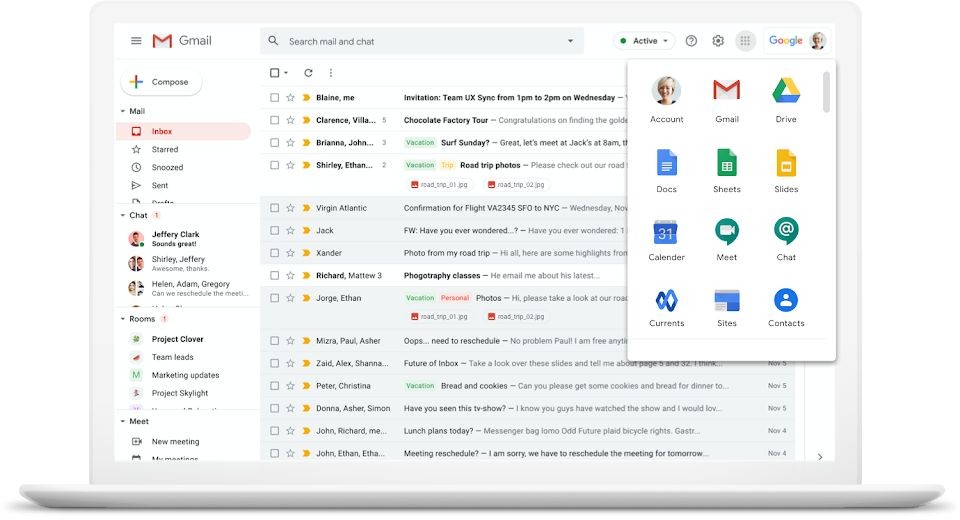
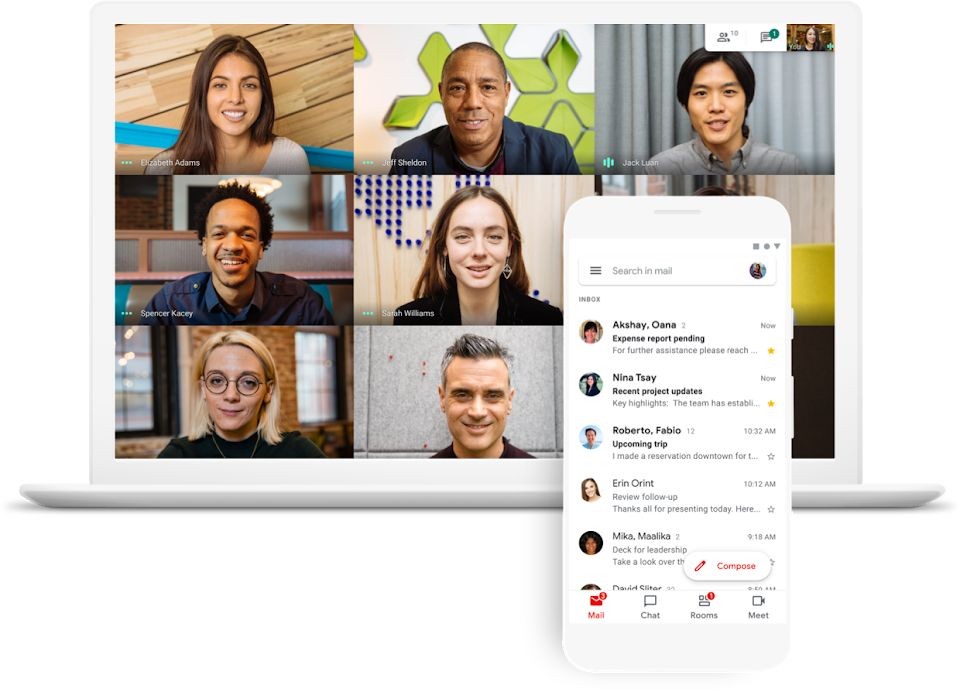
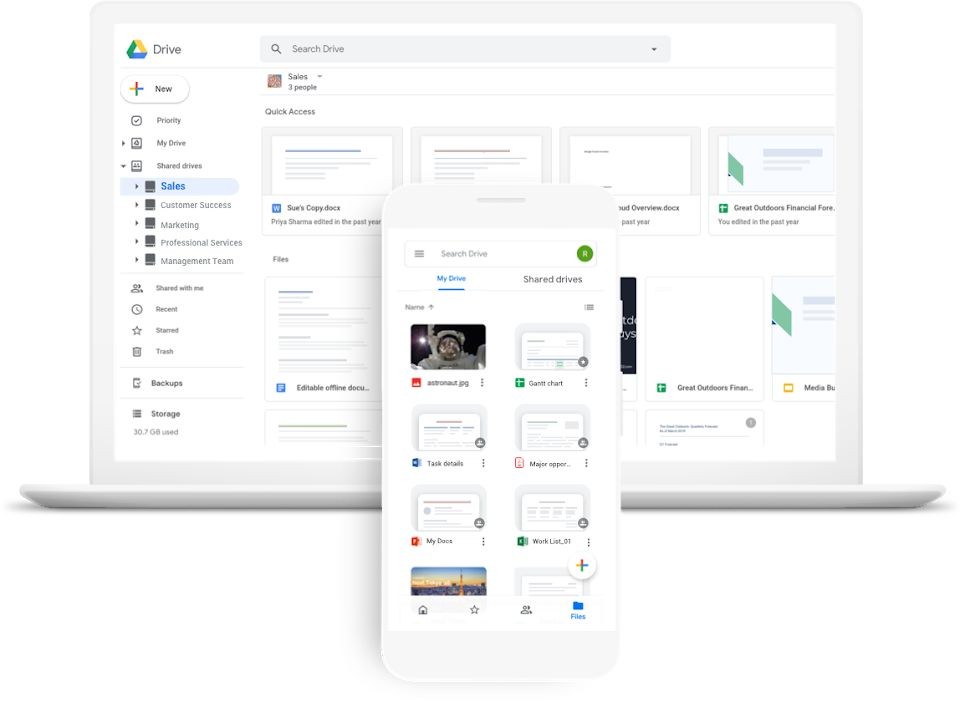
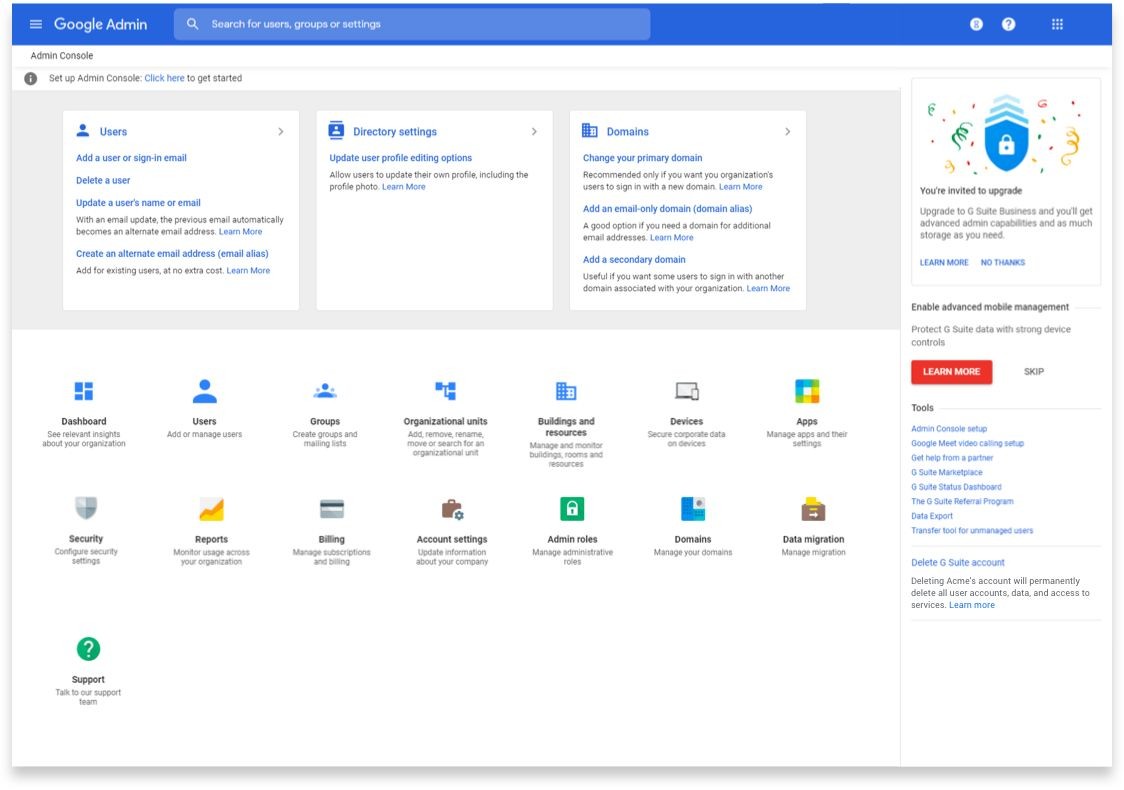
Google Workspace (aka G Suite) is a set of cloud-based productivity and collaboration tools created by Google. The platform includes a number of functionality-based applications that improve work efficiency and communication flow for both personal and professional activities. Google Workspace is a popular software suite where users find Gmail to handle their emails, combined with Google Drive to store data in the cloud, Google Docs for word processing, Google Sheets for data tables, Google Slides for presentations, and Google Meet for video meetings. All components of Google Workspace connect with each other in perfect harmony, which creates a very efficient environment for team collaboration.
The primary advantage of using Google Workspace is the ability to keep data synchronized across multiple devices. Every device, including laptops, tablets, and smartphones, allows users to access their updated files simultaneously and in real time. The platform is ideal for teams that require remote collaboration or document sharing because it prevents version conflicts. Google Workspace includes robust security protocols as well as administrative management systems, allowing organizations to manage user access and data protection levels while maintaining convenience.
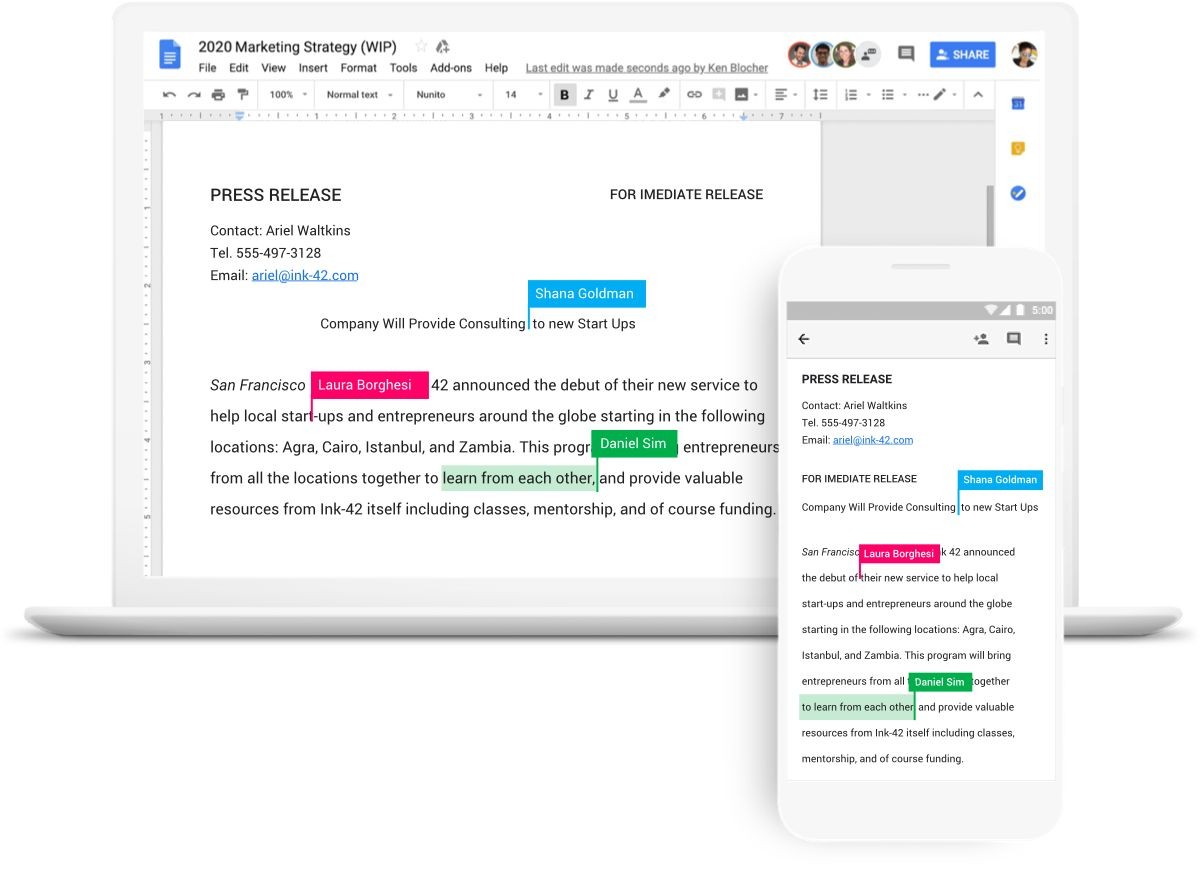
One of the program's main features is the ability to collaborate instantly with multiple users. Users can collaborate on shared documents at the same time because their changes are immediately reflected across all participants. Comments improve teamwork, and the integration with Google Calendar allows for more effective management of meetings and deadlines. Google Workspace offers a comprehensive solution that provides valuable tools to users running small and medium-sized businesses, as well as individuals seeking to increase productivity.
Why Should I Download Google Workspace?
Users need to download or use Google Workspace, since it integrates fundamental productivity tools as an integrated system. The platform combines all tools needed for organization and efficiency into a single integrated system, which eliminates the need to manage multiple apps from various providers. You can manage your work assignments more efficiently while keeping your team in touch through Gmail, Drive, Docs, Sheets, and Meet, which consolidate their functions in a single platform.
Google Workspace also integrates Gemini, Google’s AI assistant, directly into many of these tools. This built-in AI can help draft emails in Gmail, summarize documents in Docs, generate insights in Sheets, and assist with meeting notes and follow-ups in Meet. Such smooth workflow practices shorten project duration while also preventing data discrepancies and information loss.
Consider Google Workspace for its exceptional capabilities in group work. The synchronous platform empowers users to edit files directly while sharing real-time comments, which enhances collaborative work and teamwork regardless of the group configuration. All users who participate instantly experience the system updates, which appear immediately in real time. The tool suits both team meetings and group project work, as well as collaborative brainstorming, because users can view updates simultaneously.
Google Workspace leads the market because of its advanced data protection features. Google Workspace data receives dual-level authentication defense through security tools such as encryption and multifactor verification to protect against unauthorized access. Businesses that prioritize data security can use administrative controls to grant managers permission to manage and monitor user behavior, making the system suitable.
Google Workspace can integrate a variety of third-party applications, allowing users to customize its operational features based on their specific needs. All businesses that require project management tools or customer relationship software can benefit from integrations. This solution is adaptable and suitable for a variety of business industries, including educational institutions and corporate offices. It serves as an organizational system, bringing personnel together through improved and streamlined teamwork practices.
The mobile applications provide users with an extra convenience option. It enables users to stay productive while mobile because it provides direct file access across all locations and maintains real-time communication with colleagues without needing office space. All essential tasks, including email responsibility, document editing, and software teleconference attendance, are conveniently accessible through a single platform. Google Workspace maintains ongoing productivity even when users find themselves removed from their computer workstation.
Is Google Workspace Free?
Individuals and small businesses can use a Google Workspace account for free, despite the fact that it was originally designed for business. The free version is limited. For example, you can't use Gmail with Google Workspace Free. You can only use the Google Drive environment, with Docs, Sheets, Slides, and the rest. Moreover, your Google Meet meeting will be limited to a one-hour duration.
Personal users must understand that their personal Google account lets them access all of Google's tools for free; they don't need a Google Workspace account at all.
Users who want to fully utilize all of Google Workspace's features must subscribe to a premium plan. The available options are designed to support a wide range of needs, from education and small business use to large enterprise environments, with features and storage levels tailored to different team sizes. These plans help organizations collaborate more efficiently, manage their work securely, and better serve their customers. Users who want to try Google Workspace capabilities can access a free trial before purchasing a paid subscription plan.
Note that Gemini is woven into Google Workspace in different ways depending on the subscription level. Some plans include essential AI-powered suggestions and writing assistance in core apps, while higher-tier plans unlock more advanced capabilities and deeper AI integration across workflows.
What Operating Systems Are Compatible with Google Workspace?
Google Workspace operates on multiple operating platforms since it supports Windows, macOS, Linux, Android, and iOS systems simultaneously. Users can reach their tools by using any desktop web browser and also find mobile applications on Android and iOS platforms. Most of the tools offered are available as dedicated apps downloadable from the Google Play Store for Android devices or from the App Store for iPhone and iPad.
Homepage users benefit from wide system support because the platform functions equally well across all devices to perform file management alongside email correspondence and scheduling meetings without interruption. Their stored data in Google Workspace remains synchronized between all supported platforms because it operates through the cloud.
What Are the Alternatives to Google Workspace?
An important alternative product to Google Workspace is Microsoft 365 with Office Online. The software package consists of several powerful productivity tools that combine Word, Excel, and PowerPoint, along with Outlook and Teams. The collaboration and cloud storage functions of Microsoft 365 operate through OneDrive, just like the comparable features in Google Workspace. Microsoft 365 delivers superior features through Windows integration and lets users operate offline since they can access desktop versions of their apps without internet connectivity. The Microsoft 365 platform adopts a corporate and conventional feel and, like Google Workspace, also delivers easy-to-use cloud-based features.
The productivity solution, OnlyOffice, provides a viable option for customers. OnlyOffice serves as an open-source productivity suite that integrates document management, project management, CRM, and other features on a single platform. Users select OnlyOffice because this platform offers them the capability to self-host, along with full ownership rights to their data. Users can edit documents collaboratively using OnlyOffice through features similar to Google Workspace, while the solution offers exceptional flexibility and integration abilities. The platform offers users a robust functional system that competes with Google's applications; while it falls short in terms of user experience, it appeals to customers seeking alternatives to cloud-based solutions.
WPS Office provides users with a dependable solution because it presents a Microsoft Office-like appearance in its free or cost-effective suite, which maintains full Office document compatibility. Users can access Writer as well as Spreadsheets and Presentation through this program, similar to how Word, Excel, and PowerPoint operate. WPS Office operates through a slim design, which makes it suitable for running on older computers and providing fast performance alongside reduced memory usage. The software works well to serve fundamental document requirements for people who prefer a familiar Microsoft Office environment.