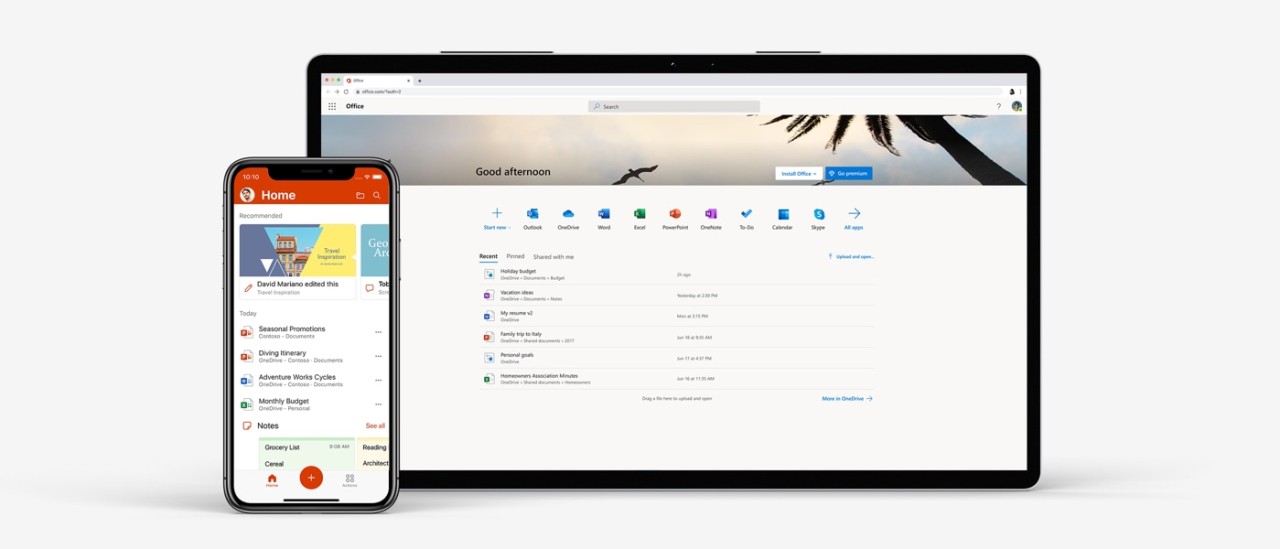
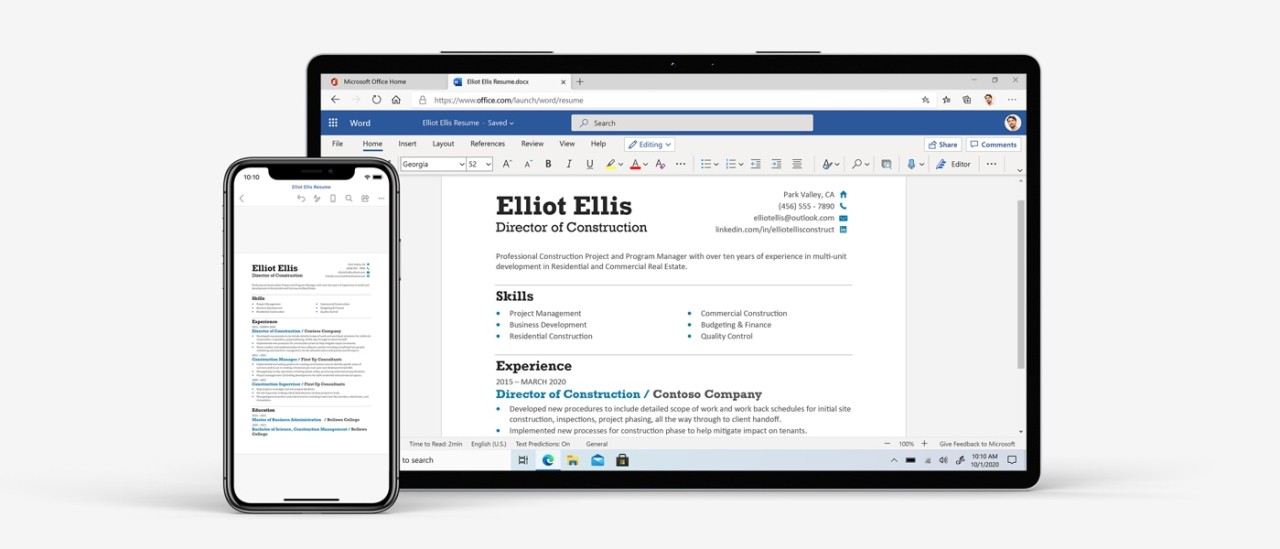
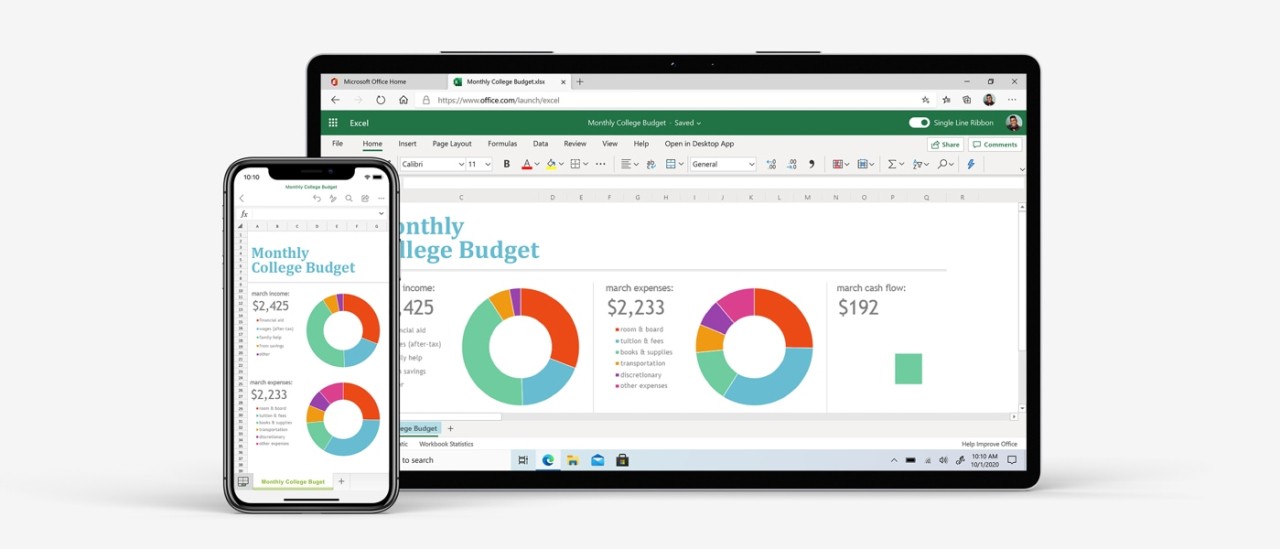
Microsoft 365 Online is the official online platform that unites the basic components of the Microsoft productivity suite. Word, Excel, PowerPoint, Outlook, and OneDrive all live behind a single login, running without anything installed on your computer. It used to be called Microsoft Office Online, but the rebrand brought a new addition: Microsoft Copilot, an AI assistant that sits inside each app and can draft emails, summarize documents, generate slides, or build tables from a sentence or two. Copilot does not take over your work. It speeds things up by handling the parts you would rather not do manually.
OneDrive is the glue. Every file auto-saves to the cloud, sharing happens with a couple of clicks, and real-time collaboration means multiple people can edit the same document simultaneously. Changes appear instantly, comments thread naturally, and nobody has to email attachments back and forth. It feels like the familiar Microsoft Office, just living in the cloud with AI running in the background.
Why should I download Microsoft 365 Online?
Having everything in one browser tab is the obvious advantage. You can jump from a spreadsheet to a presentation to an email without switching apps or logging in again. Everything shares the same file system through OneDrive, so a chart you build in Excel can land in a PowerPoint deck without any exporting headaches. Copilot AI works quietly across all the tools, summarizing long documents, sorting through email threads, and suggesting content that cuts your workload.
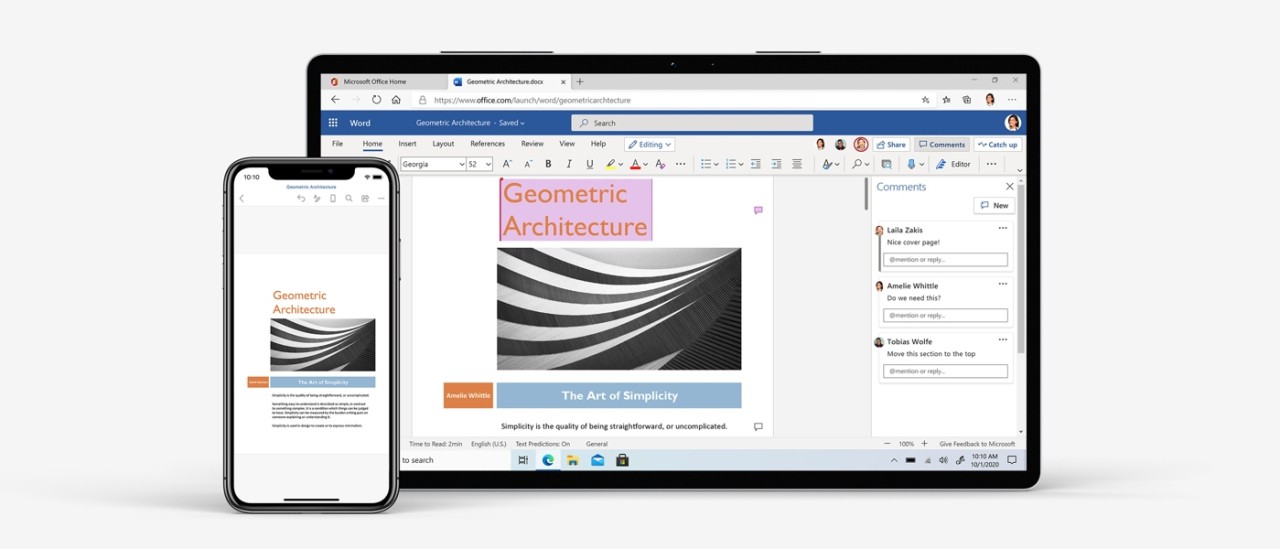
For remote and hybrid teams, real-time collaboration is the feature that makes Office Online stick. Everyone works on the same file at once instead of emailing versions back and forth and losing track of who changed what. Change history is visible, comments are threaded, and Outlook integration pulls meetings, notes, and tasks into the same workspace. It all stays connected, which matters when your team is spread across time zones.
Microsoft's security setup is enterprise-grade. Files are encrypted, permissions are easy to control, and OneDrive's automatic backups protect against accidental deletions. Since everything syncs to your Microsoft account, you can start a document on your laptop, continue on a tablet with the Office mobile app, and finish on your phone without losing progress. If you need a capable, free office suite that lives entirely in the browser, downloading Microsoft 365 Online is the simplest way to get started.
Is Microsoft 365 Online free?
Completely free. Create a Microsoft account, and you get access to Word, Excel, PowerPoint, Outlook, OneDrive (5 GB of storage), and collaboration tools like commenting and change history. That covers the majority of what most people need for personal and small-team work.
More storage, advanced Copilot features, and premium business tools require a paid Microsoft 365 subscription. Several plans are available depending on your needs, but the free tier is genuinely functional on its own.
Which operating systems are compatible with Microsoft 365 Online?
Anything with a modern browser. Windows, macOS, Linux, and ChromeOS all work through Edge, Chrome, Safari, or Firefox. No installation needed.
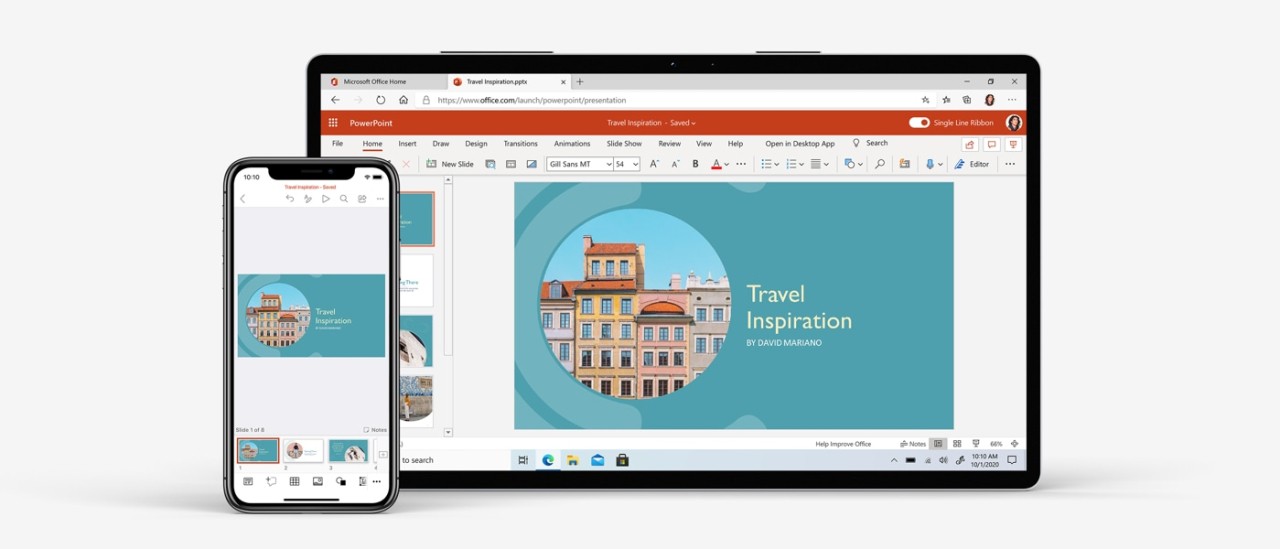
Mobile apps for Android and iOS provide free access to Office tools on phones and tablets, synced to the same Microsoft account. You can edit a PowerPoint on a Windows laptop and drop comments from an iPad, and cloud syncing handles all the version management. Copilot functions on older hardware and Chromebooks without issues, and updates happen automatically.
What are the alternatives to Microsoft 365 Online?
Google Workspace offers a free personal tier that includes Docs, Slides, and Sheets within Google Drive. Real-time collaboration and automatic saving work the same way, and Gemini-powered AI features like Help Me Write and Smart Compose add intelligent assistance. Integration with Gmail and Meet is tight, making it a natural fit for anyone already using Google's services. The interface is cleaner and simpler than Microsoft's, though some power users find Sheets less capable than Excel for complex work.
WPS Office, built by Kingsoft, mirrors the Microsoft Office experience closely. It opens DOCX, XLSX, and PPTX files without compatibility headaches and runs lighter than the full Microsoft suite, which helps on older machines. Cloud storage and an AI writing assistant are included. It lacks deep enterprise integration but works well for students and freelancers who want a familiar Office-like experience without paying for it.
OnlyOffice runs as a web-based suite with a clean editing interface for documents, spreadsheets, and slides. Users can host it on their own servers for maximum privacy or use the cloud-hosted version. The design borrows from both Microsoft and Google, and the platform integrates with Nextcloud, Jira, and various CRM tools. For teams that want full control over their data while still getting a capable online office suite, OnlyOffice hits that niche well.