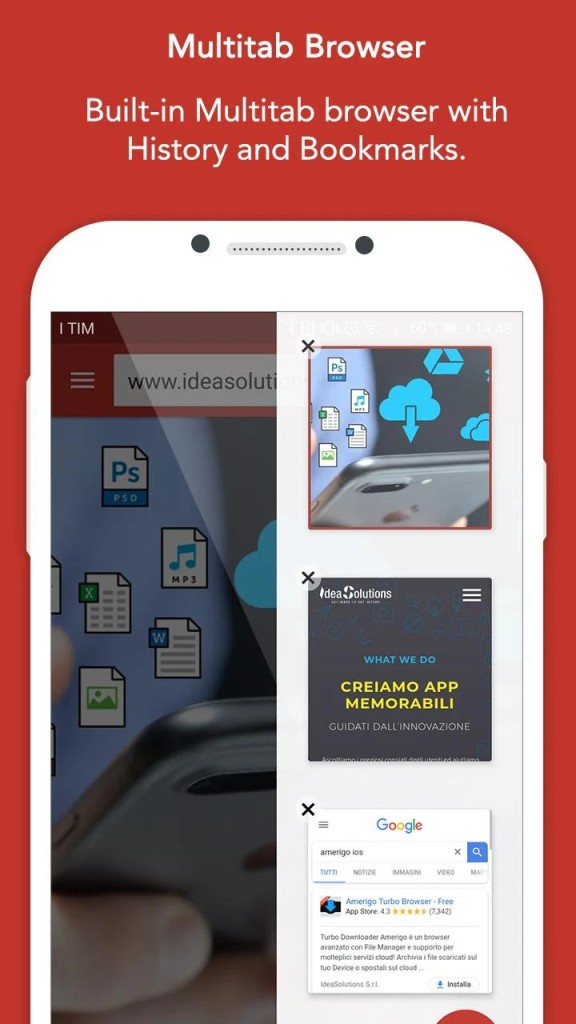
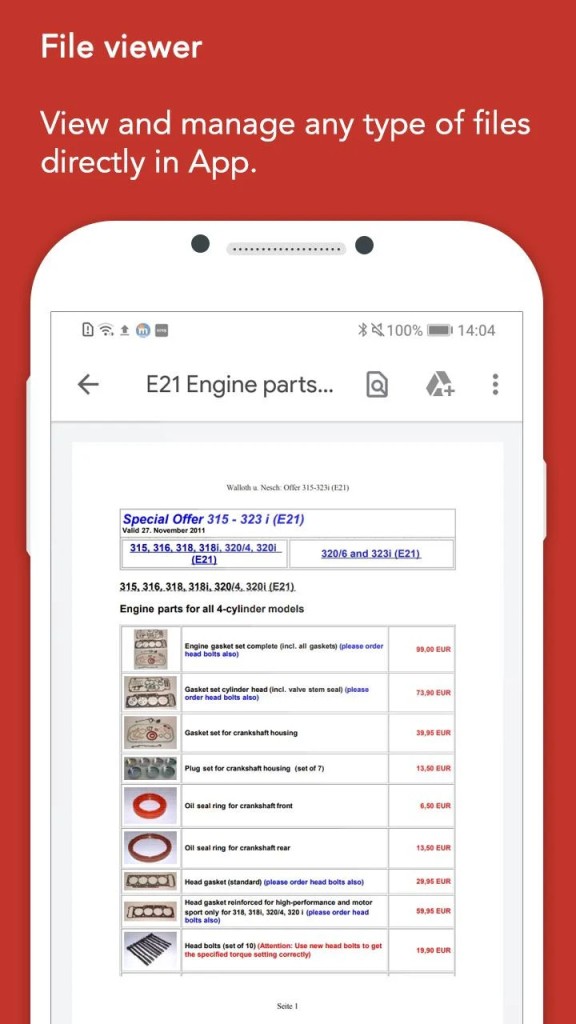
Amerigo is a great app that makes it easy to handle files on mobile devices. Instead of switching between a browser to download content and a separate manager to store it, you can do all of that in this app. Use the built-in browser to find files and download them. The app then automatically organizes them into categories, and you can use them both offline and online. You can open multiple tabs in the browser, have private sessions, and even capture video or audio files from pages.
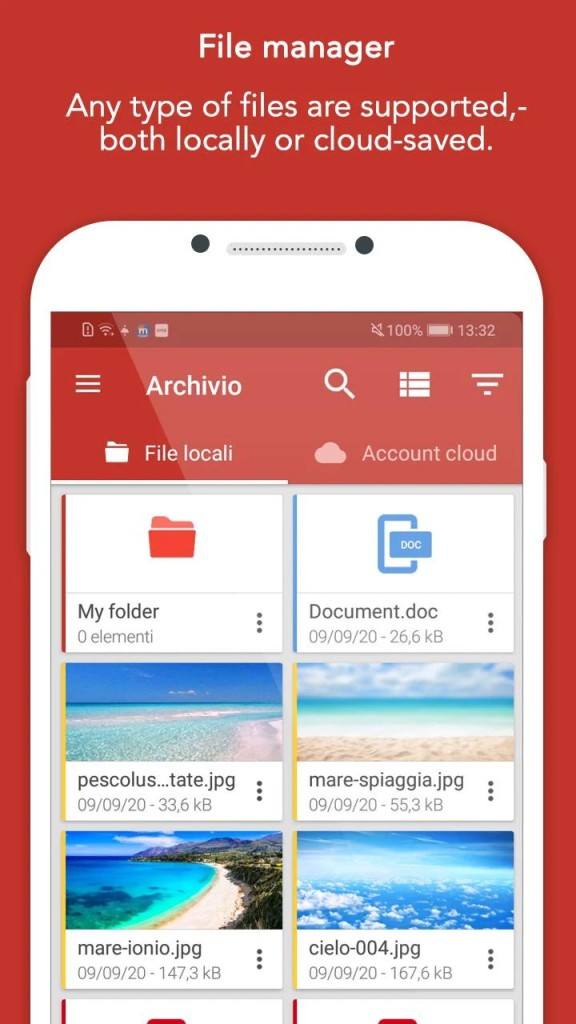
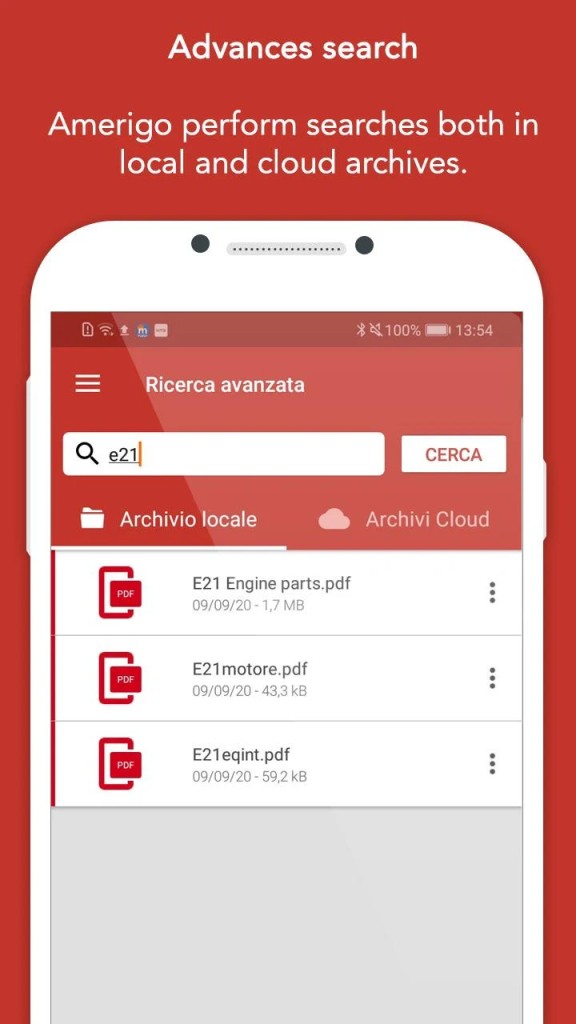
Once downloaded, it's easy to manage your files, as Amerigo sorts them by type, but also allows you to create custom folders, and provides an advanced search function that indexes content. You can find items instantly, even inside compressed archives. It also has an integrated media player that supports formats like MP3, WAV, MP4, AVI, and MOV, while the document viewer covers PDFs, Word, and Excel files. This means you don't need to switch between multiple apps to see your content.
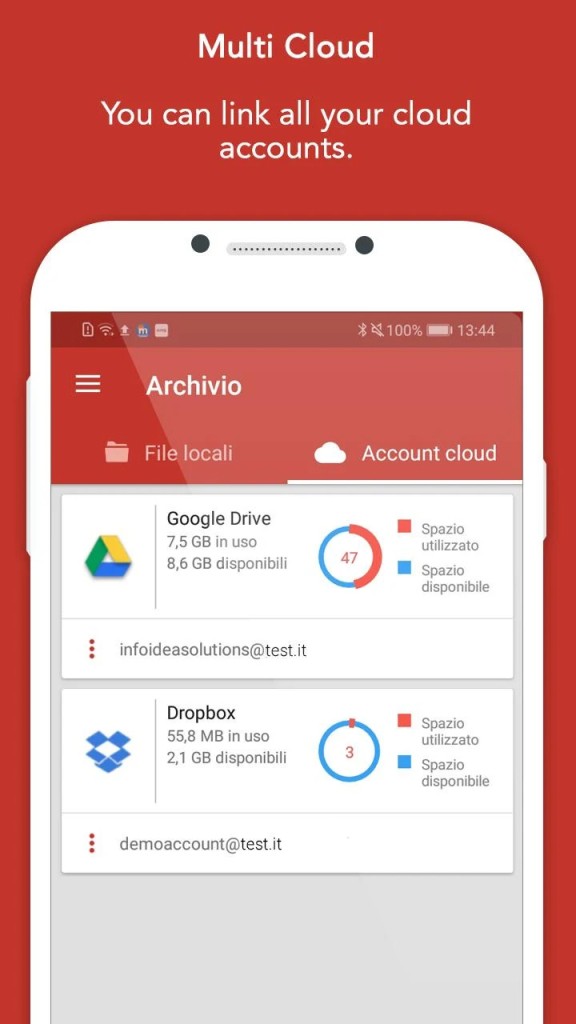
You can also connect Amerigo with Google Drive, Dropbox, OneDrive, and iCloud, which allows you to upload, sync, and transfer files between local and cloud storage. This way, you have quick access to documents on different devices. You can protect the app with a password or a biometric lock, and you're able to download Amerigo for free on iOS and Android smartphones and tablets.
Why Should I Download Amerigo?
Amerigo is a great app that combines browsing, downloading, and file management into a single solution. This way you can download videos or music and have them organized instantly, whether on your device or a cloud storage. You can link Amerigo with major cloud platforms, which lets you move a video from your phone to Google Drive or download a document from Dropbox directly into the app. This keeps everything in sync and gives you a unified interface for local and cloud files.
You can search through files using the Amerigo advanced search engine. All files are automatically indexed, making it easy to find content even if it's part of a compressed archive. Even if you're someone with a large library, Amerigo does a great job and saves you time by eliminating the need to scroll through folders.
With Amerigo, you can also playback different media and read documents without needing external apps. Amerigo supports video formats like MP4, AVI, and MOV, and audio formats including MP3 and WAV. You can play music, watch videos, and preview files, so the app is not only a file manager but also a portable media player and document viewer. If you're concerned about privacy and don't want anyone to access your files, you can protect the app with a password, a PIN, or a biometric lock. This is especially important if you store financial records or personal documents.
When you download files with Amerigo, they are stored locally, so you can access them without an internet connection, even when you're traveling. The app features a user-friendly and intuitive interface, making it easy to use and navigate, with a minimal learning curve. Anyone can download Amerigo for free to their smartphone or tablet, running on iOS or Android.
Is Amerigo Free?
Amerigo is a freemium app that you can download without any cost. The free version includes all the app's features and allows you to browse the web, download files, and manage them as you like. While you can get a paid version to remove occasional ads, the app is good enough on its free version for most users.
What Operating Systems Are Compatible with Amerigo?
Amerigo is developed exclusively for mobile devices and is available on iOS 12.0 or newer and Android version 7.0 or later. Amerigo works on both smartphones and tablets, but it currently doesn't have a native desktop version. To access files downloaded with Amerigo on a desktop, you can simply use one of its integrations with cloud storage like Google Drive or Dropbox.
What Are the Alternatives to Amerigo?
Files by Google is a free file management app for Android mobile devices that is great for cleaning up your phone or tablet. It helps you free up space by suggesting files to delete, such as duplicates, large files, or temporary items, and you can also share files offline with nearby devices. While it does not include an integrated browser like Amerigo, it's a great and lightweight option for anyone who is using an Android device and doesn't want too many apps on their phone from different providers.
File Manager+ is another Android app for file organization that lets you access local files, but also those stored across your network, including FTP, SMB, and cloud-based storage services like Dropbox and Google Drive. It's a full-featured app that offers a wide range of file management tools like copy, cut, paste, delete, rename, compress, decompress, transfer, download, and bookmark. You can download the app for free on Android smartphones and tablets.
Cx File Explorer is another file manager built for Android that also allows you to clean up your device from unnecessary files. Use it to access files not only on your device but also on your network or cloud services. It can generate a visualization of how your device storage is used, with different categories in different colors, and the app also works on Android TVs. You can also download it for free for smartphones and tablets that run on Android.