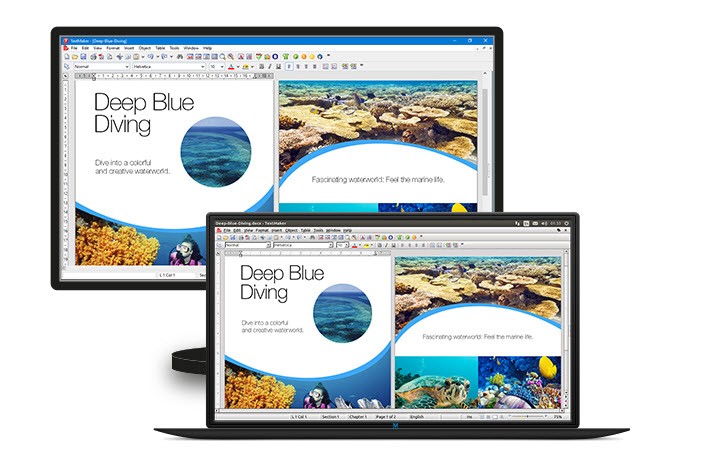
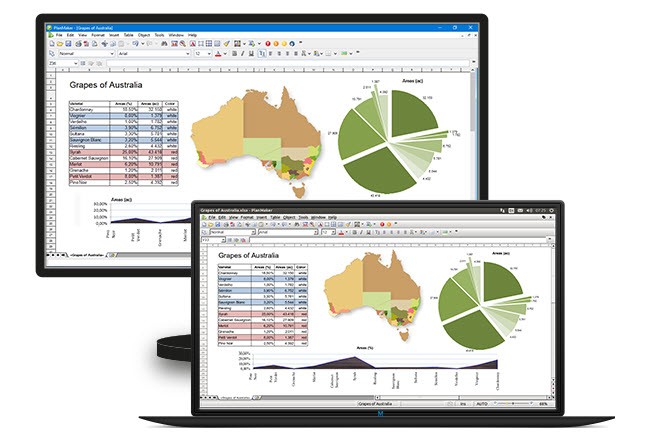
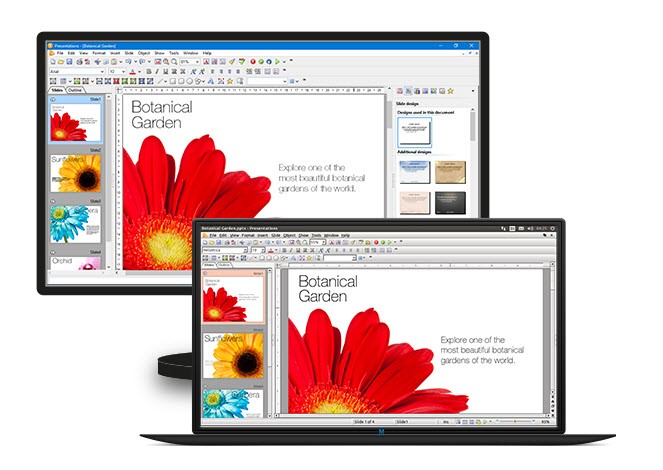
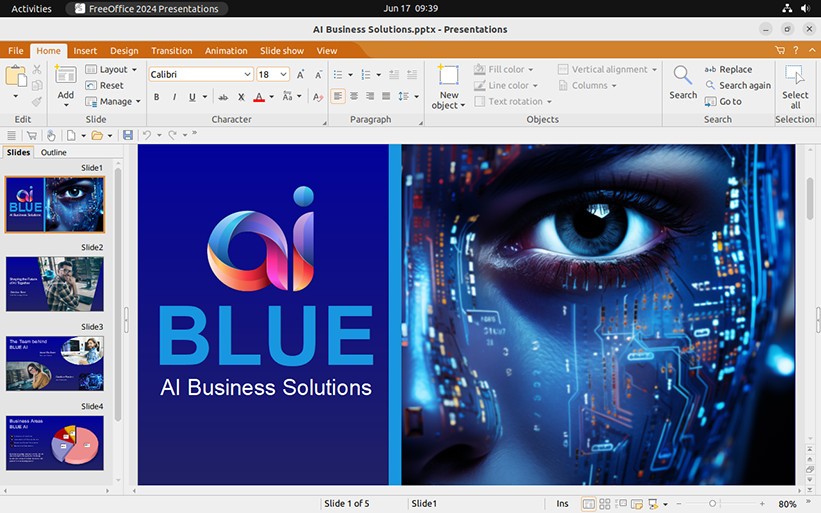
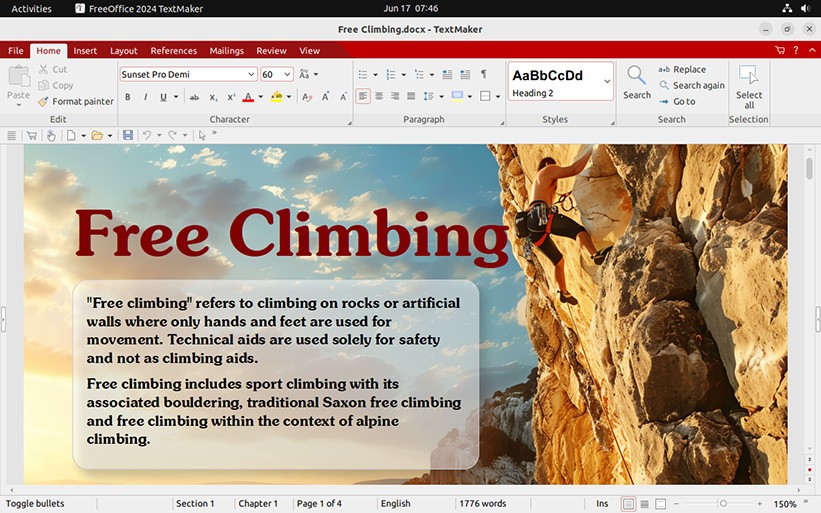
FreeOffice is a complete office suite created by SoftMaker that focuses on everyday work without getting in your way. It includes TextMaker for documents, PlanMaker for spreadsheets, and Presentations for slides, so you can write, calculate, and design in one place. The suite aims for high file-format fidelity with Microsoft Office documents, which means you can open a Word, Excel, or PowerPoint file, make changes, and save it back while keeping layout, formatting, and content intact.
You get a modern interface with ribbons if you like that layout, or you can switch to classic menus and toolbars if that feels more efficient. A quick access toolbar lets you pin the commands you reach for again and again, and you can turn on touch mode to get larger controls and more comfortable spacing on touchscreens.
The idea is simple: you can move between writing, data work, and slides without jumping between different design languages or re-learning shortcuts. FreeOffice keeps the core tools close and the surface clean, so you can concentrate on what you are making rather than on how to operate the suite.
Why Should I Download FreeOffice?
You should download FreeOffice if you want a focused set of office tools that are easy to pick up and steady in day-to-day use. If you are already familiar with Microsoft Office, the learning curve is short because the layout, command names, and workflows feel familiar.
You can choose a ribbon or a classic menu style at any time, which helps if your team prefers one or the other, or you are moving between older habits and newer layouts. The suite handles long documents with styles, tables, pictures, and page elements without losing structure, and it works well for spreadsheets that mix formulas, charts, and print-ready layouts.
Presentations lets you put slides together quickly, keep fonts and placements consistent, and export in formats that open cleanly on other systems.
Another reason is portability. You can pass files around to colleagues who use different office suites and still keep your formatting steady. If you use a computer with a touchscreen, you can flip into touch mode to get bigger buttons and more breathing room, which makes editing on a hybrid device less fussy.
Support resources are easy to find, including user manuals, a support forum, service packs, and tips. All of this adds up to a suite you can install once and keep using without constant tuning, which is exactly what most people need for reliable everyday work.
Is FreeOffice Free?
FreeOffice is offered as a no-cost office suite for both personal use and business use. You can download it and start working with documents, spreadsheets, and presentations without going through a trial period or a time limit. You can keep using it as your daily workspace, and you can roll it out across a team that requires a shared baseline for writing, calculation, and slides. There is no separate activation step that gets in your way when you set up machines or move between them.
SoftMaker also offers other tools in its ecosystem, like a free PDF editor for Windows and mobile editions of TextMaker, PlanMaker, and Presentations for iOS and Android, but FreeOffice itself is positioned as the free, full suite on desktop systems.
If you want to add features from other SoftMaker products later, you can, but you do not need an upgrade to get started with the core writing, spreadsheet, and presentation work that most people do every day. The main idea is straightforward: you can install FreeOffice and use it as your regular office suite without worrying about an expiry date. And if you want more, Office NX Universal suite is available with a subscription plan.
What Operating Systems Are Compatible with FreeOffice?
FreeOffice is compatible with Windows, macOS, and Linux. You can pick the installer for your platform, set it up, and use the same suite across different computers. If you move between operating systems, you can keep your workflow steady because the applications share the same structure and commands. You can also turn on touch mode when you use a Windows or macOS device with a touchscreen, which gives you larger controls that are easier to tap.
SoftMaker also develops mobile apps under the SoftMaker Office family name for iOS and Android—TextMaker, PlanMaker, and Presentations—so you can work on phones and tablets as well.
This matters when you plan deployments for mixed environments, since you can keep documents moving across all platforms without switching suites or changing your habits. When updates or service packs come out, you can apply them on your chosen platform and keep the feature set aligned across your machines.
What Are the Alternatives to FreeOffice?
The closest substitute is Microsoft Office, should you desire a strong level of integration with the Microsoft ecosystem and the widest selection of sophisticated tools associated with Word, Excel, and PowerPoint. You have tight coupling with services constructed around those apps and the familiar interface that many of your teams already operate in. When your work requires elements that are unique to that environment, or if you need to be compatible with a workspace standard that happens to be constructed around it, you can get into that suite and maintain file compatibility relatively close to what your partners need.
The other obvious alternative would be LibreOffice, should you want a more open-source suite with a heavy emphasis on local, offline work. It supports documents, spreadsheets, and presentations using a wide array of formatting and layout options. You would like to have a community-driven project, and you like the idea of a suite that evolves in the open. You can then choose LibreOffice, and it still works with the same categories of files you handle in other suites.
WPS Office also makes the discussion list, should you desire a small suite in which much focus is on a slick interface and fast access to, most frequently, common functions. It offers document, spreadsheet, and presentation editors and is intended to be easy to use and fast. When you prefer a lightweight touch and a minimalistic interface, you may give the WPS Office a chance and see how it fits into your everyday routine.