Simple Calendar is exactly what its name suggests—a clean, straightforward, and reliable calendar app that focuses on doing the basics really well. In a world where calendar apps are often bloated with unnecessary features, ads, or integrations you never asked for, Simple Calendar strips all of that away. Instead, it delivers a lightweight and privacy-friendly way to manage your events, reminders, and schedules.
Developed by the team behind the Simple Mobile Tools suite, it follows their philosophy of creating open-source, ad-free apps that respect user privacy. Simple Calendar doesn’t require internet access to function. That might sound surprising, but it means your events and data are stored entirely on your device. No syncing with random servers, no data mining, and no unexpected notifications telling you to “upgrade” or “connect your account.”
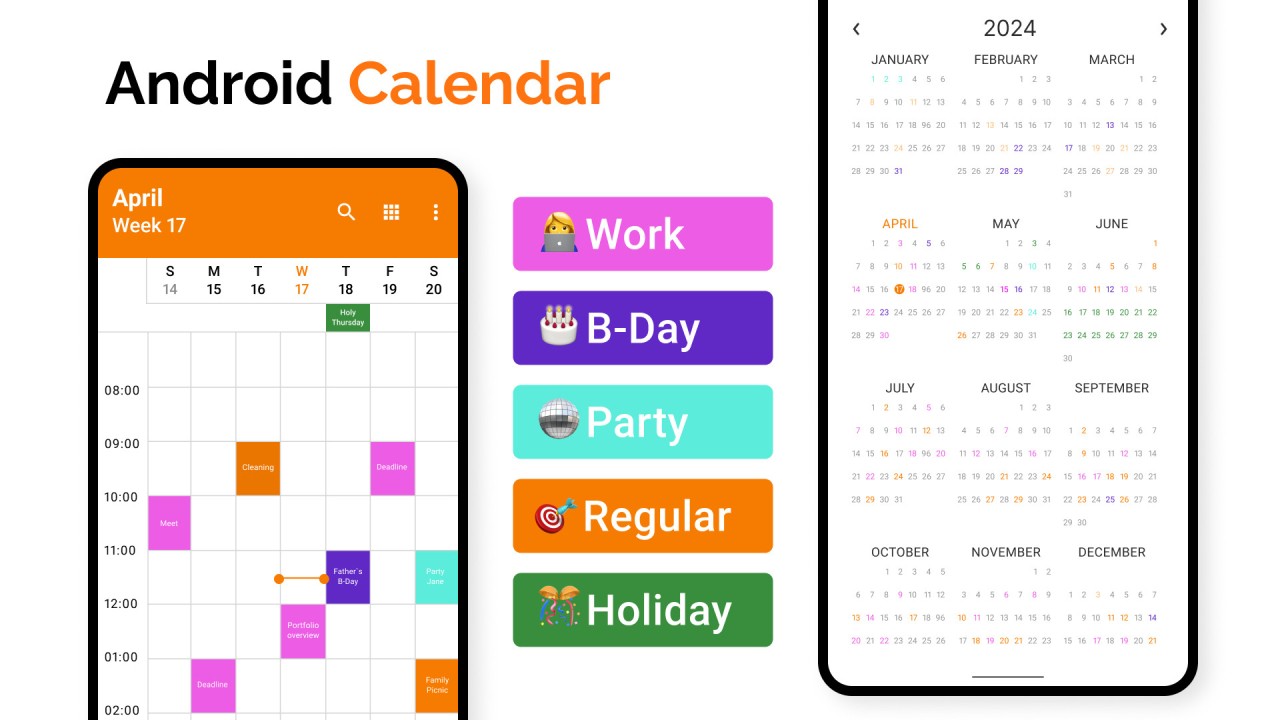
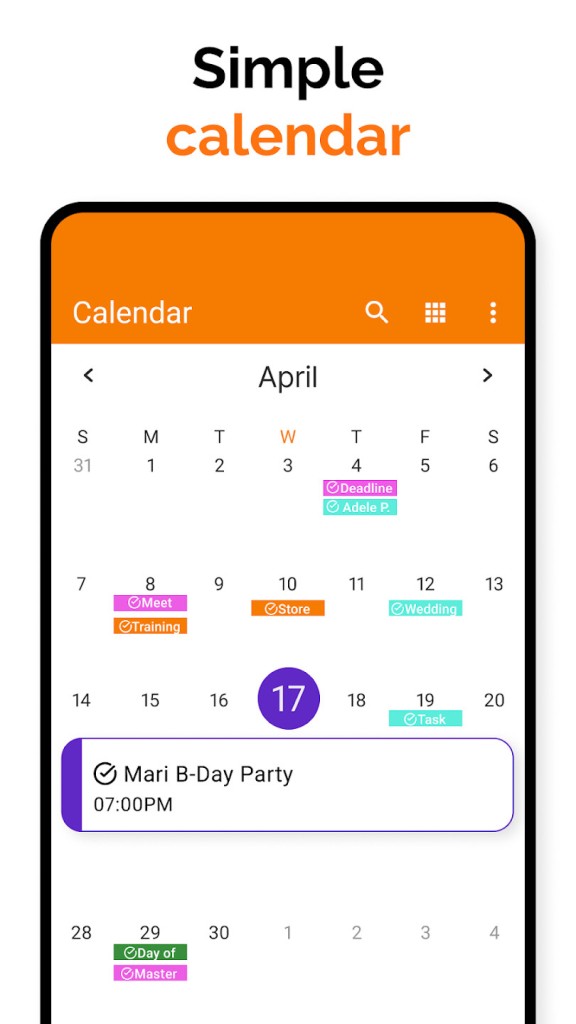
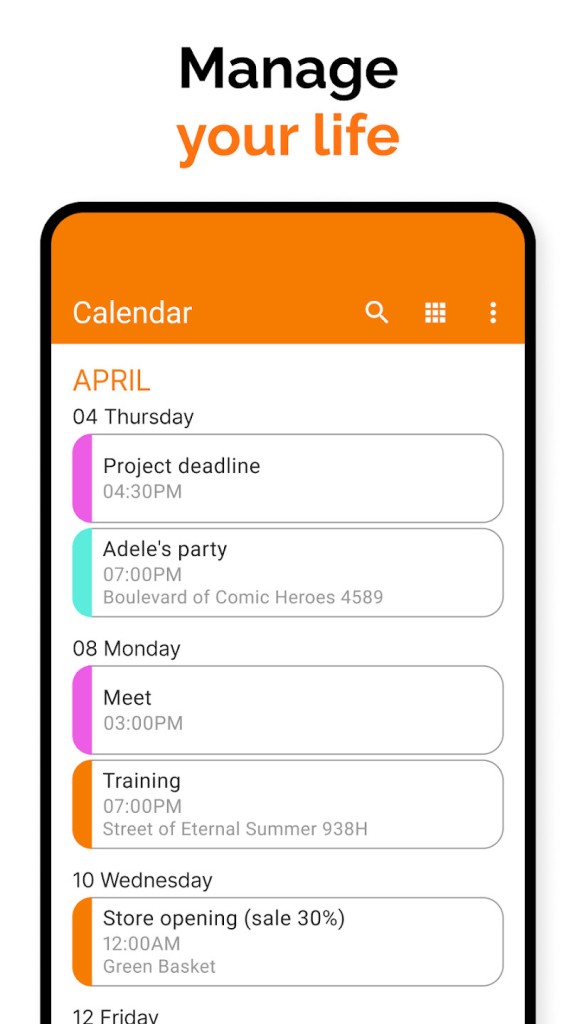
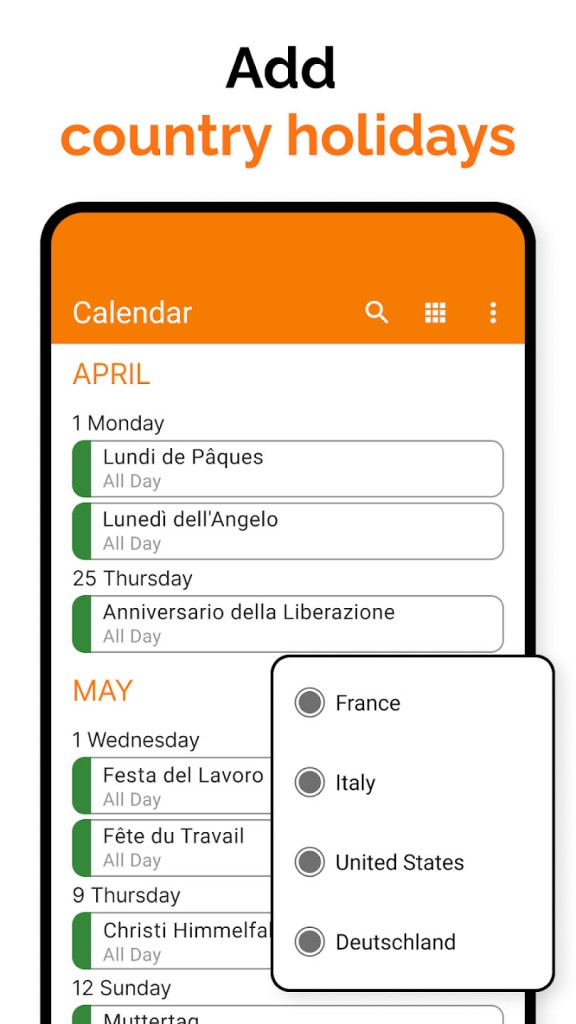
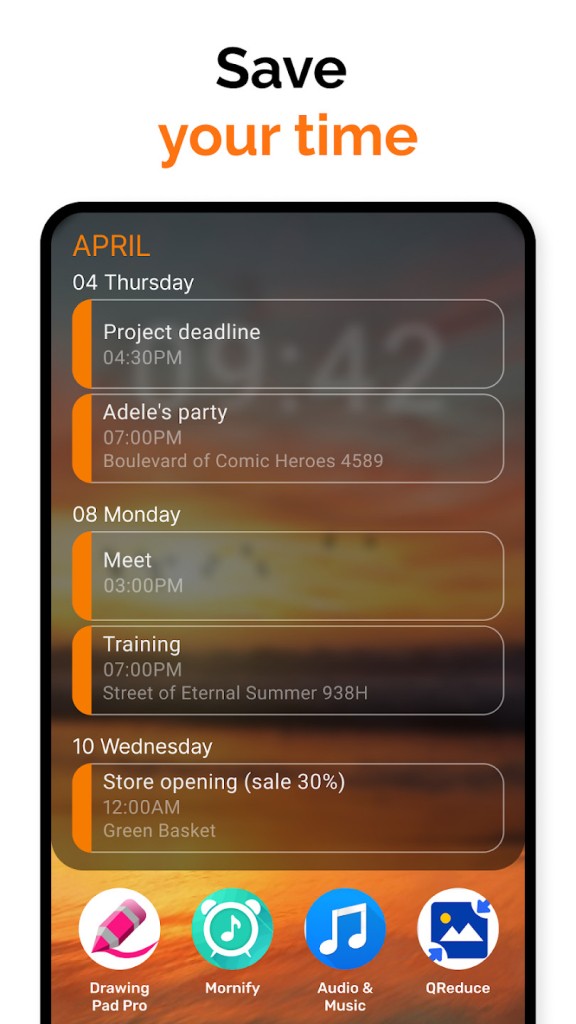
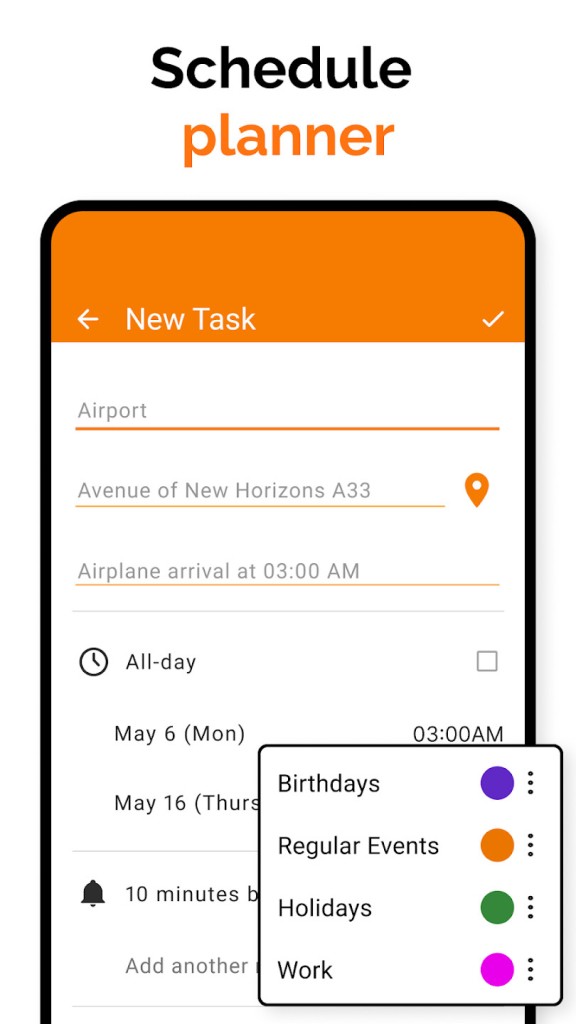
The app gives you a full-featured offline calendar. You can add events, set reminders, and customize views by day, week, month, or agenda. You can even color-code your events, making it easy to separate work tasks from personal ones. Everything about it is designed to keep scheduling straightforward without pulling you into endless settings or permissions.
For anyone who just wants a reliable calendar without the clutter, Simple Calendar is a refreshing alternative.
Why should I download Simple Calendar?
There are plenty of reasons why a Simple Calendar is worth a spot on your device. First, it’s about control. A lot of modern calendar apps push you to create online accounts or link everything to Google or Microsoft. With a Simple Calendar, you don’t have to. You can run it completely offline, which means your personal schedule stays personal.
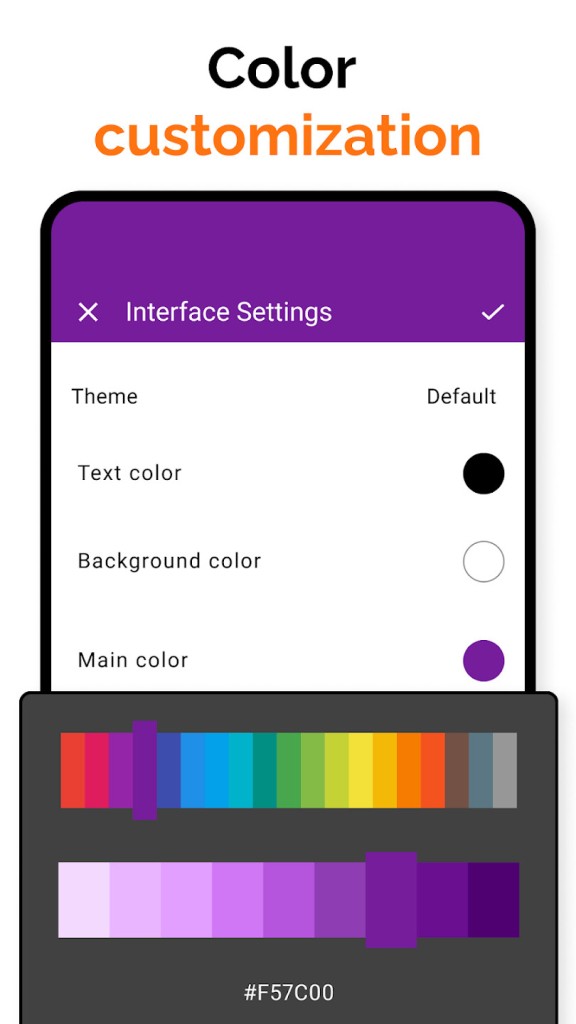
Another reason is customization. The app isn’t flashy, but it gives you flexibility in how you want your calendar to look. You can switch themes, adjust colors, and change the way events are displayed. If you’re someone who likes your digital tools to match your style rather than forcing you into a rigid design, this is a big plus.
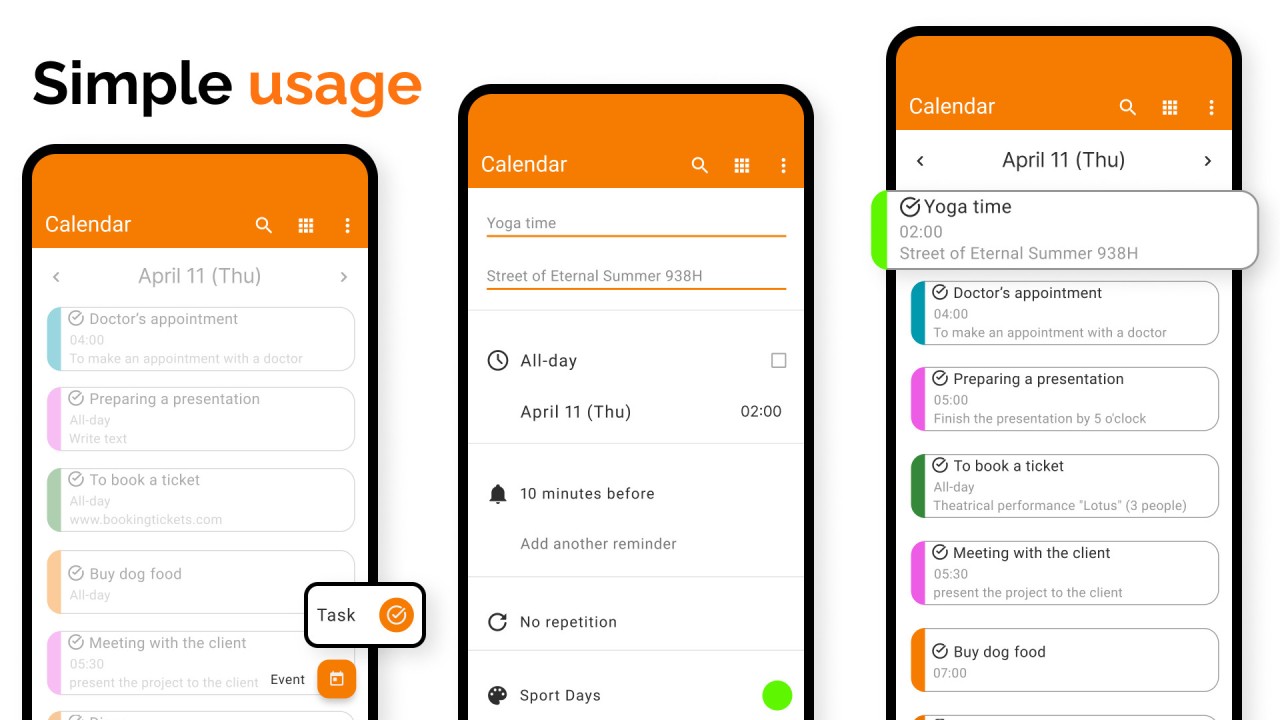
It’s also practical. The app supports recurring events, reminders, and all the little details you’d expect from a full calendar. Want to schedule a weekly team meeting? Done. Need a reminder for a doctor’s appointment? That’s easy too. And because it’s offline, your reminders don’t depend on an internet connection—they’ll pop up right on time, no matter what.
For people concerned about battery life, Simple Calendar is light on resources. It doesn’t run heavy background services or sync constantly, which makes it a great fit for older phones or anyone who just wants their device to run smoothly.
Finally, it’s trustworthy. The fact that it’s open-source means the code is publicly available for anyone to review. That transparency reassures users that the app isn’t secretly tracking them or collecting hidden data. In a time when privacy is becoming increasingly rare in apps, Simple Calendar stands out as one that actually respects its users.
Is Simple Calendar free?
Yes, Simple Calendar is free to download and use. You won’t find hidden fees, subscription traps, or nagging pop-ups urging you to upgrade to a premium version. The philosophy behind Simple Mobile Tools has always been to provide straightforward, accessible apps without unnecessary costs.
That said, there’s also a Pro version available. The Pro edition includes ongoing updates, extra customization features, and helps support the developer. Many users choose to buy it, not just for the added options but also to contribute to the continued development of ad-free, privacy-first apps. It’s a fair system—you can use the free version without limitations, but if you appreciate the work, the Pro version is a great way to give back.
The absence of ads is another huge benefit. Unlike many free apps that clutter your screen with banners or video ads, Simple Calendar keeps things clean. This makes it not only more enjoyable to use but also safer since you’re not accidentally clicking on ads that might redirect you to sketchy websites.
So yes, it’s free, but it also gives you the option to support the project if you want to.
What operating systems are compatible with Simple Calendar?
Simple Calendar can be installed on Android, and it works best there. It is available on the Google Play Store (or on other sources such as F-Droid in case you want open-source repositories). The app is compatible with a wide variety of Android devices, both older and the latest smartphones.
It does not require expensive hardware since it is efficient in design. It works well on even a small budget phone or tablet, maintaining the experience to be smooth and responsive. It does not require a Google account or cloud services. It is designed to be self-contained, and it uses your computer locally.
What are the alternatives to Simple Calendar?
Although Simple Calendar is a great option, you may want to look into other applications in case you are in the market for a calendar application. All of them are providing something new to the table:
DigiCal is a richer calendar that supports online services such as Google Calendar and Outlook. It is very customizable, providing alternative views (e.g., agenda, month, week, or list), and has nice extras, such as weather forecasts. In case you want an application that works across devices and also connects to cloud applications, then DigiCal is a solid alternative.
Another one is Calendar Planner, which is aimed at individuals who prefer to keep things and tasks organized in a simple manner. It leans toward an organizer with its functionality, such as agenda views and to-do lists included; it can feel more like a planner hybrid; however, to the user who likes their tasks and schedules together, it can be a pleasant experience.
Google Calendar is likely to be the most famous calendar application in the world. It is closely connected with Gmail, Google Meet, and the whole Google ecosystem. Google Calendar is extremely convenient for individuals already engaged in the services. It has cloud sync, intelligent reminders, and cross-platform compatibility with Android, iOS, and web browsers. The negative, of course, is privacy; your information is saved on Google's servers. When that does not bother you, it is a good alternative.