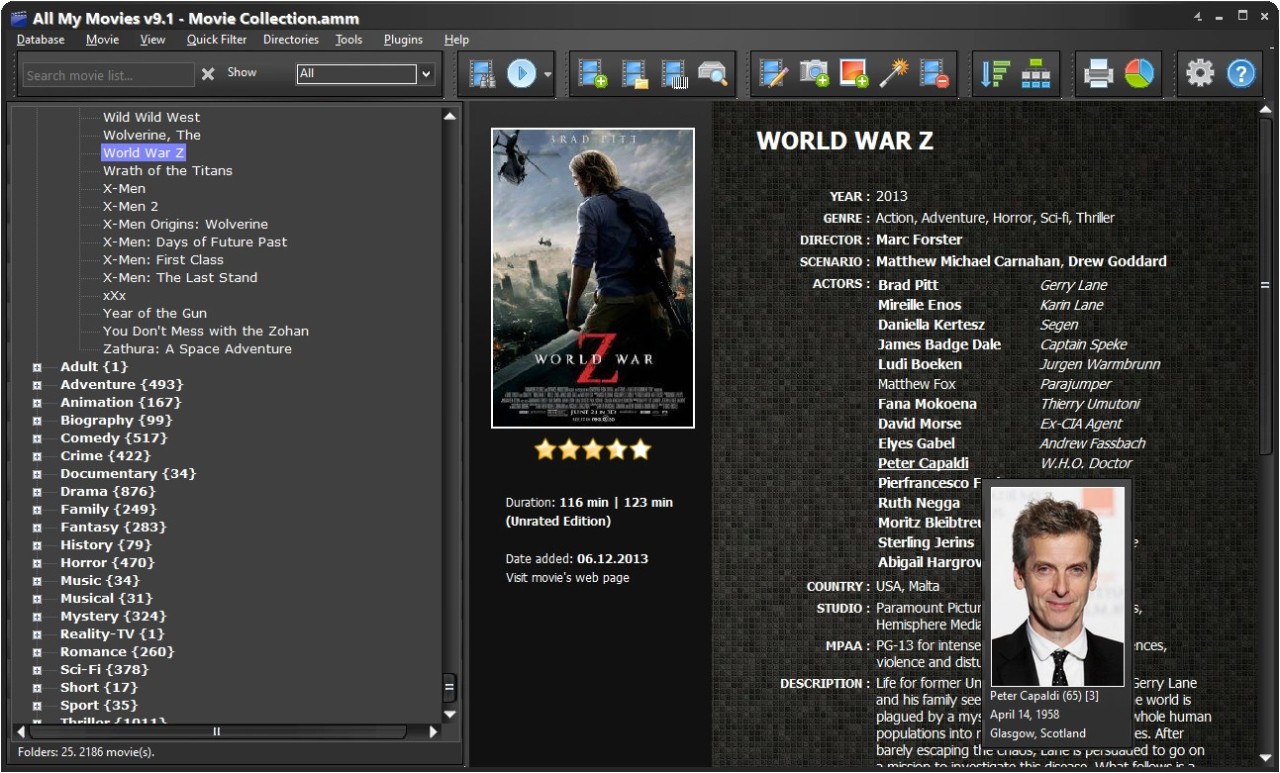
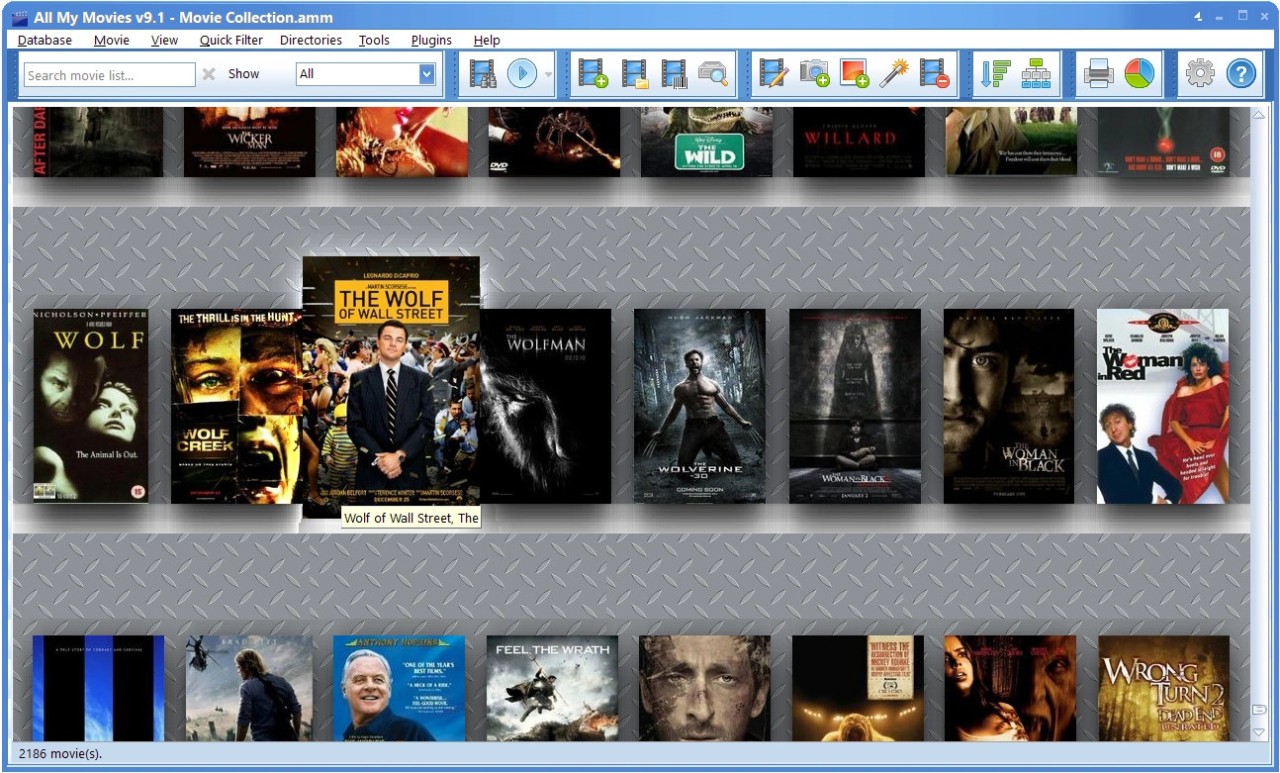
All My Movies is a software for managing your movie collection and can act as a digital library for all your DVDs, Blu-rays, and films or TV shows you have in other formats. It's a great solution if you have a large collection and just want a searchable and browsable repository of everything you own in a single place.
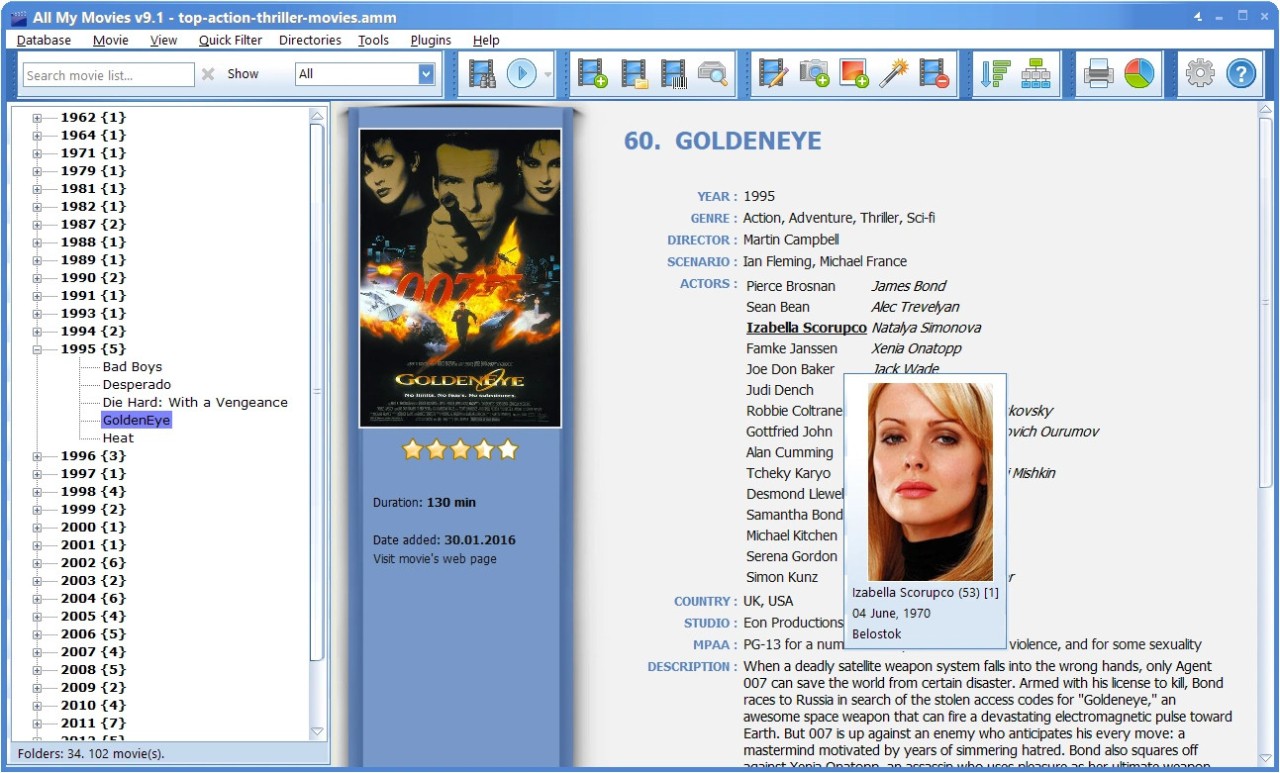
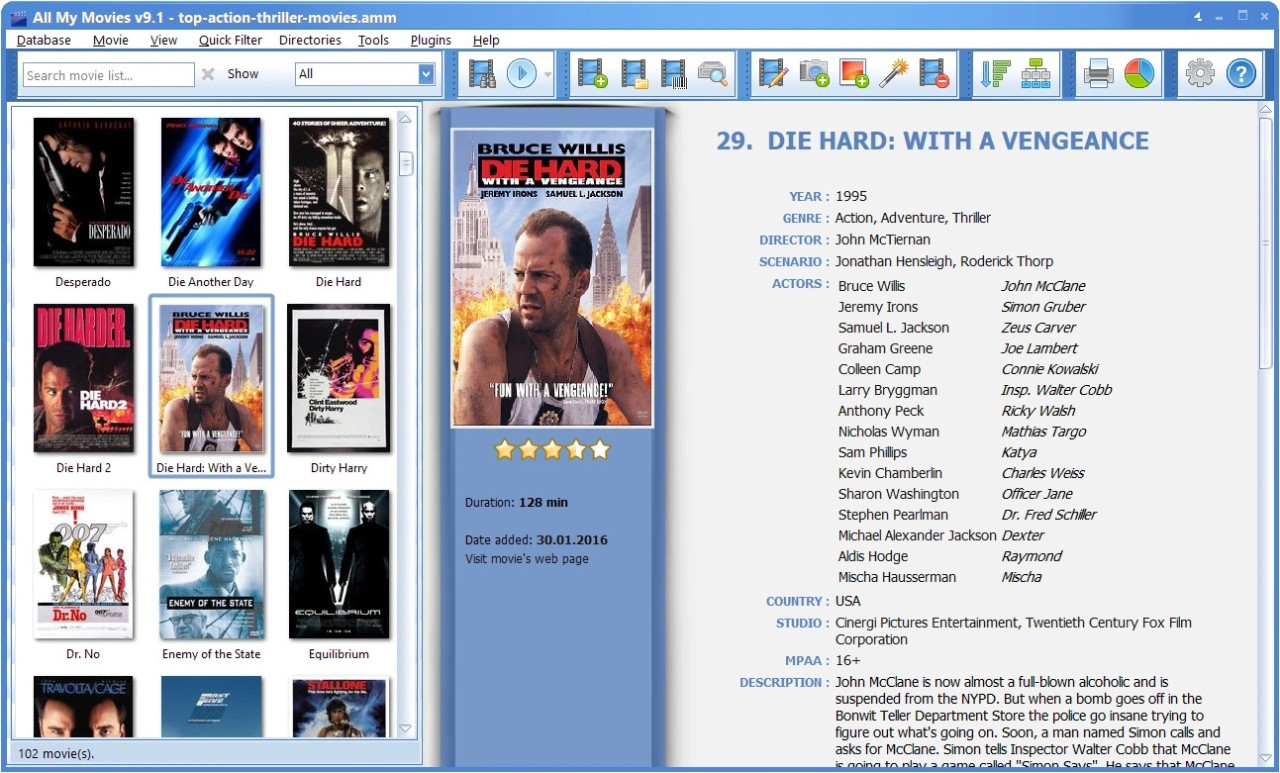
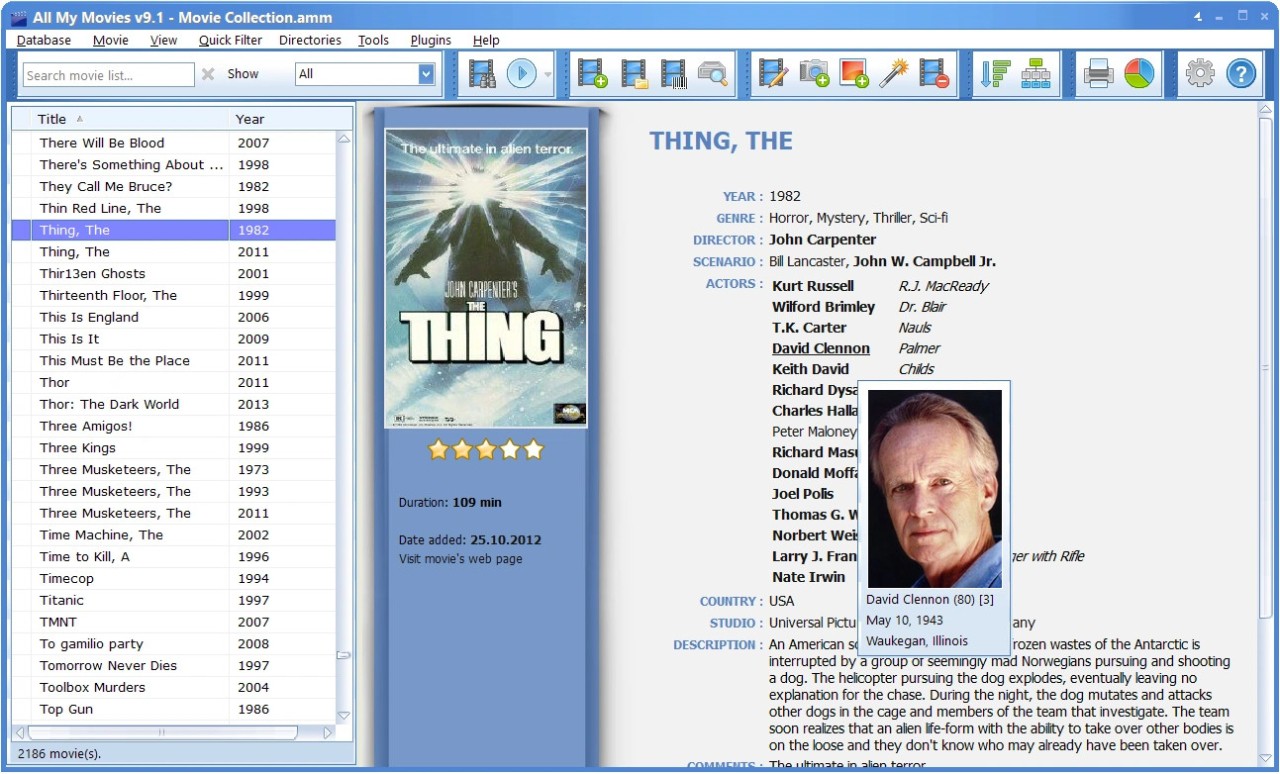
With All My Movies, you save a lot of time that it would otherwise take if you had to manually add every piece of information. It has automated scripts, so you just need to type in the movie's title, scan the barcode from the packaging, or select a folder where your files are stored. The program then connects to a number of online databases and downloads all details about your movies or TV series, such as the cast and crew, the summary, the official poster, and other metadata.
You can use All My Movies to manage your entire digital collection, and it supports various file types. There's also a built-in player you can use to watch your movies inside the app, and you are also able to mark which movies or shows you've loaned to your friends. You can download All My Movies for Windows computers for free for 30 days, after which you need to get a paid license.
Why should I download All My Movies?
All My Movies is a great way to organize your collections, and it automatically fetches all the data about your movies or shows, so you don't need to type in the entire movie cast or other details. The moment you provide the title, scan a barcode, or select a movie directory on your computer, the tool retrieves complete data from databases such as IMDb or Kinopoisk. It's great if you have hundreds of titles and want to add all posters, summaries, and other details about them automatically.
Once your database is filled out, you can sort and search through it in All My Movies, so you're able to filter by genre, director, year, or even more specific tags like resolution or edition. This makes it easy to create a themed movie night or get to know specific cinema periods better without creating separate lists. The search feature in All My Movies is very advanced so that you can add multiple conditions, such as all movies made by James Cameron in the 1980s or only movies above a specific rating.
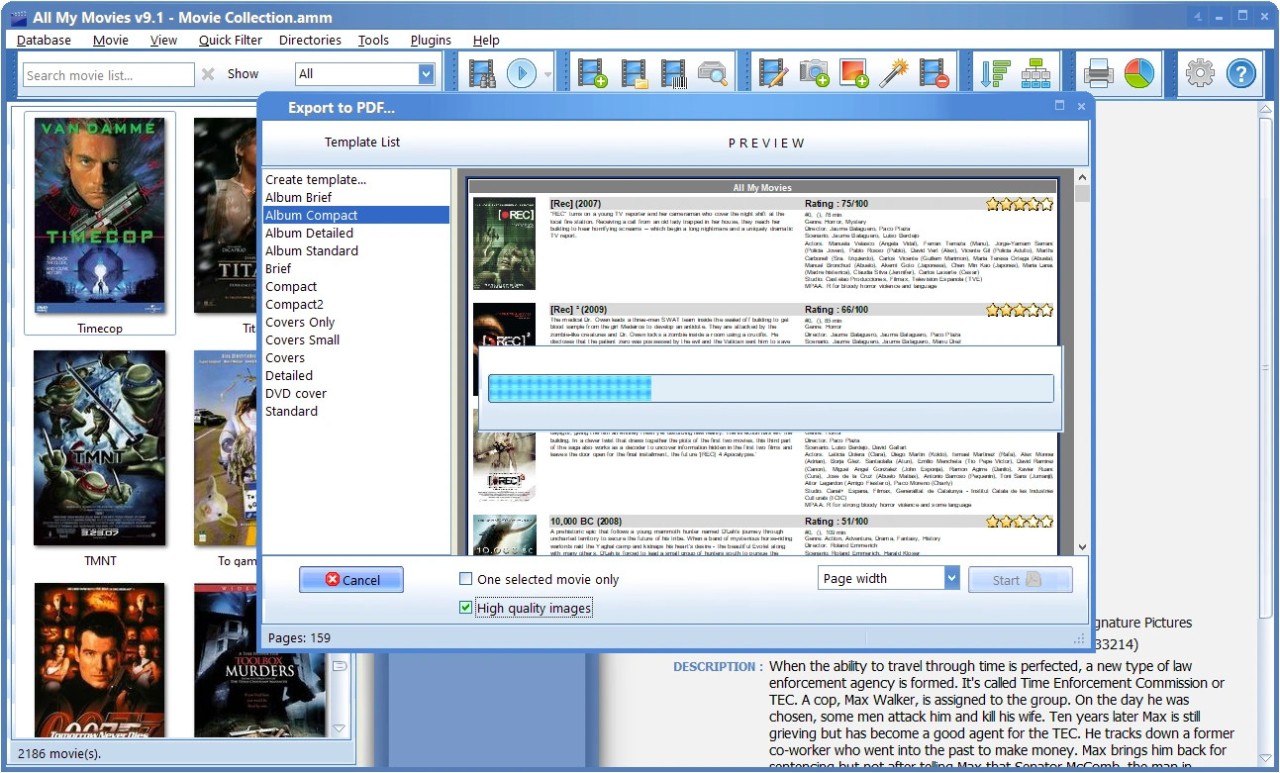
When you loan out a movie, you can use All My Movies to assign a specific contact to that title and log when it was borrowed. This way, you'll never lose track of your films and TV shows on physical discs. You can also export your entire library to different file types like HTML, PDF, or a spreadsheet, print it out, save it as backup, or keep it on your mobile device.
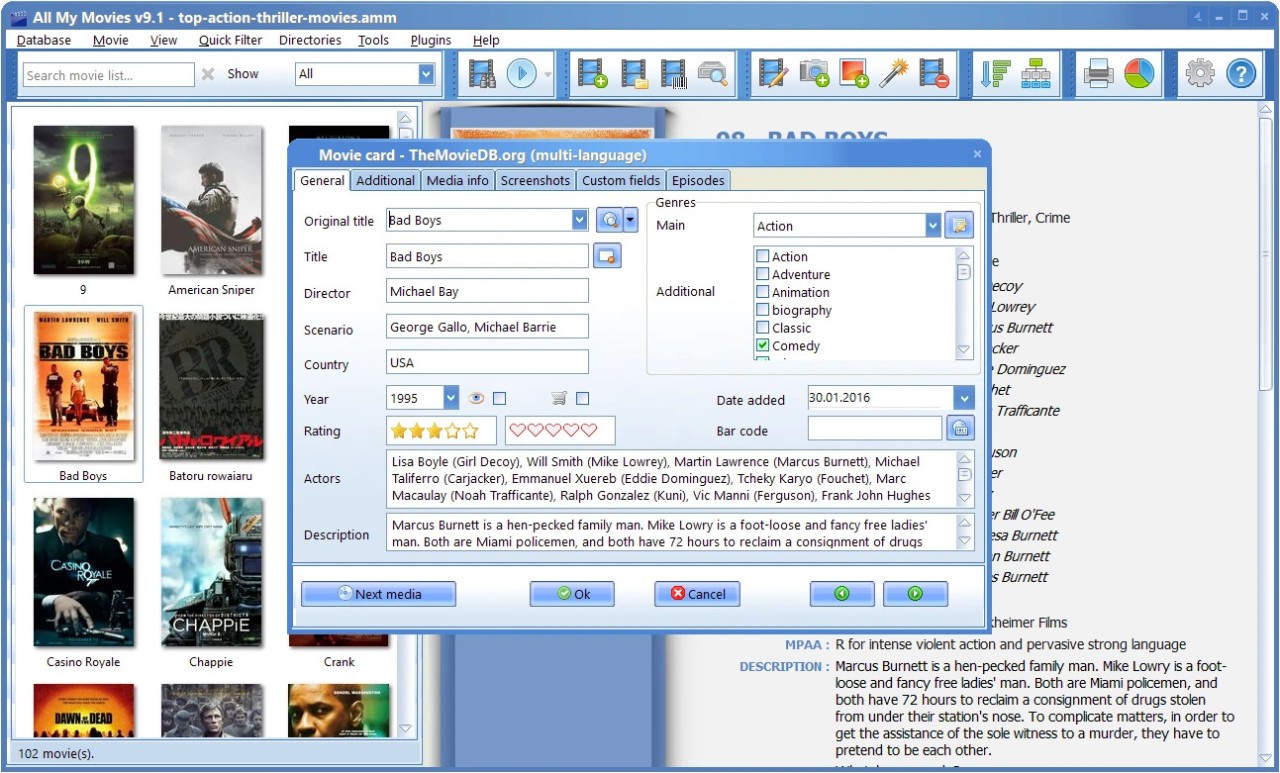
All My Movies has a built-in media player for all the digital files in your collection, and you can play and watch them directly from the app with a single click. You can also add movies to a playlist and watch them in the order you like. The tool also supports adding custom fields to your library, so you can save any additional and personal information if you want to. You can download All My Movies for Windows computers only and test it for 30 days for free. After that time, you need to get a perpetual license or a subscription.
Is All My Movies free?
No, All My Movies is a paid software that offers a 30-day free trial. After that period runs out, you need to purchase a license, either a perpetual one or a subscription. You can also choose if you want to pay for a single device or more.
What operating systems are compatible with All My Movies?
All My Movies is software developed only for Windows operating systems, so you need Windows 10 or 11 to run it, though it can also support older editions. There are no versions of this tool available for macOS or Linux, and it's also not possible to get it on mobile devices.
What are the alternatives to All My Movies?
EMDB, which stands for Eric's Movie Database, is a free tool for cataloging movies on Windows that can automatically grab a ton of information from online movie databases like IMDB. You just provide a movie title, and it will fetch the cover art, cast, genre, rating, and plot summary for you. It has a simple interface and is easy to use, and it can also scan your computer for movies and automate the whole process.
tinyMediaManager is a software for managing and optimizing your media files so you can use them with media players like Kodi, Plex, or Jellyfin. It scans your files, identifies the movies and shows, and then downloads all the metadata, artwork, posters, and trailers. You can use tinyMediaManager for free with just basic features or buy a paid version that unlocks more advanced features. It is a cross-platform tool available for Windows, macOS, and Linux.
Ant Movie Catalog helps you manage your collection of DVDs, Blu-rays, or digital files, and it's a completely free program for Windows where you organize your entire movie and video collection in one place, so it's easier to keep track of every film you own, what format it's in, and where it's located. It's a perfect tool for movie fans, collectors, and anyone who just wants to order their media. Because it's open source, you can even access its complete code to edit it, but Ant Movie Catalog doesn't work on other operating systems.
JustWatch helps you find out where to legally watch a movie or TV show online. You can search for any title, and JustWatch will show you if it's available to stream on services like Netflix, Hulu, or HBO Max, or if you can rent or buy it from stores like Apple TV or Amazon Prime Video. You can create a "Watchlist" to keep track of shows you want to see, and JustWatch is a free service you can download for iOS and Android, some smart TVs, or just use its website.