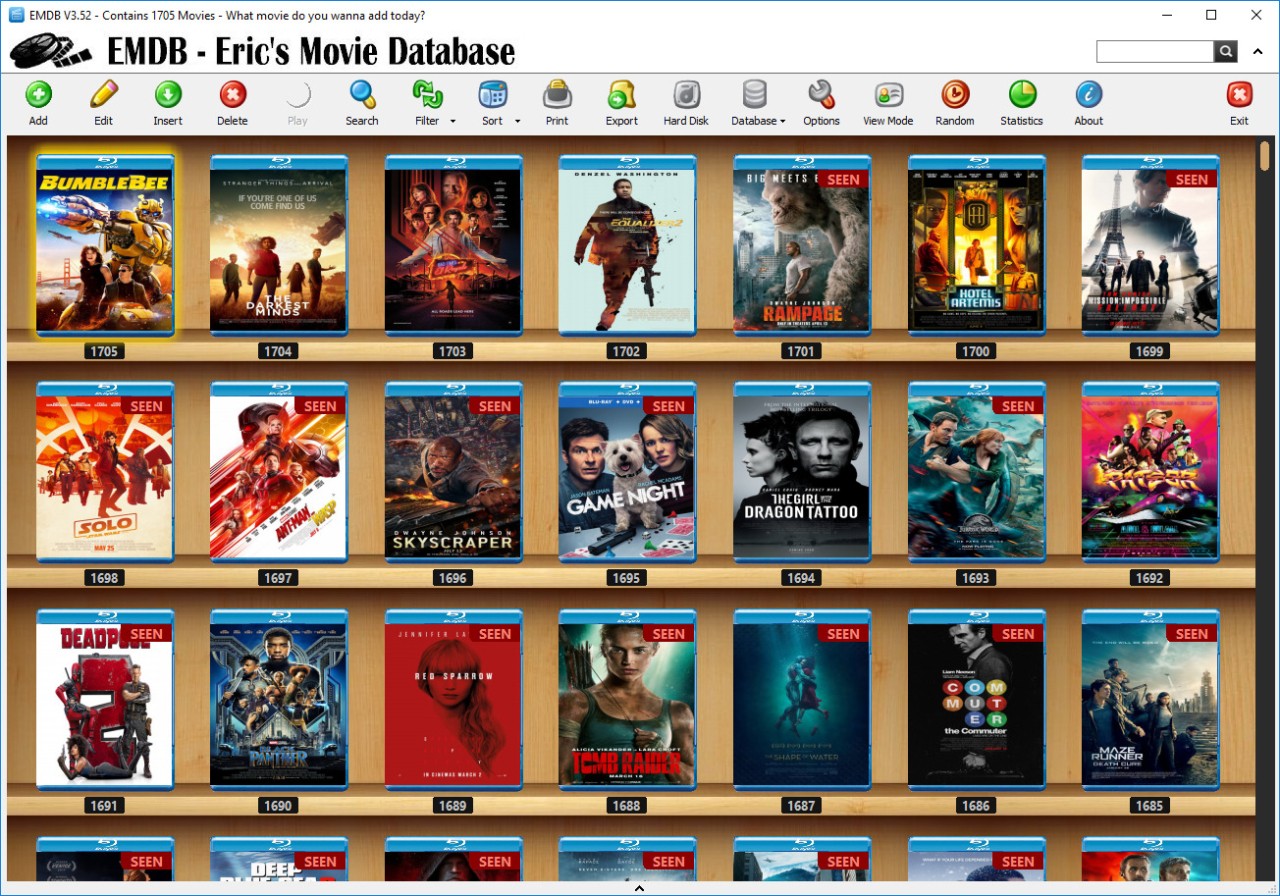
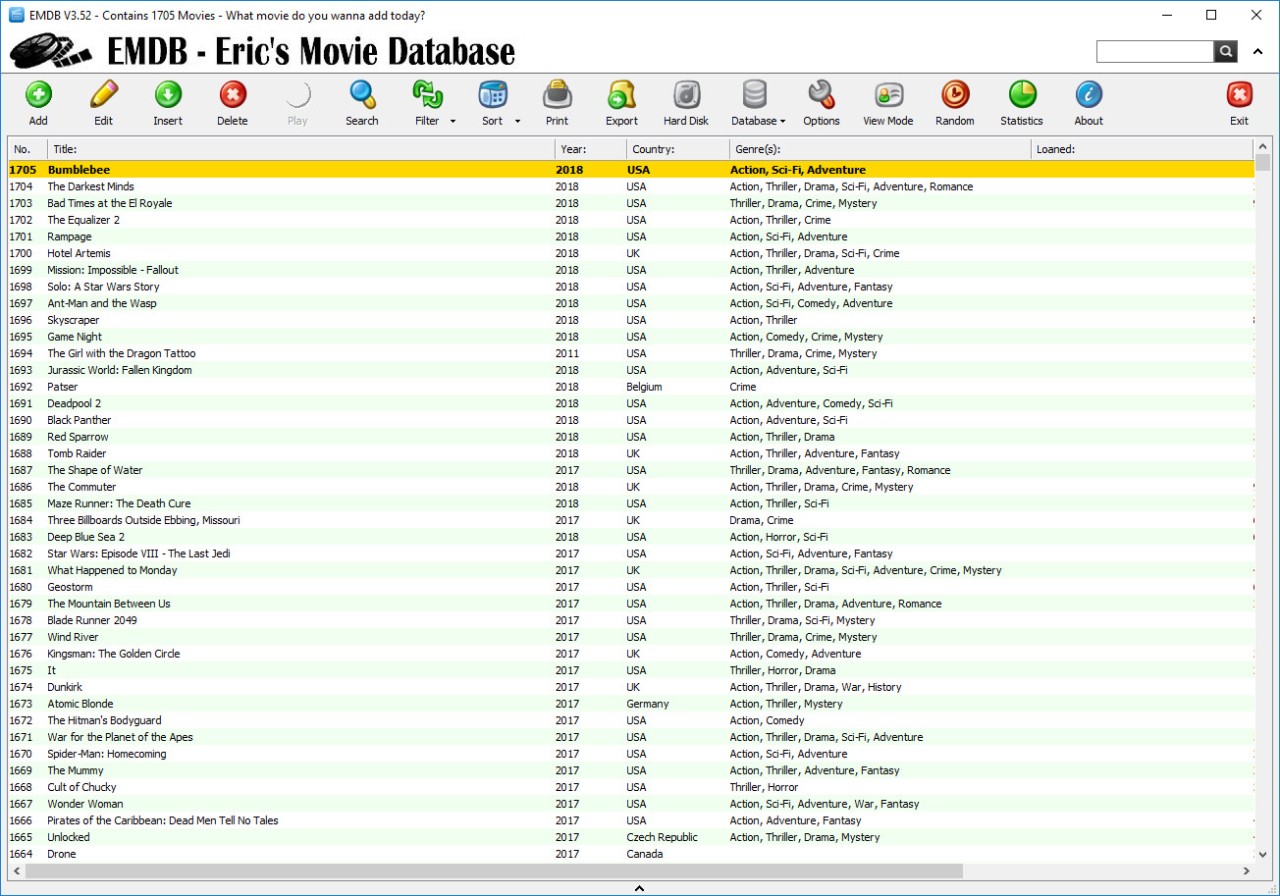
EMDB, short for Eric’s Movie Database, is a lightweight software application designed for people who love collecting and organizing movies. If you’ve got a huge library of DVDs, Blu-rays, or digital files scattered across your drives, EMDB helps bring them all together into one easy-to-browse catalog. Instead of flipping through physical cases or scrolling endlessly through messy folders, you can keep everything neatly arranged with detailed information pulled directly from online databases like IMDb.
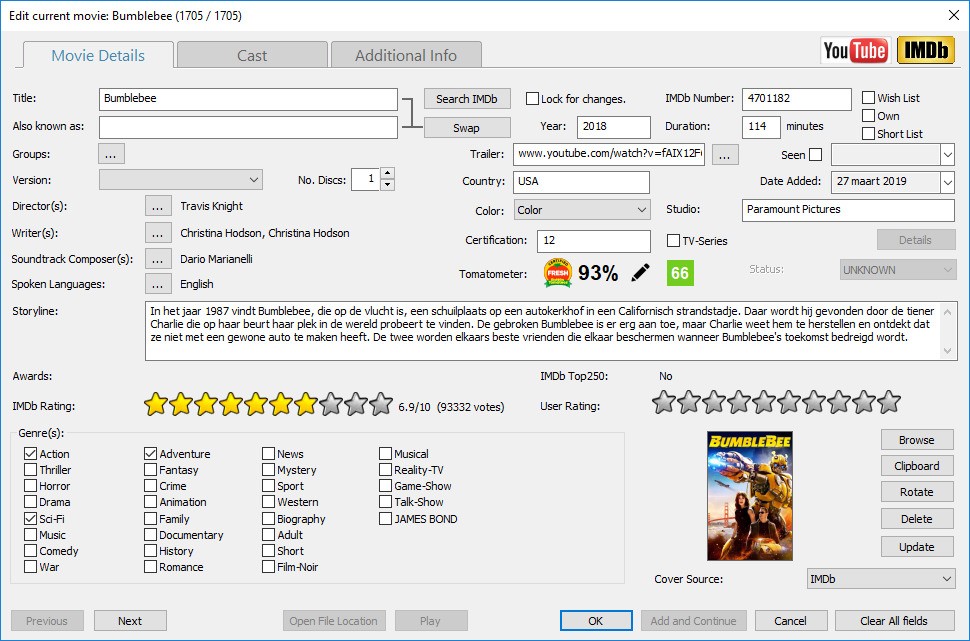
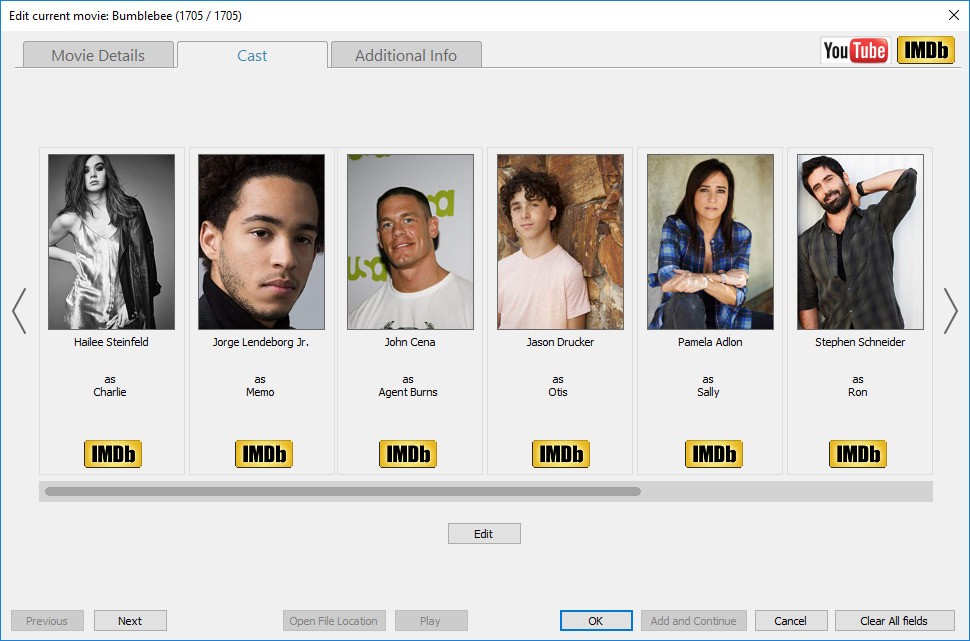
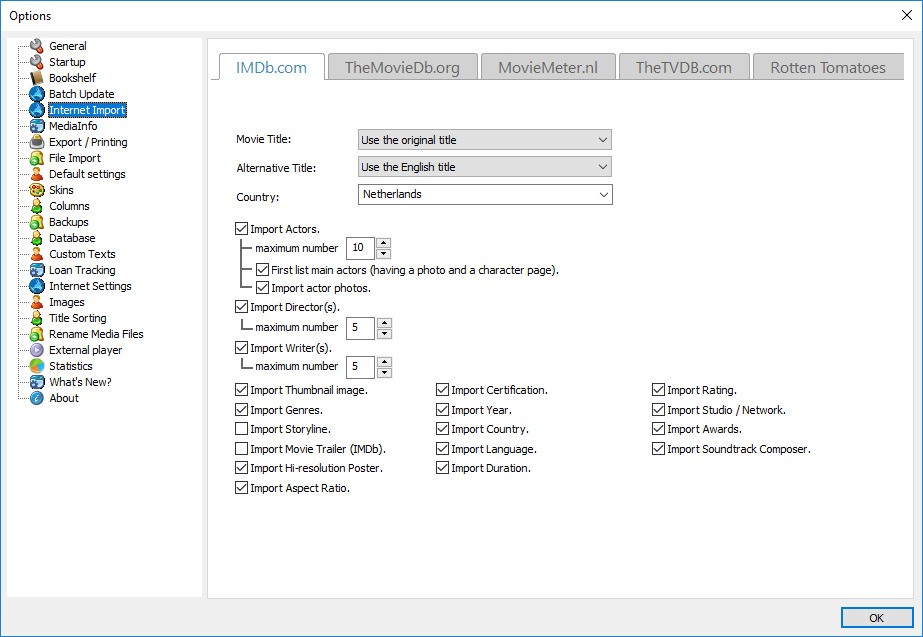
The great part is that EMDB doesn’t just store titles. It also pulls in movie details such as cast, director, release year, genre, runtime, and even cover art. When you add a film to your collection, the software automatically enriches it with this data, saving you the effort of typing everything manually. Over time, you end up with a digital library that looks polished and professional, almost like your own personal Netflix.
Beyond organization, EMDB includes features like tracking what you’ve already watched, keeping a list of films you want to see, and even lending management. So, if you lend a DVD to a friend, EMDB can remind you who borrowed it and when. For movie enthusiasts who love keeping things tidy and accessible, it’s a perfect companion.
Why should I download EMDB?
The most obvious reason is convenience. If you’re a film buff, chances are your collection is bigger than you realize. Between physical discs, external hard drives, and streaming purchases, it’s easy to lose track. EMDB creates a single hub where you can see everything at a glance. You’ll know which movies you already own, which ones you’ve lent out, and which ones you’re still hunting for.
Another reason is how user-friendly it is. Unlike some cataloging software that feels bloated or overly technical, EMDB is designed with simplicity in mind. Adding a new movie to your database is quick—you can search by title, and the program fetches the information automatically. That means less typing and more time actually watching your films.
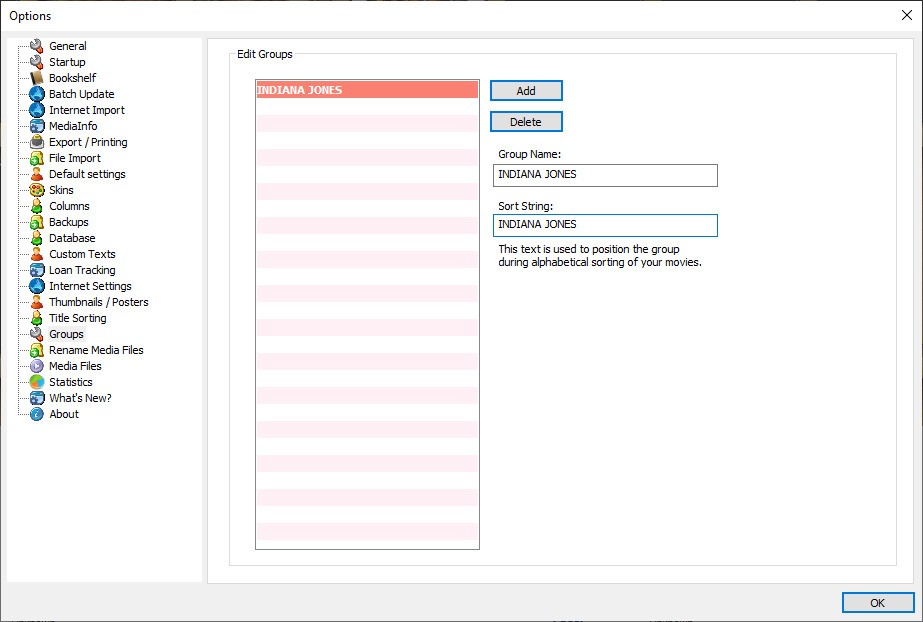
Customization is another perk. You can sort your collection by genre, director, release date, or even by personal ratings you assign. If you’re the type who loves curating movie nights or recommending films to friends, this makes it much easier. For example, you could instantly pull up a list of all your horror films from the 1980s or every rom-com you’ve rated higher than an eight.
For collectors, EMDB also helps preserve order. Many people spend years building their libraries, and losing track of what they own can lead to buying duplicates or forgetting gems they already have. With EMDB, your collection is searchable and organized in ways a shelf or storage bin never could be.
It’s also worth mentioning the portability. EMDB is a small program that doesn’t eat up resources, so you can run it on pretty much any modern PC without slowing things down. For collectors with massive databases, performance still stays solid.
Is EMDB free?
Yes, EMDB is an entirely free download. This is among the principal reasons why it has become so popular among collectors. No subscriptions, no secret fees, or no trial periods to lock out the capabilities after a couple of weeks. The entire functionality is available immediately.
That does not imply it is bare-bones, however. EMDB comes in remarkably powerful, given that it is free. It offers the vast majority of capabilities that paid cataloging tools provide, such as database management, detailed search filters, and lending tracking.
It is even more amazing since the developer, Eric, has maintained it over the years and keeps updating it. It is optional to donate to support the development of the software for users who like using it. Such a model is not typical of the modern software industry, where subscriptions are much more common and EMDB feels like a breath of fresh air.
What operating systems are compatible with EMDB?
EMDB is Windows-based and it performs best there. It works with several versions, including older platforms such as Windows 7 or more recent platforms such as Windows 10 and Windows 11. It is quite lightweight and, therefore, you do not require a high-end machine to use it. It can even be run on a modest PC, which makes it accessible to virtually anyone who happens to have a Windows setup at home.
EMDB is not supported as a native on users of macOS or Linux, but it is possible to have compatibility layers like Wine, which allow some people to run it, albeit not guaranteed to work perfectly. Windows users are the main target of the software, which is consistent with the reality that most movie collectors continue to use Windows-based PCs to organize large collections of digital and physical media.
Simple installation and minimal system requirements imply that you do not necessarily have to clear space and upgrade your machine to use EMDB. It is lightweight by design, so it is attractive to those who do not need any extras in a cataloging solution.
What are the alternatives to EMDB?
EMDB is an excellent choice, but not the only film cataloging program around. You may wish to look at some of the alternatives depending on your preferences and platform:
All My Movies is a paid program that promises the same set of features, but a couple of additional bells and whistles. It is interoperable with a variety of online databases and allows more rigorous customization of reports and exports. In case you would like to spend some money on a better tool, All My Movies is a more professional substitute, but most users believe that EMDB can perform all required tasks free of charge.
Another free alternative is Ant Movie Catalog, which is rather technical in contrast to EMDB. It is very flexible, but the cost is a heavier learning curve. It may appeal to power users who want to fine-tune each detail, and to casual collectors with the simplicity of EMDB.
TinyMediaManager (tinymm) is a bit more special since it is not so much about the control of the media in a home theater configuration. It is wonderful when you have Kodi, Plex, or other media players since they assist you in sorting metadata and art pieces for your video files. Although it refers more to digital libraries than to physical ones, it is a solid option for individuals who, most often, gather movies digitally.
JustWatch is somewhat different. It is not cataloging what you have—it is accessing a library of movies and TV shows to find out where they can be streamed. JustWatch can also assist you in keeping track of what is available on Netflix, Hulu, Disney+, and others, as your interest has now moved to streaming platforms, rather than physical discs. It does not replace EMDB, but it matches it well by allowing you to make decisions on where to see titles you are not currently owning.