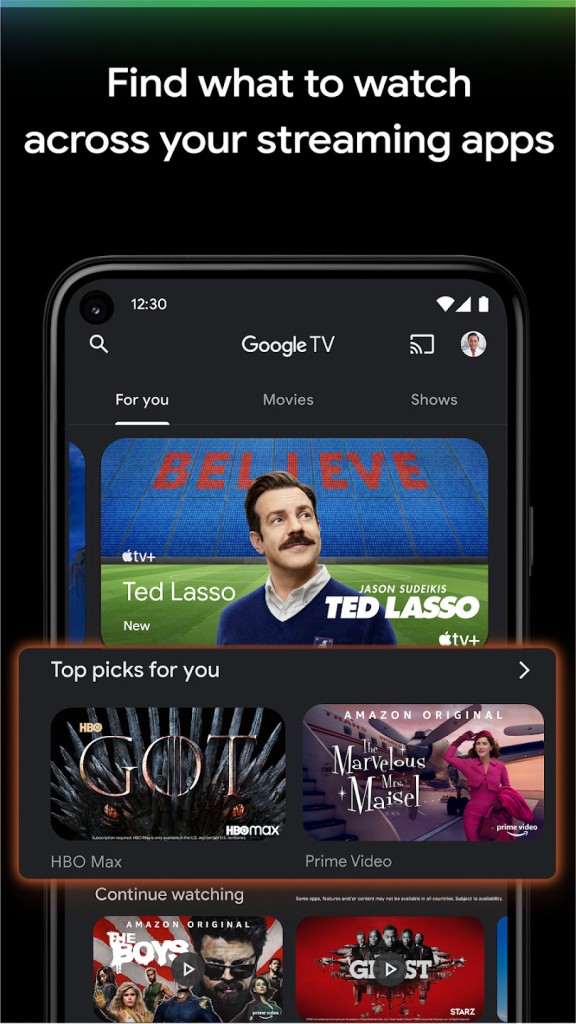
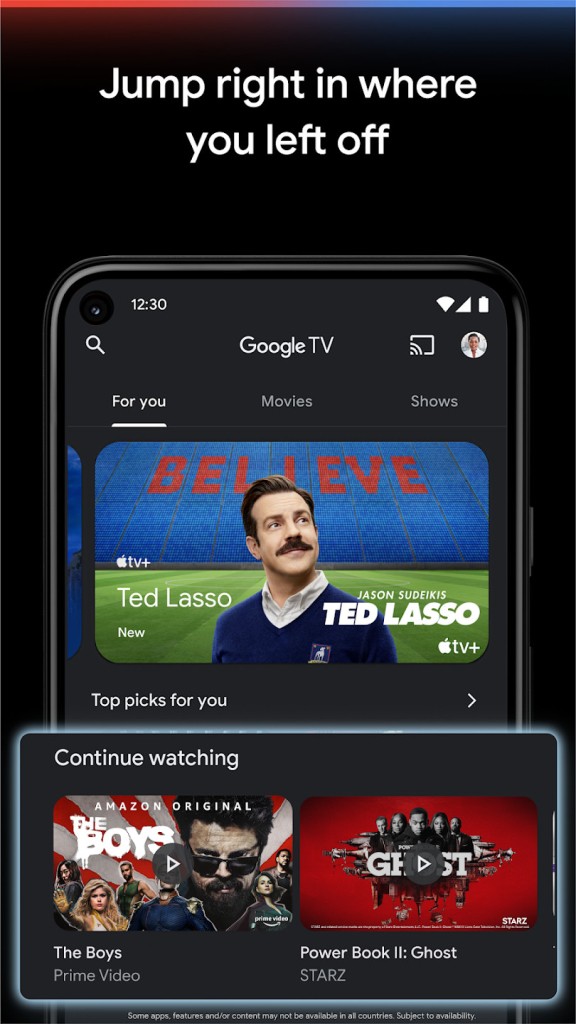
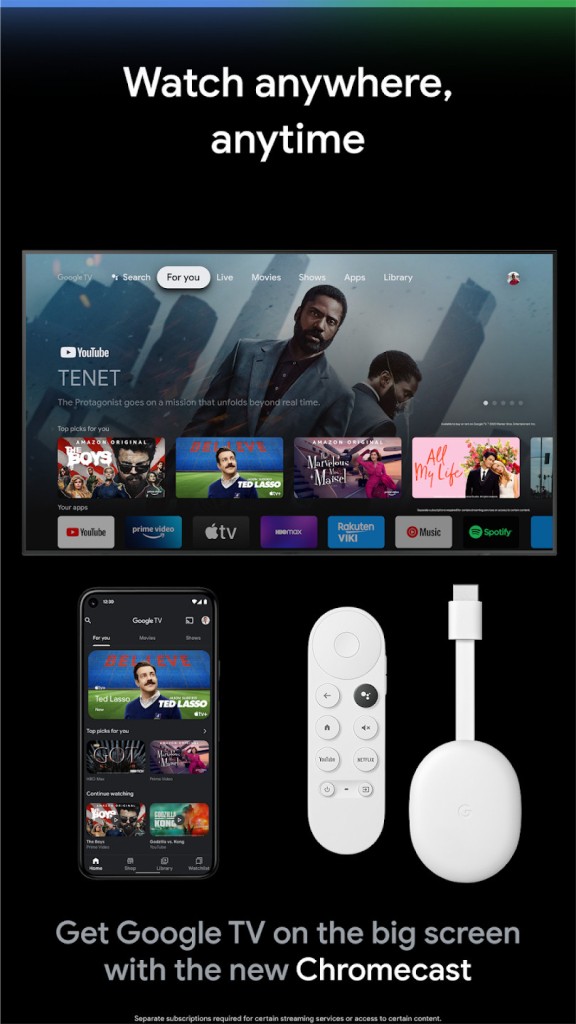
Google TV is basically Google’s answer to the problem that a lot of us have right now: too many streaming apps, too many sign-ins, and too much scrolling just to figure out what to watch. Instead of jumping between Netflix, Prime Video, Disney+, YouTube, and who knows what else, the idea is simple: you open Google TV, and it pulls them all into one screen. You don’t lose the apps; you still need subscriptions, but you get a single place to browse. That makes the hunt less frustrating, especially when you’re just tired and want a film or show without the endless clicking.
It works in a few different forms. There’s the Google TV app for phones and tablets, there are devices like the Chromecast with Google TV that plug into any TV, and there are full smart TVs with Google TV built in (thanks to the Android TV platform). The same system runs across all of them, so you get one experience whether you’re holding your phone or using the big screen in the living room.
People call it a “streaming platform,” but it isn’t a full-service platform with a link to all your streaming accounts. Think of it more like a hub. You can still buy or rent movies and TV shows directly through it, and you can also bring together what you already pay for. That combination is what makes it different from older Android TV setups.
Why Should I Download Google TV?
The main reason is organization. A lot of people already pay for several apps, and they waste time switching between them. Google TV takes the content from each one, mixes it into one feed, and then gives you recommendations. If you watch comedies, it shows you more comedies. If you’re into sports, it pushes sports. That curation is useful when you just want something quick.
Another feature people like is the voice search. Instead of typing long movie names or fiddling with tiny remote buttons, you just ask Google Assistant. Say “show me dramas” or “find action movies from the 90s,” and it pulls results from across your connected apps. It isn’t perfect, but compared to scrolling through three different apps separately, it feels faster.
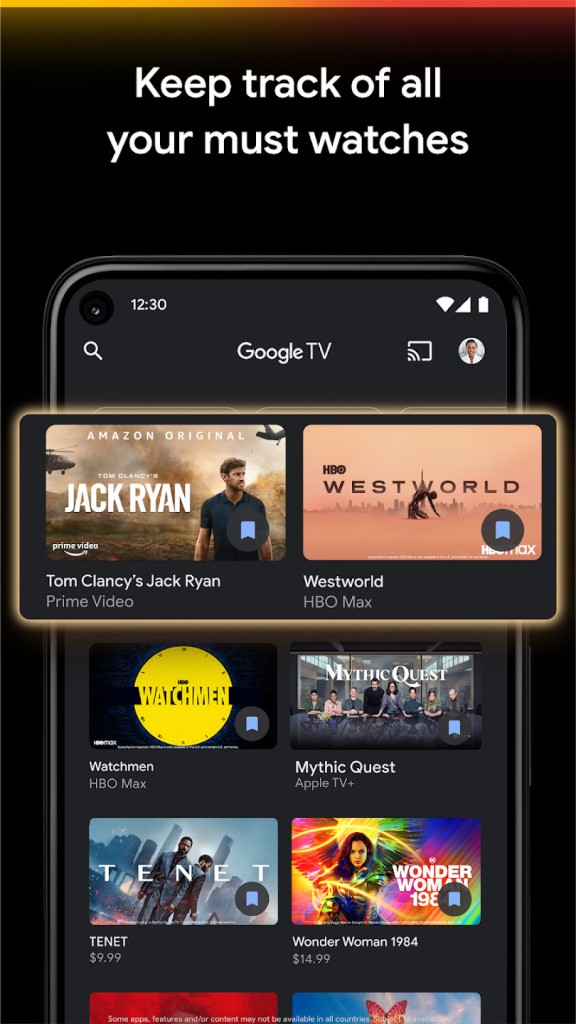
There’s also the watchlist. You see something interesting while searching on your laptop or phone? Add it to your list. Later, when you sit down in front of the TV, it’s waiting for you. The watchlist syncs across devices, so it keeps track without you needing to remember.
Live TV is another angle. Google TV has built a Live tab with more than 800 free channels. Some come from Freeplay, some from Pluto TV, and there are others. These don’t need extra downloads. It feels more like old-school channel surfing, which some families still prefer. If you already use YouTube TV, it integrates that too, so you can switch between free and paid live channels in one guide.
Then there are extras. Ambient Mode can turn the TV into a screen saver with Google Photos or even AI-generated images. The system also links with smart home controls, so if you have Google devices, you can use the TV to manage them. Casting from your phone works the same as Chromecast always has, and there’s even a virtual remote in the Google TV app if you lose the real one in the couch cushions.
Privacy matters to a lot of parents. Google TV doesn’t require kids to make their own accounts, and profiles let you separate recommendations so one person’s viewing habits don’t mess up the others. You can filter content by profile, too.
Is Google TV Free?
The app itself is free to download on Android or iOS. You can browse, use the watchlist, and connect your accounts without paying. The cost comes from the subscriptions you add. If you connect to Netflix, you still need to pay for Netflix. Same with Prime, Hulu, Disney+, or whatever else.
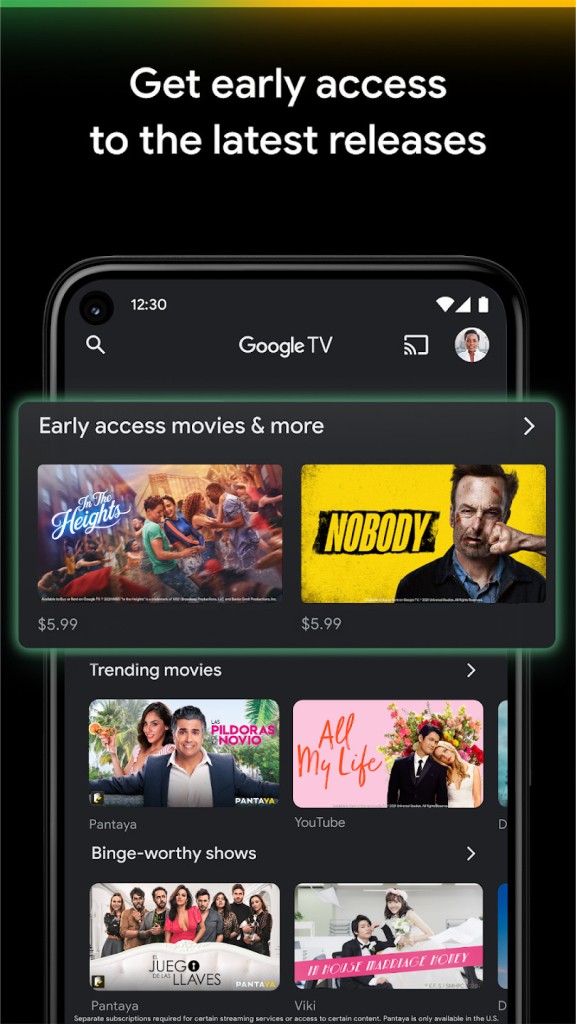
Google TV also offers movies and shows to buy or rent directly, similar to iTunes. Prices vary depending on the title. But you don’t need to buy anything if you already have subscriptions connected.
On top of that, the Live tab has a lot of free channels. You don’t need to sign up for most of those. Freeplay channels run without extra accounts, and Pluto TV channels are integrated. So while the app isn’t a free streaming service by itself, it does give you plenty of free viewing options.
What operating systems are compatible with Google TV?
Google TV runs on several devices. There’s the dedicated Google TV streamer, which is basically a Chromecast with the Google TV interface. Plug it into any HDMI port, and you’re set. Many brands like Sony, TCL, Hisense, and Philips now sell TVs with Google TV preloaded. If you’re buying a new TV, chances are it will have Google TV as its main system.
The mobile app is available for Android through Google Play, and for iOS through the App Store. With the app, you can search, add to your watchlist, or even use it as a remote.
Because it’s built on Android TV at the base, it runs on the same ecosystem. That means you get access to more than 10,000 apps. That includes movies, shows, live sports, fitness, and music. It’s basically an app store for entertainment, all built on top of the Google TV interface.
What are the Alternatives to Google TV?
Apple’s system works similarly. The Apple TV app pulls together different subscriptions, recommends shows, and offers movies for purchase. It runs best in the Apple ecosystem, so if you use an iPhone, iPad, or Mac, the integration feels smooth, but it is also available for Android and Windows. It also comes as hardware, Apple TV boxes that connect to your TV, and is pre-installed on many smart TVs now. On top of that, it allows you to subscribe the the Apple TV+ streaming service with all its original shows and movies.
Movies Anywhere is less about live recommendations and more about ownership. If you buy digital movies across different VOD stores (Google, Amazon, Vudu, iTunes), Movies Anywhere puts them together in one library. It doesn’t cover every streaming app, but for people who collect films digitally, it’s one of the easiest ways to keep them in one place.
JustWatch is an app and website that helps you figure out where to watch something. You type a title, and it shows which services stream it. Unlike Google TV, it doesn’t give you a watchlist synced to your TV or direct app integration. But it’s free, lightweight, and useful if you just need to check availability before renting or subscribing.