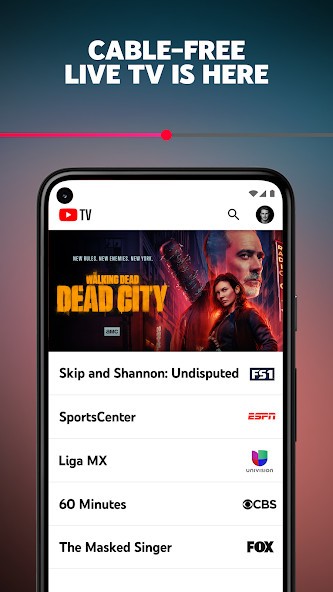
YouTube TV allows people in the US to watch live television through a streaming service. Google devised YouTube TV to combine the feeling of watching cable with the comfort of streaming. You can watch TV without having a satellite dish or cable. Keep the wires out and forget about arrangements and waiting for your turn. You can simply sign in, watch, and access your programs and channels anywhere you are.
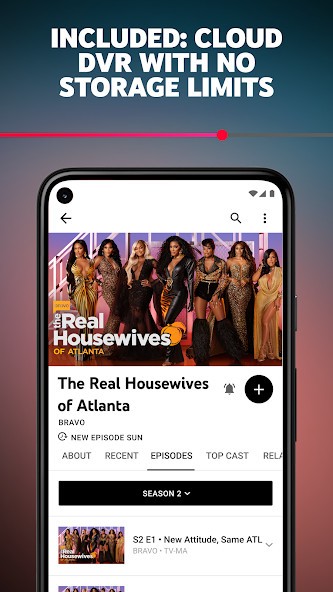
When you launch the app, you notice that there are similar features to television, as it offers you networks that you may recognize, such as those showing sports and news. However, once you begin checking it out, it becomes apparent that there is much more than just live TV. You can use YouTube TV’s DVR whenever and however you like. As a result, you are allowed to record and save anything for up to nine months, since you won’t run out of storage space. There’s no need to remove something from TV land to watch a show from another network. One touch to the record button, and it’s all sorted out.
You can use the service to follow the news every morning or just watch sports live on weekends. On-demand movies and shows are easy to watch on the Roku device. Everything on YouTube TV is accessible again, so you can go back and view it if you prefer. YouTube TV aims to be different from a cable box. It brings a better, faster, and more personal experience to streaming. Regardless of whether you are using your phone, tablet, laptop, or TV, the content is adjusted properly. The idea is that TV can be watched anywhere, not just in one place.
Why Should I Download YouTube TV?
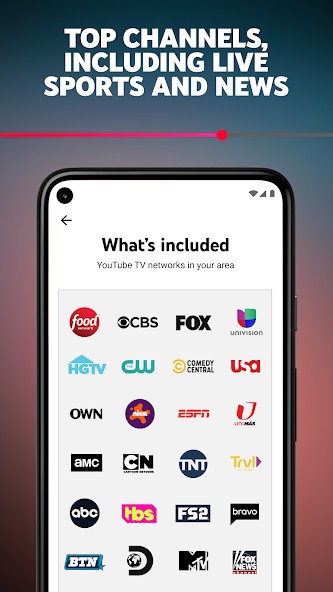
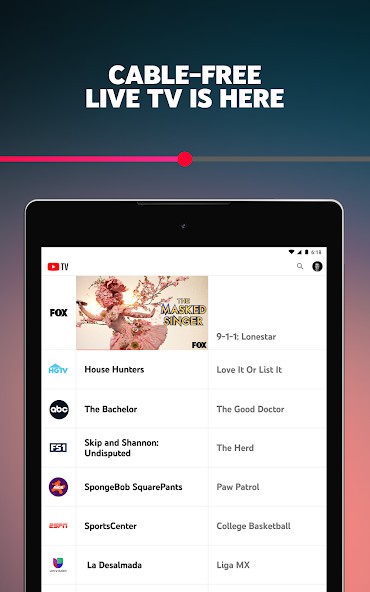
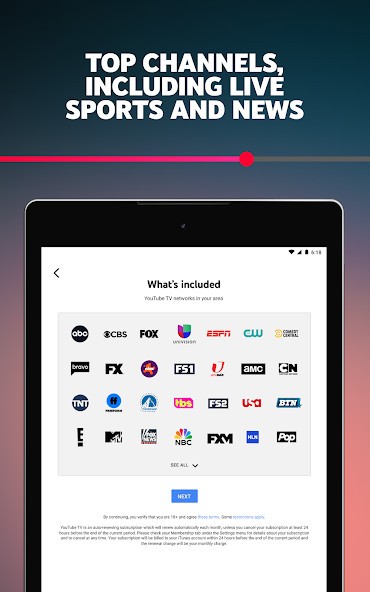
YouTube TV has been designed for those in the US who like having live TV without cable or satellite. Nothing related to contracts, installations, or extra costs is involved. After you join, you will be able to watch more than 100 different channels, which can be local, national, or special channels, in your area. Not all of the content is chosen randomly. You have access to all kinds of programs, arranged in a neat and easy-to-use interface.
An outstanding highlight is that you have a cloud DVR. With Google One, you can store an unlimited amount, which is a real pleasure since other companies often charge for higher limits. You can set up the TV to record all the shows that are airing at the same time. Afterward, you can access the episodes whenever you want. You are free to take your time with them. Most people have more than enough time, as the videos are retained for nine months.
The videos are always shown in high quality and do not suffer from stuttering. If you’re viewing something on Wi-Fi or mobile data, YouTube TV makes adjustments so that your show runs smoothly. Learning how to use technology is not required. Even a novice can use the service because everything is easy to understand. You can use the categories, search for your favorite show, or just open the live guide and pick a program.
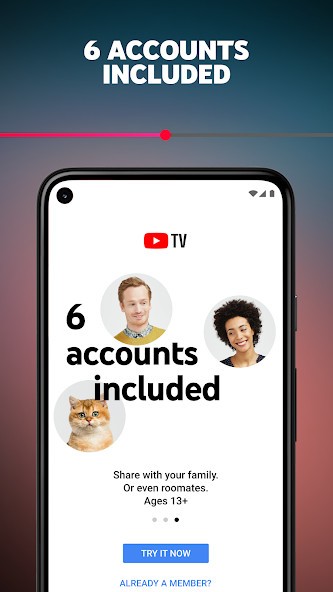
YouTube TV is also successful in households since it enables users to set up their own profiles. Using one subscription, you can manage six accounts and observe videos on three devices concurrently. People can enjoy various broadcasts without disturbing or interfering with one another.
YouTube TV will also adapt to the programs you enjoy. Streaming more programs will lead to more accurate recommendations for future viewing. These suggestions are especially meant for you, as they relate to your real interests. It lets you explore new content without pressure or upselling. It gradually improves the way you use the TV.
Is YouTube TV Free?
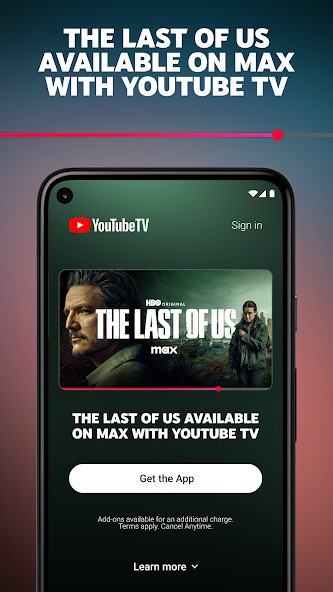
YouTube TV is only available in the US and for those who sign up through a paid plan. Channels like HBO do have a cost, but occasionally they allow people to have a free trial. After the trial period, you must choose your monthly YouTube TV plan. The price allows you to watch live TV, use a DVR to record shows, and stream from numerous devices. Premium and extra channels are the only extra fees.
What Operating Systems Are Compatible with YouTube TV?
You can watch YouTube TV from the most widely used OS and gadgets. People can use it on both Android and iOS devices. If you like to watch movies on a large smart TV, Android TV, Roku, Amazon Fire TV, Apple TV, and several others support YouTube TV. You can also play it using your Xbox console. It can also be used on any Windows or macOS computer running your web browser. You do not have to purchase any special devices for sites along the way. After downloading the app or going to the website, it is ready to use.
What Are the Alternatives to YouTube TV?
Anyone wanting to watch live events, shows, and movies can use Peacock TV instead of setting up traditional cable. TV series, Current-season episodes, classic sitcoms, and lots of live sports are available for you on Peacock, made accessible by NBCUniversal. Peacock TV is available at either no cost or with a premium tier. While the free version includes ads, you’ll still have plenty of content to choose from. If you want to watch late-night programming, catch soccer, or get into old Peacock TV shows, it’s a great app.
Sports lovers will find that Fubo is the right service. The main thing it offers is live matches, so you don’t have to pay for cable. You can find soccer, basketball, and both national and local matches on Fubo to help plan your weekend. Entertainment and news channels are available regularly, though sports are clearly the most important part. For sports fans watching teams outside your local league, Fubo allows you to keep up with a wide range of matches.
Anyone looking for free content should try Tubi. You don’t have to pay or log in, because ads pay for the service, and streams are free. Tubi gathers a vast collection of movies, TV shows, and documentaries under many genres. Since there isn’t any live TV with this package, it’s great for relaxing and watching what you want. You can watch action, comedy, crime, or classics for free, and there’s no pressure to pick.
Unlike most media servers, Plex lets you customize everything. You don’t have to rely only on TV shows and channels; you can build your own media center with Plex. With a TV Stick, you’re able to live stream whatever is on TV, discover free movies and shows, and store and watch your personal media files. You can sort your media how you prefer, which works well if you save downloads or like being in charge of your setup. But since it takes a little extra time to set up, you end up with a TV that is perfect just for you.