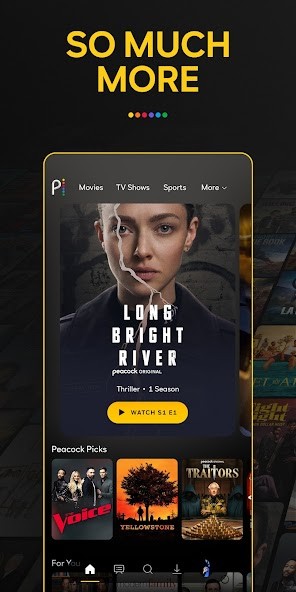
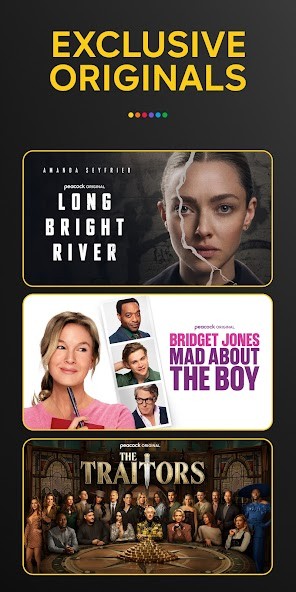
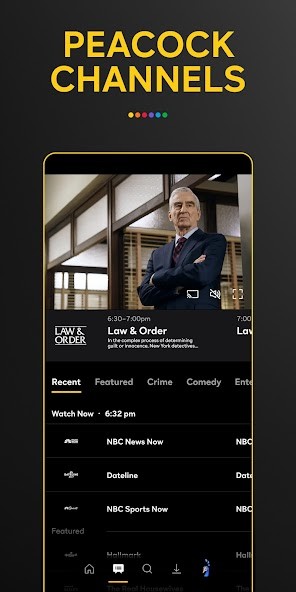
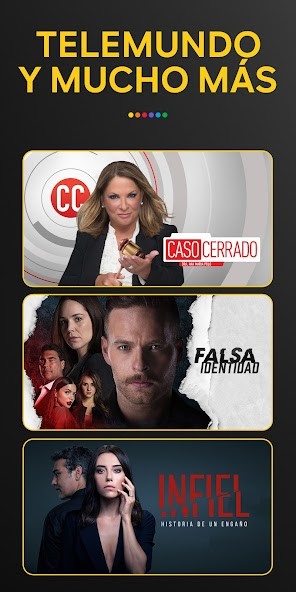
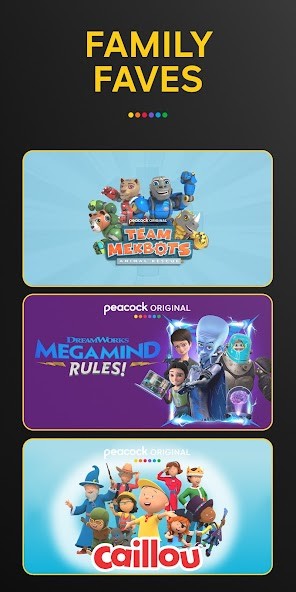
With Peacock TV, you get access to a wide selection of productions, such as exclusive TV shows, classic NBC programs, and movies from Universal Pictures, as well as live sports events and news. The streaming platform is available on computers via its web service, mobile devices, Smart TVs, and gaming consoles.
If you choose to use Peacock TV on its freemium version, you'll get access to a broad catalog of sitcoms, movies, NBC original productions, and certain live sports. However, the service will display ads while you watch, and the selection is limited. With one of Peacock TV's paid plans, you unlock their entire library of movies, shows, and news channels, and you can even access any content from current shows the next day.
Many users choose to subscribe to Peacock TV because of its broad offering when it comes to live sports such as the NFL, the Premier League, WWE, and other events. The service uses algorithms to drive recommendations and show you content on a personalized feed. You can use Peacock TV with different people and create separate profiles for them, and all your content will be synced between devices.
Why should I download Peacock TV?
What is unique about Peacock TV is that it offers a free version in addition to its paid subscription tiers, which makes the service accessible to many different users. In addition to a classic catalog of various content, it also includes all the NBC shows currently broadcast, and you can watch them on the platform the next day or sooner.
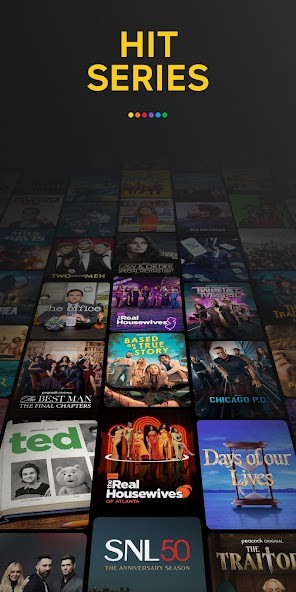
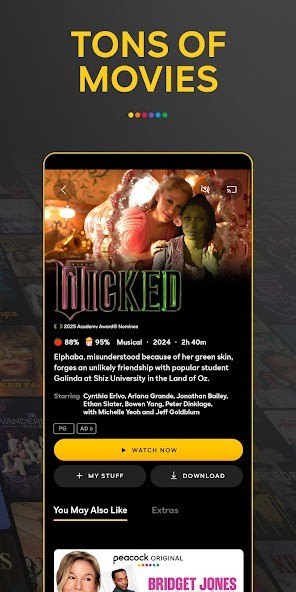
Apart from programs like "Saturday Night Live" or "The Tonight Show Starring Jimmy Fallon," you'll find hit sitcoms, drama series, and original shows. You'll also be able to access its rotating movie library, whether Hollywood blockbusters or independent films. Because NBC has merged with Universal, there are many productions from DreamWorks, Universal Pictures, and Focus Features for you to enjoy.
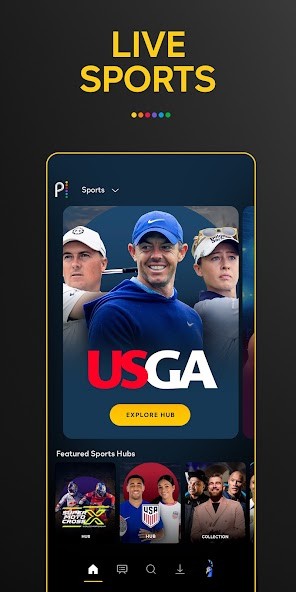
Peacock TV lets you stream live sporting events like NFL games, Premier League matches, and WWE fights with studio commentary, post-event analysis, and highlights. You can also use Peacock TV to watch NBC News, MSNBC, and CNBC, as well as their other live channels, so it's easy to select between on-demand content and real-time broadcasts.
You can use Peacock TV for free, but if you opt in for one of its paid tiers, you'll get rid of content limitations and ads, get early access to some productions, and the service will also allow you to watch streams in real time and download content offline for later viewing. Peacock TV offers all the standard features a streaming platform should have, like a "Continue Watching" section, HD and 4K resolutions, a dedicated mode for children, and the option to create multiple profiles, each with its own list of favorite content.
In order to provide a multi-platform experience, you can download Peacock TV on a wide array of devices, starting with mobile phones and tablets, but also on Smart TVs from all major manufacturers and gaming consoles. You can also just launch it on your computer via a browser and be sure that your content is synchronized across all the platforms.
Is Peacock TV free?
Unlike most streaming platforms, Peacock TV offers a free tier that opens up a limited selection of movies, TV shows, news, and sports highlights, but also delivers occasional ads.
To gain access to its full library of content, you need to subscribe to one of the paid tiers, Peacock Premium or Premium Plus, either on an annual or monthly basis. The paid tiers also remove ads and include current NBC shows, more sports coverage, and live TV feeds.
Please note that Peacock TV is unavailable in many countries and primarily supports the US region.
What operating systems are compatible with Peacock TV?
You can download Peacock TV on many devices and operating systems, so the service provides a truly cross-platform experience.
To download the app on your smartphone or tablet, you need iOS 15 or higher or Android 7 and later. You can also use Peacock TV on Windows, Mac, and Linux computers through any modern web browser, such as Chrome, Firefox, Safari, and Microsoft Edge.
Peacock TV also works on most smart TVs (including Samsung and LG) and streaming devices like Roku, Amazon Fire TV, Apple TV, Android TV, and Chromecast. You can also download an app dedicated to PlayStation 4 and 5, as well as Xbox One, Series X, and Series S.
What are the alternatives to Peacock TV?
Hulu is one of the most popular alternatives that gives you access to a broad library of content, current shows running on ABC, FOX, and FX, and more, as well as live TV, local channels, and sports. You can start watching on a free trial and then subscribe to one of its paid tiers with or without ads. Hulu also offers a lot of its original content and productions, which make it an attractive option for fans of series such as "The Handmaid's Tale", "The Kardashians," or "Only Murders in the Building." You can access Hulu on iOS, Android, Windows, macOS, Roku, Fire TV, Apple TV, Xbox, PlayStation, and smart TVs.
Tubi is a free streaming service from Fox that displays ads to offer you an extensive catalog of movies and shows from studios like Paramount, Lionsgate, and MGM. While you won't be able to watch live sports or channels with Tubi, it's a great option you can use without any financial commitment. You can access Tubi on iOS, Android, Roku, Fire TV, Xbox, PlayStation, and through web browsers.
HBO Max is a paid streaming platform with content from Warner Bros., HBO, DC, Discovery, and local providers. It offers almost all HBO hit productions like Succession, The Last of Us, or Game of Thrones, as well as a big library of movies, both the most current blockbusters and more niche releases. In order to use MAX, you need to pay for one of their subscription plans, and the platform is available on web browsers as well as mobile devices, gaming consoles, and various smart TVs.