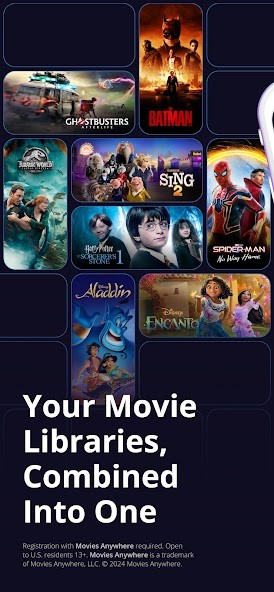
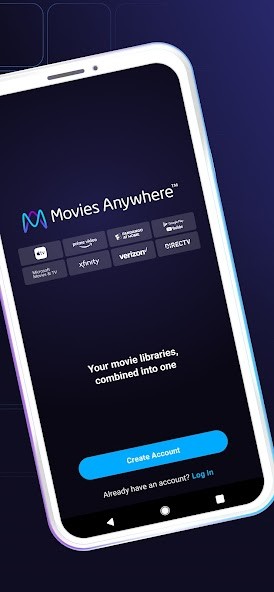
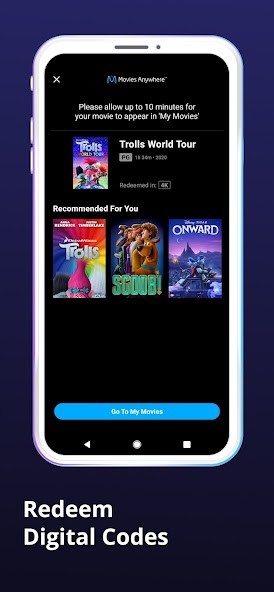
Movies Anywhere is a place where you can gather all your movie purchases from any digital store you bought them from. If looking for your movies and shows across a mix of Amazon Prime Video, Apple TV, and Google TV isn’t easy, this app makes it easier. After the accounts are linked, those movies that are eligible appear in your library, which is created from movies on other platforms you use.
It is not like a streaming platform with a catalogue you have to pay for—it’s more of a hub. You watch movies and shows without any renting or subscription needed. So, you get to keep what you have already bought. You can keep your movies in Movies Anywhere without having to use only one store. All movies purchased through YouTube, Prime, Vudu, or iTunes end up together and start playing right away.
Movies Anywhere has an easy and organized design for users. You are free to look through, filter, search for, or straight up play something. What is the best bit? You can use any of your linked platforms to continue watching. You can watch from your phone, move to your TV, or keep going on your tablet without any fuss.
Why Should I Download Movies Anywhere?
Many people are surprised by how many digital movies they own, only when they try to watch one. They look on Amazon, after that turn to Apple Music or iTunes, and next to Vudu. Application development is divided, slow, and irritating. What Movies Anywhere does is link your accounts and create one place where you have your films. It’s sort of like your DVDs suddenly fitting nicely on one shelf, no matter where you got them.
Its usefulness is also in how it makes sure your buys stay safe. Should you get movie access from one platform, not using it won’t affect your access on other platforms. The movie remains in your Movies Anywhere library. Having that freedom helps, as rights to movies are transferred and studios move their titles from platform to platform. Since the app works with different vendors, you have fewer limits.
Families can use it easily as well. You are able to set up watchlists, transfer your library to others accepted by Screen Pass, and continue playback on a number of devices. Want to keep watching the same thing you were watching before? Done. Want to set up a movie for a friend to see on a different device? That can be done easily with the app.
There is also the benefit that the quality is very good. Devices using the app can play movies up to 4K resolution if they are available, and most of your films will play at their highest possible resolution. You can still get good results even when you don’t buy from the original company. Playing the video is always clear and quick, and it supports most popular devices.
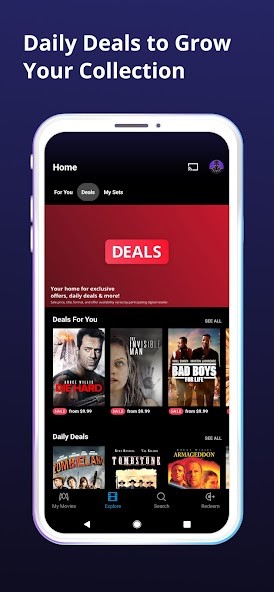
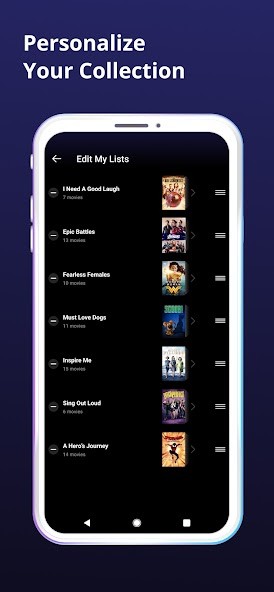
The service isn’t restricted to syncing up; it does more as well. You get features that are sensibly designed. You can put your movies into different genres, create personal watchlists, and receive tailored movie suggestions depending on what you have. It gives you a chance to watch your favorite films again from one app and not have to switch between many services.
If you watch or buy many movies on your television, this app is one of the very few that simplifies things. You do not have to remember which store you got your products from, or be confused if they are not listed in all places. All the data appears when you link it, and you can unlink it whenever you want.
If you don’t think you will buy many movies, Movies Anywhere can work as a way to keep your copies safe online. When connected, all your movie records are prepared and kept away from damage, which means your purchases won’t ever get lost. Because it is so quiet, digital security can be forgotten until you experience problems without it.
Is Movies Anywhere Free?
No costs are involved—Movies Anywhere is completely free to get and use. You don’t have to pay for using the service, and syncing everything is always free. Some parts of the app, such as Screen Pass, can’t do everything, but using it is still free.
What Operating Systems Are Compatible with Movies Anywhere?
Movies Anywhere comes to the Android, iOS, and desktop world through the regular channels, and you can use it on smart televisions and on popular devices such as Roku TV and Fire TV. Since the app is always being improved and updated, it runs easily and correctly on every modern system.
What Are the Alternatives to Movies Anywhere?
Cross-platform syncing with films is mainly done through Movies Anywhere, but several other apps give users a different way to watch movies.
Streamers can rent or buy movies from Fandango at Home (earlier known as Vudu), enjoying early access and a vast choice. There is also 4K playback, Dolby Vision, and family features included. But the library is exclusive to the store—purchases made on Fandango at Home will not be on Movies Anywhere unless the integration is available.
Google TV (formerly known as Google Play Movies & TV) is especially popular for people using Android devices. Your Google account is what keeps your purchases, and you can access them through it. The app is good at sorting and placing your subscribed names, such as YouTube TV or Netflix, at the top; even so, outside purchases are only integrated if the platform joins Movies Anywhere. In other words, it’s better at pointing you to content than storing your favorite movies.
Many people use Amazon Prime Video, which provides a huge range of titles to rent or buy. You also get access to Amazon Original series, which makes the service a mix of renting and buying. But just like Google TV, unless you use Movies Anywhere, the digital movies you buy will not transfer and will stay on the Amazon site. Prime Video offers X-Ray, different ways to watch shows, and parental controls, but its main purpose is to ensure you use Amazon.