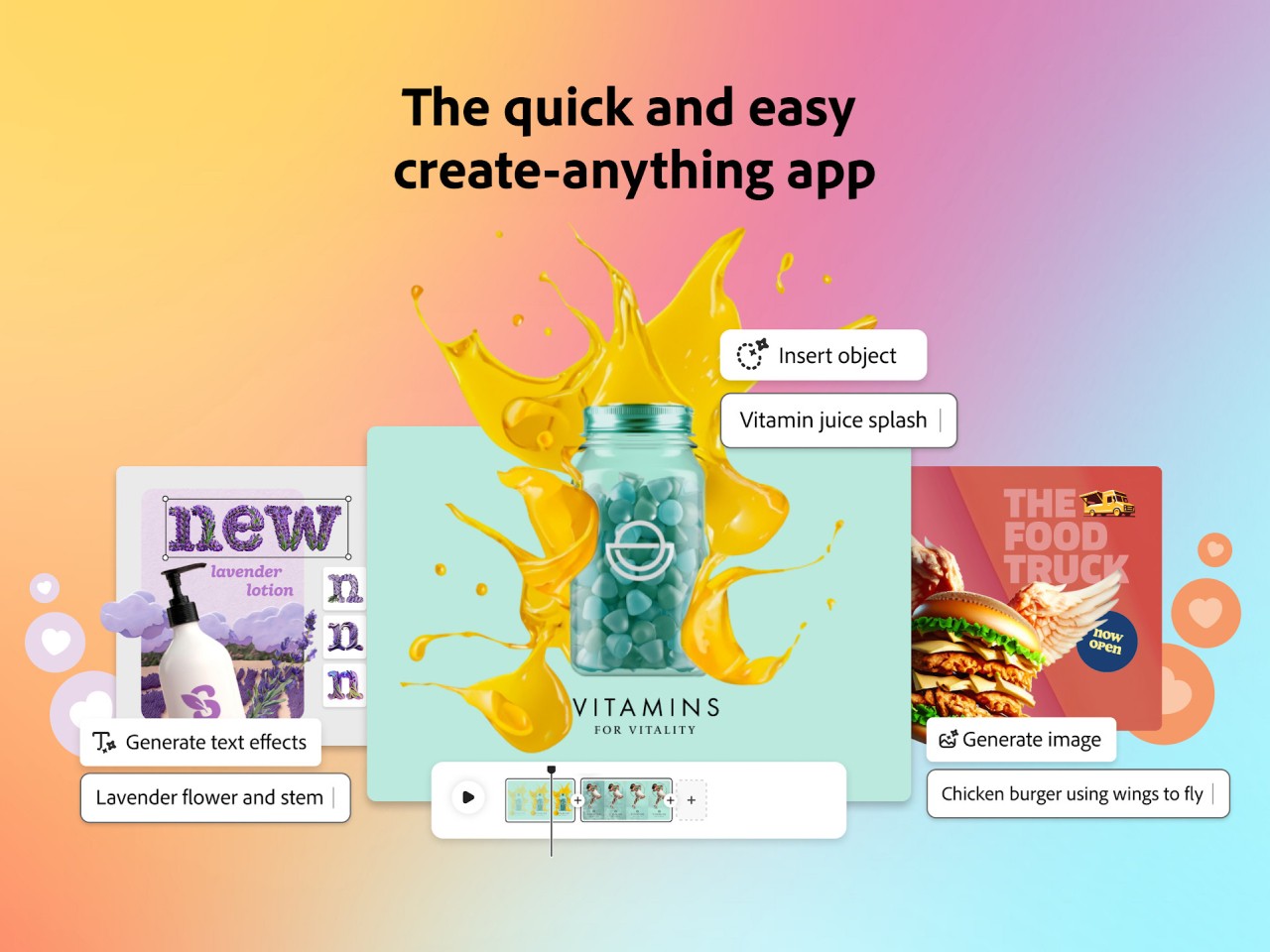
Adobe Express is an all-in-one solution for creating various types of content, even if you're not a professional designer. It's perfect if you're a student, a small-business owner, a social media influencer, or a marketing specialist. Use it to quickly compose high-quality materials like social media posts, banners, flyers, logos, presentations, PDFs, and videos.
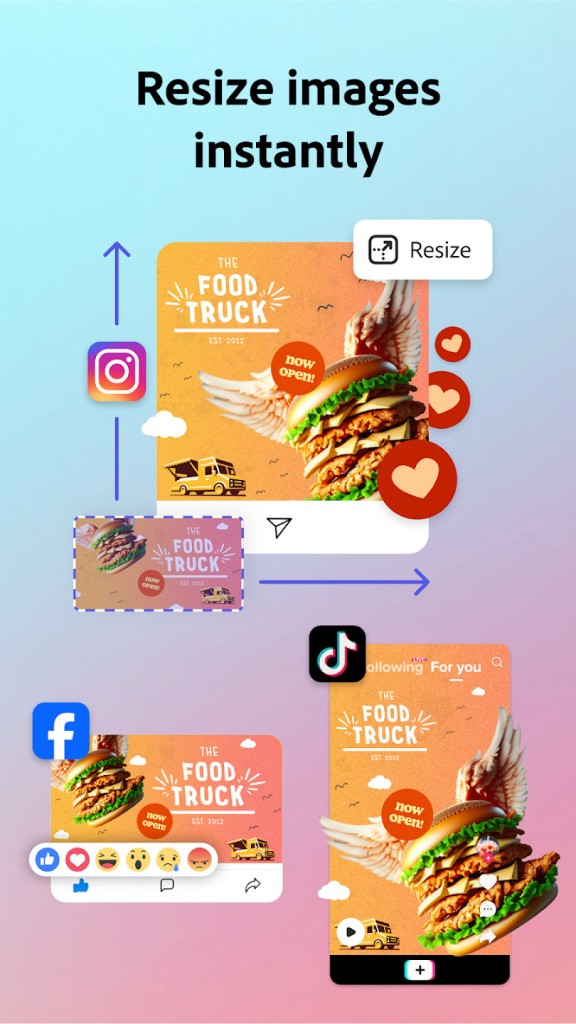
With Adobe Express, you also get a wide library of templates that are ready to use and that you can tweak to match your needs or color scheme. The editor is based on dragging and dropping elements to the canvas, which makes it easy to adjust their position or size. There are also generative AI-based tools that you can use to optimize your design or get assets. You can also use a single design in multiple places because of the resizing feature that adjusts your work to different formats.
If you're already a user of Adobe products, Adobe Express smoothly integrates with all of them and gives you access to Adobe Stock and Fonts, but you can also use it as a standalone app. All your work syncs to the cloud, and you can access it on any of the supported platforms. You can use Adobe Express for free with basic features or get a paid subscription. Adobe Express works on mobile devices and through their website.
Why should I download Adobe Express?
If you're looking for a fast and easy-to-use design tool, then Adobe Express is an excellent solution as it doesn't require learning complex menus or features, like more advanced tools do ( think Adobe Photoshop or Illustrator). You can assemble designs quickly for different social media platforms and marketing purposes. Adobe Express gives you access to a huge collection of templates made by professionals, so you don't have to start from zero. Each of them is fully customizable, and you can browse through various categories, like YouTube covers, Instagram stories, menus, resumes, business cards, or presentations.
Whether you're starting from zero or using the templates, the Adobe Express editor is simple to use and straightforward. You just drag and drop the assets to the canvas, drag them to change the location, and you get special context menus where you are able to edit text, images, icons, colors, and shapes with ease. There are built-in automatic guidelines that help you place objects evenly, and you can work on various layers.
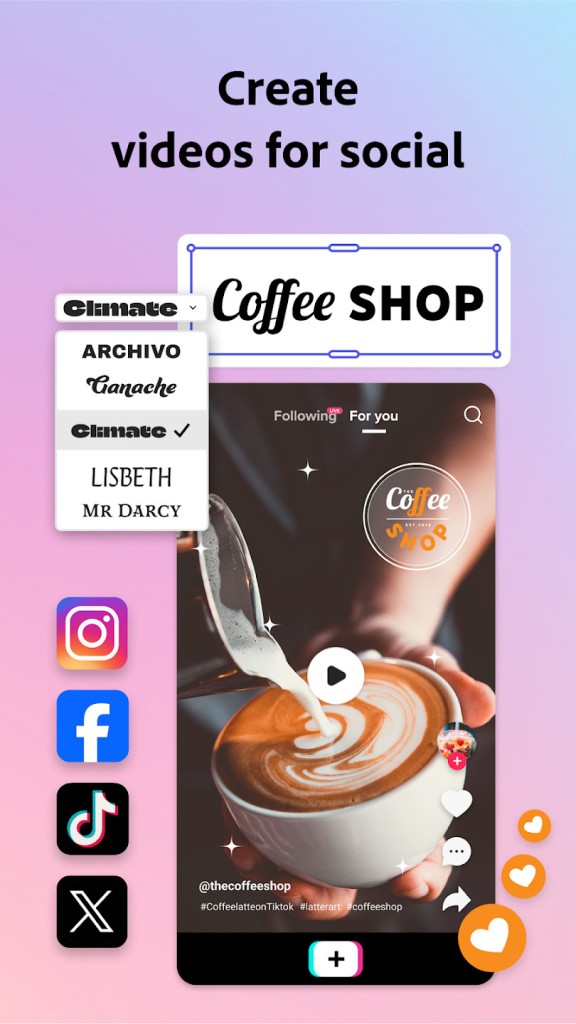
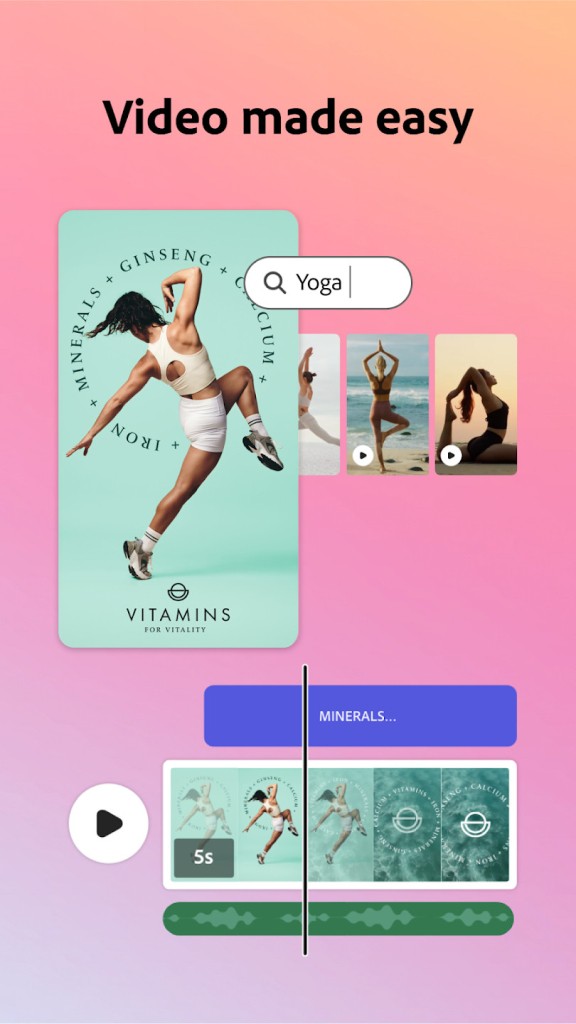
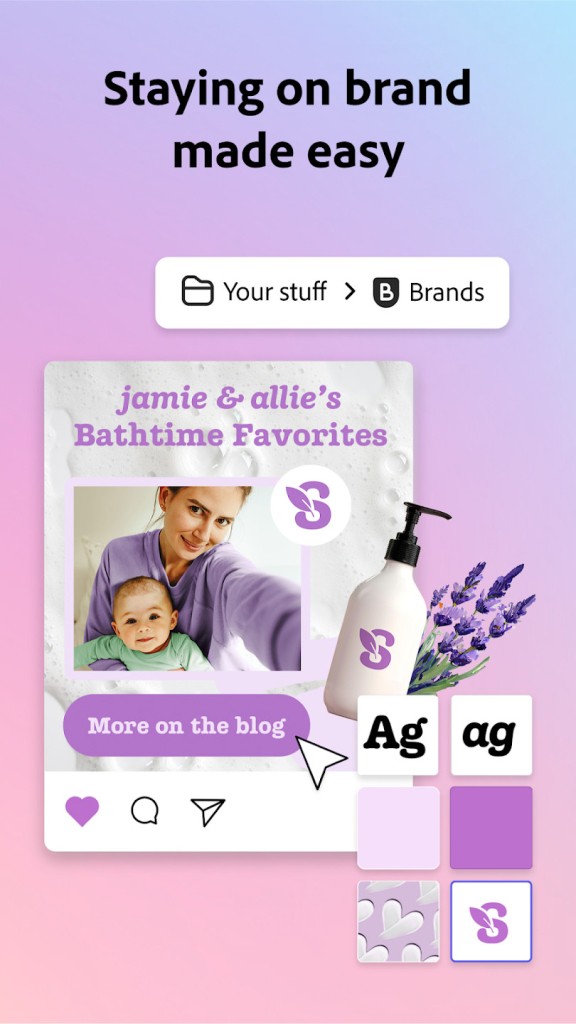
With Adobe Express, you also get tools for editing and assembling videos, not just static designs. Once you upload your clips, you can trim them, combine different footage together, place animated text on top, and even add royalty-free music from the Adobe Express collection. You can also use this service to build out simple web pages and apply brand kits to all your work, so your content has consistent colors, logos, fonts, etc., no matter where you're using it.
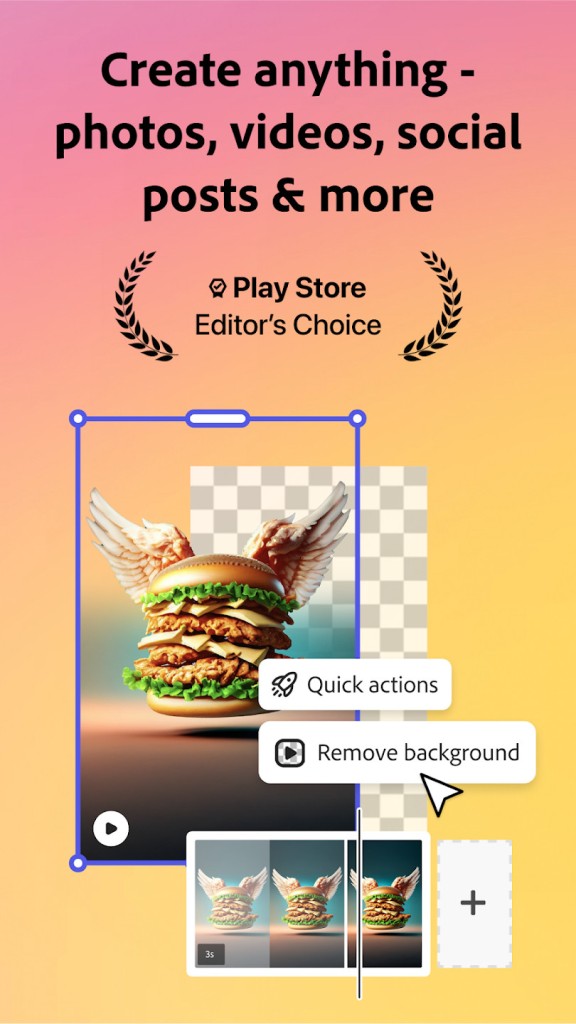
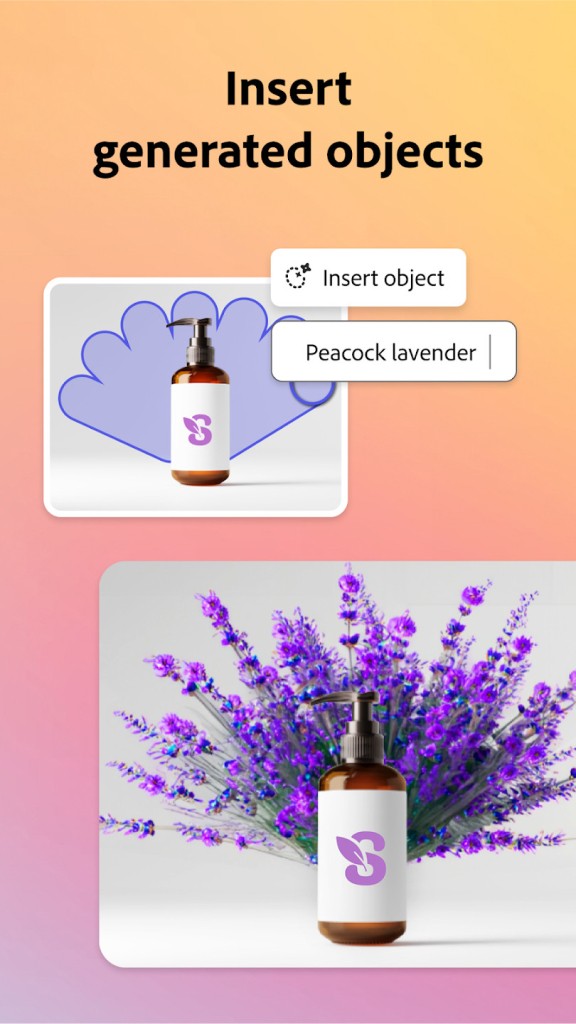
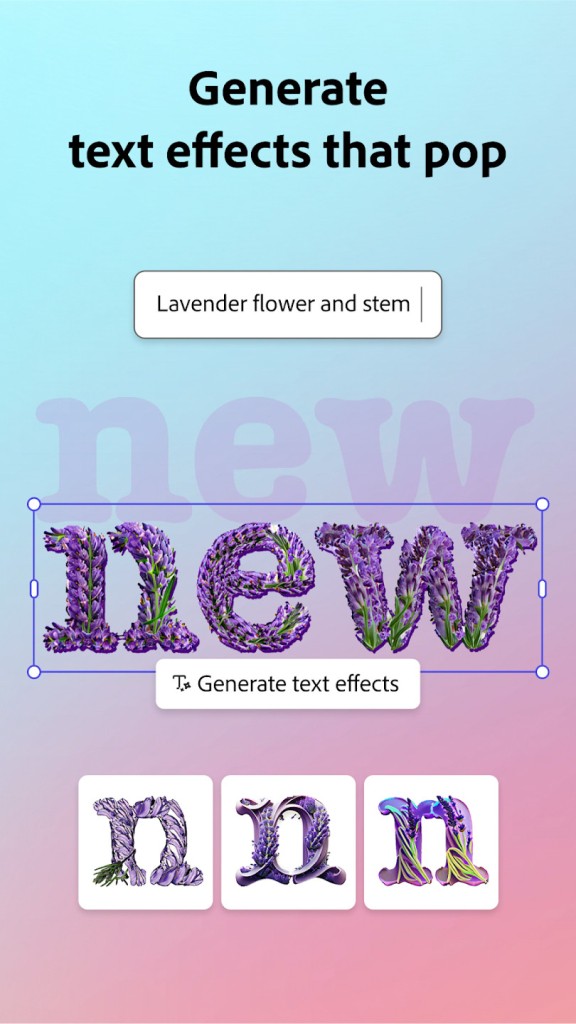
Moreover, Adobe Express has AI tools that can help you remove backgrounds from photos, automatically crop your designs without cutting out content, and even generate images from text prompts thanks to its integration with Adobe Firefly. Adobe Express is fully integrated with the Adobe suite of products and Adobe Creative Cloud, which is great if you're already a user. This allows you to easily add assets from tools like Photoshop or Illustrator, automatically update designs across programs when you make changes to logos or other objects, and all your work is available in a single cloud directory.
Adobe Express also includes a social media scheduler that you can use to automate posting designs to your various profiles, making this tool a really comprehensive solution for online marketing needs. You can revisit changes made to your work with version history, and work with others online. You can use Adobe Express as a free tool with limited features, or get one of their subscriptions for teams, individuals, students, educators, non-profits, and big enterprises. Adobe Express works through their website on any computer with a modern web browser, or you can download it for iOS and Android.
Is Adobe Express free?
Yes, you can start using Adobe Express for free on any supported platform, and it doesn't have any time limit, but you don't get full access to all the features. It still allows you to use templates, some Adobe Fonts and Adobe Stock assets, schedule posts to 1 social media account, and limited AI-generation options.
If you need more, there's a whole range of various subscription plans catered to different types of users, like companies or students. Each of them is available on monthly and annual payment plans, and the pieces start from $12.99/ month. Some plans are offered for free if you qualify, for example, for non-profits or K-12 educators.
What operating systems are compatible with Adobe Express?
Adobe Express web version works on any modern browser, such as Chrome, Edge, Firefox, or Safari, on Windows, macOS, and Linux. You can also download Adobe Express for mobile devices to use it on the go, and it works with iOS 17.0 or newer and Android 10.0 or higher.
Your work syncs between devices and platforms automatically, so you can go back to editing wherever you are.
What are the alternatives to Adobe Express?
Canva is currently the leader when it comes to online design tools as it has a user-friendly editor based on drag-and-drop as well as a library of millions of user-generated and professional templates for any imaginable purpose. You can create social media posts, videos, PDFs, remuses, and much more, and Canva also has a suite of AI-based tools that can remove backgrounds, generate images from text, and rewrite content on your designs. You can use it solo or collaborate with teams, and Canva comes in both free and paid versions as a mobile app, or you can work through its web service.
Desygner is a design platform that is ideal for generating logos, editing and creating PDFs, and it offers a wide selection of templates. It makes keeping your brand's assets coherent super easy, works great on mobile devices, and is definitely intended for business users. You can use Desygner on its free plan or get a paid subscription, and the platform works on iOS, Android, and the web.
Concepts is a great tool for sketching, creating UI mockups, or professional illustrations, so it's different from the other solutions. It doesn't offer a drag-and-drop editor, but you get an infinite canvas, the ability to edit vectors, and support for various styluses. It's a great tool for designers and architects who want to create works from scratch, and you can download Concepts on iOS, Android, and Windows PCs for free and choose a paid plan if you need to.