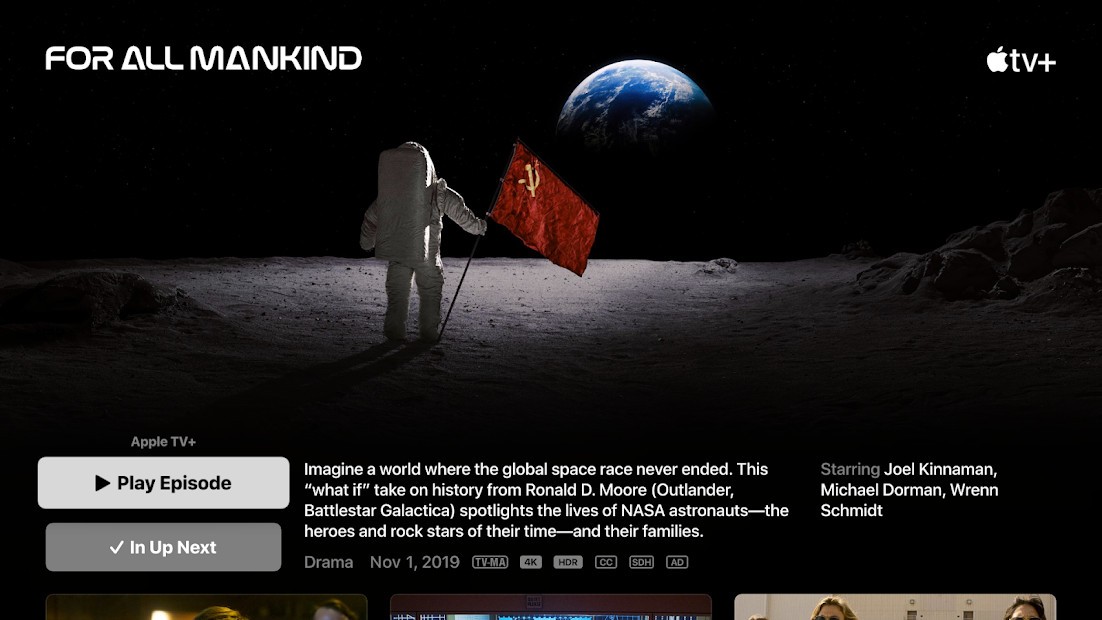
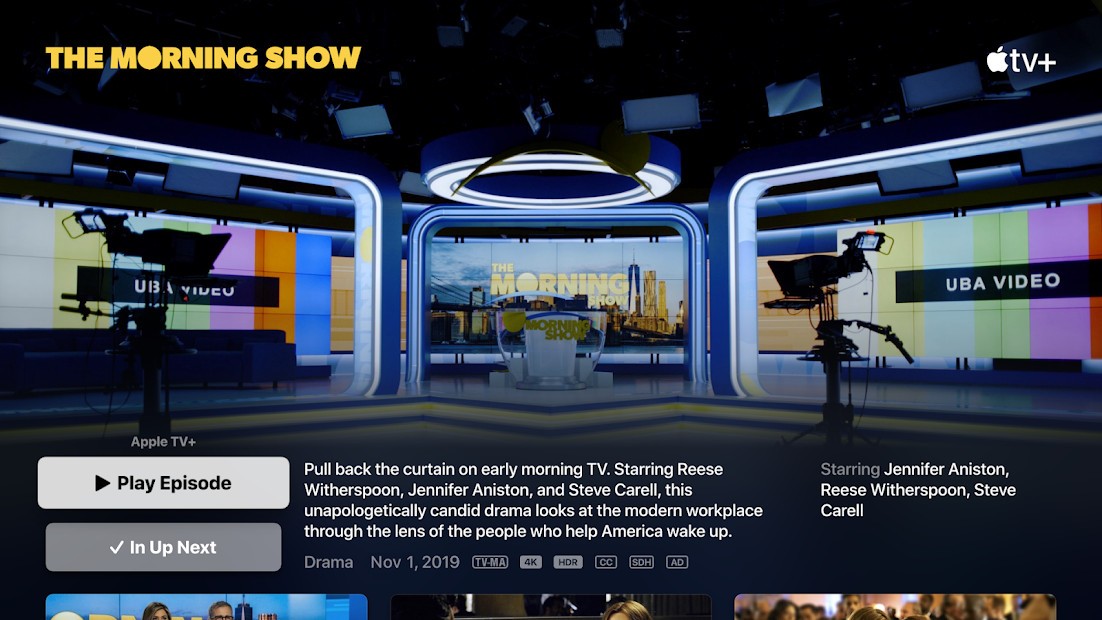
You cannot consider Apple TV as a regular television plug-in device. You can find Apple TV as both a downloadable mobile app and a physical device. It’s both. Through Apple TV, users can manage their viewing content from various platforms into a unified interface before finding their next entertaining program.
Apple developed Apple TV to consolidate your entertainment platform through iPhones, Macs, iPads, and select smart TV models. Apple TV offers this functionality together with a clean interface, which maintains user-friendly design elements like Apple products typically do. This system avoids yelling through excessive noise and keeps itself organized. The interface just arranges content in an orderly fashion to provide easy access for users.
The feature of Apple TV performs seamlessly between Apple Originals and third-party movies, as well as recommendations based on your entertainment choices. Navigation through Apple TV happens without requiring mental effort from users. The system maintains all your Apple device connections while tracking your current viewing position. The movie playback position you paused on your iPad can continue directly from that point when you switch to watch it on your TV screen. The feeling is seamless.
Why Should I Download Apple TV
Experiences which deliver the best results usually stay in the background. The system operates without drawing extra attention while delivering functional results. Apple TV is like that. It’s not trying to be flashy. All streaming platforms, from Netflix to Prime and Disney+, and additional platforms exist in your streaming list. Watching something consists of outdated hopping from app to app until you forget where that specific documentary was located, and maybe ending up seeing content that was never your choice.
Apple TV functions as a solution against the issues it aims to solve. Once you activate the platform, it presents its information in an organized manner. Not just Apple TV+ shows, but other services too. Apple TV monitors your movie progression through its interface while showing your upcoming content with helpful recommendations without overwhelming you with superfluous options.
Using Apple TV becomes more beneficial for people who are within the Apple ecosystem. Everything syncs up. Customers can begin watching their show on the iPhone and continue it on the iPad before completing it on their Apple TV box before they wake up. There’s no fuss. The interface respects your space. The service presents itself without sending unwanted sponsored content to you or showing you autoplay video ads.
Streaming with Apple TV and iTunes provides users with an effortless experience. The service includes integration of Apple TV+ as a subscription platform with original releases of shows and movies. A few of these TV shows remain undervalued, although they develop a special place in our hearts over time because of their artistic videography, well-written plots, and true-life stories.
The Apple TV+ program serves as an effective application even when individual users decide against Apple TV+ membership. The application functions as an all-in-one search engine that scans multiple streaming platforms through a single display. With Apple TV it becomes easy to search streaming content from multiple platforms because you can type in the title of any show or movie to identify where it streams. Using the search feature alone saves valuable time and helps maintain an organized system. The entire process runs with greater focus thanks to Apple TV+. Less noise. More signal.
Is Apple TV Free?
Yes and no. You can get the Apple TV application at no cost and access various of its characteristics through the free service. Watching content alongside creating watchlists as well as using third-party apps becomes possible through Apple TV without obtaining a subscription.
Users need to subscribe to Apple TV+ exclusively through their paid subscription plan. The majority of modern Apple devices include several months of Apple TV service at no charge. Using Apple TV comes with a subsequent minimal monthly payment following the introductory period.
What Operating Systems Are Compatible with Apple TV?
The Apple TV platform has exceeded the boundaries of its Apple hardware foundation. Connectivity started with Apple hardware, but it now supports multiple main operating systems for use. The user interface supports installation on iPhones together with iPads, Macs and Apple Televisions. But also on smart TVs from Samsung, LG, Sony, and others.
Users can access Apple TV service through Roku devices along with Amazon Fire Sticks as well as Xbox Consoles and PlayStation models, and select streaming sticks. Since users do not need to install the app to access Apple TV+ they can open the service directly from their browser. Users obtain their best viewing results through Apple ecosystems however the platform delivers a smooth experience to everyone.
What Are the Alternatives to Apple TV?
You should explore major competitors to Apple TV if Apple TV does not meet your needs or you want to discover other alternatives on the market.
Streaming services
The streaming service known as Netflix maintains a permanent presence in modern language due to its lengthy existence. Netflix has become such a common term that no one can claim credit for creating it. Within the Netflix platform, you can find both lightweight reality programming and bleak international suspense shows, along with many other options. New releases on their platform make you keep returning, but the numerous options available at times get overwhelming. The downside? There’s no central organizing experience. It’s a silo. Living inside the Netflix environment becomes necessary to fully experience its content.
Then there’s Amazon Prime Video. Watching Amazon Prime Video comes free with your Amazon Prime membership, which many people already have. Prime Video presents a massive library that contains new releases along with independent and lower-profile films and bizarre B-movie titles. Apple TV and Netflix may provide a smoother interface because Amazon Prime Video tends to show a less polished look, while its organization system remains confusing to users. Prime members who use the service get access to both featured material and the opportunity to purchase or rent new releases. It’s more practical than pretty. Apple TV showcases its content like a neat desk, while Prime Video exhibits its content through an unorganized shelf, although successful seekers can locate valuable items.
Hulu represents an excellent content option that works best for audiences who watch recent television shows. Every live programming episode on cable broadcast will appear on Hulu beginning the day after its initial air. Users can access current series in addition to exclusive productions like The Handmaid's Tale thanks to this service's strong point. The application provides fewer streamlined functions than Apple TV while featuring numerous commercials unless users opt for the upgraded version. The combination of streaming modern television shows efficiently without the need for cable equipment makes Hulu a strong choice for its users. Real-life themes combined with humorous elements distinguish its content from other fantasy-focused shows available on different streaming platforms.