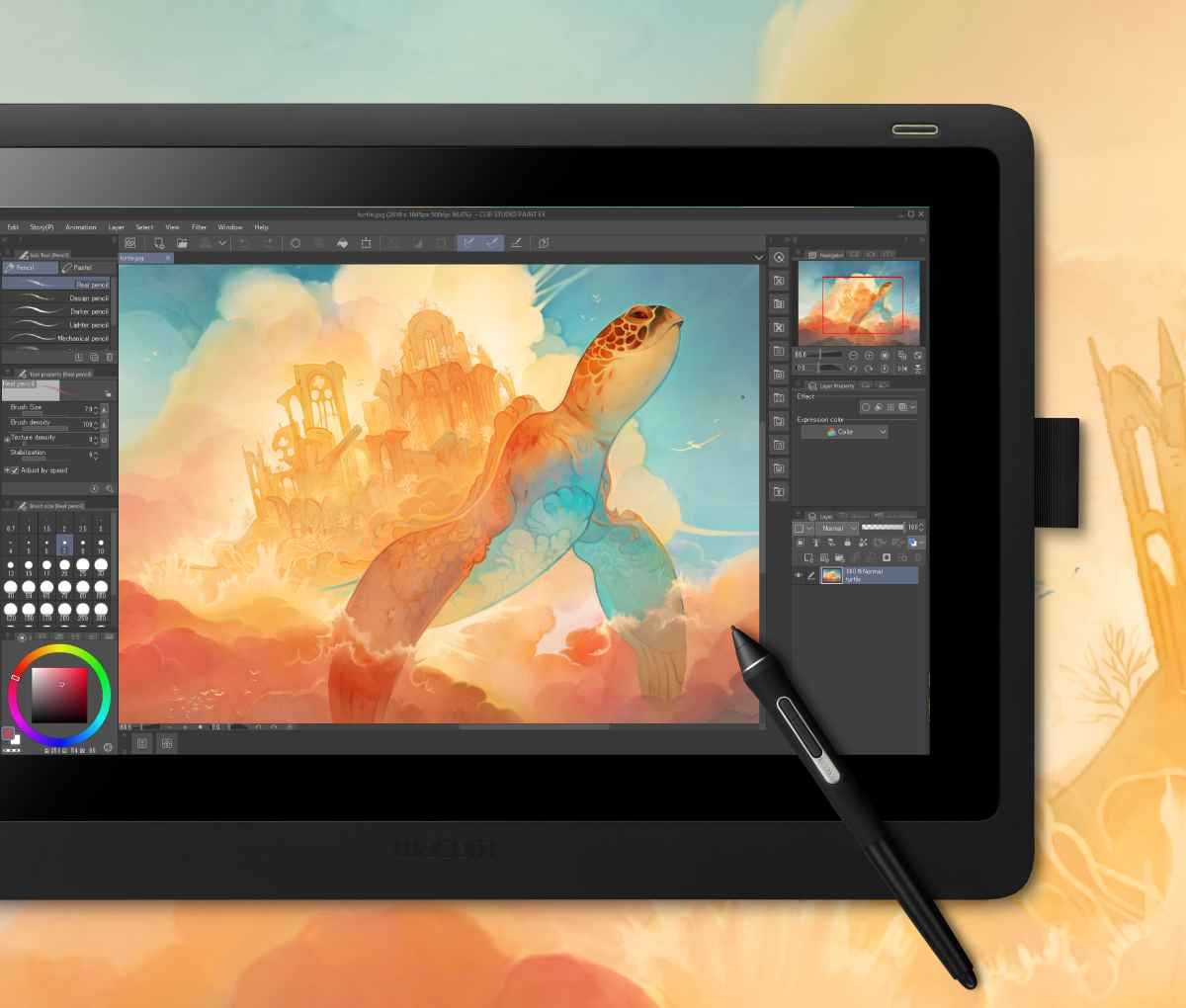
Clip Studio Paint is one of those drawing tools that is not flashy and yet full-blown serious. It targets almost exclusively digital artists, illustrators, comic creators, manga artists, and animators. And though initially it’s not unlike drawing software, the more you use it, the more apparent it becomes that it really does have something new to offer.
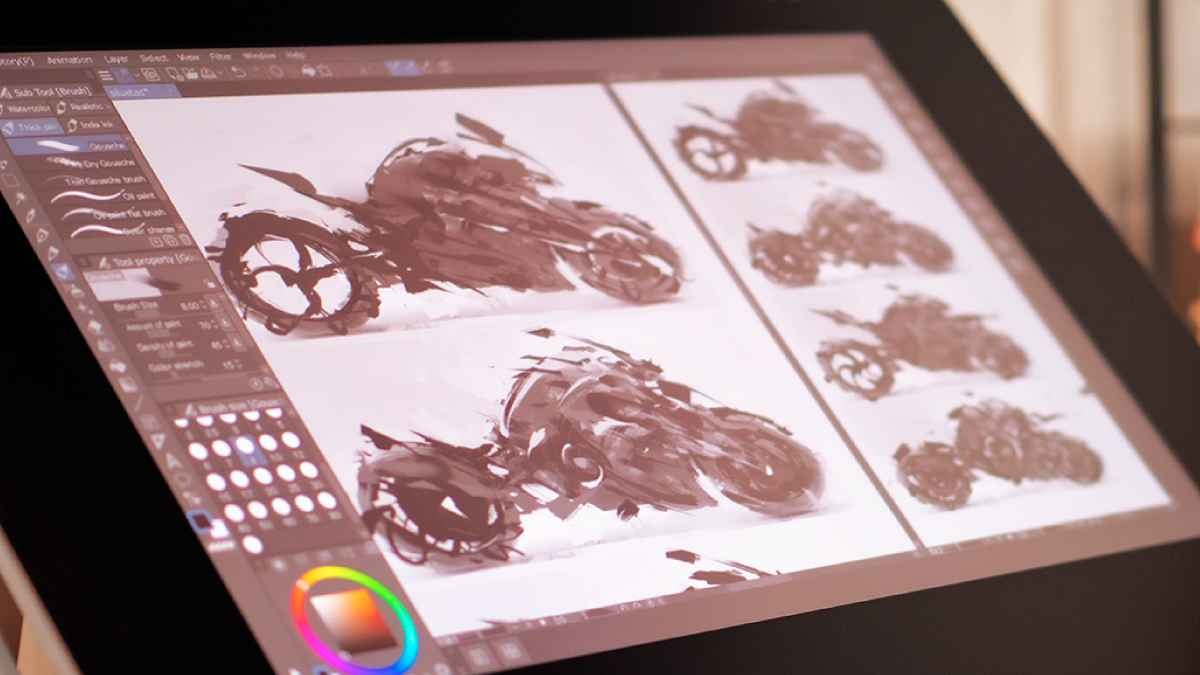
The program offers a canvas to paint, but that’s not all. You will find some of those brushes which react well to pressure, pens which feel smooth and flexible, and tools which appear to know what a comic artist or an illustrator really would require when drawing or making up panels.
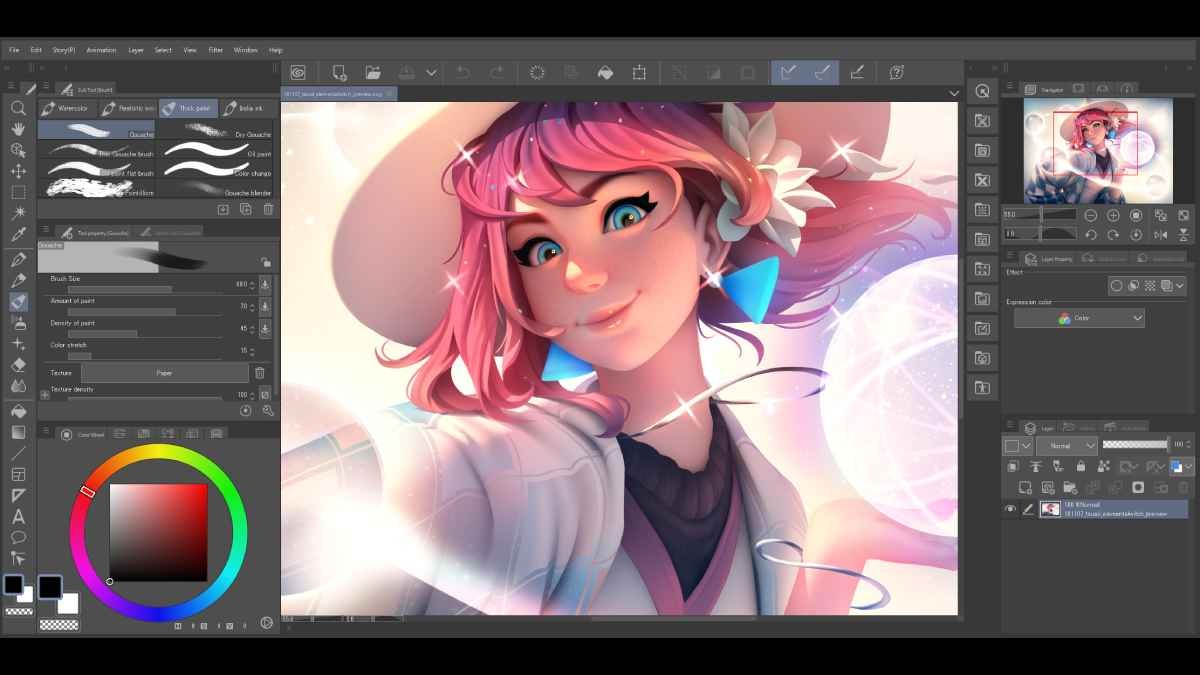
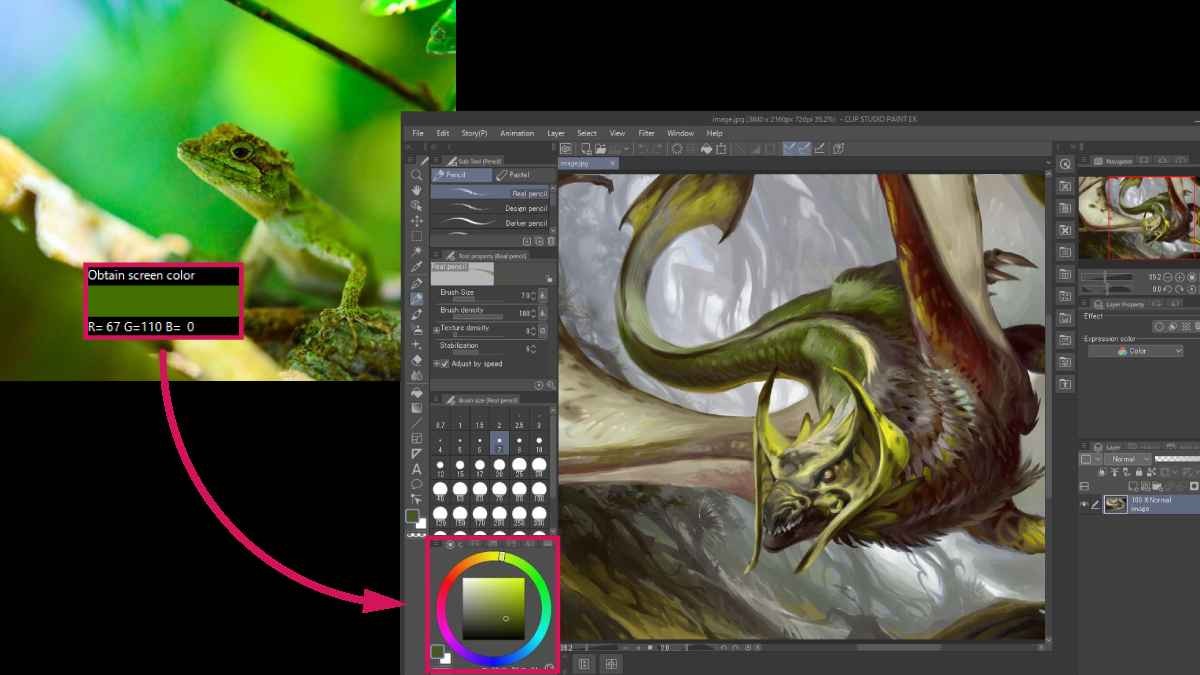
The interface overflows with options, but is still neat. You can customise a lot of things, but you could also just dive right in and not be left in the dark. The biggest attraction of Clip Studio Paint is that it supports everything from sketching to inking, to coloring and even animating a short scene. Whether you are at a desktop and have a pen tablet or you are using a tablet with a stylus, it fits in naturally. It does it in such a way that it somehow makes drawing slightly more traditional, with all the advantages of digital. The software is focused, deep, but at the same time, it is welcoming.
Why Should I Download Clip Studio Paint?
If you’ve played around with digital art tools (and I know you have), you know how easy it is to be stuck between options that try to do everything and options that do nothing well. Clip Studio Paint is in the midst.
It’s full of features, but not getting in your way. Artists love it because it feels as if it’s made by someone who experiences what making art is really like on a daily basis. The brushes move quickly, they’re responsive, and you can adjust them in so many ways to meet your drawing style. For those of you who like clean inking, it has got some of the best stabilization settings. If you enjoy contoured strokes, you can find or make a brush that provides exactly the particular scratch or softness that you require.
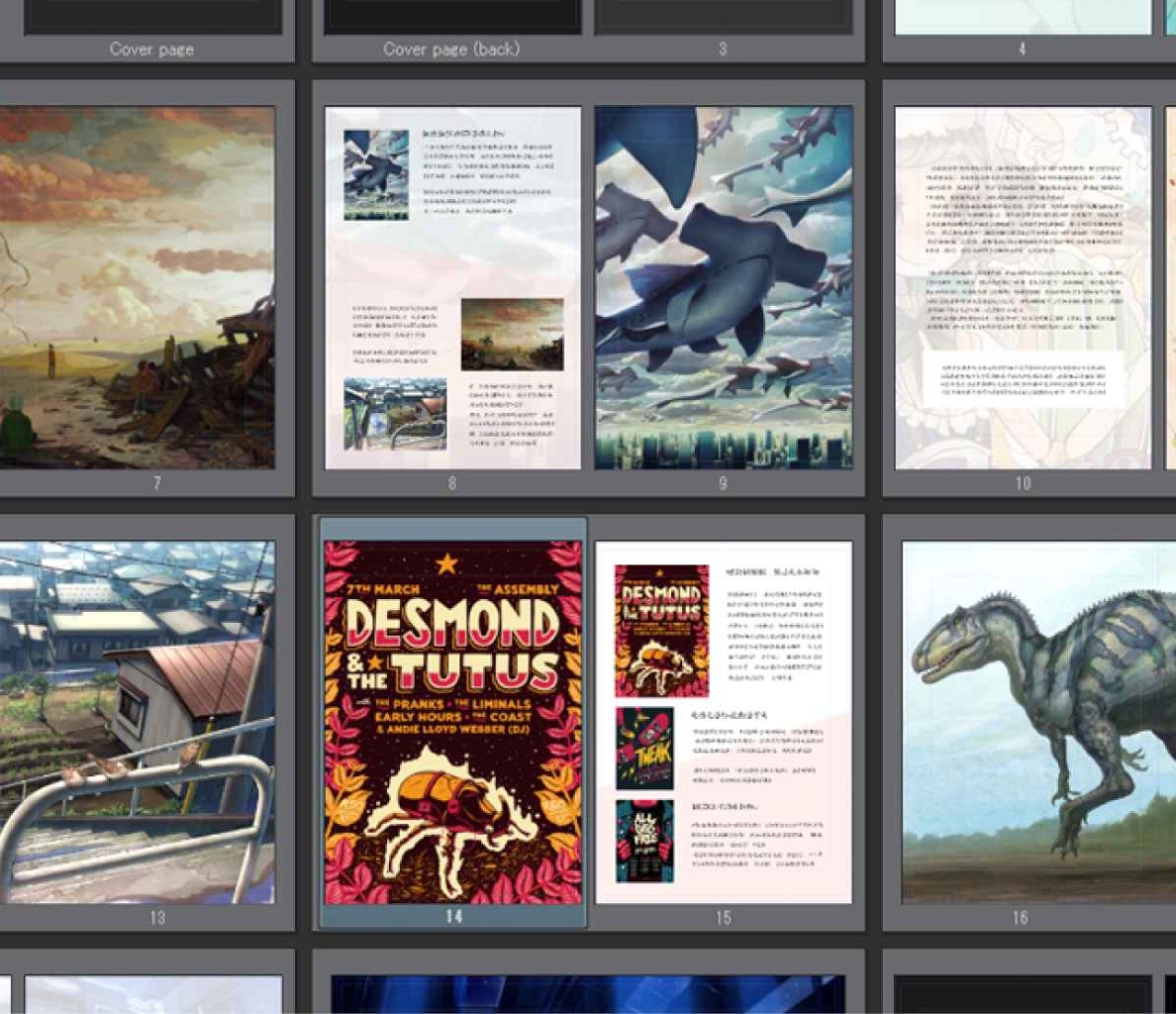
Its comic and manga creation setup is one of the big reasons people gravitate towards it. You’re not drawing a panel, then another, then another, dragging layers forever. You obtain tools for creating comic frames, aligning speech bubbles, and managing the layout of pages. It saves time and is as if created for the need. That’s something relatively difficult to obtain in the majority of general-purpose art software. Plus, the software has 3D modeling capability, so if you’re one of those who have a hard time with poses or perspective, there you have it, the ready-made drawing guides. It’s pushing you towards results quicker and easier.
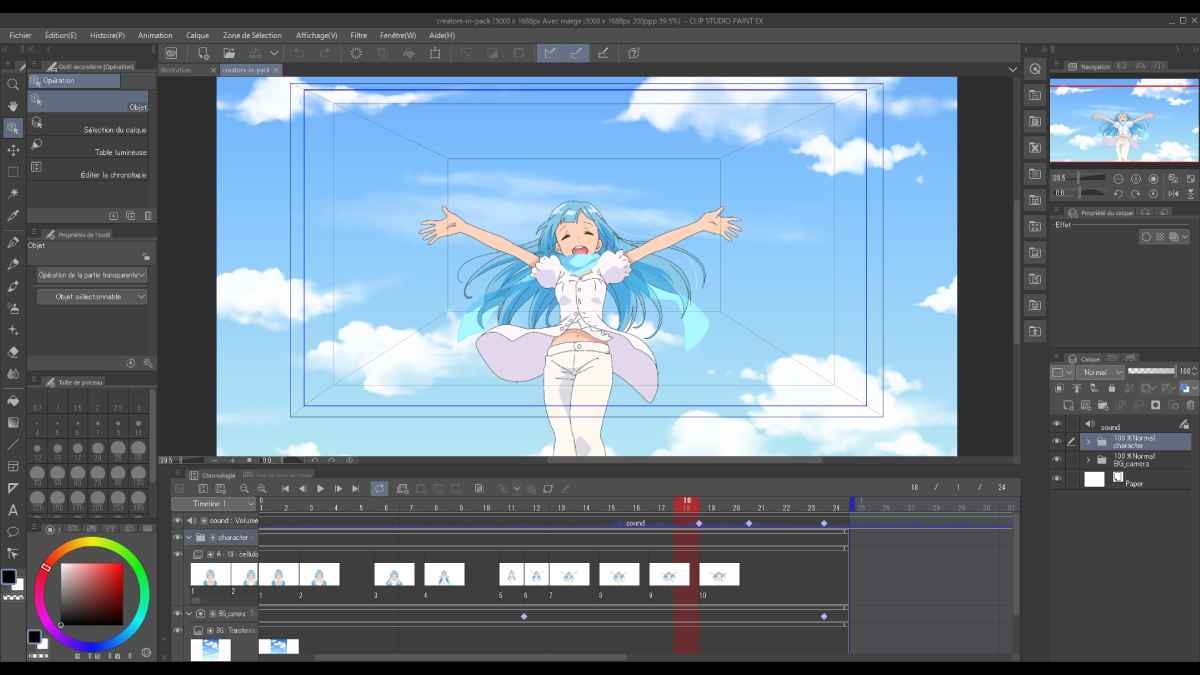
There’s also the animation angle. Although it does not claim to come with a full animation studio setup, it does provide you with adequate tools with which you can create characters or scenes alive, particularly if you are producing short storyboards or loops. It has the support of keyframes, timeline views, and onion skinning, which smoothens the process. It is impressive how helpful this part is for many of the artists producing web comics or little animations.
And then there's the community. Among other things, Clip Studio Paint has a large library of assets, brushes, and materials, which are shared by other users. You can download what people made or upload your own. That kinda throws up a bit of a culture around the software. Brushes are shared, backgrounds, too, templates, and even comic tones. It’s not only a tool, it’s a space that increases along with you.
Is Clip Studio Paint Free?
Clip Studio Paint is not fully free, but it is free to try, so that the user can try it before they decide. The full version is a one-off purchase for desktops and subscription-based on tablets or phones. There are no hidden costs; the free version provides adequate access for a person to really develop a feel for the software.
What Operating Systems Are Compatible with Clip Studio Paint?
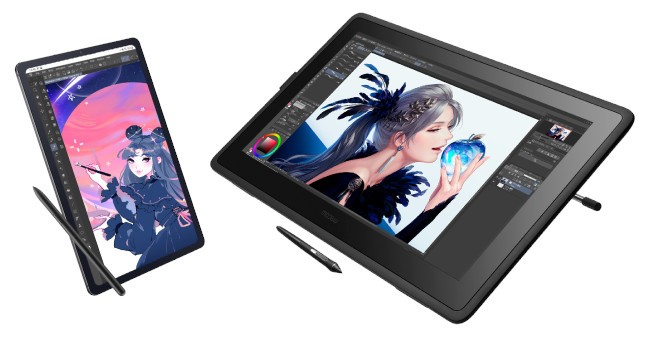
Clip Studio Paint works on Windows and macOS. It also functions on iPad, Android tablets, and Chromebooks. It runs quite smoothly on the desktop on most mid-range systems unless you’re using something old-fashioned. For the mobile version, it’s refined for touch and pen, and the experience surprisingly resembles the desktop version. All you need to do is download it from your platform’s official app store and sign in. Updates are regular, and it doesn’t require a high-class machine. It’s quite lightweight, very efficient, and it works quite nicely for the majority of users.
What Are the Alternatives to Clip Studio Paint?
Even though Clip Studio Paint is loved by many, some artists may prefer varied environments based on what they want to create.
Adobe Fresco was specially developed for artists who prefer a more painterly look. It’s Adobe, so it doesn’t have any problem with Photoshop and Illustrator. It comes with live brushes, imitating the oil paints and watercolors feel, and the software deals more with natural textures. Others like it for sketching and painting because of its smooth blending. It is also user-friendly with touch devices in mind, so if you are working on an iPad, it integrates quite well.
And then there’s Procreate, which is arguably the most famous creative drawing app for iPad. It is quick, really intuitive, and has a neutral interface. It just feels good to draw in, and people love it. You open the app and begin doodling. It has a great selection of brushes, as well as time-lapse for your work of art, and even some light animation tools. It’s trying to do what Clip Studio does, but not in a comic layout of multi-page support, only in standalone illustrations or quick paintings. If you want something more free-flowing, lightweight, and “modern”, then Procreate may be where you feel most at home.
Another alternative that is worth mentioning is Rebelle. It has a little different goal. Traditional painting is displayed at Rebelle. It aims to imitate the composition of watercolors, acrylics, or inks in real life. How the colors bleed, how the brush acts on the canvas, is made to look and feel as near as possible to natural media. It’s a slower, more meditative sort of software. While not necessarily for comics or design-heavy work, for people who want digital tools that mimic real materials is a nice change of pace.