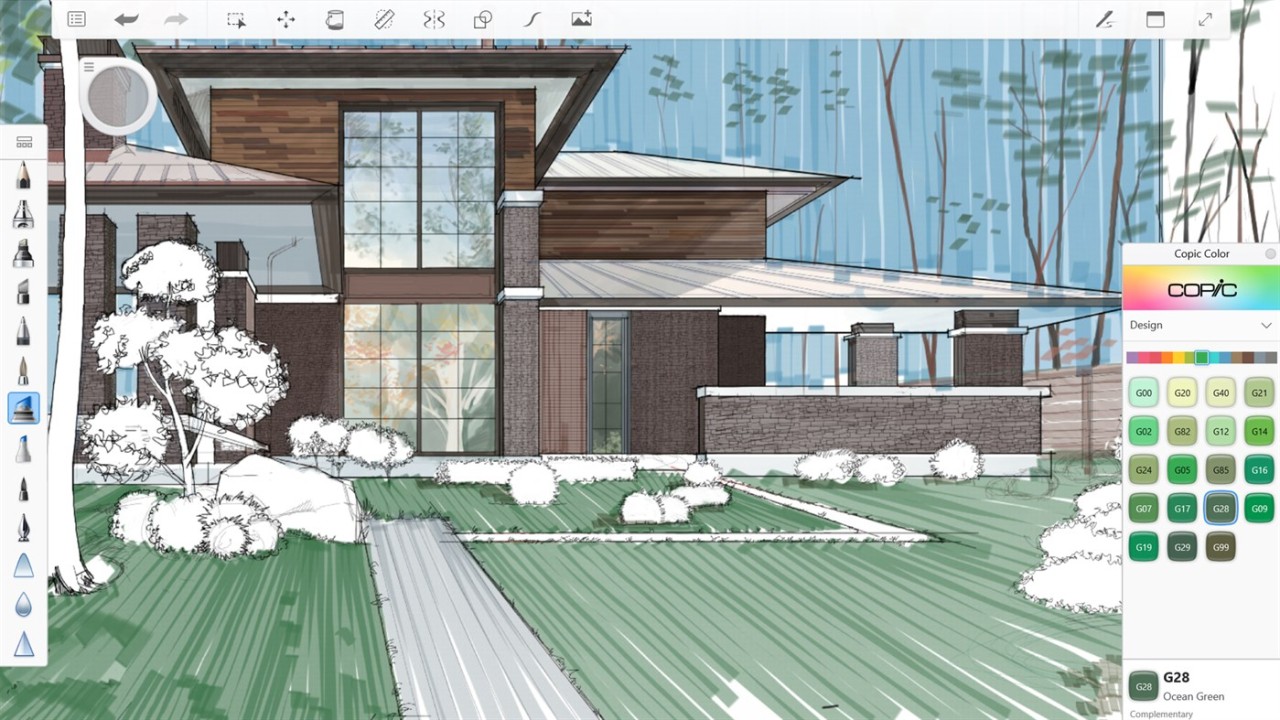
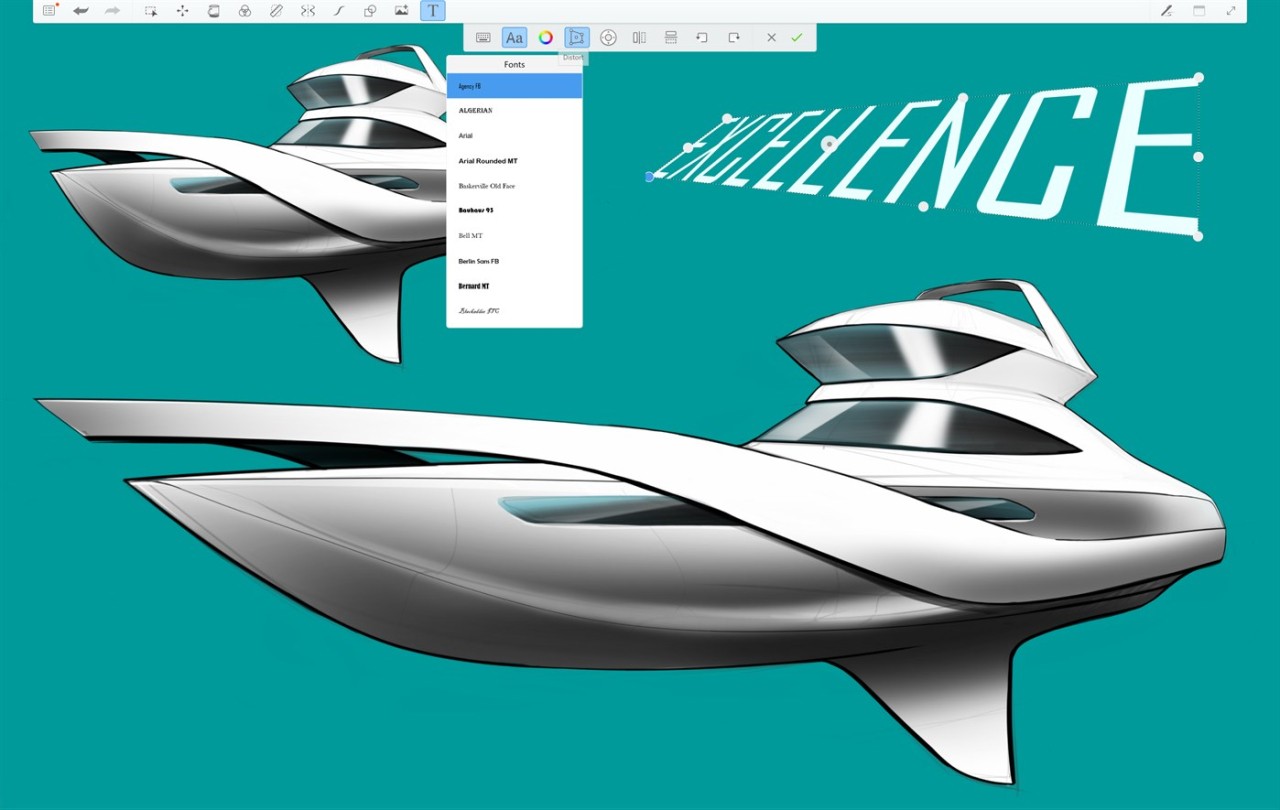
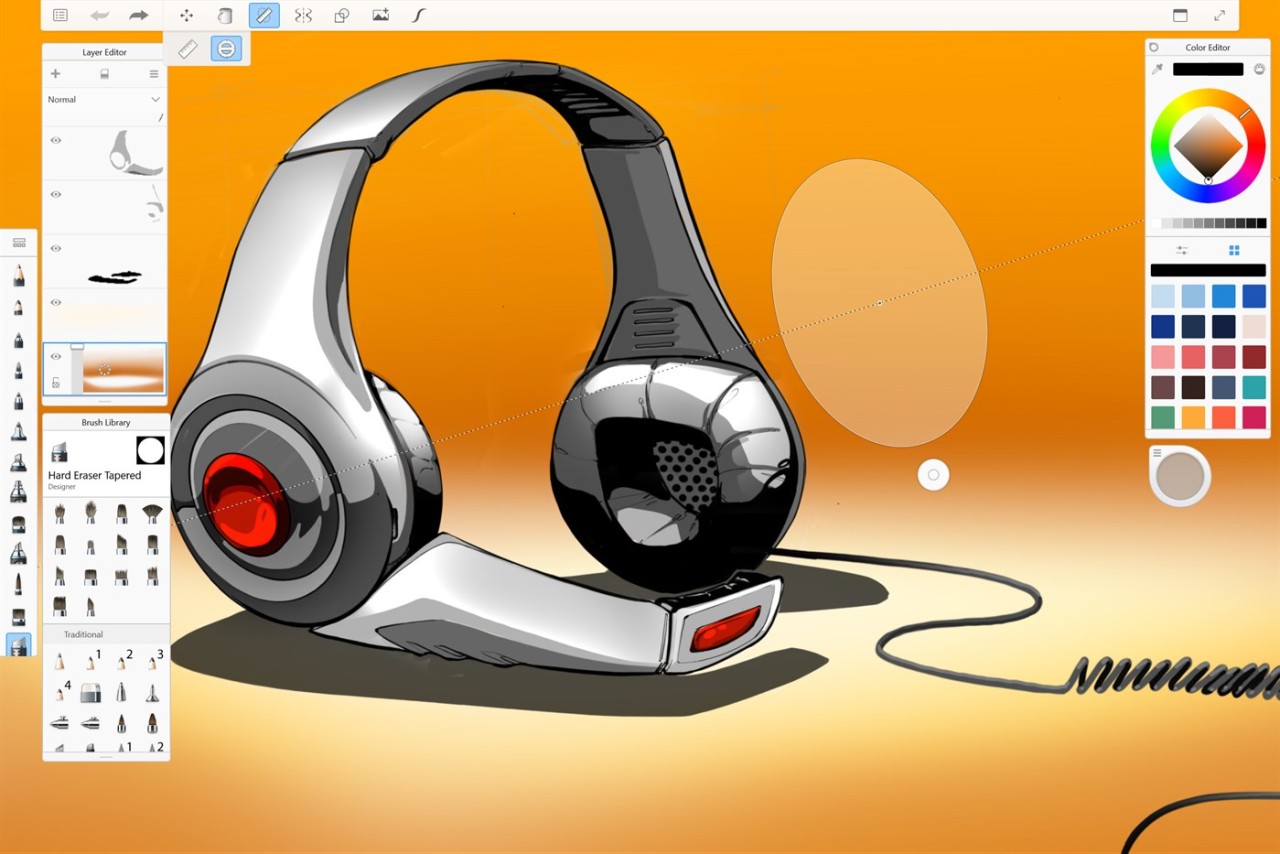
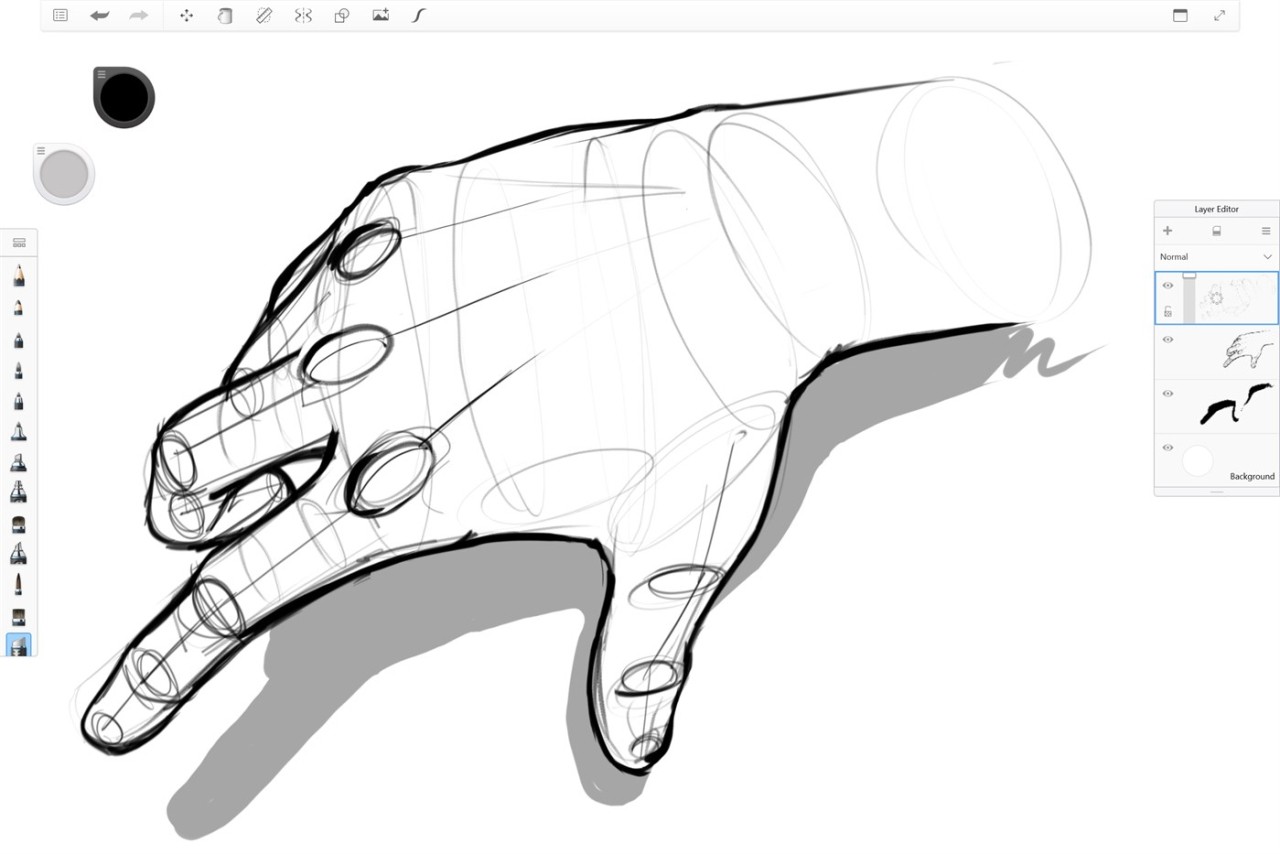
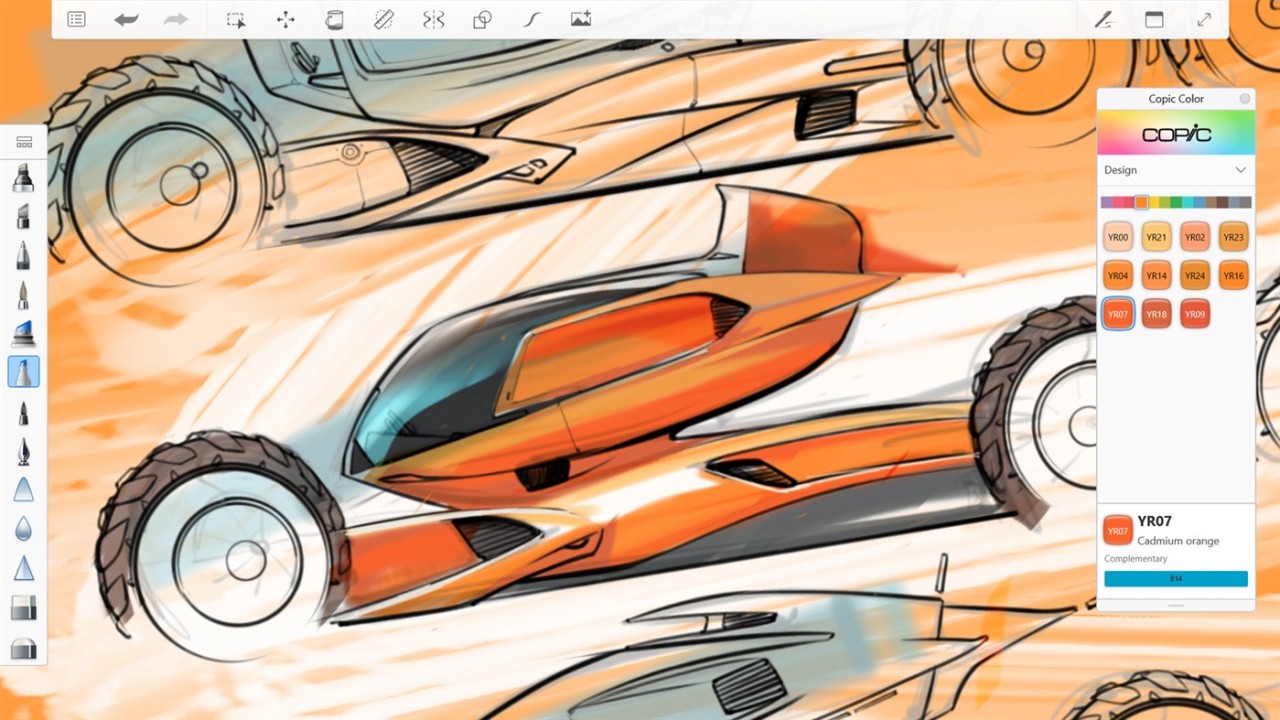
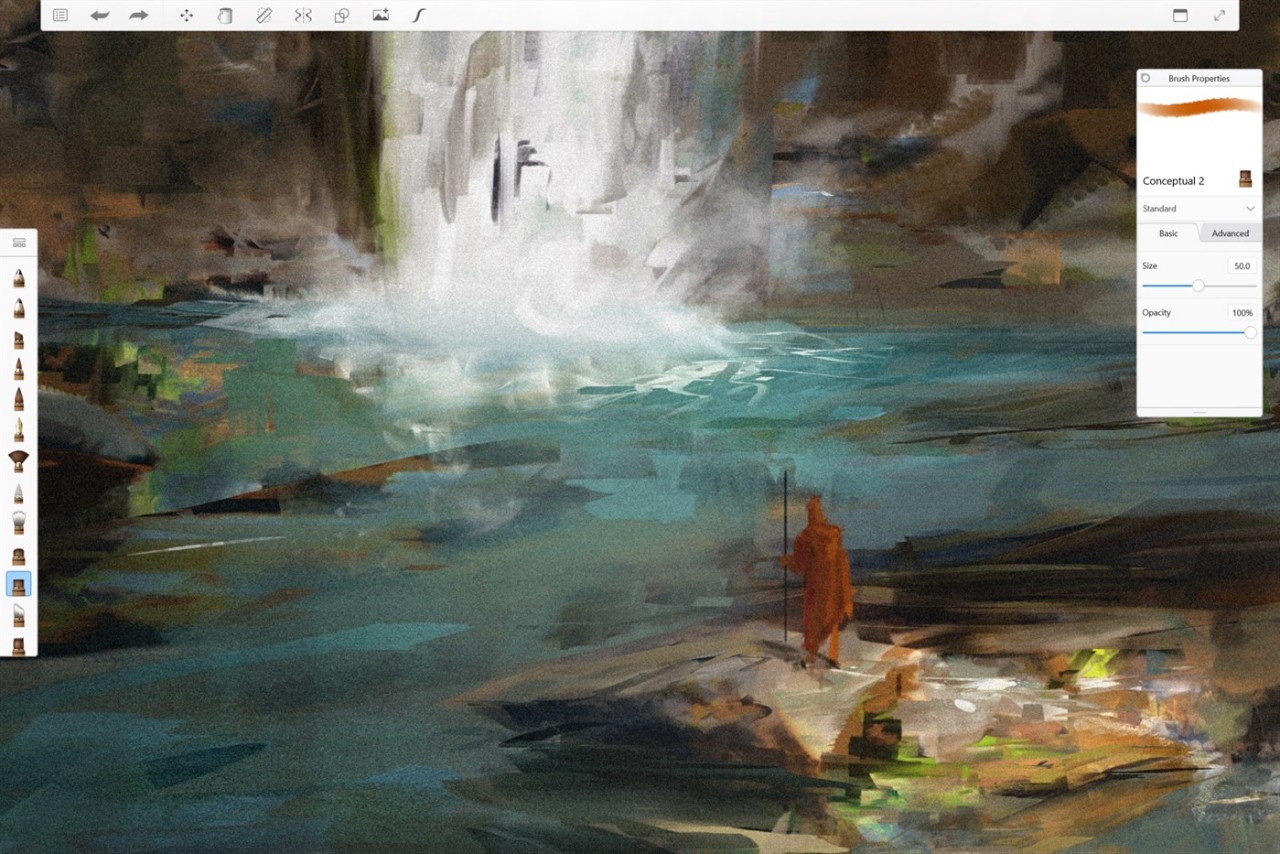
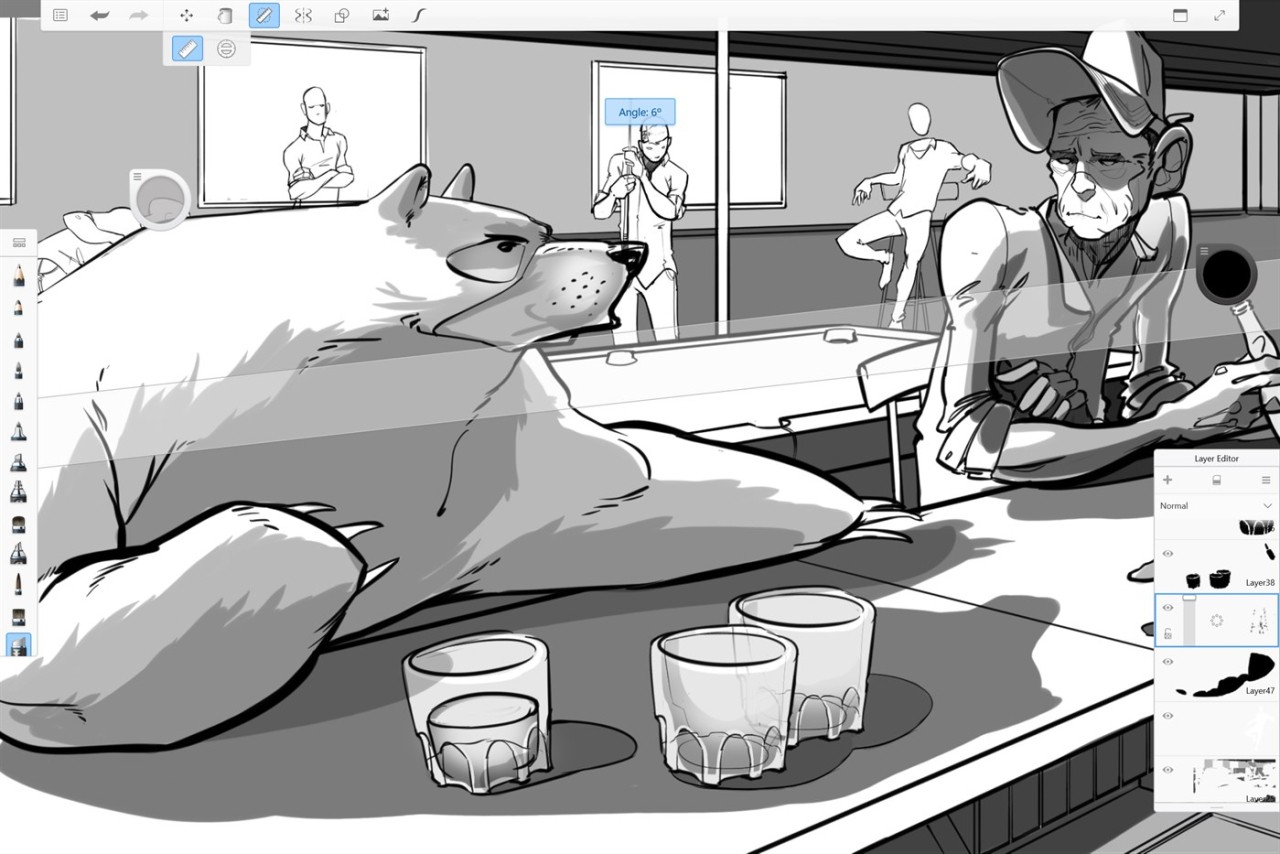
SketchBook is a drawing and painting application that provides a distraction-free, clean workspace. Instead of mimicking a full design suite, it keeps the canvas in the middle and shoves tools aside.
On opening the app, the screen seems empty, so almost like a real notebook. The pressure and tilt of brushes and the mimicked pencil/marker strokes allow most artists to believe that they are drawing on paper, contrary to some more cumbersome applications.
The common tools (layers, blend modes, rulers, guides, customizable brushes) are available to the illustrators. None feels overwhelming. The application does not require cumbersome menus or a high learning curve. It allows you to draw, create, and create pictures with minimal resistance.
SketchBook allows you to maintain lightness and fluidity in the design process, whether you are sketching something rough, dreaming up concept art, or scribbling doodles. It can run on desktops, tablets, and phones, and is always consistent across the devices.
Why Should I Download SketchBook?
Users are drawn to SketchBook for different reasons, yet the majority of them appreciate its simplicity and handy control. Some apps are stuffed with animation tools, filters, effects, and 3D add-ons that can make you slow down. SketchBook maintains the intent of sketching. This app suits you in case you prefer a lean and clean workspace, with immediate and latency-free strokes and a non-obtrusive interface.
Another advantage is brush customization. Being incredibly easy to use, the app allows adjusting brushes extensively, allowing artists to create their own style. Others make do with a handful of pencils; others are complete custom. This is a welcome change from not having a cumbersome interface.
SketchBook works well on any device. Begin a drawing on a phone, keep it on a tablet on the go, and finish on a desktop where there is more space. The app is consistent across platforms, unlike most of them. The data is synchronized thanks to your account.
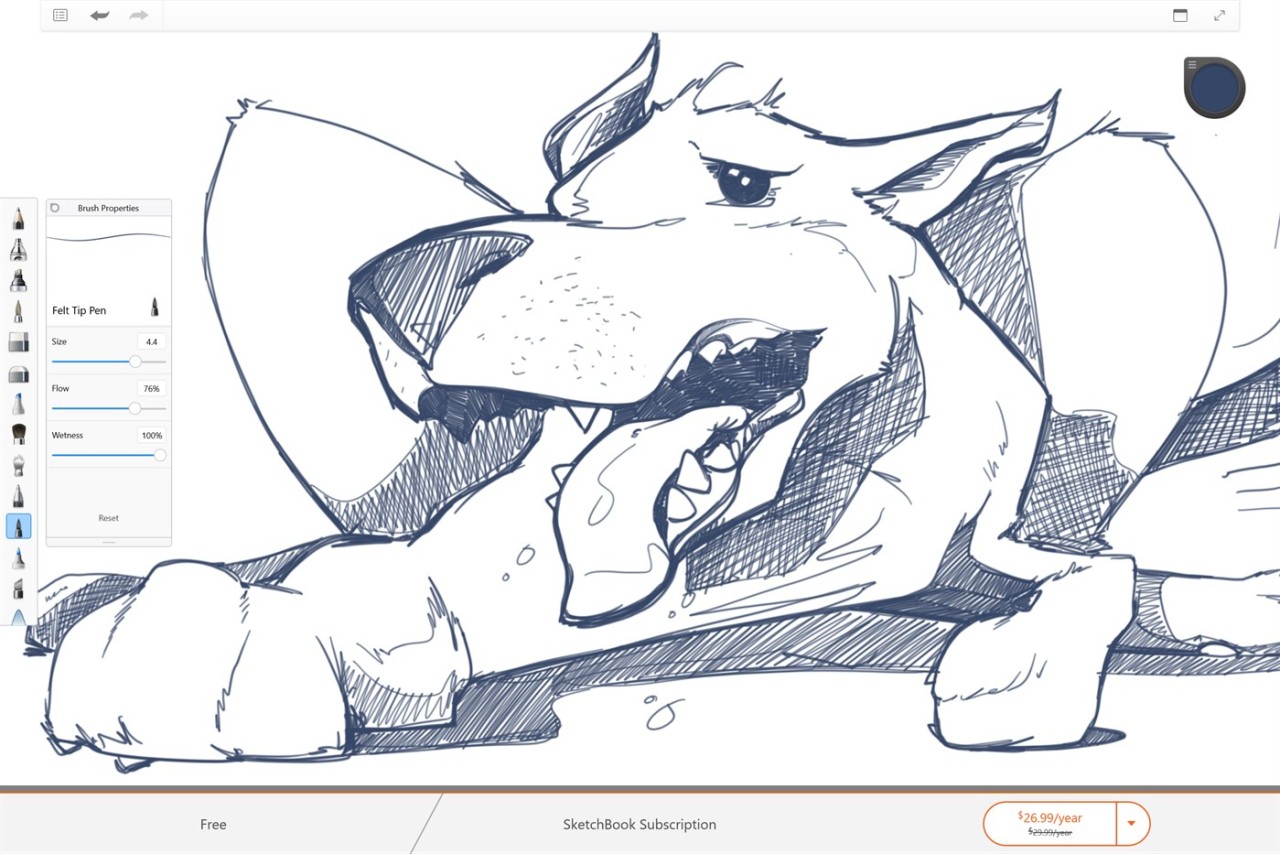
SketchBook offers a one-time purchase, which unlocks everything, in case you do not like subscription nagging. The mobile version can also be used for free, and thus, beginners can sample it out first. In a nutshell, it is suitable for artists who want to have a drawing experience in a focused manner, without any additional complications.
Is SketchBook Free?
SketchBook mobile is a free version to download and use, and thus can be casually tested out or used to sketch with a phone or tablet. SketchBook Pro is a single purchase, available in the desktop version. No advertisements, subscriptions, or recurring charges. You make a purchase and will use the entire toolset forever.
What Operating Systems Are Compatible with SketchBook?
SketchBook includes a desktop application based on Windows and macOS. These versions have the entire professional package, including custom brushes, layers, rulers, guides, sophisticated symmetry, and others. They can be installed via the Microsoft Store and the Mac App Store, and automatically updated.
SketchBook can also be used on iOS and Android on mobile devices. The mobile interface is less heavy and still accommodates stylus input, brushes, and layers. The experience in using brushes is the same on phone, tablet, and desktop, and so there is no feeling of switching between devices.
Its application, used with iPads with Apple Pencil and Android tablets with pressure-sensitive pens, is particularly natural as it is optimized for stylus input. Sketches or idea capture are even done with phones. It is compatible with most sophisticated devices, and it does not demand intense hardware.
What Are the Alternatives to SketchBook?
Medibang Paint is a professional drawing application designed to be used in illustration and comic production. It features cloud syncing, comic-panel features, fonts, and brush choices, which have caught the attention of both novices, learners, and amateur designers who dislike initial expenses. Although its interface is not as spacious as the SketchBook, as it features manga-specific features: tone layers, frame creation, etc., it is compatible with Windows, macOS, Android, and iOS. Moving projects between devices is made possible by the cloud system. Medibang is preferred by artists desiring a combination of drawing tools and comic-oriented features in comparison to less advanced drawing apps. If those features sound useful, you can always download Medibang Paint to see if it suits your workflow better.
Concepts is a graphical application that is a drawing tool written in a programming language that is attractive to users who use pixel art less and like scalable and editable drawings. In contrast to fixed strokes, Concepts stores all data as editable vectors, which are the most appropriate for designers, architects, planners, and those who have to revise their work frequently. Its unlimited canvas allows you to zoom in unlimited, add notes, create layers, and rearrange elements anytime you want. The app is more technical than SketchBook, although it does provide a more natural drawing experience with good stylus responsiveness. It is based on iOS, Windows, Android, and ChromeOS. Concepts can replace traditional sketch-oriented tools because the user can be flexible, accurate, and/or edit strokes. If you're curious how vector sketching feels, you can download Concepts and try its infinite canvas yourself.
Ibis Paint X is a full-featured drawing app that is highly rated based on a wide range of brushes and rather rich customization features, and digital illustration tools. Mobile artists will enjoy its features of stabilization, filters, blending modes, and recording that are all in the phones and tablets. The interface is more comprehensive and sophisticated than that of SketchBook, but gives the artist the control over the digital image that they require to create detailed artwork, rather than fleeting sketches. The application has overlay, rulers, supplies, and numerous artistic effects. It is available on both iOS and Android, and its functionality on mobile-operated devices is also a strength. Ibis Paint X becomes the main application for those artists who are fond of sophisticated tools and work most of the time on tablets or phones. You can also download Ibis Paint X if you want to explore advanced illustration tools directly on a mobile device.