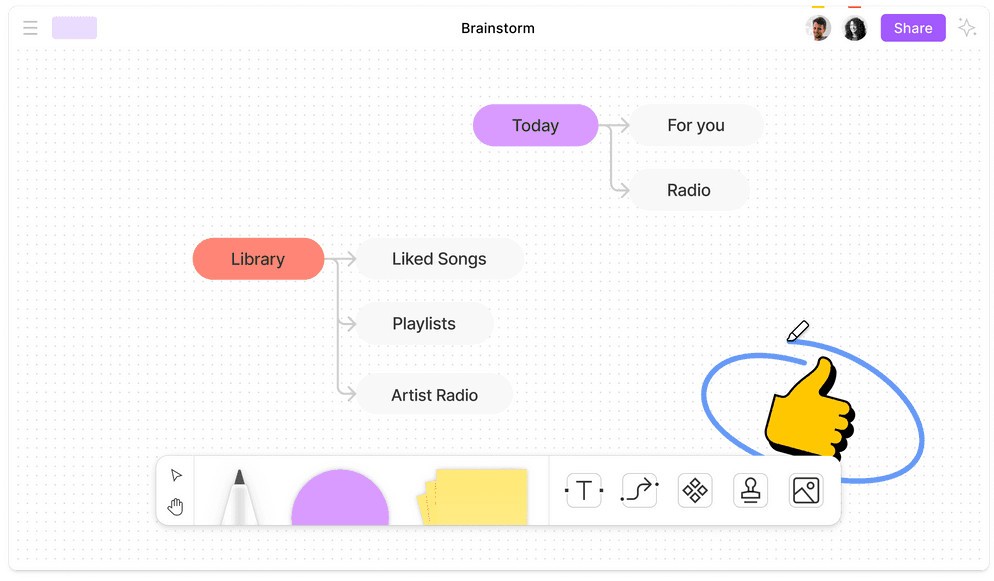
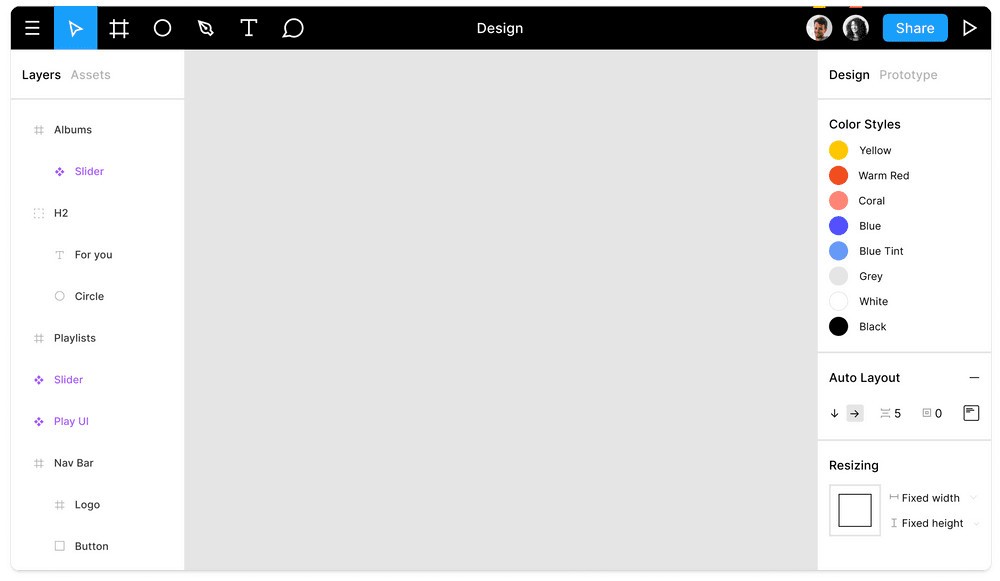
If you’re looking for a digital design tool to help you create website and mobile app UI and UX prototypes, Figma is worth considering. The platform has a web-based version, so you don’t need to download heavy software; you just need a modern browser with internet access. There is also a desktop app. Because the program is cloud-based, it allows for collaboration in real time, so you can work on projects with your teammates.
Figma invites users to build interactive website models that consist of multiple pages to see how they will work together before the coding stage. As a bonus, you get to save design templates that you can reuse in the future. That way, all outputs for the same client can stay consistent, regardless of what project you’re working on.
Why Should I Download Figma?
Figma is a design tool for user interface and user experience design. You can access the tool via your browser or download the desktop app. The desktop app allows you to work offline without having to rely on an internet connection.
Whether you use the desktop app or web app, Figma allows you to build whole websites and mobile applications. You can work with the whole team at the same time, even if you’re working remotely. Real-time collaboration is only available when you’re working online. Unless you want to download the desktop app, you don’t need to worry about compatibility, as Figma can run in any modern browser on macOS, Linux, and Windows systems.
Figma allows users to build interactive website prototypes and test them before writing code. When it comes time for the development team to take over, they can utilize Figma’s special tools like dimension inspections and asset export.
The program is built for long-term use. You can create templates and save design elements for future use, so all projects and outputs for one client carry a consistent style. Once these layouts have been saved, the whole team can access them with ease.
You can take advantage of the free tier to test the tool and access some basic features. The paid tier allows you to use all of Figma’s functionalities without limits.
Is Figma Free?
Figma has a free tier, which is called its Starter plan. There is no trial period, so you can stick to this tier for as long as you want if you are happy with the offering. The free tier gives you access to all the basic tools. Your profile can have as many drafts as you want, but you can only work on 3 design files at a time.
Paid plans unlock access to more features and remove the project number limit, so you can work on more projects at a time.
What Operating Systems Are Compatible with Figma?
The web-based version of Figma is compatible with any modern browser, including Google Chrome, Mozilla Firefox, Apple Safari, and Microsoft Edge.
You can download the desktop app on Windows, macOS, Linux, and ChromeOS. For Windows, make sure your computer runs Windows 10 or later and has a 64-bit processor. On a Mac, you will need macOS 12 or later.
What Are the Alternatives to Figma?
Penpot advertises itself as an open-source Figma alternative. It is a free design tool that enables collaboration between developers and UX and UI teams. The free plan has no set limits on the number of files or projects you can work on at the same time. The system is customizable, so you can implement APIs to make Penpot more intuitive for you. The program enables real-time collaboration. It is quite easy to use and doesn’t require any special skills. Developers can take advantage of tools built specifically for them, such as CSS Grid.
Pixso is another tool for creating design prototypes. This program will guide you all the way from the start of the project to the handover to developers. If you rely heavily on real-time collaboration with your team members, you will appreciate Pixso’s collaborative features. You can comment on projects to implement changes and grant users view-only or editing access. Before your project is ready for development, test the entire flow as if you are a user. Once you’re good to go, the development team can easily export all the necessary assets.
Lunacy is a smaller application for Windows, macOS, and Linux computers. The app works offline, so you don’t need to rely on an internet connection. All the base tools in Lunacy are free, including some AI tools. While some level of collaboration is possible, Lunacy works better as a tool for individuals who prefer to design offline. Though the program is quite simple, it is also lightweight and doesn’t drain system resources.