Have you ever needed to merge a handful of PDFs into a single file, shrink a bloated contract before emailing it, or pull data out of a PDF and into an Excel spreadsheet? iLovePDF was built for exactly those moments. The platform started as a web-based toolkit but has grown into one of the most widely used online PDF services, handling everything from basic page rotation to OCR text recognition on scanned documents. You can upload a file, pick the tool you need, and download the result in seconds without installing any software on your computer.
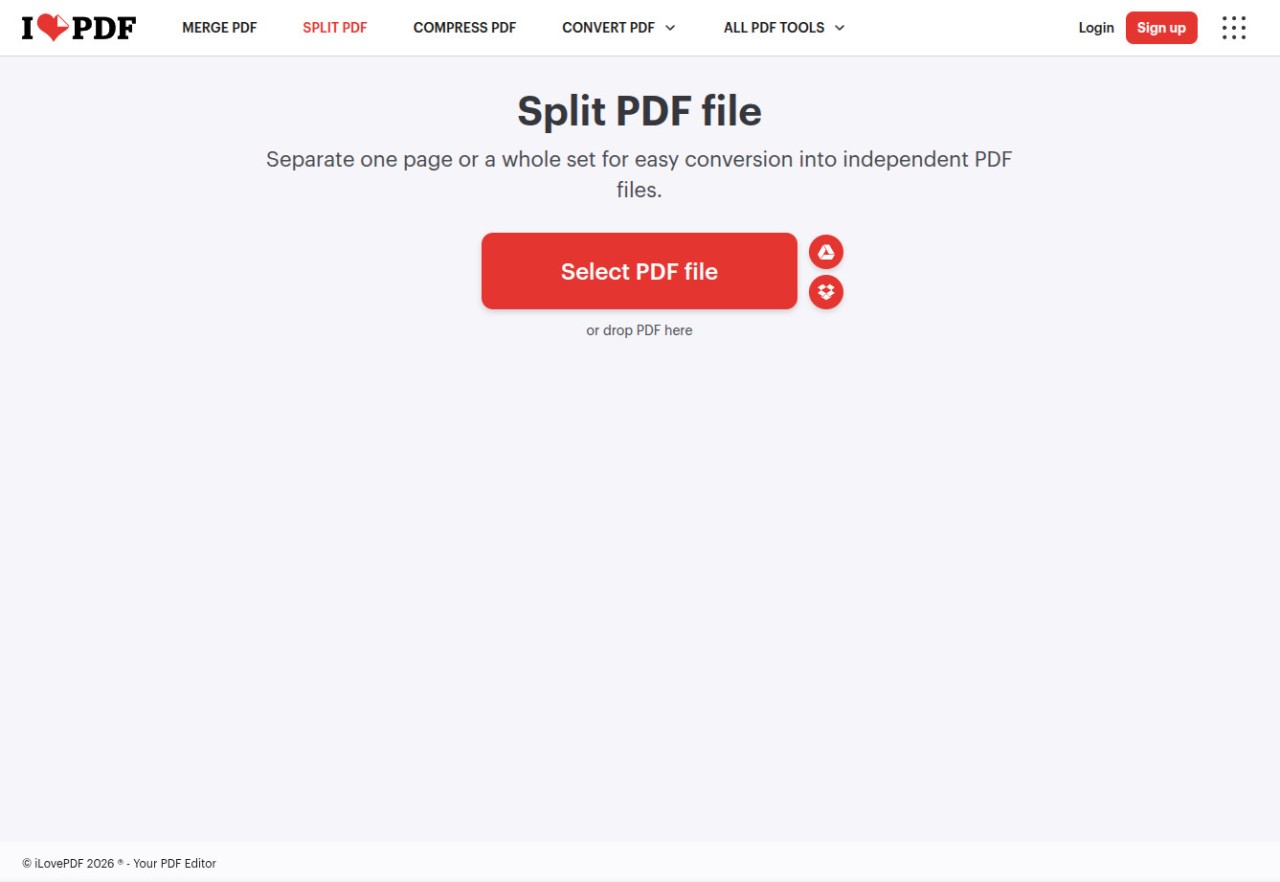
What keeps people coming back is how simple the whole process is. Each tool lives on its own dedicated page, so you never have to hunt through menus or learn a complex interface. You just drag your file in, adjust a setting or two if needed, and the processed file is ready to download almost immediately. iLovePDF also connects to Google Drive and Dropbox, letting you pull files directly from cloud storage and send the finished product right back. For anyone who works with PDFs on a regular basis but does not need a full desktop editor, this kind of speed matters.
Why Should I Download iLovePDF?
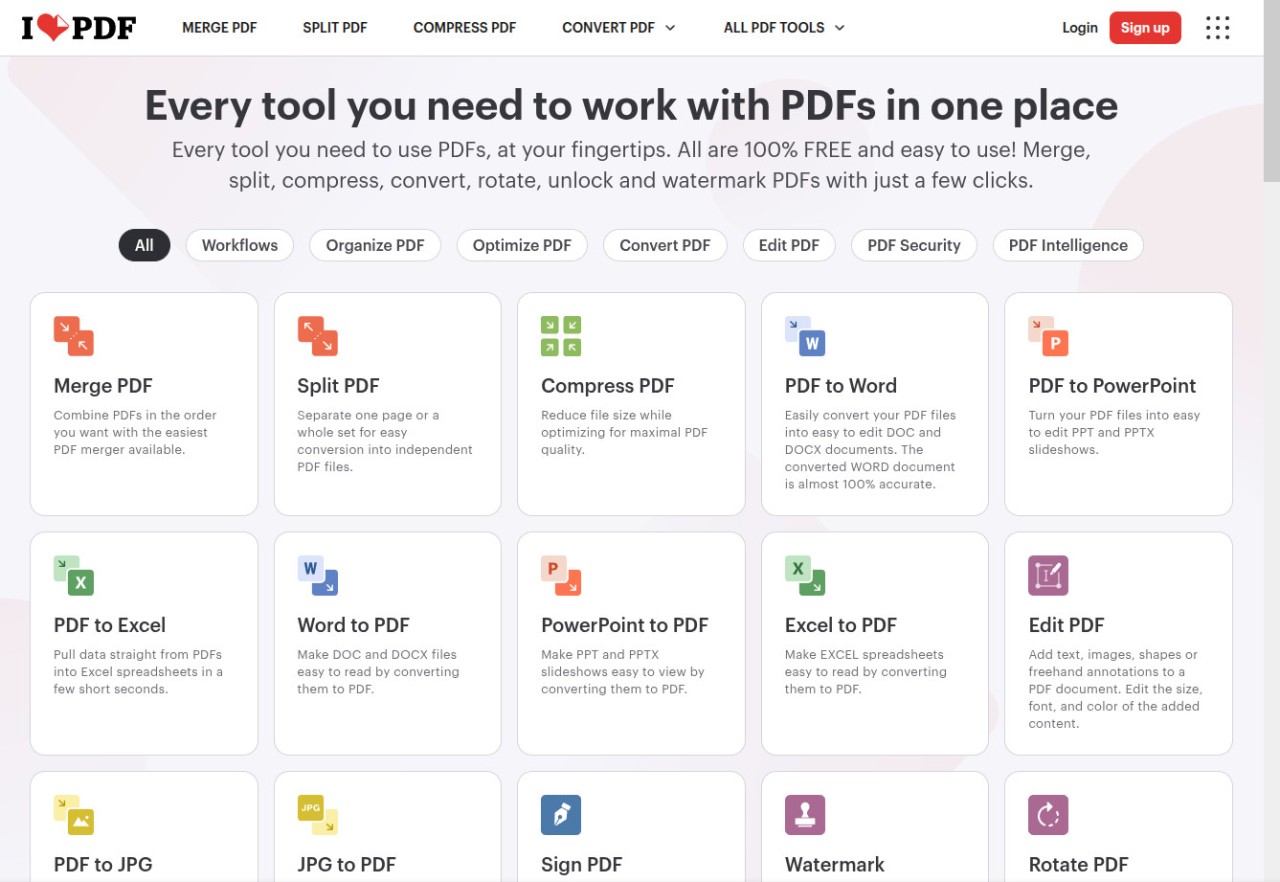
The biggest reason to download iLovePDF, whether as a desktop app or a mobile app, is the sheer breadth of functionality. On the web alone, the platform has tools that let you merge, split, compress, rotate, and reorder PDF pages. Beyond page management, you can convert between PDF and Microsoft Office formats like Word, Excel, and PowerPoint, turn images into PDFs, and go the other direction by exporting PDF pages as JPGs or PNGs. There is also an HTML-to-PDF converter for grabbing web pages as portable documents.
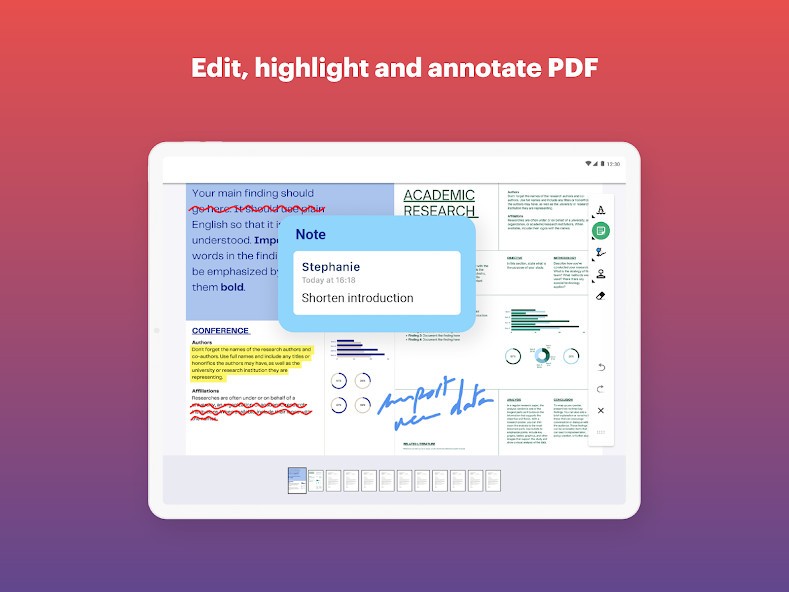
The editing capabilities of iLovePDF have expanded considerably over the years. You can now annotate PDFs with text boxes, shapes, freehand drawings, and highlights. The e-signature tool lets you sign documents yourself or send them out for others to sign electronically, which saves a lot of time if you regularly deal with contracts or approval forms. A watermarking tool adds text or image stamps to your documents, and the page numbering feature gives you control over the position, typography, and size of those numbers.
For users who handle scanned paperwork, the OCR tool converts image-based PDFs into searchable, selectable text. You can also repair corrupted PDF files, redact sensitive information, and validate PDF/A compliance for long-term archiving. The desktop version processes everything locally on your machine, which means faster speeds for large batches and no reliance on an internet connection. The mobile app rounds things out with a built-in document scanner that turns your phone camera into a capture tool for receipts, forms, and paper documents.
Is iLovePDF Free?
iLovePDF has a free tier that covers the core tools with some limitations on file sizes, batch processing, and the number of tasks you can perform in a given period. The free web version is ad-supported, but it handles most everyday PDF work without requiring you to create an account. You can merge documents, compress files, and run basic conversions without paying anything.
The Premium plan removes those restrictions and unlocks the full experience across web, desktop, and mobile. Premium subscribers get unlimited document processing, no ads, access to advanced features like OCR on scanned documents and digital e-signatures, and priority customer support. There is also a Business tier designed for teams, which includes centralized billing, shared default actions like branded watermarks, and the ability to onboard multiple users under a single plan. iLovePDF does not publicly list fixed prices on its download pages, so it is worth checking the site directly for current rates, as these tend to change over time.
What Operating Systems Are Compatible with iLovePDF?
The web version works in any modern browser on any operating system, so Windows, macOS, Linux, and ChromeOS users can all access the full online toolkit without a download. For offline work, the iLovePDF Desktop app is available on Windows (7 or later) and macOS, and you can grab it directly from the iLovePDF website or through the Mac App Store. The desktop app doubles as a free PDF reader and includes over 20 editing tools for offline processing.
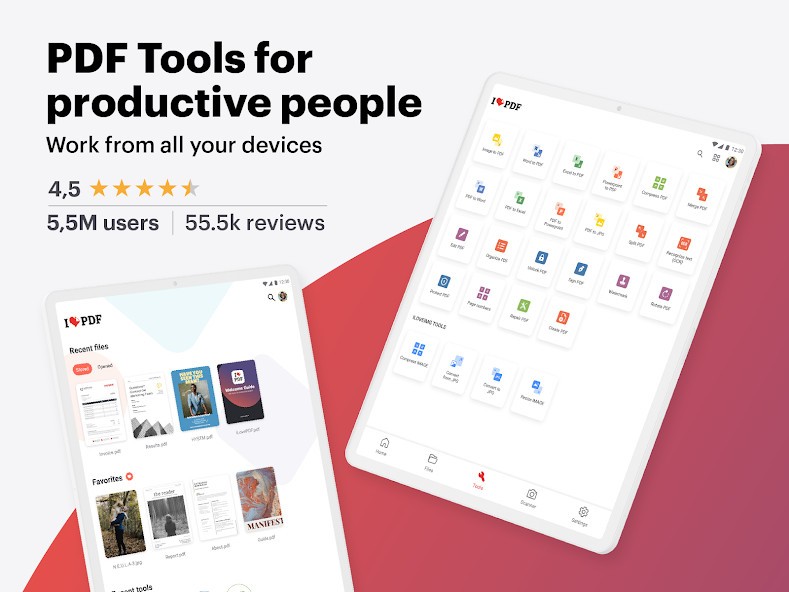
On mobile, iLovePDF offers apps for both Android (5.0 and up) and iOS (10.0 and up), available through Google Play and the App Store respectively. The mobile apps include a document scanner, OCR capabilities, annotation tools, and the ability to merge, split, compress, and convert PDFs from your phone or tablet. There is also a Chrome extension for quick access to PDF tools while browsing, including batch downloading of PDFs from web pages and one-click compression for email attachments. Between the web, desktop, mobile, and browser extension options, you can download and use iLovePDF on just about any device you own.
What Are the Alternatives to iLovePDF?
Adobe Acrobat Online is the obvious comparison point, since Adobe invented the PDF format in the first place. The free online tools let you add comments, sticky notes, highlights, and drawings to PDFs, and you can fill and sign forms without paying. Converting between PDF and Office formats, merging files, compressing documents, and using OCR all require an Acrobat Pro subscription, which comes with a seven-day free trial. Acrobat Pro also includes an AI Assistant for summarizing documents and answering questions about their contents. If you already use other Adobe products or need advanced editing capabilities like modifying existing text and images within a PDF, Acrobat is the more powerful option, though the cost is significantly higher than what iLovePDF charges for Premium.
PDF24 takes a different approach by making everything completely free with no limits and no watermarks. The online toolkit covers merging, splitting, compressing, converting, OCR, signing, watermarking, page management, and more, all funded by advertising on the web pages rather than by subscriptions. For Windows users, the PDF24 Creator desktop app provides all the same tools in an offline package, including a virtual PDF printer that converts any printable file to PDF. PDF24 does not offer a macOS desktop app or a mobile app, which limits its reach compared to iLovePDF, but if you are on Windows and want a genuinely free solution with no usage caps, it is hard to argue with what PDF24 offers.
PDFgear is a newer entry that has built a loyal following by offering a full-featured desktop PDF editor at no cost. The app runs on Windows, macOS, iOS, and Android, and includes direct text editing, annotations, OCR, format conversion, and an AI-powered copilot that lets you interact with your documents using natural language. You can ask it to summarize a lengthy research paper or extract specific information without scrolling through pages manually. PDFgear also has a set of free online tools for browser-based work. Unlike iLovePDF, PDFgear focuses more on deep editing of individual documents rather than quick batch processing of multiple files, so it suits users who need to modify text, images, and layouts within their PDFs rather than just converting or reorganizing them.