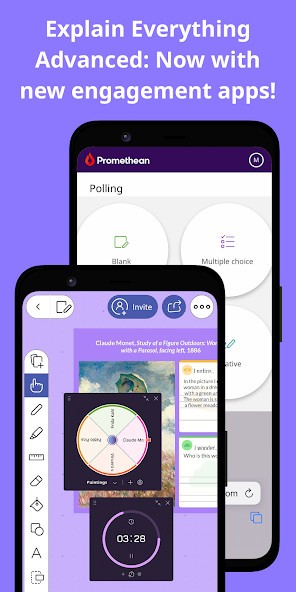
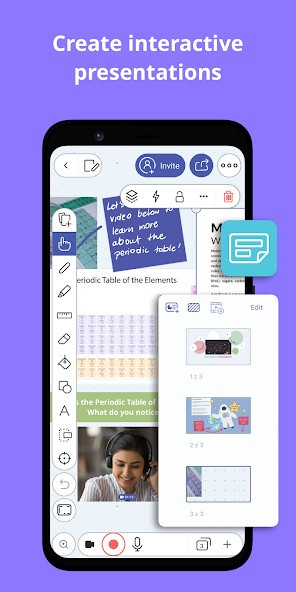
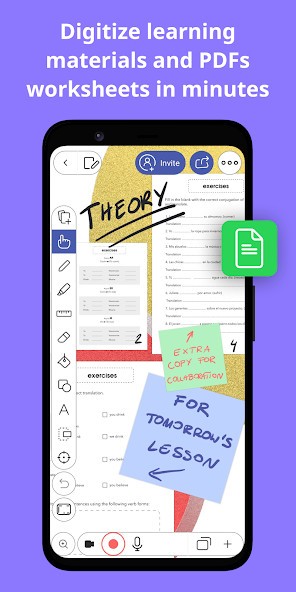
Explain Everything Whiteboard is a digital whiteboard that allows you to create presentations, brainstorm with other people, and convey thoughts and ideas visually. The platform supports a wide variety of inputs, including text, images, video, audio, drawings, and documents. The tool looks like a simple white canvas, to which you can add any necessary elements to create your presentation. Additional elements like shapes and icons can enhance the visual aspect of your presentation, making it more comprehensible.
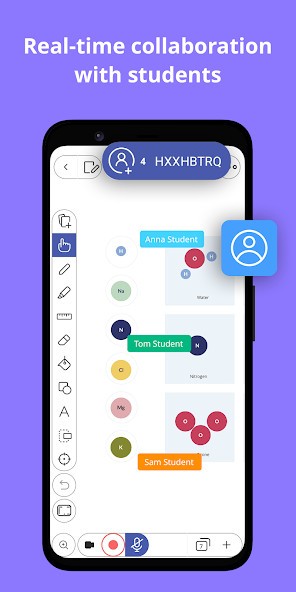
Explain Everything is a fantastic tool for creative collaboration. Multiple users can work on a project at the same time, registering changes in real time. The platform is often used in education to improve student engagement and retention of the material, as well as for work and personal projects. Access it through an iOS or Android smartphone or tablet, computer, or via a web browser of your choice.
Why Should I Download Explain Everything Whiteboard?
Almost anyone can take advantage of the tools offered by Explain Everything Whiteboard, provided they need to create and share ideas in a visual presentation format. For that reason, the platform is applicable in many fields and among different people, especially in education. You can use it as a teacher to share knowledge with your classrooms or as a student to work on individual and group presentations. Outside the classroom, Explain Everything can be a great tool for learning and revising. In a professional setting, you can use it to brainstorm with your team, create official client presentations, or share ideas within your organization.
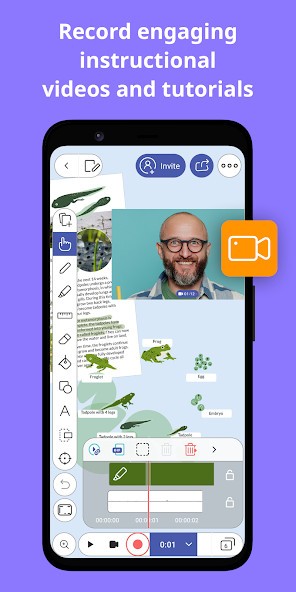
Explain Everything Whiteboard possesses many useful tools for presentation creation. For example, you can record your screen and add a voiceover to explain what’s going on in the video. That way, you can create a tutorial or walkthrough for your classroom, team, or client. Young students and adult members of the workforce alike can use Explain Everything to collaborate on projects in real time. It doesn’t matter how far away you are from your team, as long as you have access to the internet.
Unlike in regular presentation applications, you do not need to manually create space for your content by adding blank slides to your presentation. At the start of your project, you are presented with an unlimited white canvas that can hold all of your ideas. Explain Everything encourages brainstorming on the platform, so you can add all of your materials to your canvas, including images, videos, documents, and text, and figure out where everything goes later.
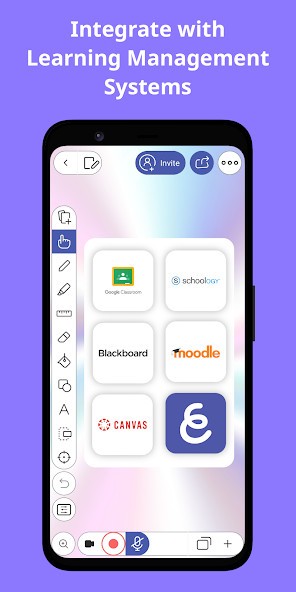
Explain Everything Whiteboard integrates with other popular tools like Canvas and Google Classroom, which is perfect for people in the field of education. The platform is available via web browser on your computer, tablet, or phone, as well as on iOS and Android phones via the Explain Everything Whiteboard app.
Is Explain Everything Whiteboard Free?
Explain Everything Whiteboard offers a free plan, but it comes with limitations. If you want to have access to the platform’s entire functionality and work on more than 3 projects at a time, you will have to subscribe to a paid plan.
What Operating Systems Are Compatible with Explain Everything Whiteboard?
Explain Everything is available on Android and iOS smartphones with Android 9.0 Pie or higher and iOS 16 or higher. It is also available on iPads. You can download the platform on your Windows, macOS, or Linux computer, as well as on Chromebooks.
The platform is accessible online through a web browser of your choice if you would rather not download the app.
What Are the Alternatives to Explain Everything Whiteboard?
Those seeking an alternative to Explain Everything Whiteboard can find one in Markerpad. Markerpad provides a digital whiteboard for sketching and drawing. Unlike Explain Everything, it is not a comprehensive tool for the creation of presentations. Most people use it for brainstorming ideas rather than producing visual outputs.
Microsoft Whiteboard is another similar tool that functions as an unlimited canvas for brainstorming and making notes. It was designed to accommodate teams working on projects together in real time. With Microsoft Whiteboard, being in different physical locations won’t stop you from working on a group project. You can also use the platform to make notes during meetings, when multiple people might want to contribute.
People who don’t want to download an application and pay for it will appreciate Whiteboard Fox for quick collaboration. This tool offers similar features to Microsoft Whiteboard and Markerpad, with real-time collaboration enabled. It is perfect for when you want to brainstorm alone or together with your team or tutor a student remotely.