ProWritingAid is a writing aid tool for individuals who desire assistance in enhancing their writing. It considers simple spelling errors and looks into the flow of sentences, their length, and the clarity of ideas or any repetition. It is used by many authors when they are composing blogs, essays, stories, or lengthy documents in which form is more important than fast solutions.
ProWritingAid does not work like a mere spell checker, but it identifies patterns in writing. It verifies the overused words, diversity of sentences, level of reading, and reading pace. This can be useful in situations where a user wants to know about the reason behind the item being off, and not merely to fix the situation. Not all corrections are immediate, as the software provides reports, to provide an impression that it is more of a guide and not a final editor of your work.
Depending on the version, ProWritingAid is used with browsers, writing programs, and word processors. People often spend time correcting and revising their texts, which is why this type of grammar correction is chosen. It is not going to write the contents on your behalf; it is just responding to what you already wrote and indicating sections where there might be some concerns.
It is well-liked by users due to its plain language description of the suggestions. It might seem too cumbersome or taxing to others, as it displays many reports simultaneously. In general, it is more of learning and perfecting writing habits than fast polishing.
Why Should I Download ProWritingAid?
It would be logical to download ProWritingAid if you frequently write and wish to become more logical as time passes. It is beneficial among individuals who like using automatic corrections less frequently and prefer to revise their work rather than respond automatically. The tool makes you stop, look at the sentence structure, and reconsider instead of mindlessly implementing changes.
It is also dedicated to long-form writing, which is one of the reasons why people are willing to use it. It identifies repetitive words, convoluted sentences, and points where the composition is difficult to read. This can be applied to an article, book, or academic material, where it is important to exhibit uniformity.
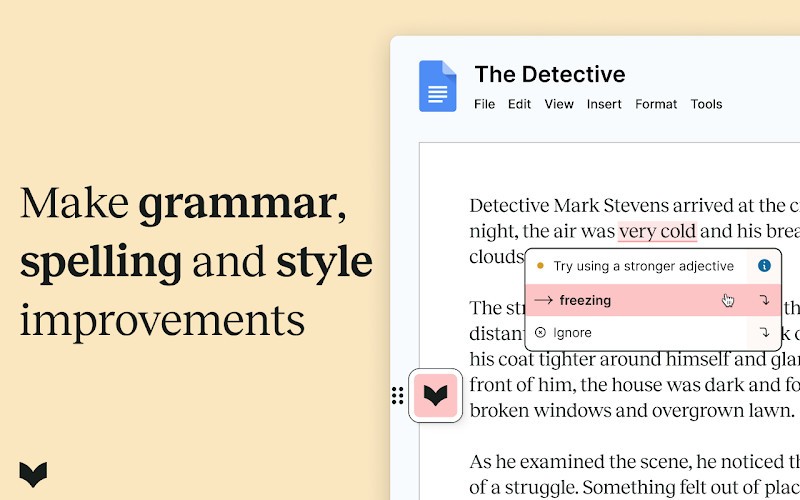
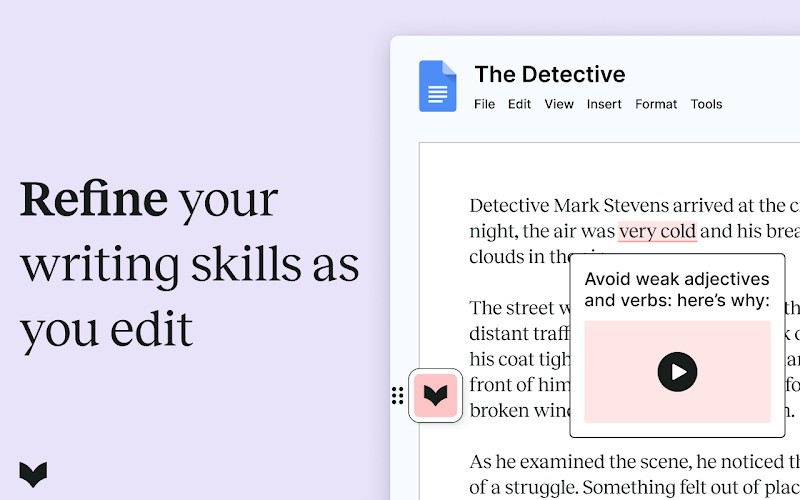
The other reason is that it justifies its recommendations. It not only says that something is wrong, but it also identifies the type of issue: passive voice, weak phrasing, etc. This, eventually, will make writers see patterns in their writing and will not require using the tool to such an extent.
At that, ProWritingAid can be inappropriate for all. When you desire to be able to fix things instantly, as you do when typing emails or short messages, it may be slower than others. The reports have also been reported to be overly informative to some users, especially beginners.
It is reasonable to download it and provide more extensive feedback when you like editing. Unless you are determined to study and practice your style of writing, it might become a good companion and not a substitute for your judgment.
Is ProWritingAid Free?
ProWritingAid is available in a free but limited version. This version tends to limit the amount of text that you can check simultaneously and reports. It is more of a demo than any other thing. It allows you to test the tool before deciding on a subscription.
Paid plans remove limitations and unlock full access to reports and advanced features. The free version is sufficient, but only in relation to the regularity of writing and its seriousness. Amateurs will be content with it, whereas professional writers will tend to take the paid subscription.
What Operating Systems Are Compatible with ProWritingAid?
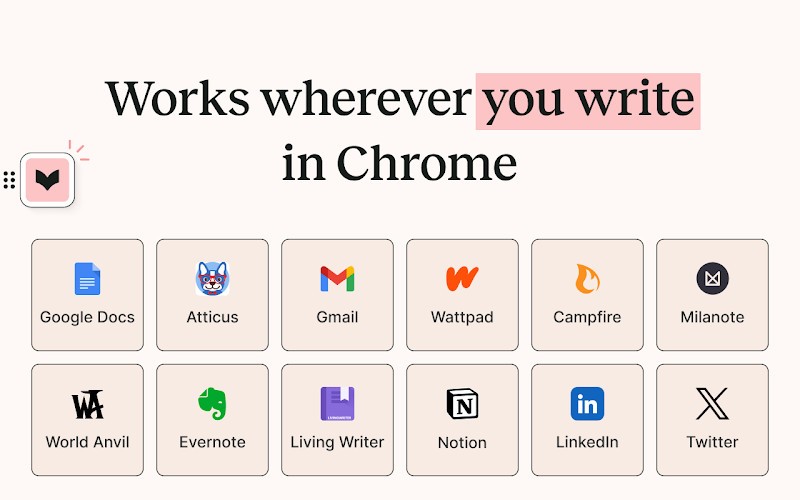
ProWritingAid is cross-platform in terms of desktop and browser-based usage. It can be installed as an online application that can be used on most current browsers. Browser extensions can operate on standard desktop systems. The extension permits ProWritingAid to work with online writing tools such as Google Docs, Wattpad, Notion, and more.
It works with Windows and macOS, enabling integration with writing software and browsers. It is primarily designed to be used on the desktop when writing, and compatibility depends on how the tool is accessed and which features are in use. The Desktop Everywhere software allows you to use ProWritingAid in Windows and macOS, whatever writing software you usually employ. It works with Word, Notion, Scrivener, Velum, and others.
Finally, ProWritingAid offers a desktop editor, a full-text editor software using ProWritingAid for its spell-checking tool.
What Are the Alternatives to ProWritingAid?
Grammarly is one of the popular alternatives. Grammarly is selected by individuals who prefer fast, to-the-point corrections. It dwells predominantly upon grammar, spelling, punctuation, and tone. It is also the favorite of many users who want to have it since it is real-time and corrects itself as you type. It is usually applied when writing emails, short documents, and daily writing. However, it does not delve into form or lengthy writing. When a person does not want to receive reports or explanations when getting a quick assist, Grammarly is less tense. Many users choose to download Grammarly to quickly clean up everyday writing without spending extra time learning complex tools.
Another option is QuillBot. QuillBot primarily assists in the rephrasing of texts. It copies your sentences and gives new versions with easy or altered wording. This can be handy to users who have a hard time paraphrasing their ideas or individuals who do not want to use the same style. QuillBot may help students and content writers to modify wording fast. It fails to offer a profound perspective and examination of grammar patterns and writing flow; thus is more suited as a rewriting program than as a complete writing program. Some users prefer to download QuillBot when they only need quick rewriting help rather than full writing analysis.
Ginger is a third alternative. Ginger pays attention to syntactic errors and grammatical errors in a straightforward manner. It is clean and simple to use and does not fill users with many suggestions. It is also preferred by many people when they require simple assistance without requiring elaborate explanations. Nevertheless, it does not provide sophisticated reports and detailed feedback on writing style that could be omitted by some users. Ginger is often downloaded by users who want basic grammar support without dealing with advanced writing features.