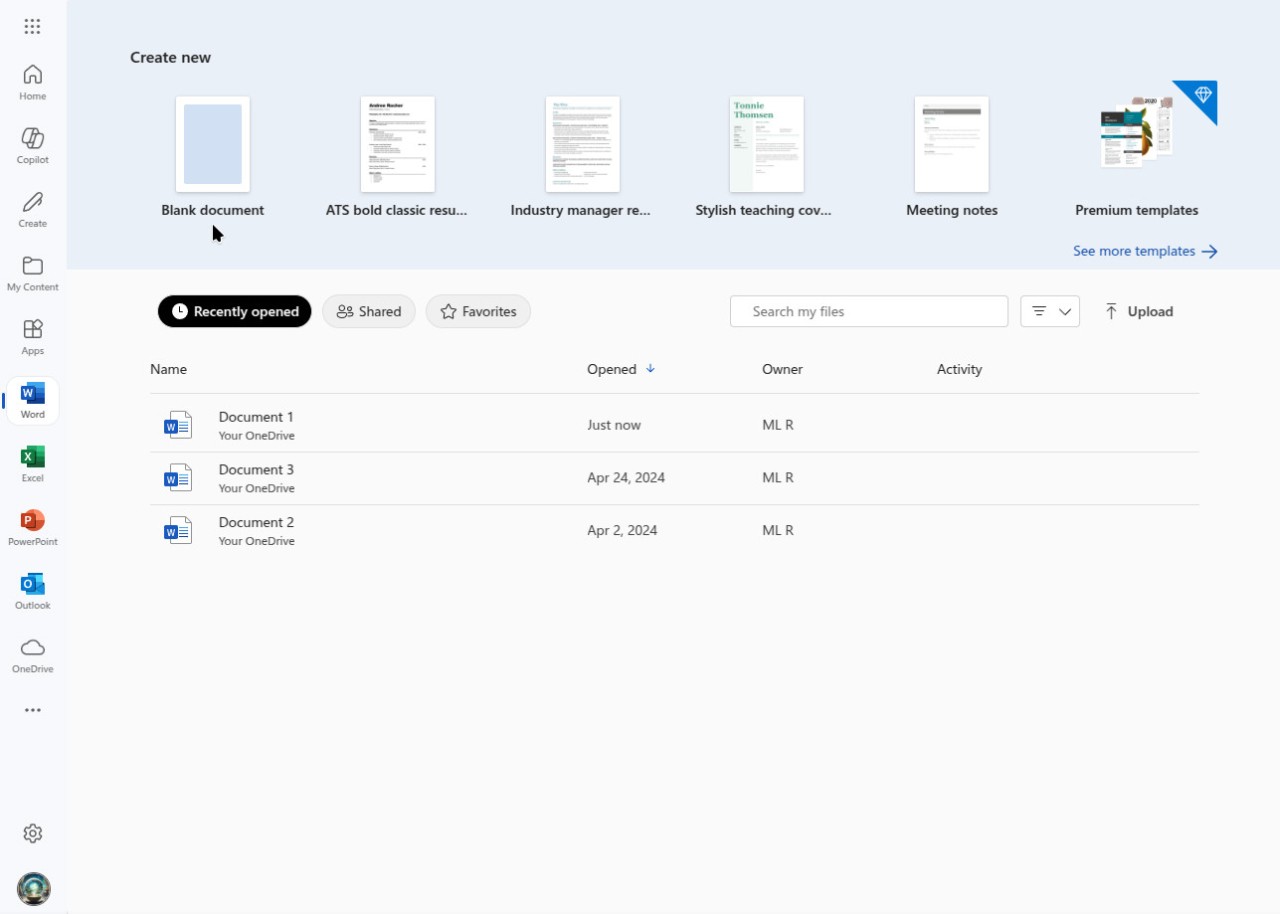
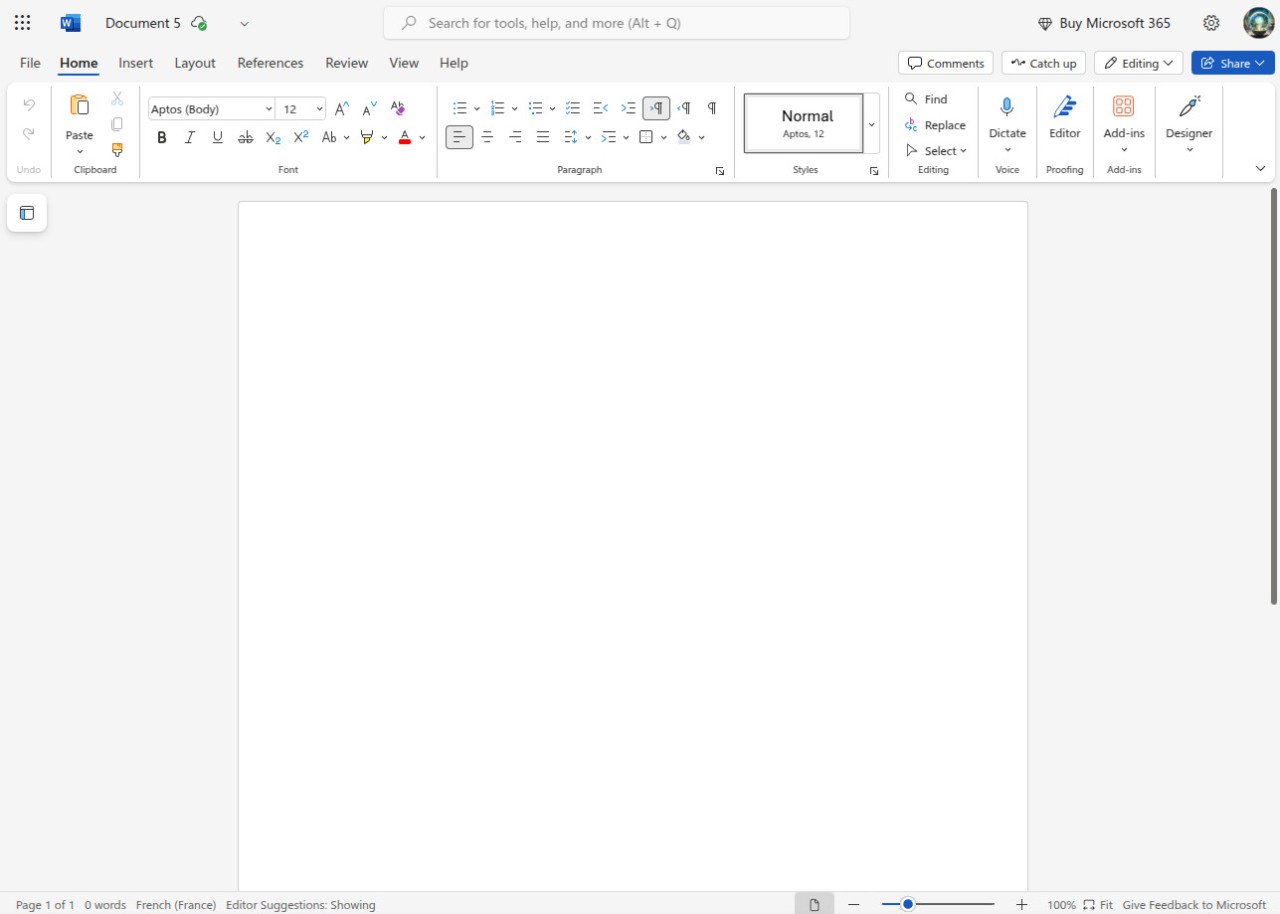
Microsoft Word is one of the most widely used word-processing applications in the world. Developed by Microsoft, it handles everything from academic essays and business reports to resumes and full-length publications. Whether you are working on a school assignment, a corporate presentation, or personal notes, Word provides the tools to get the job done efficiently.
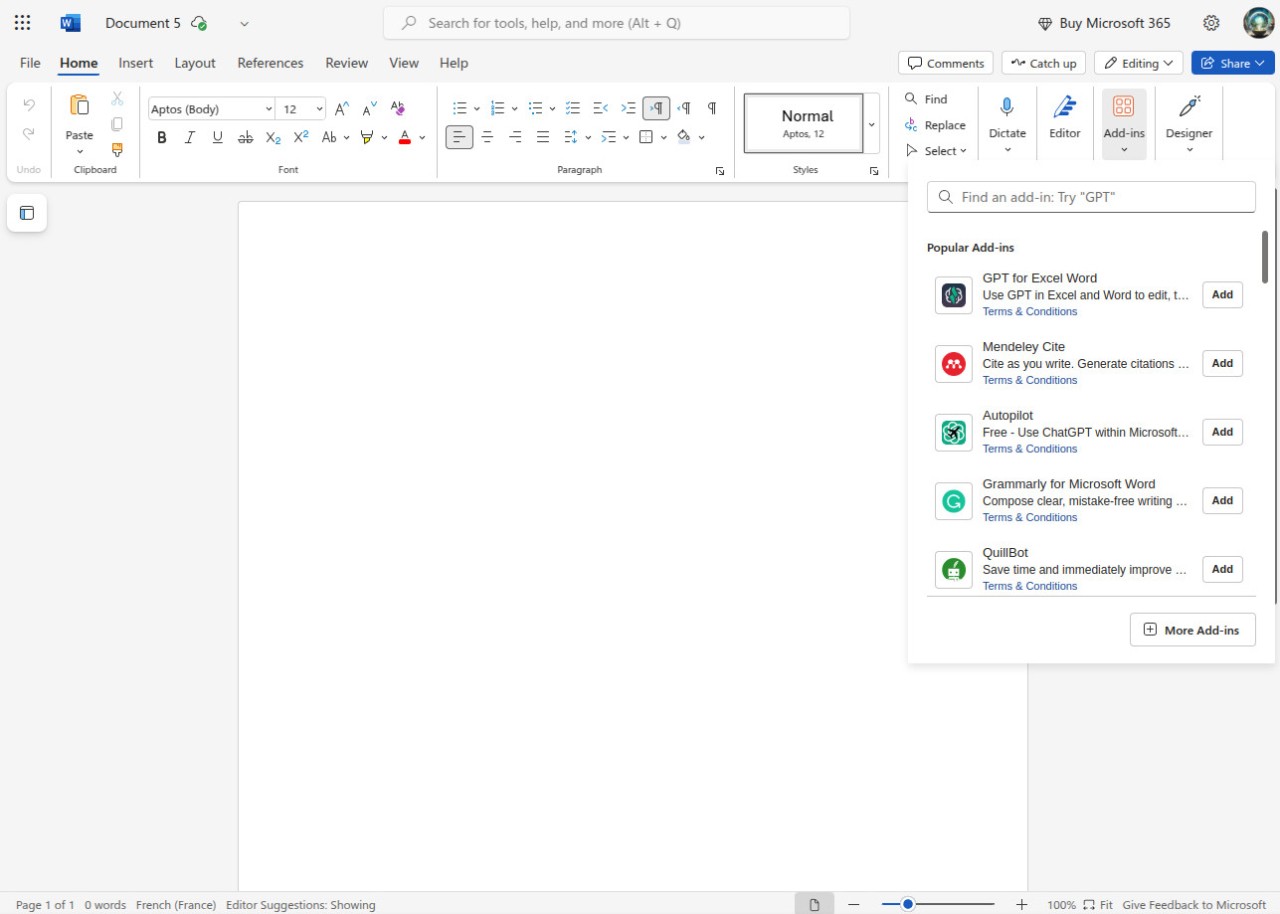
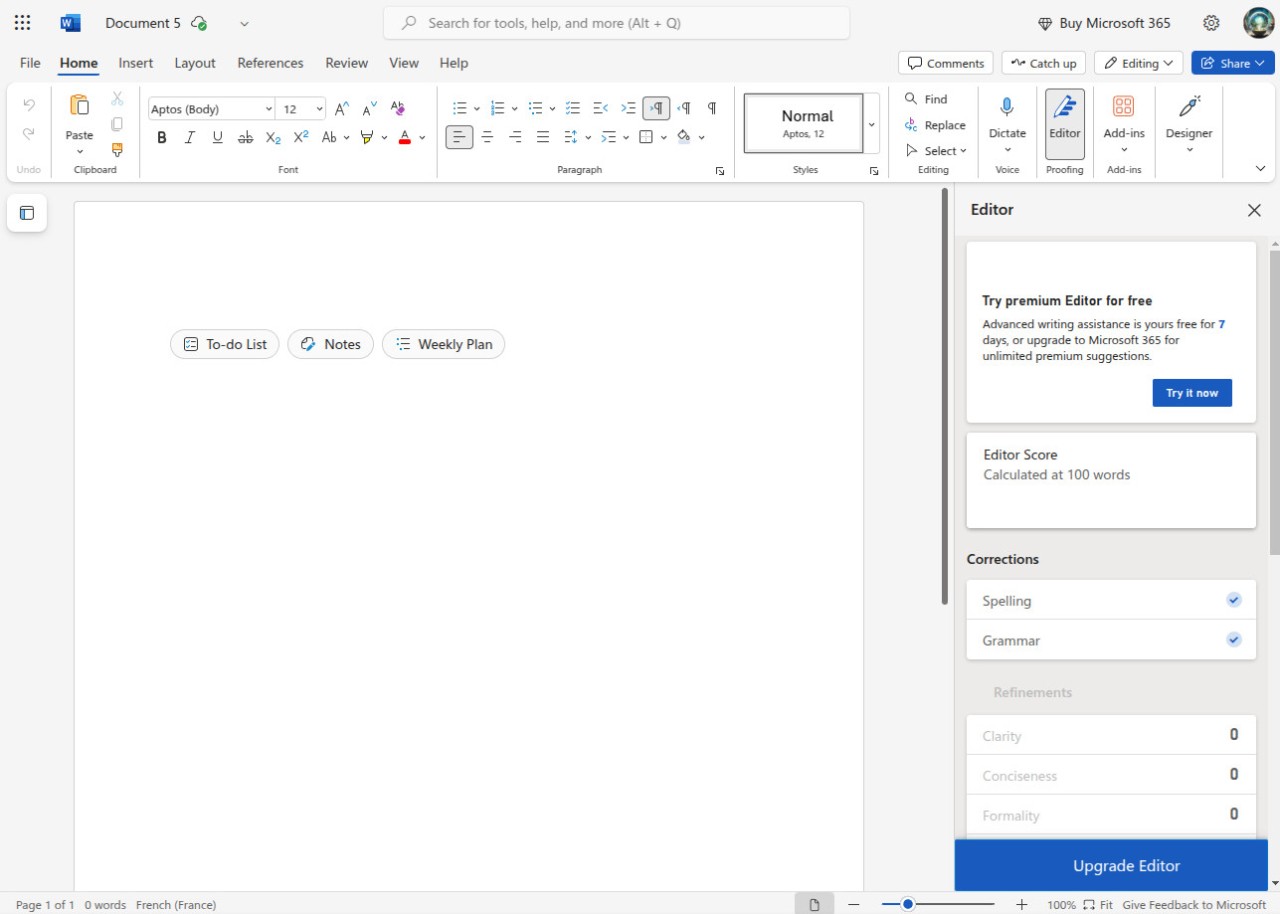
The formatting capabilities go well beyond basic text editing. You can adjust fonts, set margins, insert images, build tables, and add hyperlinks throughout your documents. Word also includes a spell checker, grammar suggestions, and AI-powered writing assistance through Microsoft Copilot, which can help refine your language and improve clarity as you type.
Over the years, Microsoft Word has expanded to include cloud-based collaboration through OneDrive. Multiple users can share and edit the same document in real time, which makes it practical for team projects and remote work. Between its writing tools, formatting options, and collaboration features, Word covers everything from quick notes to complex, multi-section reports in a single application.
Why Should I Download Microsoft Word?
Microsoft Word is more than a text editor. It is a full document creation and management tool that gives you control over every aspect of how your documents look and function. Students use it for research papers, professionals for reports and proposals, and everyday users for anything that involves putting words on a page.
Formatting control is one of Word's strongest features. You can fine-tune fonts, adjust line spacing, set up headers and footers, and add page numbers with precision. Track changes, comments, and version history make collaborative editing practical, whether you are working on a team report or reviewing an official document with colleagues.
File compatibility is another practical advantage. Word handles .doc, .docx, .pdf, and .txt files, along with older format versions, so you rarely run into situations where a document will not open. The built-in spell checker and grammar tools catch errors before they make it into your final draft, which saves time during editing.
Security features add peace of mind. Documents saved to OneDrive are backed up automatically, which reduces the risk of losing important work. You can also password-protect individual files if they contain sensitive information.
Recent versions have made real-time collaboration much smoother. Multiple users can work on the same Word document at the same time, which is useful for group projects, business proposals, and shared reports. Word integrates directly with other Microsoft Office applications, so importing charts from Excel or slides from PowerPoint works without conversion issues.
For anyone who needs a reliable word processor that handles everything from note-taking to formal document production, Microsoft Word delivers. The interface is approachable enough for casual users while offering the depth that professionals and students require for more demanding work.
Is Microsoft Word Free?
Microsoft Word is not free as a desktop application on Windows or macOS. Full access requires either a Microsoft 365 subscription or a one-time Microsoft Office license purchase. A free trial is available on Windows, which gives you temporary access to all features before you need to commit to a paid plan.
If you do not want to pay, Office Online provides a browser-based version of Word with basic editing and storage capabilities at no cost. Office Online works on any operating system, including Linux, and covers the essentials for most document tasks. A Microsoft 365 subscription adds advanced features and more OneDrive storage space.
The mobile Word app is free to download on both iOS and Android. Basic editing works without a subscription, though some premium features require a Microsoft 365 plan.
What Operating Systems Are Compatible with Microsoft Word?
Microsoft Word runs on Windows and macOS as part of the desktop Office suite. Both platforms offer the full feature set and receive regular updates.
On mobile, Word is available for iOS and Android devices. You can create and edit documents from your phone or tablet, though some advanced features may require a Microsoft 365 subscription to unlock.
Office Online provides a web-based version of Word that works on any operating system with a browser and internet connection, including Linux and ChromeOS. Your documents stay accessible through your Microsoft account regardless of which device you use, which makes switching between a desktop, phone, and browser version simple in practice.
What Are the Alternatives to Microsoft Word?
Several alternatives to Microsoft Word are available, ranging from free cloud-based options to open-source desktop applications. Your best choice depends on whether you prioritize price, collaboration features, or offline access.
Google Docs is one of the most popular alternatives. It is a cloud-based word processor that lets you create, edit, and share documents in real time with other users. All you need is a free Google account. Documents save automatically, and the platform integrates with Google Drive, Sheets, Slides, and Gmail. For users who mainly need simple document editing and easy sharing, Google Docs handles the job well and costs nothing to download or use.
LibreOffice Writer is an open-source word processor that mirrors many of Word's features and interface conventions. It runs offline, which makes it a good fit for users who do not always have reliable internet access. LibreOffice Writer supports DOCX and other Microsoft formats, so sharing files with Word users is not a problem. It lacks cloud-based collaboration tools, but as a free offline word processor, it covers a lot of ground.
WPS Office is another option that includes a word processor alongside spreadsheet and presentation tools. The suite is free to use, with a premium plan available for advanced features. WPS apps open Microsoft Office file formats without issues, and the suite runs on Android, iOS, Windows, Linux, macOS, and as a web service, giving it broad platform coverage.
Apple Pages is a solid choice for Mac and iOS users. It comes pre-installed on all Apple devices and is free to use. The interface is clean, and the formatting tools are capable, and it supports Word document files for cross-platform sharing. Pages works best within the Apple ecosystem and does not have much of a following outside of it, but for Apple users, it is a natural fit.