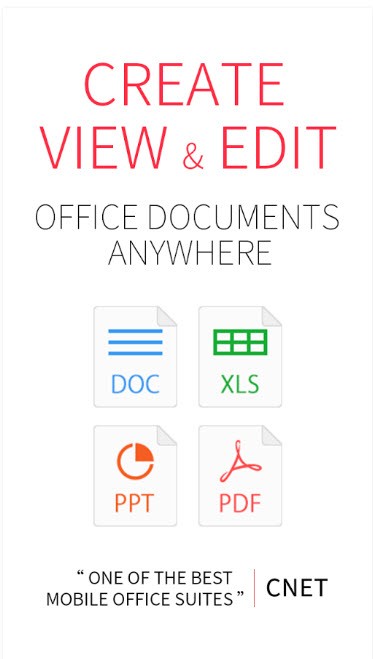
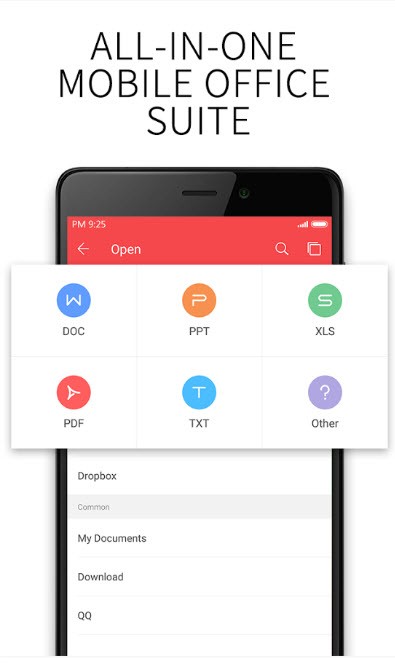
WPS Office provides users with a full suite of office applications that contains word processing functions in combination with spreadsheet and presentation capabilities. Kingsoft developed this application as a modern workplace solution that works with DOCX, XLSX, and PPTX document formats. WPS Office maintains its performance on aging hardware systems because of its lightweight design, thus remaining operational for devices with diverse capabilities. WPS Office stands out for its redesigned graphical user interface that matches normal commercial office software screens, so users easily adapt from existing applications.
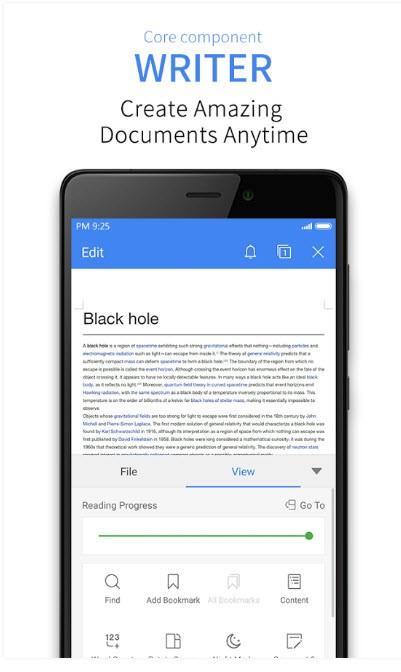
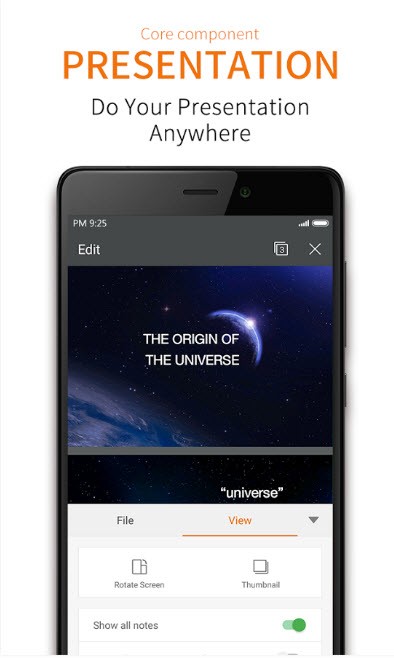
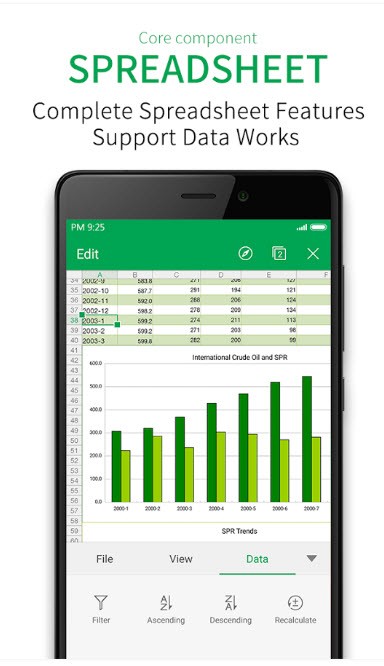
Writer and Spreadsheets, together with Presentation, make up the fundamental components that form the suite. The software suite consists of three dedicated tools that enable users to undertake professional tasks efficiently while creating documents and financial reports and designing presentations. Within the software platform, users can edit PDF documents through its integrated PDF features while eliminating the need for extra editing tools.
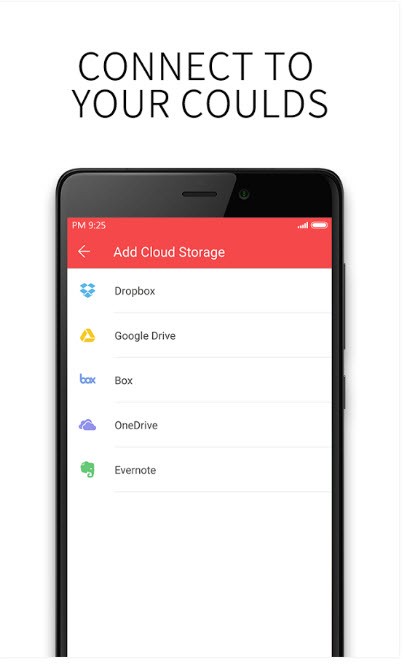
This software stands out because it manages complex documents with high performance that matches its stable operation. Users benefit from its cloud integration function because it enables them to access and store documents from any device. Each platform—desktops, tablets, and smartphones—operates in perfect harmony to maintain project continuity because documents stay constantly synchronized.
The standout quality of WPS Office stems from its commitment to creating a multipurpose workspace that works without the intense system demands usually found in comparable office suites. Through its suite of editing tools, users receive numerous templates that guide content creation for customizable work. Users who need to exchange documents with Microsoft Office users should choose this software due to its native support for those file formats.
Why Should I Download WPS Office?
Engaging with WPS Office will provide you access to powerful tools that easily handle all office necessities while meeting the quality standards professionals expect from their software. Users should consider downloading WPS Office because the application offers most functionality at no cost and retains premium capabilities for paying customers. Users of all types benefit from this software because it offers premium functions at no cost.
The compatibility of WPS Office with Microsoft Office files stands out as a major reason to download this software solution. WPS Office successfully keeps your Word files, Excel spreadsheets and PowerPoint presentations fully functional and their design elements unaltered during the opening process. The excellent compatibility exists as a vital feature, particularly for environments with multiple users who handle file transfers between different application programs. The software provides users with perfect file format conversion, which reduces work hours and avoids user dissatisfaction.
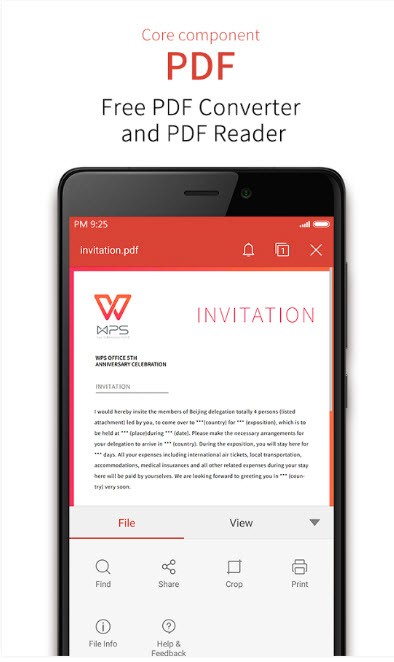
Users find the PDF tools within the software as a major value-added feature. Within one comprehensive WPS Office suite, users receive every tool needed to view PDFs and make PDF modifications without requiring additional software downloads. They benefit from this feature specifically when they need to annotate PDF reports quickly or transform these documents into alternative file types. Using WPS Office eliminates the need to navigate between different programs for achieving one workflow.
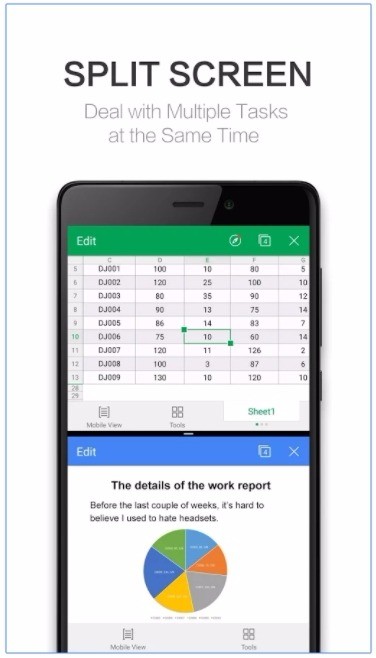
The capability of using WPS Office on mobile devices serves as a leading incentive to choose the software. Users can access your workspace through both iOS and Android devices because the software has mobile availability. The mobile application delivers almost every feature of the desktop version to ensure that users maintain total flexibility when editing or making documents from their smartphones and tablets. They gain total flexibility regarding your documents through the WPS Cloud, since it lets them access their files from any device.
WPS Office proves to be an intelligent program selection because users can personalize its operation according to their needs. The interface allows customization to match individual styles, either modern or classic. The built-in template library contains numerous pre-designed formats that assist them in launching their projects, such as business proposals and academic work or personal presentations. The ample set of customization choices enables users to create professional-looking output without dedicating superfluous time.
Large files and complex presentations require this feature to boost efficiency in work completion. Using WPS Office provides a seamless experience across desktop and mobile platforms, which substantially helps users maintain their productivity levels.
Is WPS Office Free?
WPS Office offers users free access to basic functions such as word processing, spreadsheet management, document presentation, and PDF editing tools.
Premium users can get WPS Office with advanced PDF tools, ad-free access, and more cloud storage space, though there is a free basic version. Users who prefer basic functions can rely on the free version, as it provides all needed capabilities for reliable performance.
What Operating Systems Are Compatible with WPS Office?
WPS Office operates on various operating systems, thereby making itself available across multiple platforms. The software works correctly on Windows, macOS, Linux, Android, and iOS. The mobile version can be downloaded from the Play Store or App Store.
WPS Office supports all major desktop and laptop systems, as well as smartphone and tablet operating systems, allowing users to maintain a continuous workflow. WPS Office effectively supports all current and previous platforms, allowing users with varying preferences to find easy access.
Moreover, WPS Office offers a web version of its office suite, as do some of its competitors (Microsoft Office or Google with the office tools of Google Drive).
What Are the Alternatives to WPS Office?
WPS Office provides many functions, yet other office suites exist in the marketplace. While LibreOffice stands out as a major replacement for office suites because it includes word processing, spreadsheets, and presentation features in addition to other applications. The software exists as a totally free program that neither requires nor provides any premium updates. Worldwide users recognize this software for providing extensive features that support Microsoft Office file types, among others. The open-source community works to develop the software, meaning new updates and enhancements appear frequently. Users may find the interface outdated because they wish to see a contemporary design.
Microsoft Office continues as a top choice because professionals consider it their default standard software for productivity needs. The platform consists of Word, Excel, PowerPoint, and Outlook together with other applications, which creates a comprehensive set of tools for both business and personal requirements. Business professionals depend on Microsoft Office because its specialized tools provide both robust functionality and precise operation efficiency. Users who want a no-cost or inexpensive solution may find the subscription cost of this product challenging. The recurring expenses associated with this suite used to fail to sway users from choosing it because of its dependable features along with comprehensive functionalities, but now with the Office online free version, things are changing.
Google Workspace provides businesses with another robust choice among its software programs. Users can access Google Docs, Sheets, Slides, and additional programs through an online browser. Google Workspace enables users to collaborate in real time no matter where they are located because it operates through the cloud. Users benefit from cloud storage via Google Drive because their documents are automatically saved to this platform and protected from permanent loss. Remote teams, as well as those who frequently require collaborative file editing, will find Google Workspace to be an excellent solution. The online approach is suitable for users who work without offline capabilities since it does not allow web-based work, but it may not be ideal for users who require offline access (even though the office suite offers a solution with the mobile apps and even through your browser) or prefer desktop application features.