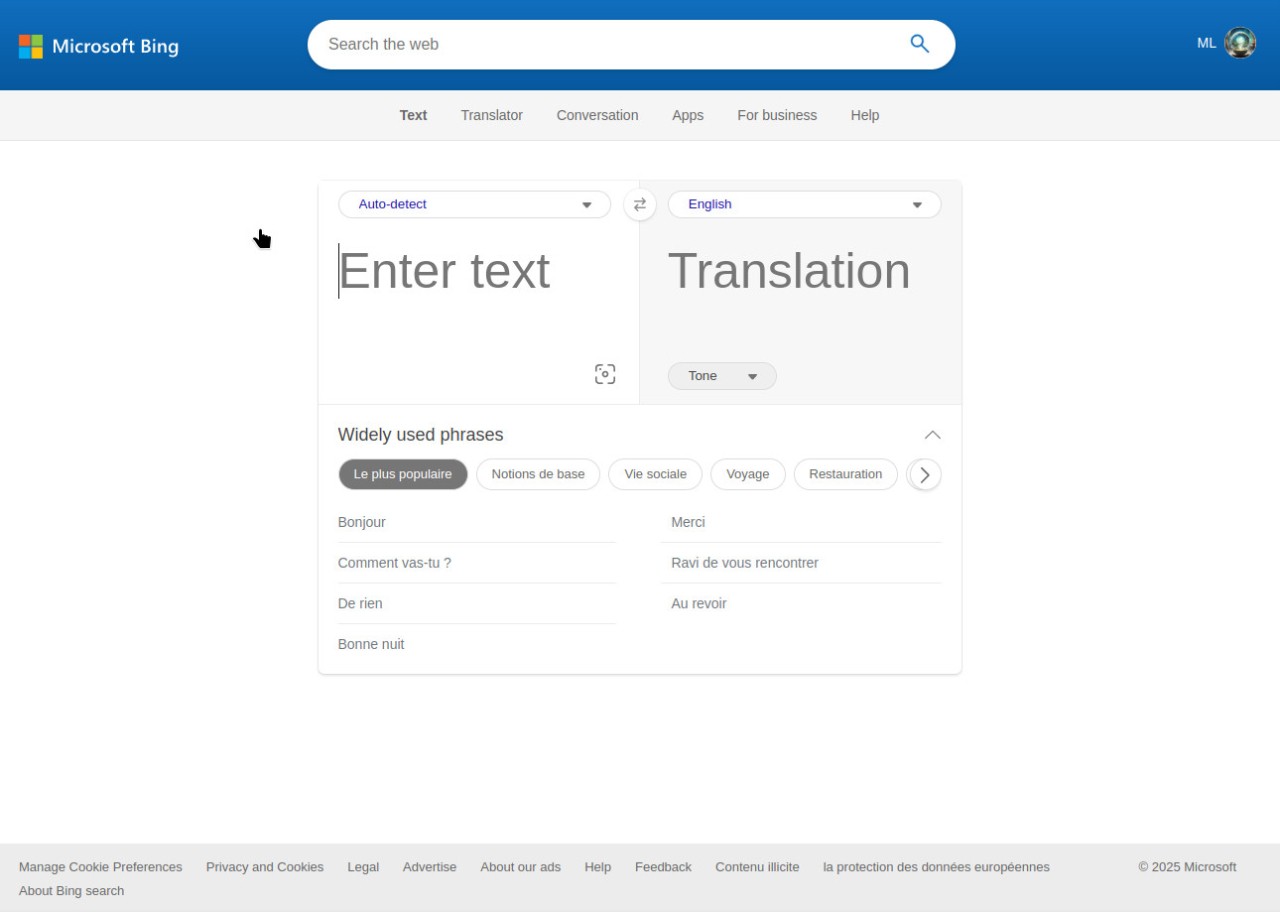
Users can use Microsoft Bing Translator to communicate and translate texts, spoken words, and visual content into numerous languages, including English, French, Latin, Japanese, and Chinese, instantly through its online platform. The software operates within Microsoft's AI ecosystem of services while offering customers solid translation capabilities. Microsoft Bing Translator supports translations into several dozen languages, making it suitable for international travelers, businesses, students, and people needing instant language assistance.
In comparison to traditional dictionary-based translation methods, Bing Translator's artificial intelligence and machine learning elements produce translations that are both accurate and natural. The software improves through continuous learning approaches, which use data from real-world speech and text in multiple languages, including English, French, Latin, Japanese, and Chinese, to adapt and enhance the ability to communicate effectively.
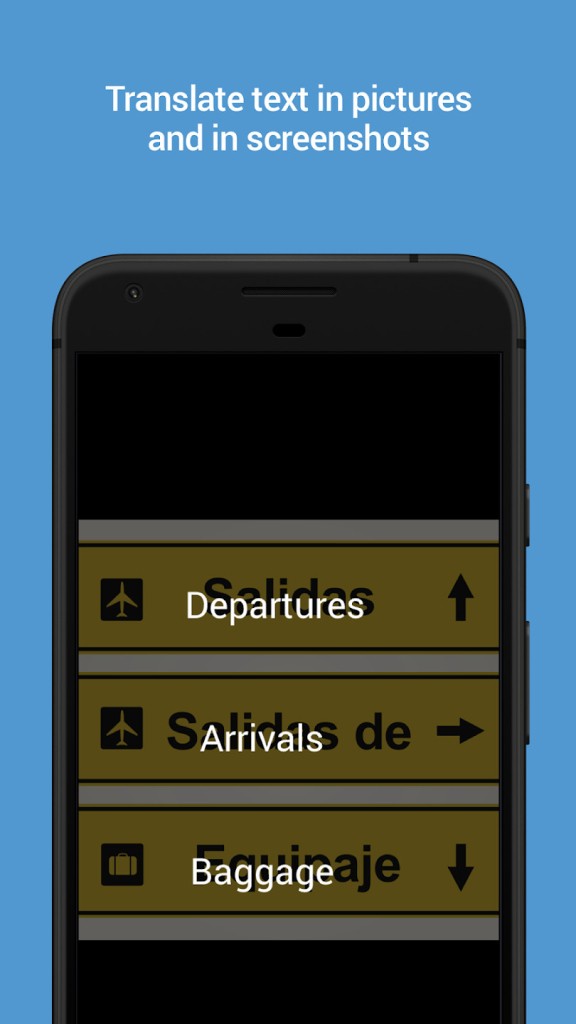
Users can access a variety of translation methods by manually entering written text, using voice-to-text conversion, or uploading images containing foreign text for processing. Bing Translator provides users with extensive versatility because it transcends basic word substitution to understand and communicate the full content context across different languages.
Microsoft Bing Translator integrates with Skype and Microsoft Office to provide translations and real-time communication capabilities to users who work on Microsoft systems. Users can easily perform multilingual communication, text understanding, and document translations in English, French, Latin, Japanese, and Chinese, making Bing Translator a versatile tool for work, study, or travel.
Why Should I Download Microsoft Bing Translator?
Anyone who works in multiple languages should consider downloading Microsoft Bing Translator because of its numerous advantages. Microsoft Bing Translator provides a variety of functional benefits, making it an invaluable tool. Bing Translator distinguishes itself from other translation services by providing multiple methods for users to enter translation material. The software allows for text entry, spoken communication, and printed text capture via a camera, making it easier for users to deal with various situations.
Users should choose Bing Translator due to its high translation output quality. Microsoft's AI and machine learning in Bing allow for continuous improvement in its ability to understand linguistic expressions, sentence structures, and context-based meaning. Bing Translator is particularly useful for complicated phrase translation because it provides direct assistance on expressions that do not have straightforward equivalents in other languages. Among machine translation tools, Bing Translator delivers the most efficient system of its current generation.
One benefit that Microsoft users get is integrated access to all of their services through this software. Regular Microsoft Word and Outlook users, as well as Skype users, can easily access Bing Translator because it is embedded in these applications, allowing them to translate without having to install a standalone program. The system is ideal for business professionals who serve international clients because it provides streamlined methods for interpreting emails, documents, and conversation exchanges during working hours.
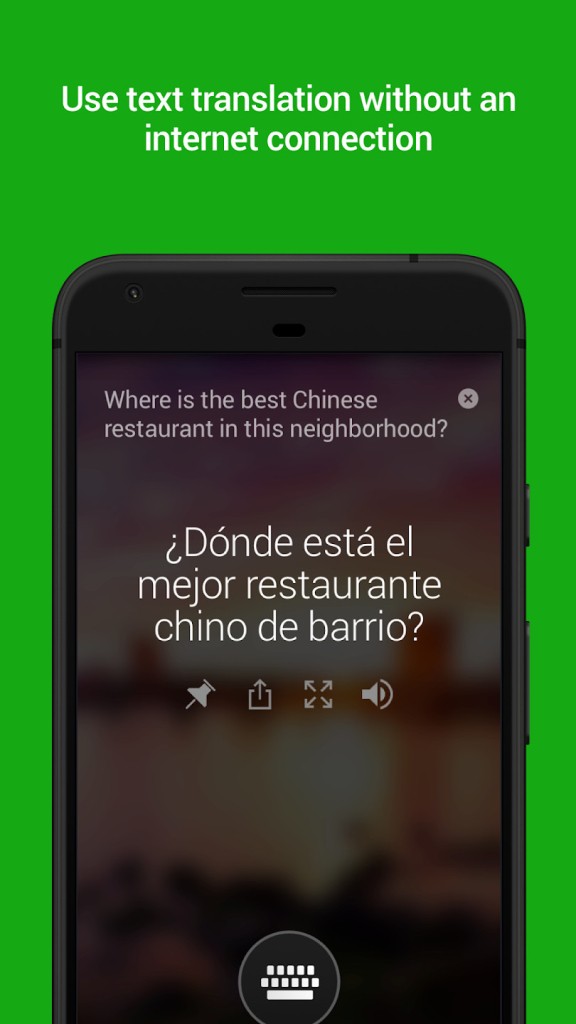
Bing Translator's offline mode allows users to translate content while offline. Bing Translator is essential for travelers because it works offline, allowing them to translate information without a Wi-Fi connection or mobile data. Users who pre-download language packs from Bing Translator can maintain translation services while working in remote locations. Because of its offline capability, users consider Bing Translator to be extremely useful when exploring new countries and environments.
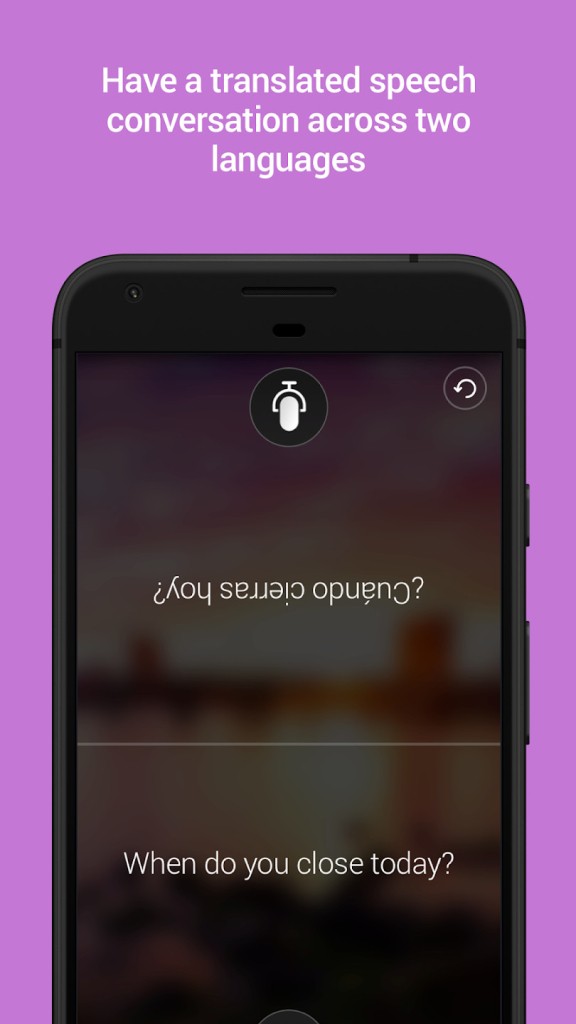
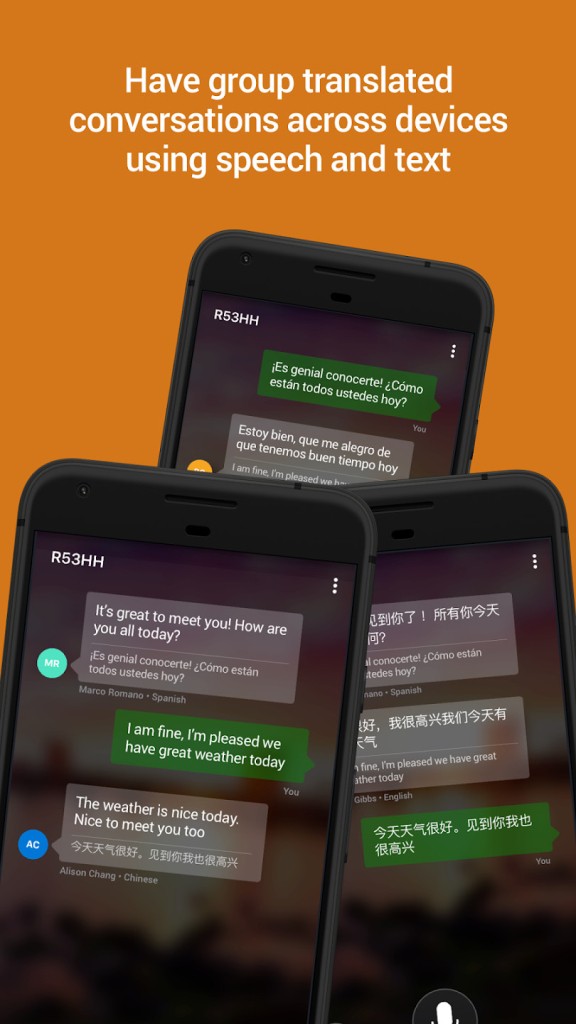
Live conversations become more effective through the speech translation function. Foreign travelers can use Bing Translator as a communication tool, which converts spoken words into text and instantly translates both in real time when dealing with language barriers. The software promotes communication flow by reducing language barriers in both professional and social interactions.
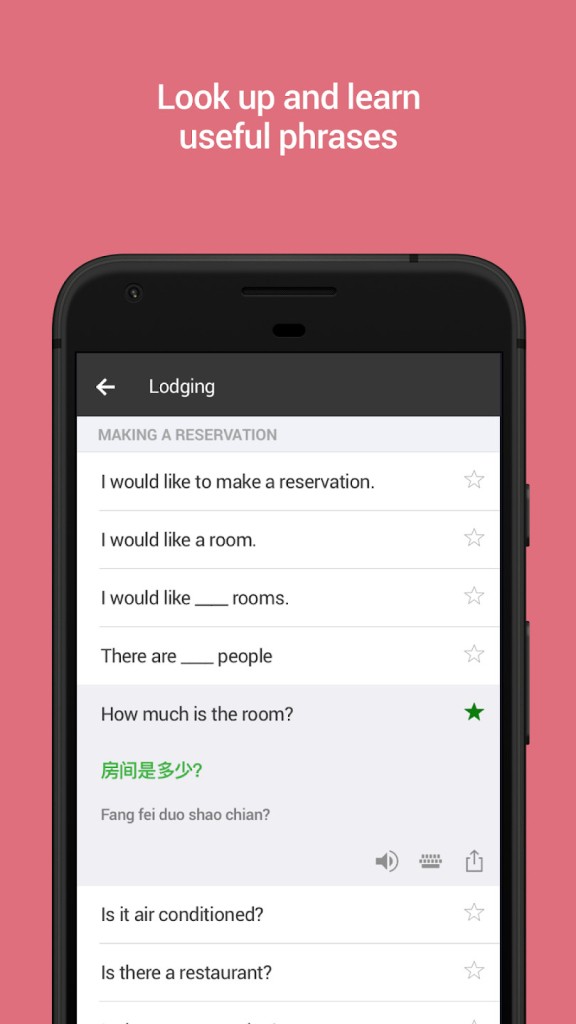
Students, together with language learners, benefit from using Bing Translator as an educational resource. They gain access to language translation comparisons, as well as the ability to listen to voice samples and explore multiple possible meanings. Bing Translator serves as an additional resource to complement human education because it does not replace traditional learning but supports language acquisition.
As a dependable, feature-rich translation solution, Microsoft Bing Translator serves all users who need this kind of software effectively. The practical value of Microsoft Bing Translator appears through its precise translation system, which integrates Microsoft's services within an easy-to-use interface. Users who need to navigate through different languages and cultures can easily interact with Microsoft Bing Translator regardless of their purpose for travel, work, or study.
Is Microsoft Bing Translator Free?
Microsoft Bing Translator provides all users with unlimited free access to translation services, which provide an unlimited amount of text and speech, along with image conversions, to all users at no extra charge.
The premium version with API access and other software integration is available for business needs, but the basic user experience of standard Microsoft Bing Translator remains totally free of cost. Users across all segments can use the free offline translation as well as mobile app features because they lack cost requirements.
What Operating Systems Are Compatible with Microsoft Bing Translator?
Users obtain complete device accessibility through Microsoft Bing Translator because the platform functions on multiple systems. They can access Microsoft Bing Translator through any browser operating on Windows, macOS, and Linux platforms. They can translate from any device running iOS or Android by using the mobile application.
Users who work with Microsoft products can easily access the translation function because it integrates directly into their Windows, Skype, and Microsoft Office tools. Bing Translator exists as a unified translation service that supports the same experience through desktops, laptops, smartphones, and tablets.
What Are the Alternatives to Microsoft Bing Translator?
The power of Bing Translator as a translation platform exists alongside various alternative tools that match its strengths or offer better functionality based on user specifications. Different translation applications deliver various levels of accuracy and distinctive combinations of ease of use, as well as expanded language capabilities. The three best translation tools next to Microsoft Bing Translator include DeepL and Google Translate, as well as Reverso.
DeepL stands as one of the best translation technology platforms available right now. The platform leverages deep learning techniques to evaluate sentence composition, which produces highly accurate translations. DeepL distinguishes itself from common machine translators, which create unnatural text, by producing human-like translations from the software. The system works with various languages, while delivering its best results when processing European language pairs. The free version of the tool lacks extensive document translation capabilities yet delivers translations with superior quality to other solutions, thus making it an outstanding alternative when linguistic accuracy is the main priority.
As a tough rival, Google Translate delivers numerous languages and robust functionalities through its system. The translation service supports more than 100 languages with text translation, together with speech and image recognition functionality, which parallels Bing Translator. Google Translate achieves better accuracy through its extensive collection of language inputs, which continues to grow as the database expands. Through its conversation mode, Google Translate translates live spoken dialogues, which makes it an outstanding solution for people engaged in international dialogue and travel activities. Users can benefit from offline mode through language pack downloads that operate without internet access. Google Translate maintains its status as a widely popular translation tool because it combines wide accessibility with straightforward operation, although it still has imperfections.
Reverso presents itself as a valuable translation platform because it implements contextual translation methods. Reverso functions differently from standard translators, which only generate word-by-word dictionary translations through their approach, which shows language terms in contextual situations. Language students benefit from this software because it supplies both example sentences together with synonyms and conjugation suggestions that assist users in comprehending various language elements. Users requiring extended translation services would find Reverso useful because it offers built-in grammar tools. The limited number of supported languages does not diminish its worth, since Reverso focuses on producing accurate translations and educational capabilities that suit students and professionals.