Google Translate does one thing and does it everywhere: translate content from one language to another at no cost. Whether you need to decode a restaurant menu in Tokyo, understand an email from a client in Brazil, or translate an entire website from German to English, Google Translate handles it across the web, mobile apps, and a Chrome extension. Link a Google account and your translation history syncs across every platform.
The language coverage is wide. You get translations between 108 languages, including the obvious ones like English, Spanish, French, Chinese, Japanese, and German, but also less common options like Latin, Tatar, Kurdish, Malay, Tamil, Catalan, Indonesian, Batak, and Hindi. Quality varies depending on the language pair. Translations between widely spoken languages tend to be more accurate, while rarer combinations can produce awkward results that need some human cleanup.
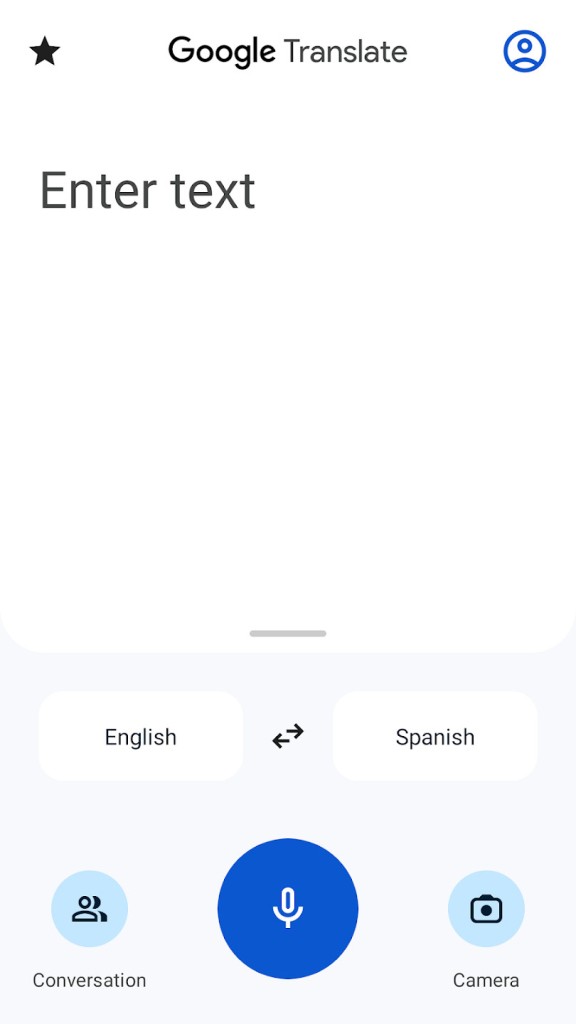
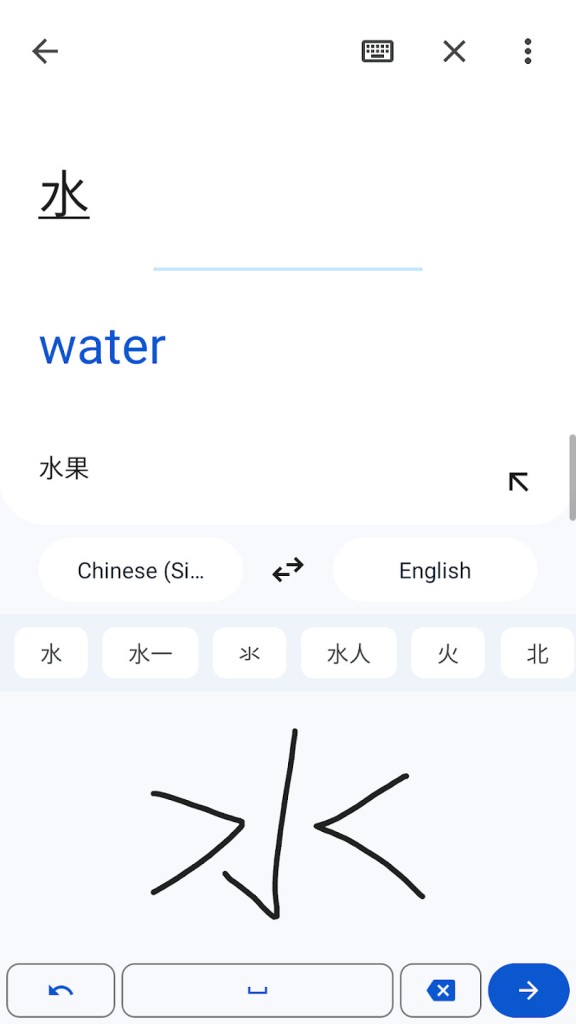
Using the service is about as simple as it gets. Download Google Translate, paste in your text, pick your languages, and the translation appears. Text-to-Speech reads the result aloud so you can hear how words and phrases should sound. Depending on your platform, you can translate from typed text, images, handwriting, or spoken dictation.
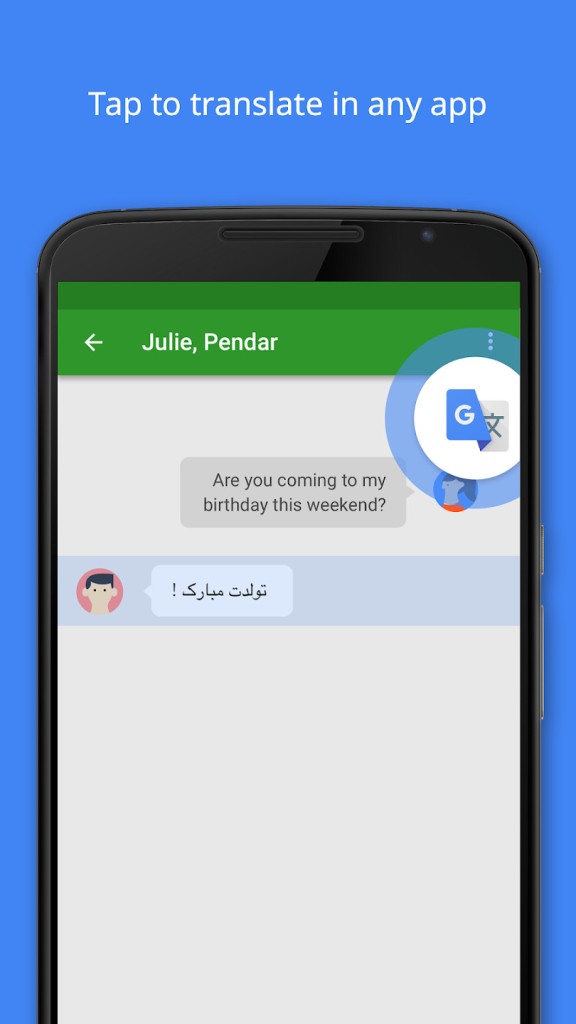
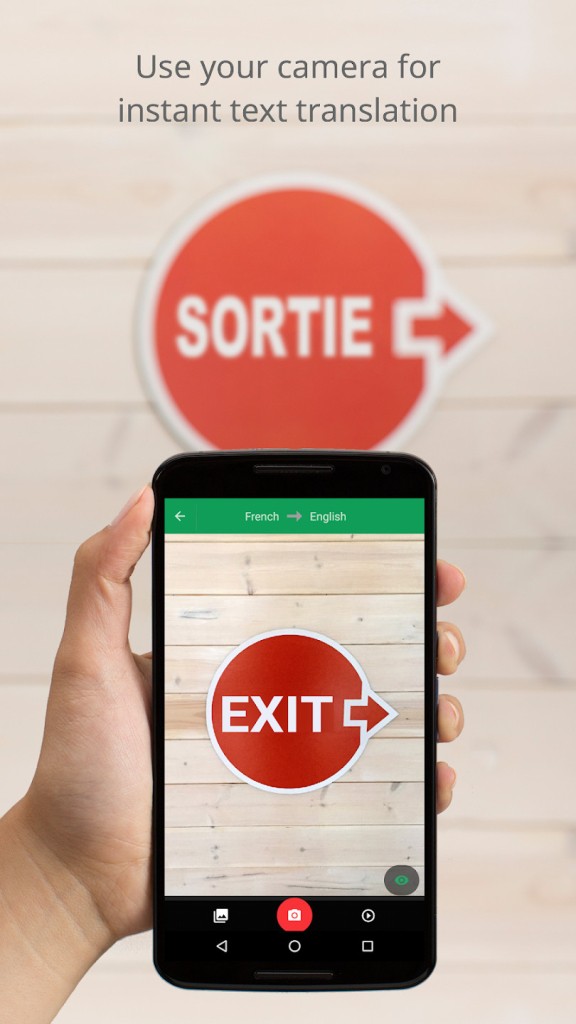
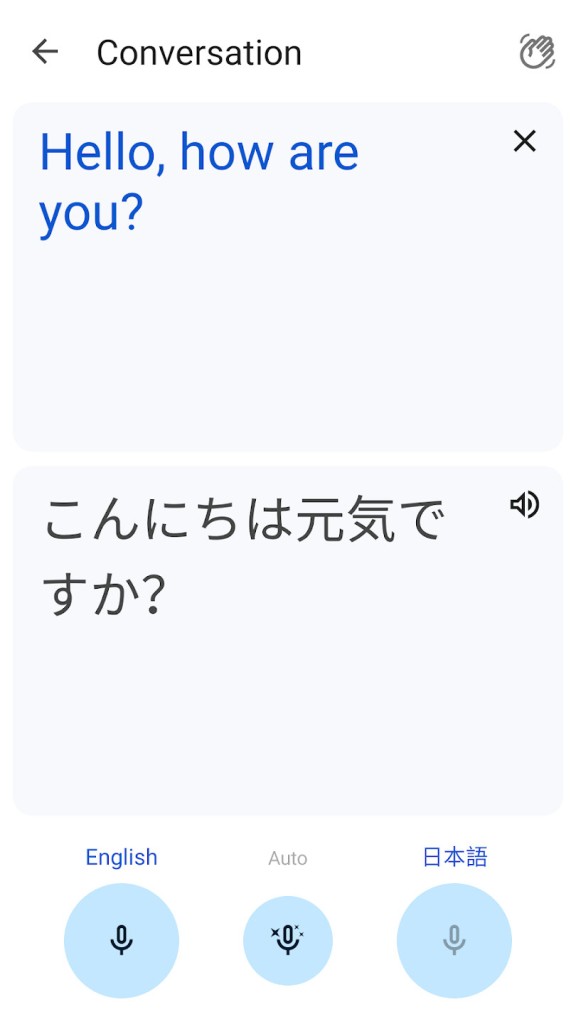
The mobile app adds some tricks that make it especially useful on the go. Tap to Translate lets you copy text from any app and get an instant translation. Offline mode covers 59 languages, including English, so you are not stranded without internet. Camera translation works in 94 languages: point your phone at a sign, menu, or label, and the translated text appears overlaid on the image in real time. Conversation mode handles live bilingual discussions, translating and reading aloud for both sides.
Why Should I Download Google Translate?
Google Translate is the most widely used translation service online, and the reason is simple: it works across more than 100 languages, it costs nothing, and it runs on every major platform. Google built it, so integration with the rest of the ecosystem is tight.
The online service
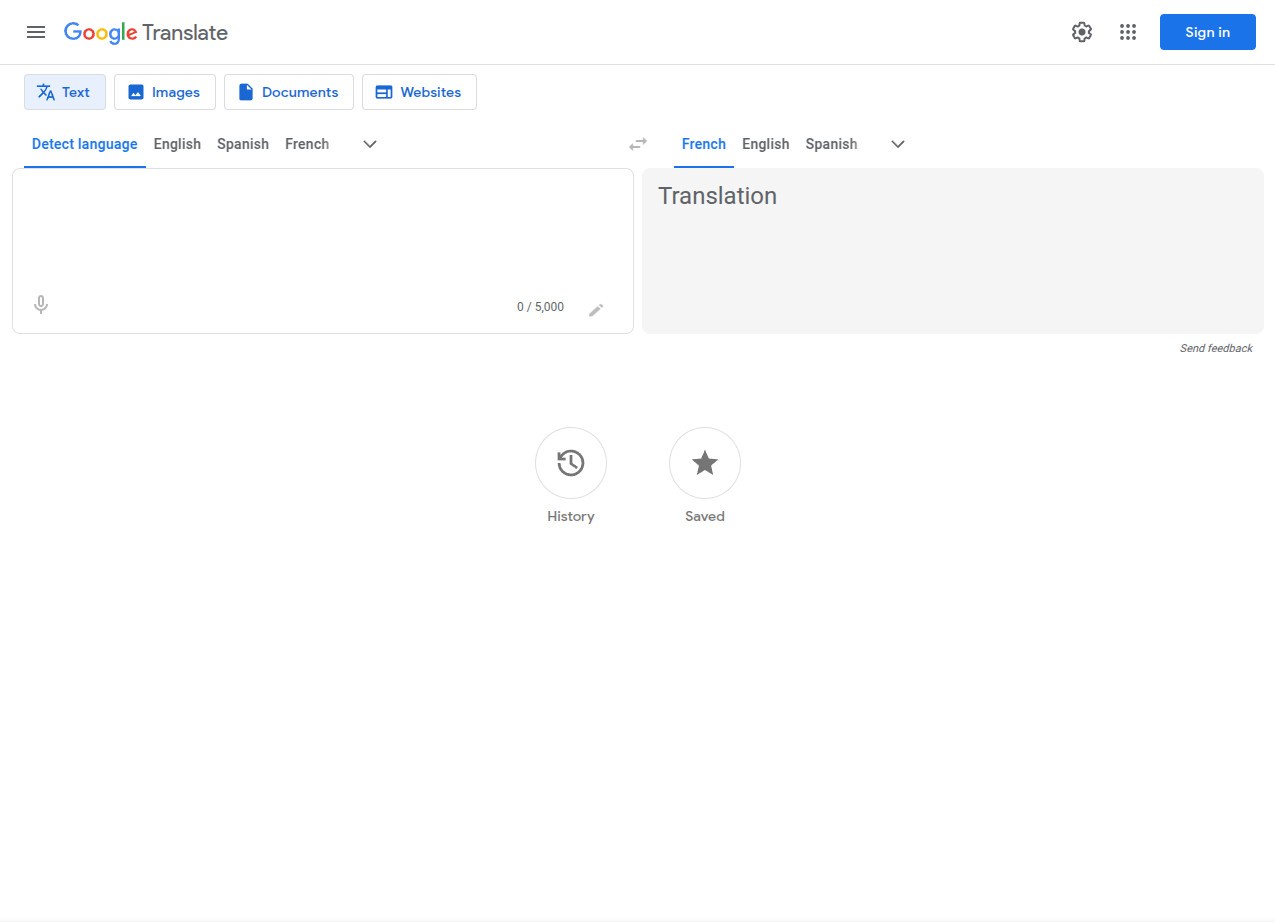
The Google Translate website gives you three translation modes: text (up to 5,000 characters), documents (up to 10 MB), and full websites. For text, you paste or type your content on the left side, and the translation appears on the right. The service auto-detects the source language, or you can set it manually. You can listen to the translation, copy it, share it, or rate its quality.
Below the translation box, the website shows word definitions, synonyms, abbreviations, and usage examples, which is surprisingly helpful for learning how a word actually gets used in context. Document translation supports .docx, .pdf, .pptx, and .xlsx files up to 10 MB (PDFs max out at 300 pages). Website translation opens a new tab with the entire page translated into your chosen language.
When you are signed into a Google account, you can review past translations or save favorites by clicking the star icon. It is a small feature that becomes useful fast if you keep running into the same phrases.
Mobile applications
The Android and iOS apps are where Google Translate really earns its keep for travelers. Hundreds of languages are available online, and roughly 60 work offline, so losing cell service does not mean losing your ability to communicate. Camera translation is the standout feature: hold your phone up to a sign, a menu, or a medicine label, and the translated text appears live on your screen.
Conversation mode is surprisingly effective for real-world use. Select two languages, start talking, and the app translates and reads aloud for both speakers. It is not perfect, but for basic communication across a language barrier, it removes most of the friction. Anyone who travels regularly should download Google Translate's mobile app before their next trip.
The Google Chrome extension
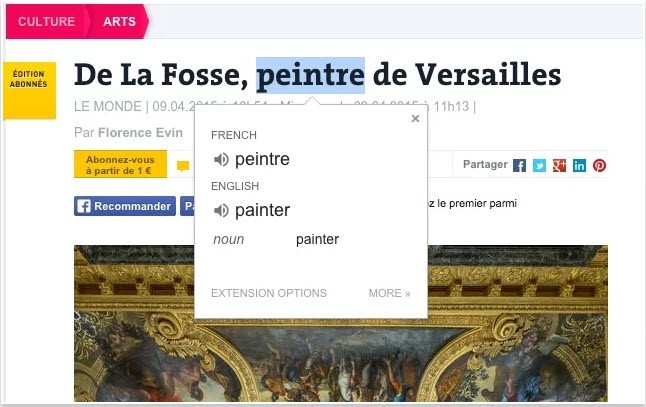
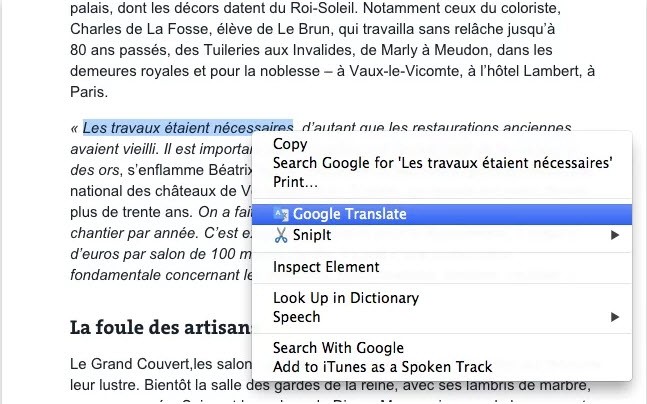
The Chrome extension adds a toolbar button that translates entire web pages with one click. You can also highlight any word on a page, right-click, and translate it through the context menu. Clicking the extension icon opens a quick translation box where you can type a word or phrase and hear its pronunciation.
Settings let you choose your native language and toggle the automatic translation popup that appears when you land on a foreign-language site. It is lightweight and stays out of your way until you need it.
Is Google Translate Free?
Yes. Download it, open it, use it, it costs nothing. There are no premium tiers, no character limits beyond the 5,000-character text cap, and no subscription fees. The service is free across all platforms.
What Operating Systems Are Compatible with Google Translate?
The app is available to download on Android and iOS smartphones and tablets. The website works in any browser on any operating system, including Windows, macOS, Linux, Android, and iOS, and requires no installation. The Chrome extension adds browser-level translation for anyone using Google Chrome.
What Are the Alternatives to Google Translate?
Microsoft Bing Translator is the closest equivalent from another tech giant. It is free (limited to 1,000 characters per translation), available as a website and mobile apps, and supports automatic language detection. The language list tops 100 and includes some fun additions like Klingon and Zulu alongside practical options like Welsh, Swahili, Kurdish, and three varieties of Chinese.
Reverso takes a different approach, offering translation alongside grammar tools and a spell checker that Google Translate lacks. It is available as a website and mobile apps for Android and iOS, with integration into apps like WhatsApp. Text-to-Speech reads translations aloud, and the website handles full document uploads. Character limits are lower than Google's, and the service is not entirely free, with premium features behind a paywall.
DeepL has built its reputation on translation quality rather than language breadth. It supports 28 languages, far fewer than Google, but the translations tend to read more naturally, especially for European language pairs. The free tier allows 5,000 characters of text and up to 3 document translations per month. A paid Pro upgrade unlocks higher limits and additional features. DeepL's AI translation engine is designed to understand context rather than translate word by word, which produces noticeably better results for anyone writing content that needs to sound polished. If quality matters more than coverage, DeepL is the download to make.