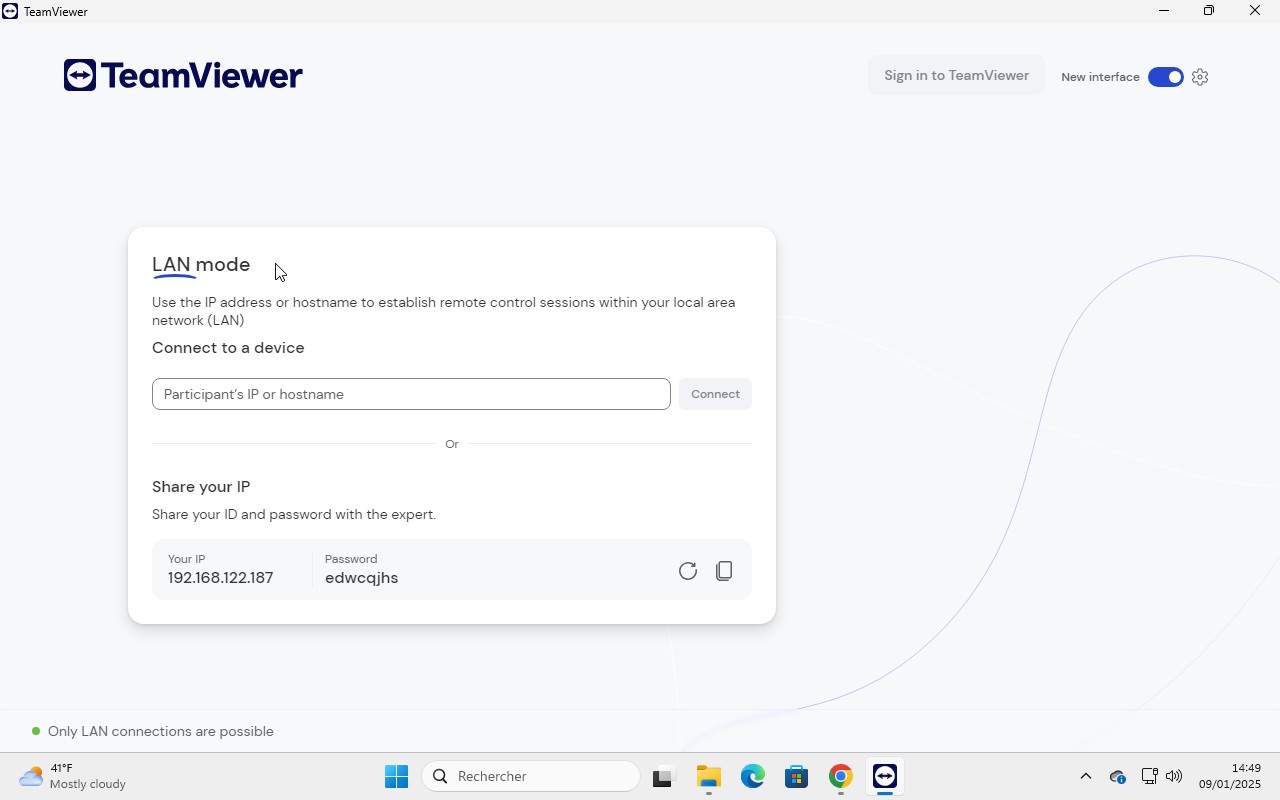
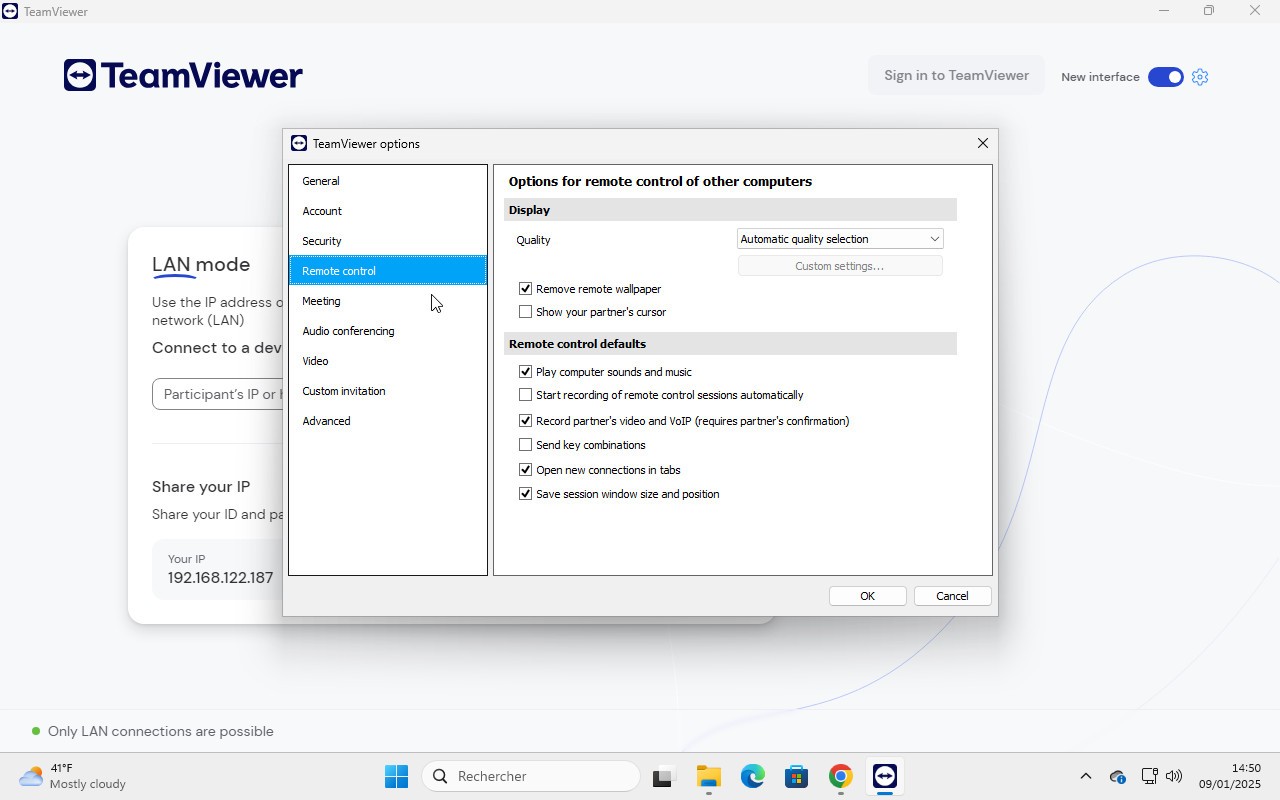
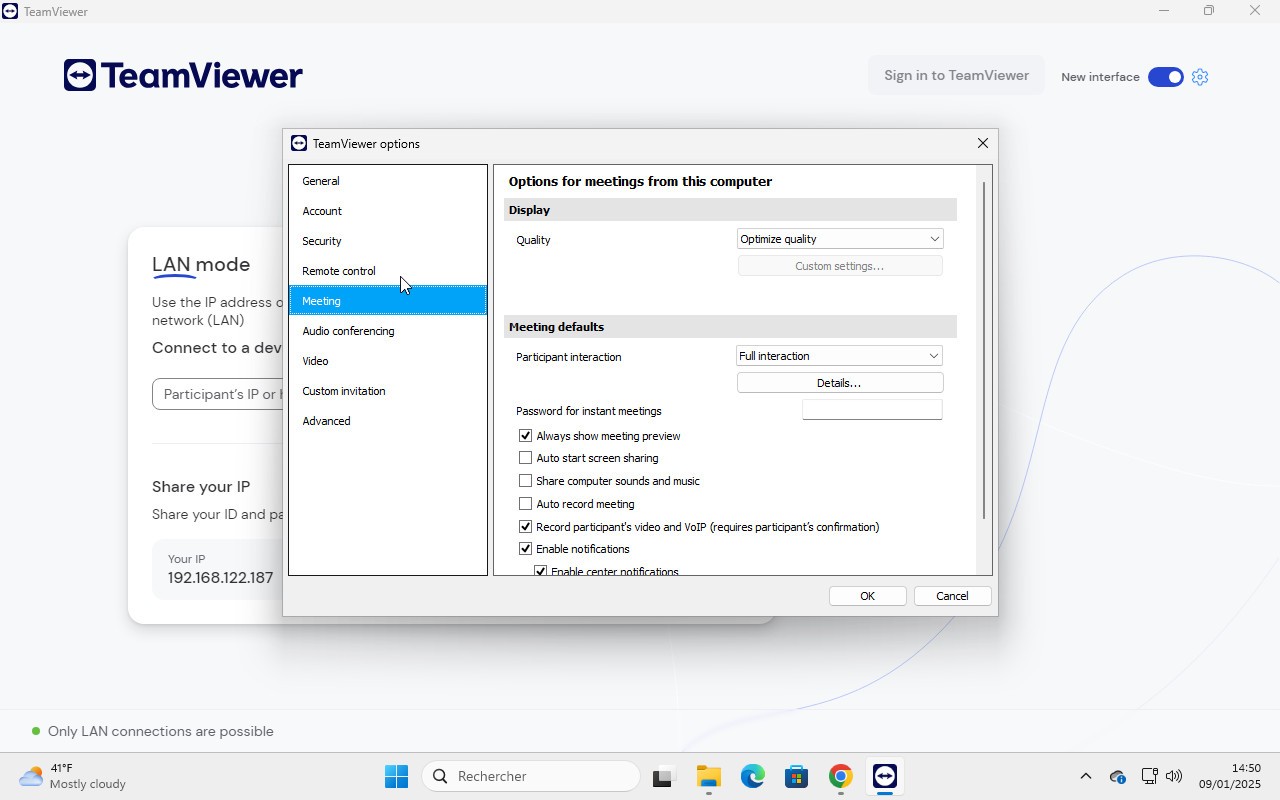
TeamViewer is a German company founded in 2005. Originally developed to let users remotely demonstrate software functionality to clients, it has since grown into one of the most widely adopted remote access platforms in the world, with installations across more than 2.5 billion devices.
TeamViewer enables remote work from any device, making it ideal for anyone who needs to access a desktop in a different physical location. Its primary use case today is IT support, allowing technicians to access devices remotely and resolve issues efficiently. The interface is clean and accessible, making it one of the strongest remote desktop solutions available.
Why Should I Download TeamViewer?
TeamViewer offers a range of products designed for different use cases and organization sizes.
TeamViewer Remote is built for IT professionals and support teams. It provides instant remote access to any device, secure connections for remote work, and proactive IT management tools to reduce downtime. AI-powered features speed up support and simplify documentation, and secure file and application access is available without a VPN.
TeamViewer Tensor is designed for large enterprises, offering cloud-based connectivity at scale. It allows organizations to manage and support entire fleets of IT and OT devices while supporting hybrid working environments. Tensor integrates with platforms including SAP, Microsoft Teams, Salesforce, and Freshworks, and is built to meet advanced security and compliance standards.
TeamViewer Frontline is an augmented reality productivity platform aimed at modernising frontline workforces. It supports hands-free, desk-free workflows across environments like warehouses, healthcare, and field service. Frontline offers cloud-hosted deployment and customizable tools that integrate with existing systems to quickly surface critical information.
TeamViewer DEX (Digital Employee Experience) focuses on preventing IT issues before they affect users. It monitors systems in real time, detects problems across apps and devices, and automates straightforward fixes. IT teams get the visibility they need to respond to more complex issues faster while reducing workload, strengthening security, and improving compliance without stretching resources.
The platform holds certifications including ISO/IEC 27001, HIPAA/HITECH, and SOC 2 & 3, covering data protection, regulatory compliance, and operational integrity.
Is TeamViewer Free?
TeamViewer offers a free version for personal use, covering file transfers, remote file access, and real-time remote device connections.
The free version has limitations on advanced features. Paid plans unlock video conferencing, user collaboration, VPN, Wake-On-LAN, and VoIP, with options for individual users, teams, and enterprises. This lets organizations assess whether the free tier meets their needs or whether a paid plan is worth the investment.
What Operating Systems Are Compatible With TeamViewer?
TeamViewer is available across a wide range of operating systems and is supported by over 127 mobile device manufacturers.
On Windows, it supports version 7 and later in both 32-bit and 64-bit. macOS, iOS, and iPadOS users need macOS 10.14 (Mojave) or later. TeamViewer also runs on Linux, with support for Debian, Ubuntu, Red Hat, Fedora, and Raspberry Pi OS.
What Are the Alternatives to TeamViewer?
If TeamViewer isn’t right for you, here are some alternatives that may better suit your personal circumstances. All of them offer remote control access for work and IT.
RealVNC Connect provides secure remote access to any internet-connected device, enhancing team productivity regardless of location. It also conducts regular security audits, ensuring data safety against loss or theft.
AnyDesk is an excellent option for remote support teams. With over 200,000 clients, it offers fast problem resolution across different devices and operating systems. Its standout feature is the ease of installation, eliminating the need for individual software setup on each device.
Chrome Remote Desktop is backed by tech giants like Google. It allows users to remotely access other devices, share screens, or connect to enabled devices using a simple access code. Chrome Remote Desktop is completely free and does not require prior expertise to use effectively.