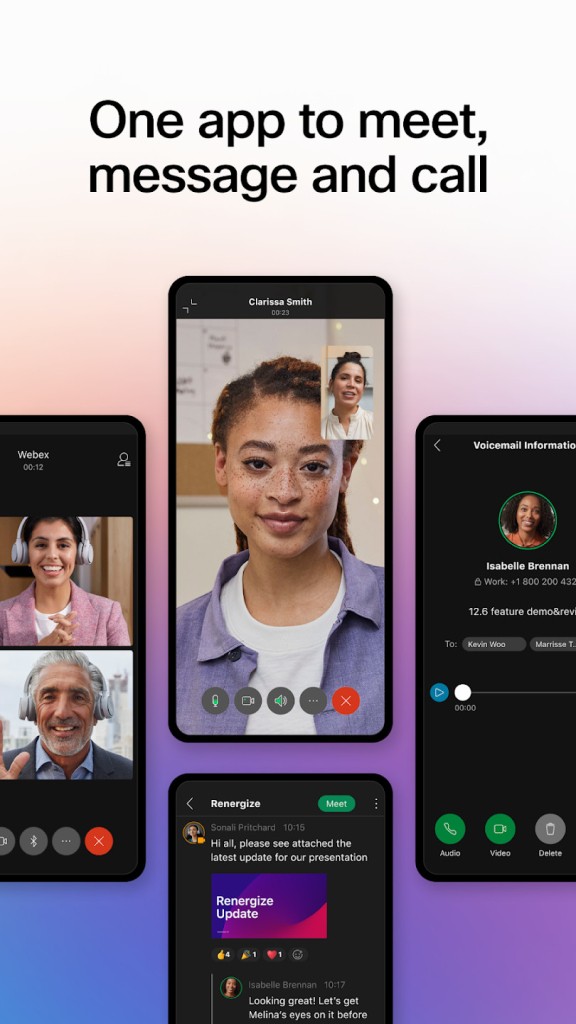
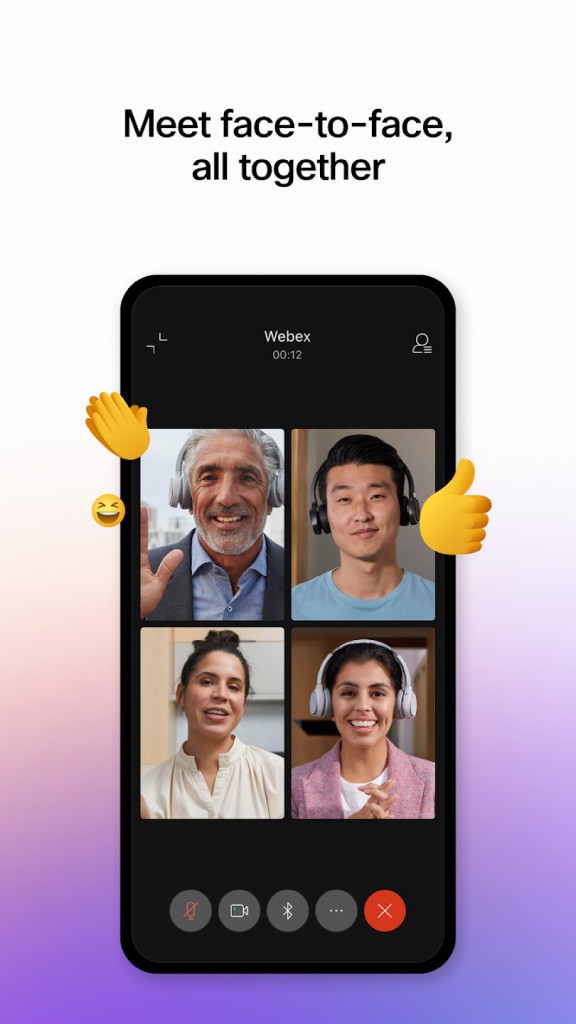
Cisco WebEx (Cisco WebEx Meetings) is an online video conferencing and collaboration platform packed with advanced virtual meeting features. It allows users to organize and host meetings easily, whether for internal teamwork or client communication. The interface is built to be accessible while still offering powerful tools for productive remote collaboration.
Among its practical features are screen sharing and split-screen sessions, making it easier to present documents, demonstrate software, or compare multiple views during a call. Cisco WebEx Meetings is also integrating artificial intelligence into the Webex experience. AI-powered capabilities aim to enhance both employee and customer interactions, helping users run more efficient meetings, gain insights, and improve overall collaboration. These innovations position Webex as a forward-looking solution for organizations seeking smarter and more competitive communication tools.
With a free version and multiple premium tiers, Cisco WebEx Meetings is a perfect choice for personal use or for companies looking to work remotely. However, the free version does come with limitations, including the inability to share or download files and documents directly within the platform. Moreover, you can use it on every operating system, as it offers apps for Windows, macOS, Linux, Android, and iOS, and a web solution that you can use on any web browser and any system.
Why Should I Download Cisco Webex?
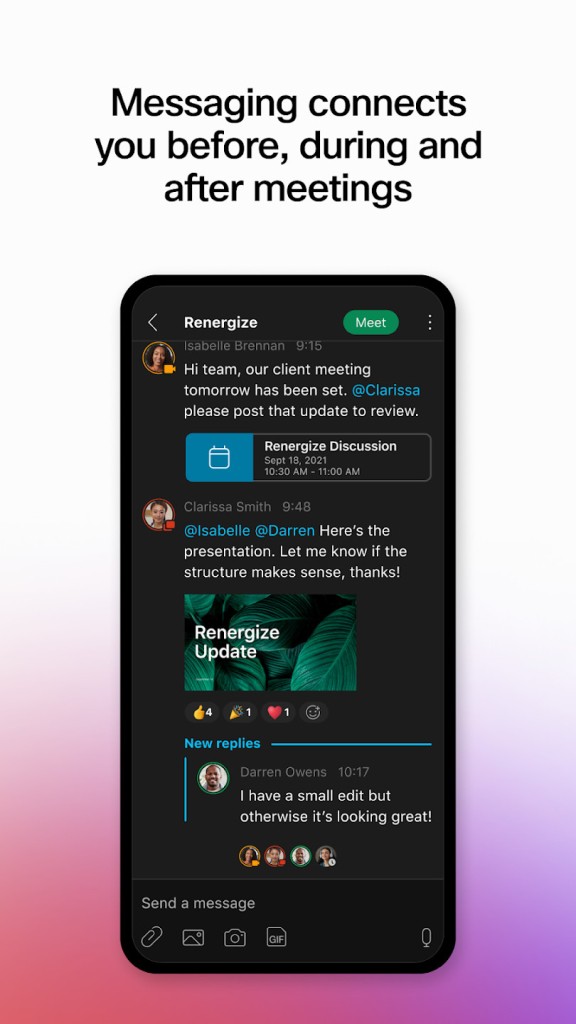
If you need to communicate and connect with people online, you should download Cisco WebEx Meetings and take advantage of its various features for conducting meetings. You can have high-definition video, use Webex audio tools to reduce background noise or make your voice clearer, share your screen, or use an online whiteboard during the call. All of these functionalities help make your online conferences productive and allow users to annotate and brainstorm various ideas freely. There’s also a chat you and your team can use to communicate via text to avoid interrupting the speaker.
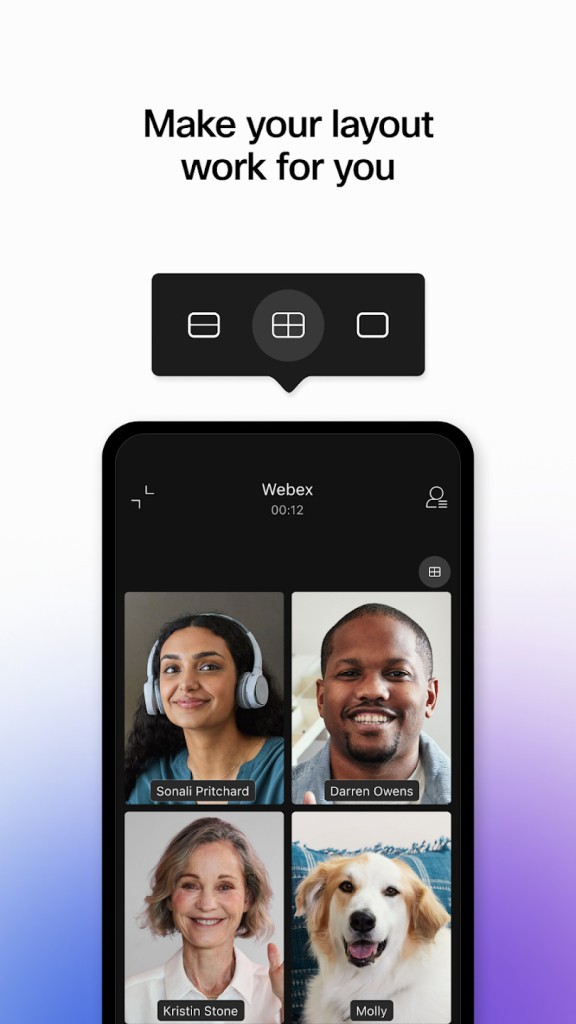
During the call, you can use innovative AI features like creating a transcript, taking meeting notes, or generating an overview. You can also communicate in different languages and allow AI to translate the conversation in real-time to the languages used by the people in the meeting. For those who want it, Cisco WebEx Meetings has a customizable layout and various grids for video streams that you can adjust based on the format of the meeting you’re hosting, like a team meeting or a webinar. Depending on the subscription you have, you can even host online conferences with up to 100,000 participants joining.
For companies worldwide, one of the reasons why they choose Cisco WebEx Meetings is that it has powerful security tools that are crucial when sharing sensitive or internal information, and you want them to stay private. When you download Cisco Webex and use it, the tool offers end-to-end encryption but also has advanced options to control who can access the meetings and support even the strictest industry standards to ensure all data is protected.
Another thing that also makes people download Cisco Webex and pick it as their conferencing platform is that it works well and smoothly even on older devices, which isn’t always the case with other similar software. For businesses with a large number of older machines, this is a cost-effective solution that eliminates the need to invest in new technology at scale. It works well with multiple operating systems, too, including Windows and macOS, but Cisco Webex also has apps for mobile devices.
Cisco WebEx Meetings is also perfect for professional users who need to coordinate multiple schedules, as this software integrates with various calendars and email clients, like Google Calendar or the one in Microsoft Office. Because of that, it’s easier to organize meetings and keep track of your calls during the day in a single source.
Is Cisco Webex Free?
Cisco WebEx Meetings offers a variety of paid options, as well as a free version with a 40-minute time limit and the ability to host up to 100 users. You can continue to watch HD camera streams, make audio calls, and share your screen freely.
If you need to conduct bigger calls or have a specific use case, there are various premium plans you can select from. The features and functionalities they offer include unlimited meetings when it comes to duration, different numbers of participants that can join, even up to 100,000 users, advanced analytics, and integrations with other platforms. You can also upgrade your meeting security and get access to a bigger selection of administrative tools. All of these features make Cisco WebEx Meetings a perfect solution for companies of different sizes.
What Operating Systems Are Compatible with Cisco Webex?
To ensure a broad audience can use this platform, you can download Cisco WebEx Meetings on Windows and macOS on desktop computers or iOS and Android mobile devices.
You can also use this software through a browser like Google Chrome, Mozilla Firefox, Apple Safari, or Microsoft Edge on Windows, Mac, or even Linux computers.
For the desktop app, you need at least Windows 10 or macOS 10.15. If you want to download Cisco WebEx Meetings mobile apps, you require iOS 16.0 or higher for iPhones and iPads. For other mobile devices, the five latest major releases of Android are supported. It’s worth noting that the mobile apps mimic the desktop version, so they are fully functional alternatives.
What are the alternatives to Cisco Webex?
There are currently multiple online tools that support video and audio calls, as working from home and communicating remotely have become more and more popular across the globe.
Google Meet is a popular choice that is fully integrated into the Google ecosystem, including their Calendar, emails, and other services. It is accessible via a browser on any operating system, and there are dedicated iOS and Android apps are available. You can use Google Meet for free and have calls with up to 100 people for no longer than 60 minutes. If you’re already utilizing Google Workspace at work, then there are no limits on the meeting duration, but you can also use more advanced administrative tools or get more secure connections and encryption protocols, which are essential for business users.
Another software that professional users and different organizations mainly select is Microsoft Teams, available on Windows, macOS, iOS, and Android, or through a website. It comes as part of the Microsoft 365 subscription and free version, and is fully integrated with all its tools, like Outlook, Word, Excel, and much more. Microsoft Teams is not only a video conferencing platform, but it is also a messaging app with multiple channels and direct conversations that live outside of any hosted meeting. There is also a free version of the tool, but it has different usage limits and is geared more toward families, so keep that in mind when trying out Microsoft Teams.
Zoom, which users appreciate for its reliability and ease of use, is another strong option, as it works with Windows, macOS, and Linux, but it also has mobile apps for different systems. On the free version, you can conduct 40-minute group meetings or unlimited one-to-one calls, but business users mainly select the tool for their work. With the paid tiers, Zoom offers cloud recordings, advanced tools for running webinars, and various administrative and access control features.