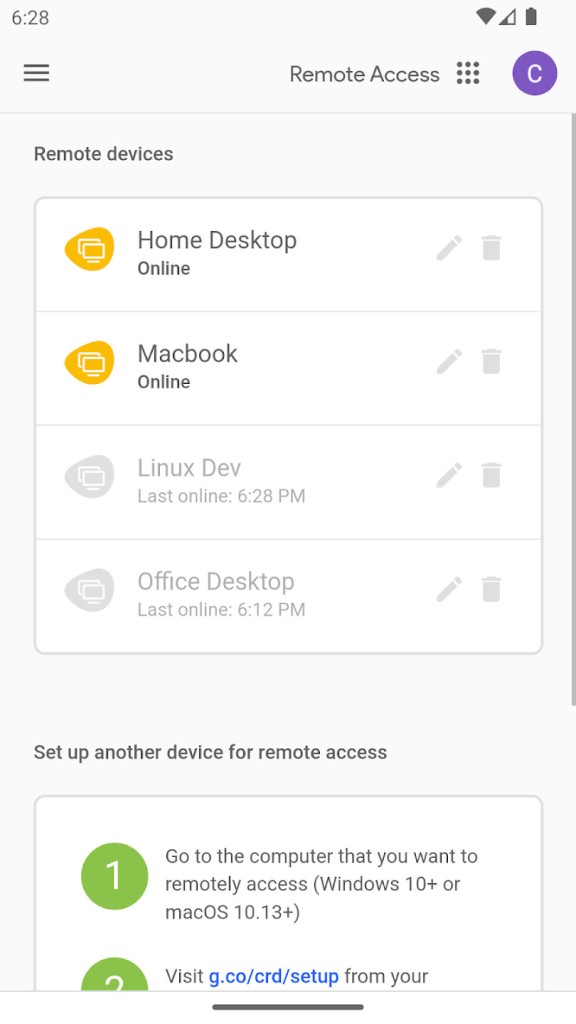
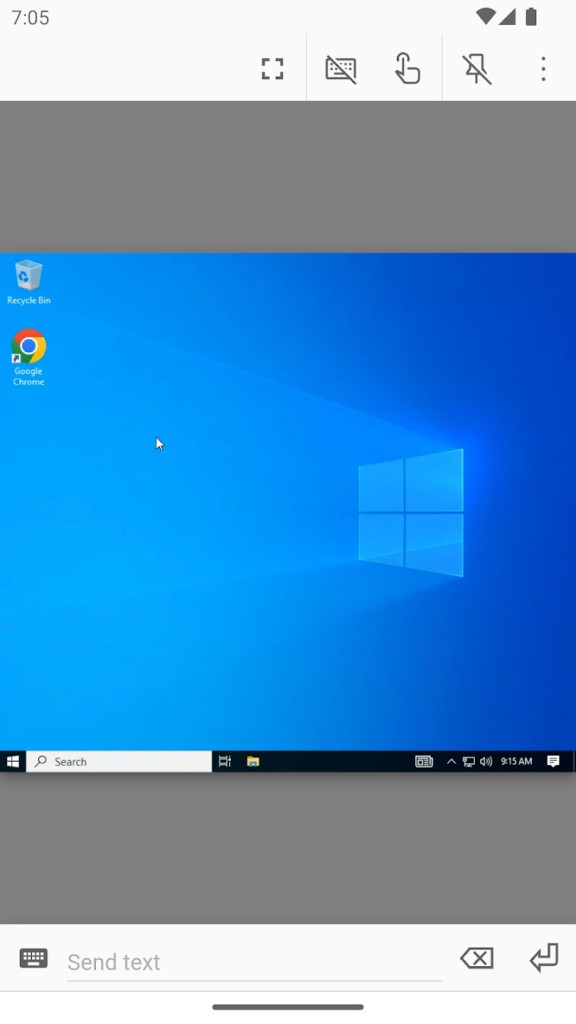
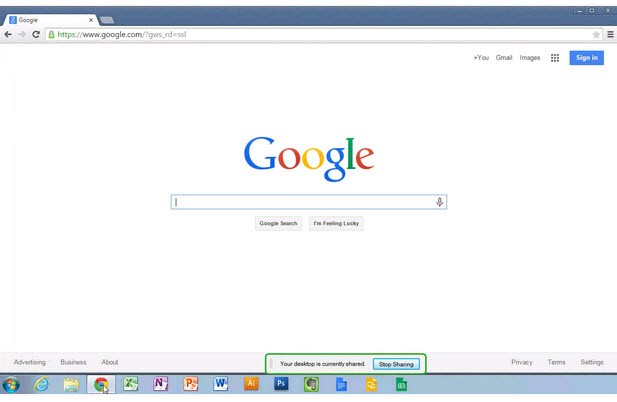
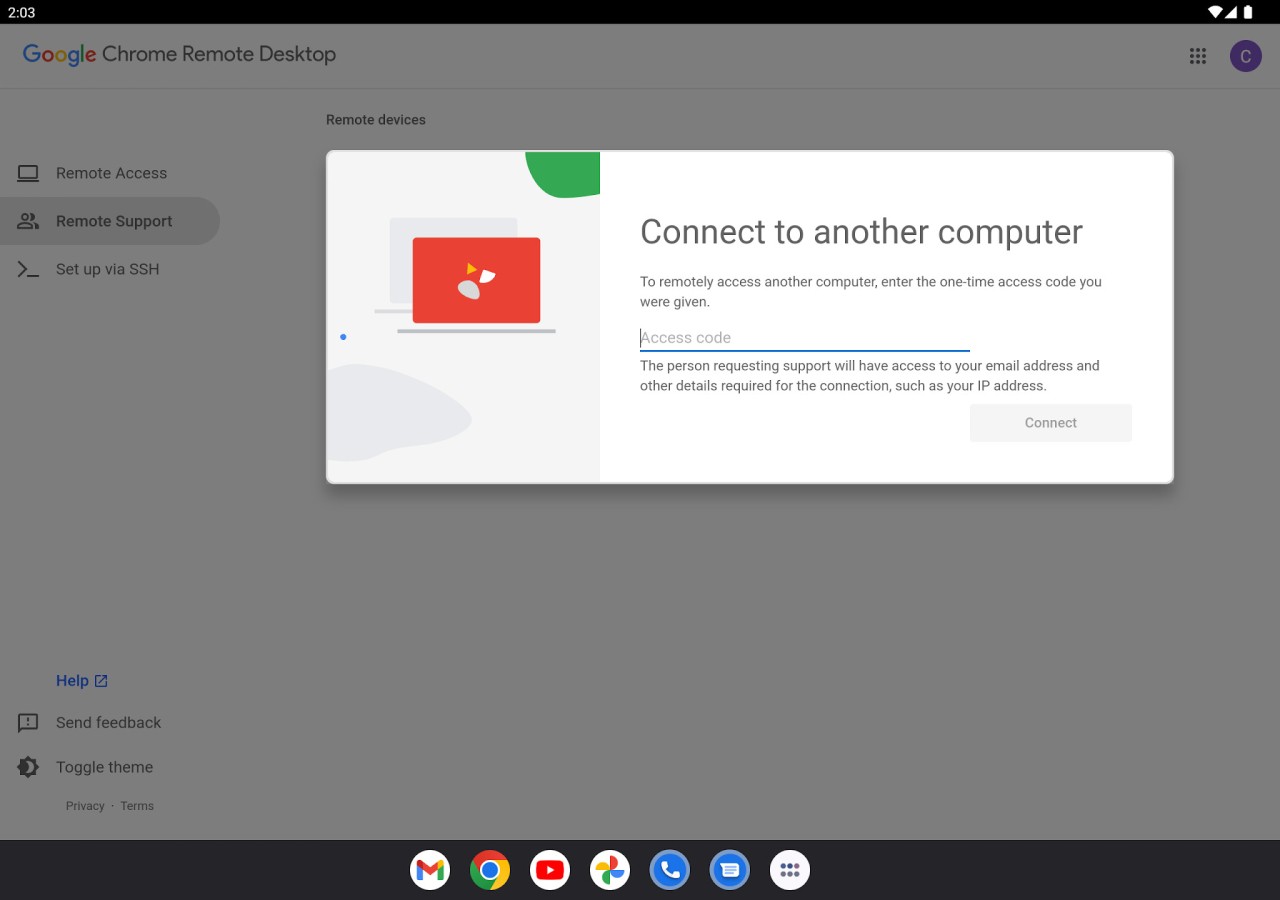
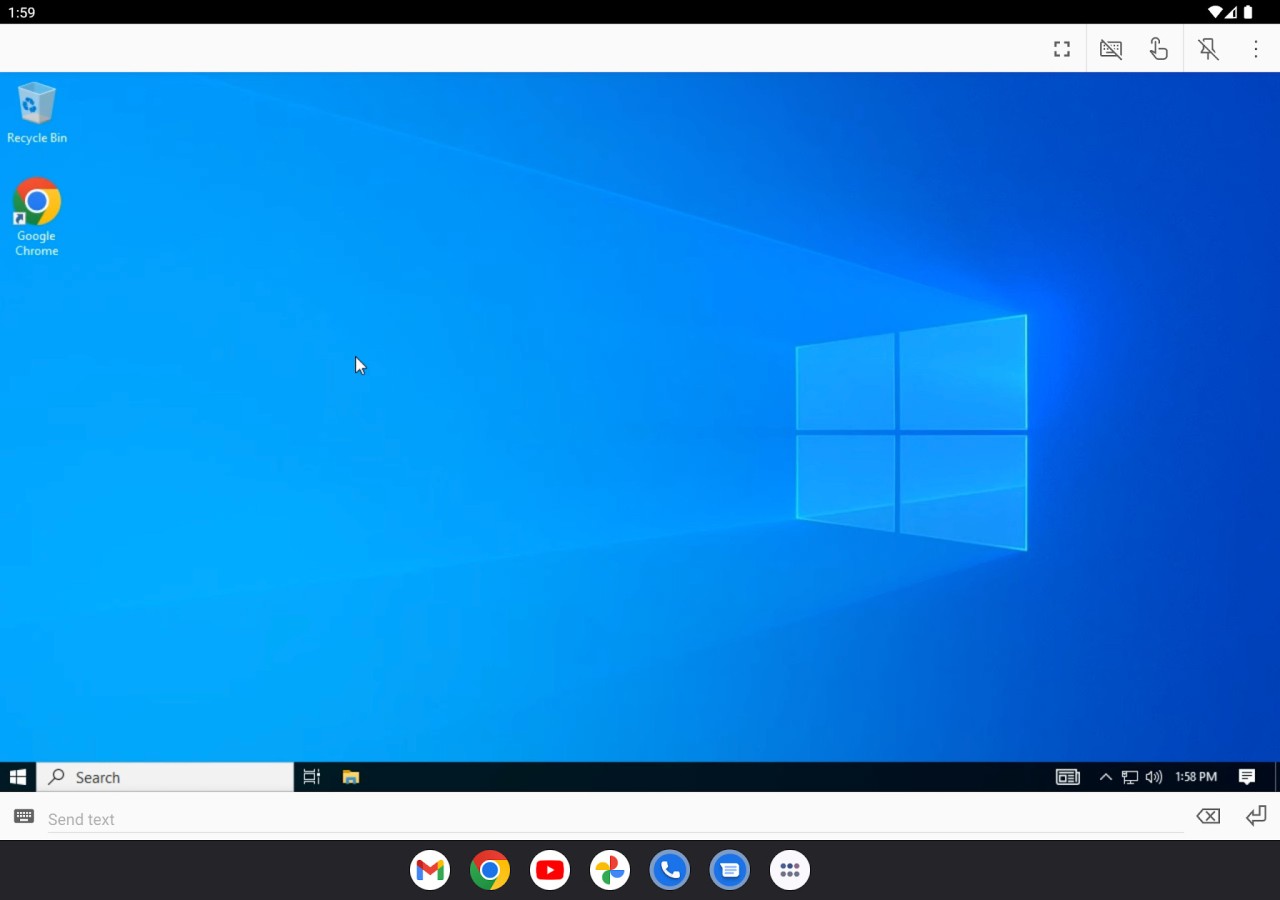
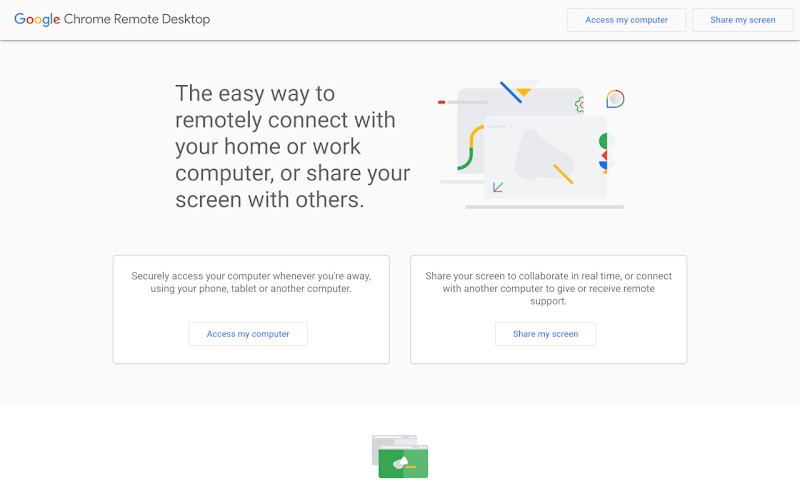
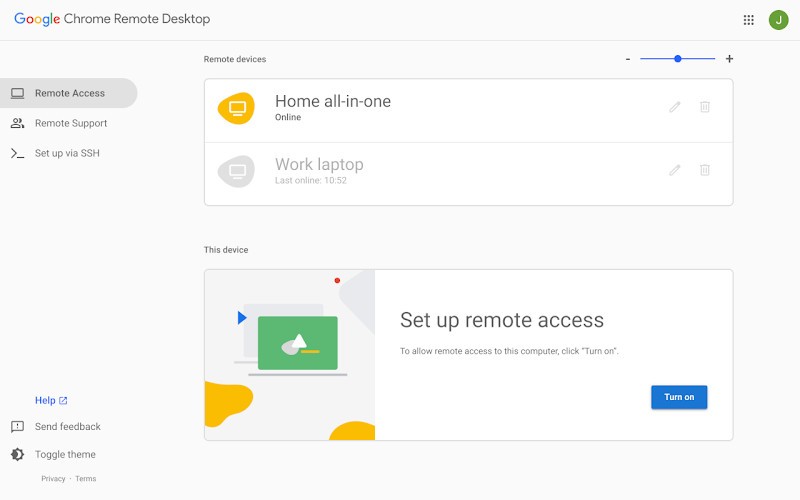
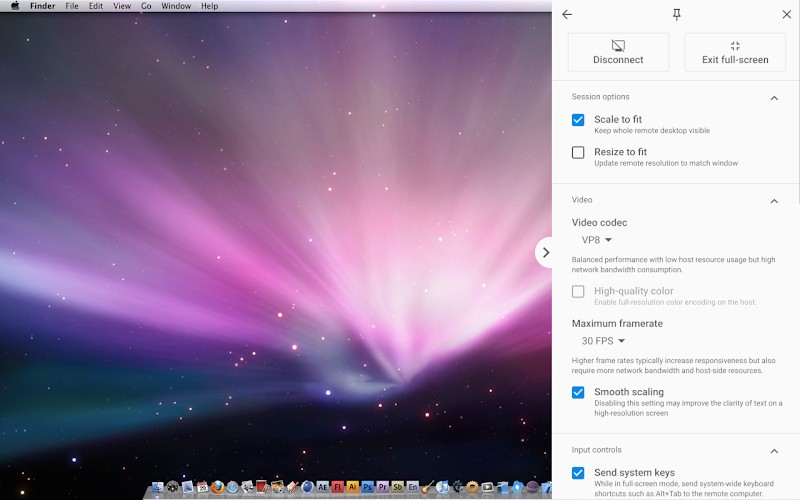
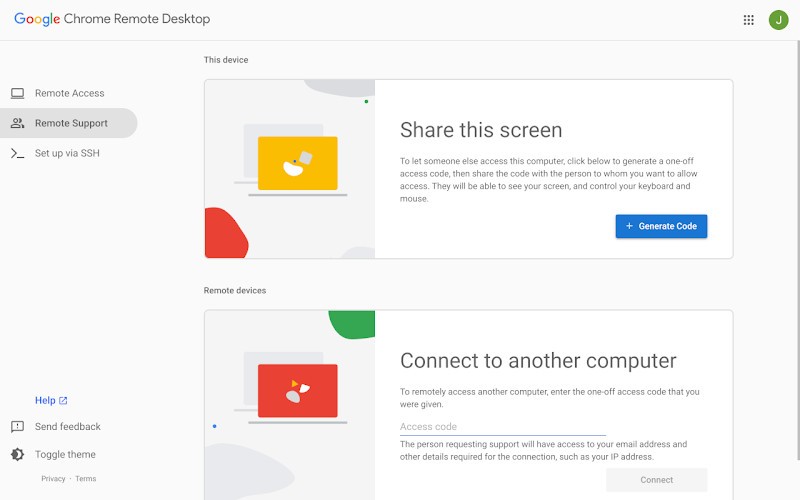
Remote access functionality known as Chrome Remote Desktop allows Google users to operate computers through a Chrome browser or dedicated mobile application, free of charge. They avoid software complexities and program installations since Chrome Remote Desktop operates as a fully integrated web solution. The application enables simple and efficient remote access to computers for any personal, business, or IT support need.
After signing into the tool, users can gain secure access to their devices using their Google account. The installation of Chrome Remote Desktop creates an uninterrupted experience that provides quick access for activities like file retrieval, technical assistance, or business application work from different locations.
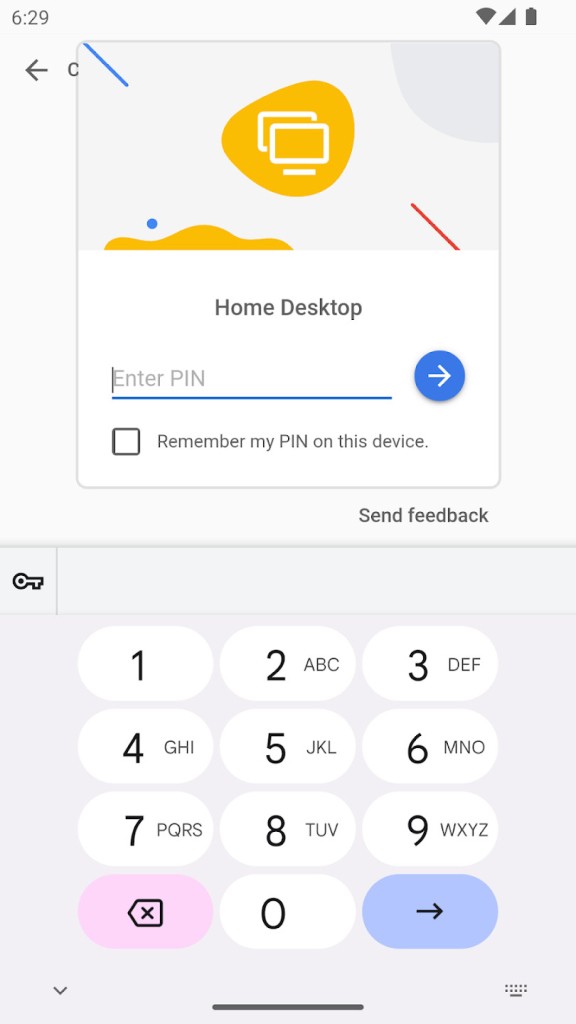
Chrome Remote Desktop provides security as one of its essential core aspects. All data transmission requires authentication for every session, and encryption protocols stop unauthorized access. Users benefit from this integration because they can handle remote connections through Google's platforms without requiring any additional programs. Chrome Remote Desktop provides basic remote connectivity features; while it does not have the full functionality of enterprise-level tools, it is still a viable option for users who require simple remote connection features.
Chrome Remote Desktop is available on Windows, Mac OS, and Linux. It can also run on Android and iOS devices and is free of charge.
Why Should I Download Chrome Remote Desktop?
The primary reason for installing Chrome Remote Desktop is its simplicity. Because of its direct browser functionality, the tool works with Google Chrome and does not require any complicated setup. To access the remote control, users must first activate the small extension and log in with their Google credentials, then enable access to their preferred devices. The system is ideal for new users who require machine access and those looking for simple remote device connectivity.
The tool provides convenience because it works across different platforms. Chrome Remote Desktop allows users to connect across multiple platforms, including Windows, Mac OS, Linux, and mobile devices. They can access their PCs through this flexibility because it is compatible with all operating systems, making it an effective tool for cross-platform users. Chrome Remote Desktop is a convenient system for users to establish secure connections that allow remote device access, whether traveling to check important files or assisting loved ones with laptop troubleshooting.
Businesses, together with IT professionals, find Chrome Remote Desktop to be an essential remote support solution. This tool allows technicians to diagnose and resolve system issues that affect clients' or employees' computers from a remote location. Business operations experience shorter IT support delays because of this method, which leads to decreased system downtime. Users can use this tool regardless of their location because its connection is via the internet, giving it a wide range of application potential for remote support solutions.
Security is among the main reasons why users should opt for Chrome Remote Desktop. Google's remote system protection features include encrypted authentication protocols that grant authorized access to users. Chrome Remote Desktop's restrictive nature allows it to operate within established network protocols, reducing the risk of security vulnerabilities caused by adjusting firewall settings. The application allows users to create passing codes that allow operators to connect briefly before quickly disconnecting during tech support scenarios.
Chrome Remote Desktop's lightweight version has minimal impact on system performance. The remote desktop application aims for maximum performance by offering optimized software that reduces computer slowdown and session lag. The application performs performance tests on all types of machines and internet speeds. The session remains stable in Chrome Remote Desktop despite network conditions, but overall performance relies on internet connection speed.
Users who use Google services will see Chrome Remote Desktop as the logical next step. Users can access their remote access sessions by using their Google account credentials through their existing account ecosystem. Users gain a smooth experience because they do not need to create separate usernames or passwords for their accounts. They can also access their remote devices via Chrome Remote Desktop without incurring any additional fees while maintaining a simple setup for secure connections.
Is Chrome Remote Desktop Free?
Chrome Remote Desktop presents itself as a free application for users. Google provides its remote access tool, Chrome Remote Desktop, completely free of charge without imposing any premium feature fees.
Users can establish remote computer access and device connections while providing remote assistance without making payments or requiring subscriptions. Chrome Remote Desktop's fee-free policy provides remote users with unrestricted access to its services, which are suitable for both personal and commercial purposes.
What Operating Systems Are Compatible with Chrome Remote Desktop?
Chrome Remote Desktop spans multiple platforms, which makes it a highly adaptable remote access solution among available tools. Users can access all desktop operating systems through Chrome Remote Desktop because it functions on Windows, Mac OS, and Linux platforms. The system provides Android and iOS support to allow mobile devices to give users platform access for remote control functions.
Both devices require an active installation of the Chrome browser application or the Chrome Remote Desktop program to function properly. As the system runs on Google's cloud platform, users can avoid firewall configuration and network adjustments. Any devices with internet connectivity can enable remote access between themselves.
What Are the Alternatives to Chrome Remote Desktop?
The benefits of using Chrome Remote Desktop as a free service do not include every feature that users could need. People who require additional functionality, such as file sharing or session recording, as well as remote printing, should look into different solutions that meet their needs.
Among all remote access solutions, VNC (Virtual Network Computing) stands out as the most recognized program. VNC, or RealVNC, incorporates advanced security and control features into its VNC software implementation, providing users with traditional remote access capabilities. VNC differs from Chrome Remote Desktop in that it operates independently of Google accounts while allowing users to access remote devices via IP addresses. Businesses and IT professionals choose this option because it offers detailed control over remote sessions. Setting up VNC proves to be a complicated process for users since they must configure their network properly. This tool satisfies users who seek strong and adaptable remote desktop functionality.
AnyDesk represents an outstanding option when users require a light remote desktop solution because it enables fast connections with minimal delay. AnyDesk's remote capabilities work flawlessly across all internet speeds, from slow to fast. Adult users and business operators can benefit from this solution because it provides three essential features that allow transferring files, recording sessions, and synchronizing clipboards. AnyDesk operates independently of a browser because it runs as a standalone application, whereas Chrome Remote Desktop requires browser operation to function. Individual users can use AnyDesk for free, but business customers must pay a subscription to gain access to upgraded functionality.
TeamViewer stands as a main alternative to remote desktop solutions dedicated to business users, together with their IT support personnel. TeamViewer provides comprehensive remote access functionality, as well as file transfer and printer access across multiple operating systems. The platform is accepted by numerous companies that need advanced professional remote support capabilities. TeamViewer's free tools are available to both personal and business users, but the business plans are expensive. The solution is useful for businesses that require high-functioning remote access, but it is overkill for users who require remote access on a whim.