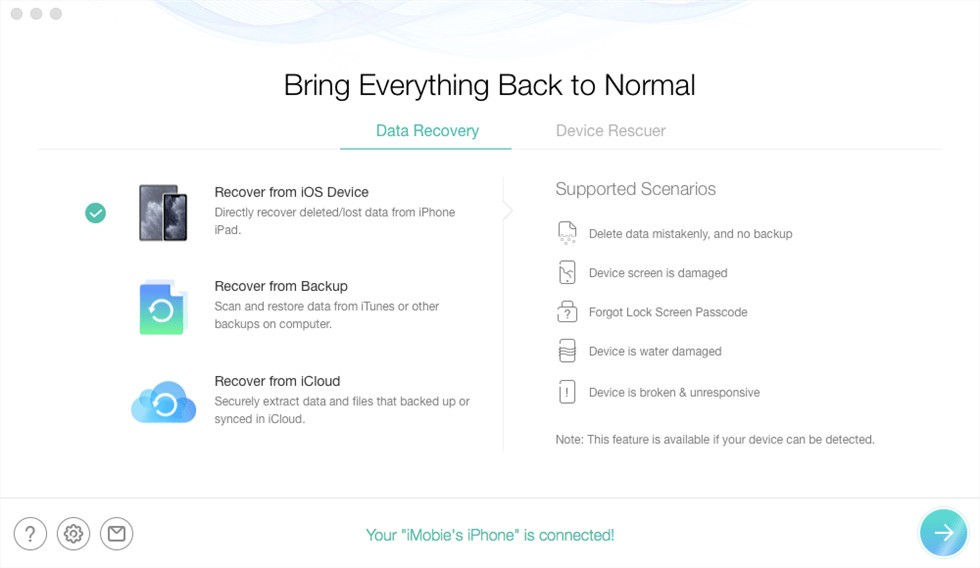
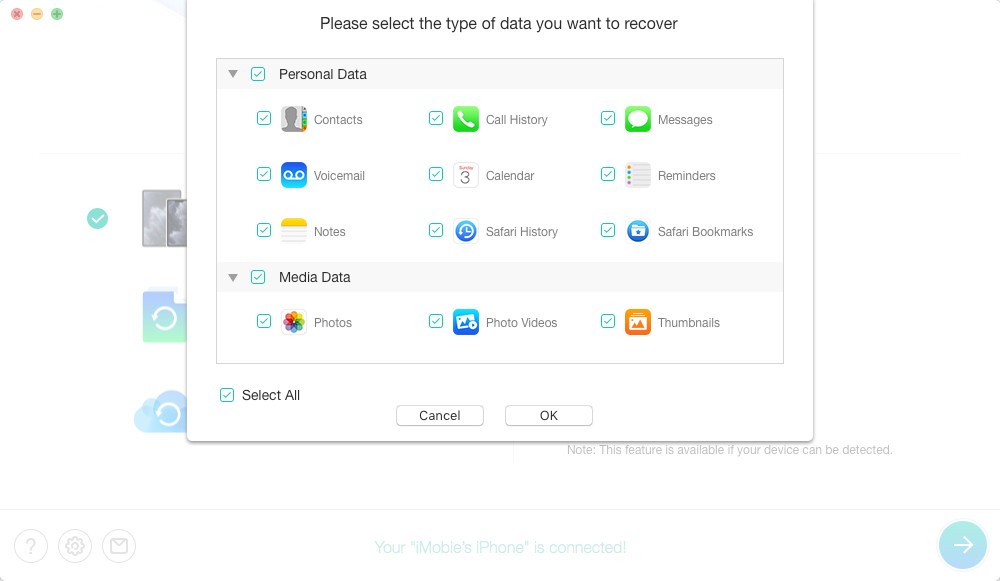
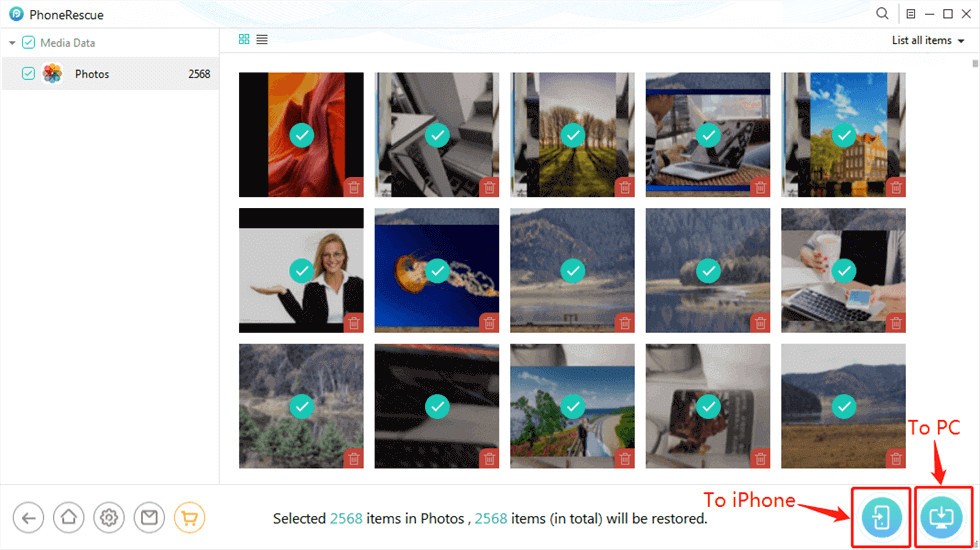
PhoneRescue iOS functions as a specialized software solution that serves to restore all forms of data lost from iOS mobile devices. As an iMobie product, this software targets the recovery of diverse data types, including photos, messages, contacts, application information, and additional content. With its deep-scanning capabilities, PhoneRescue iOS enables users to restore files lost from their iPhone, iPad, or iPod touch, no matter the cause, whether by unintended deletion, system failure, update failure, or any unexpected event.
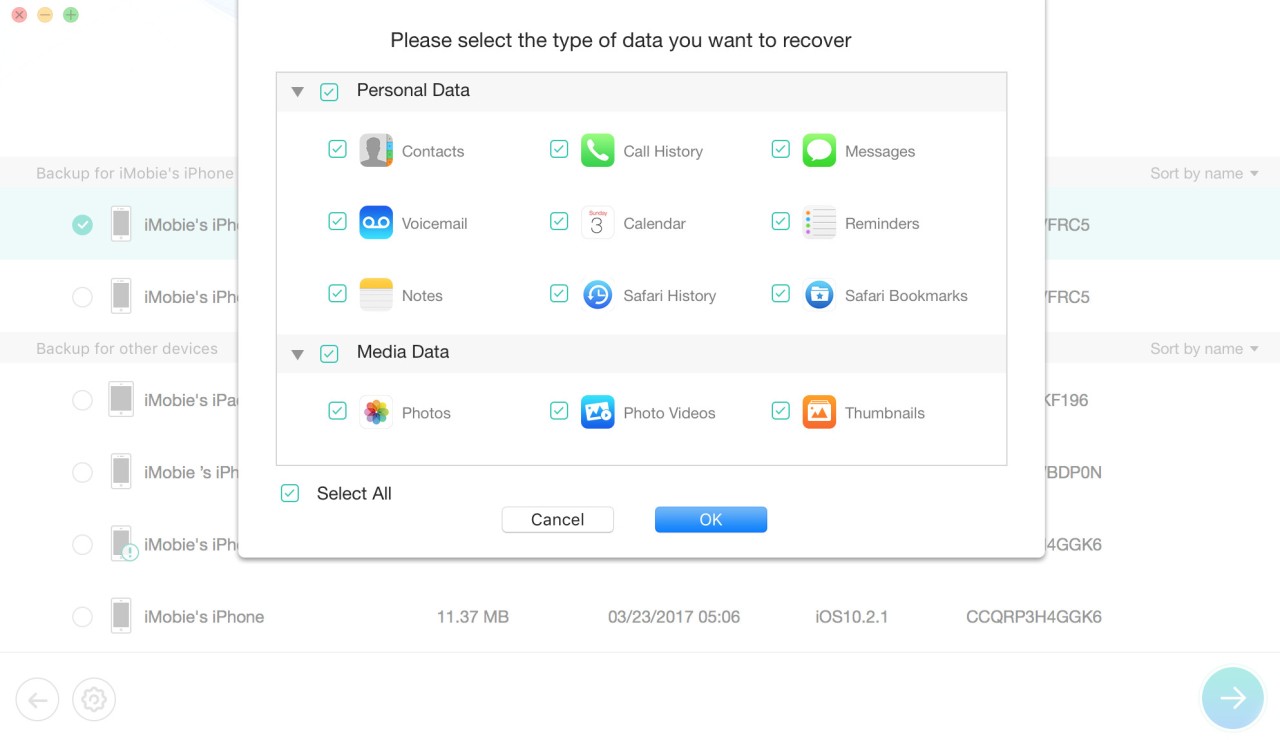
The software lets users select between different data retrieval modes, which include machine direct, iTunes backup retrieval, and content recovery from iCloud backups. Users can save time with this system because it restores specific elements without doing full backups, which makes the software efficient to use. A data loss recovery enables you to recover files without harming the present data. The recovery system prevents modifications to any current data while it performs the restoration process.
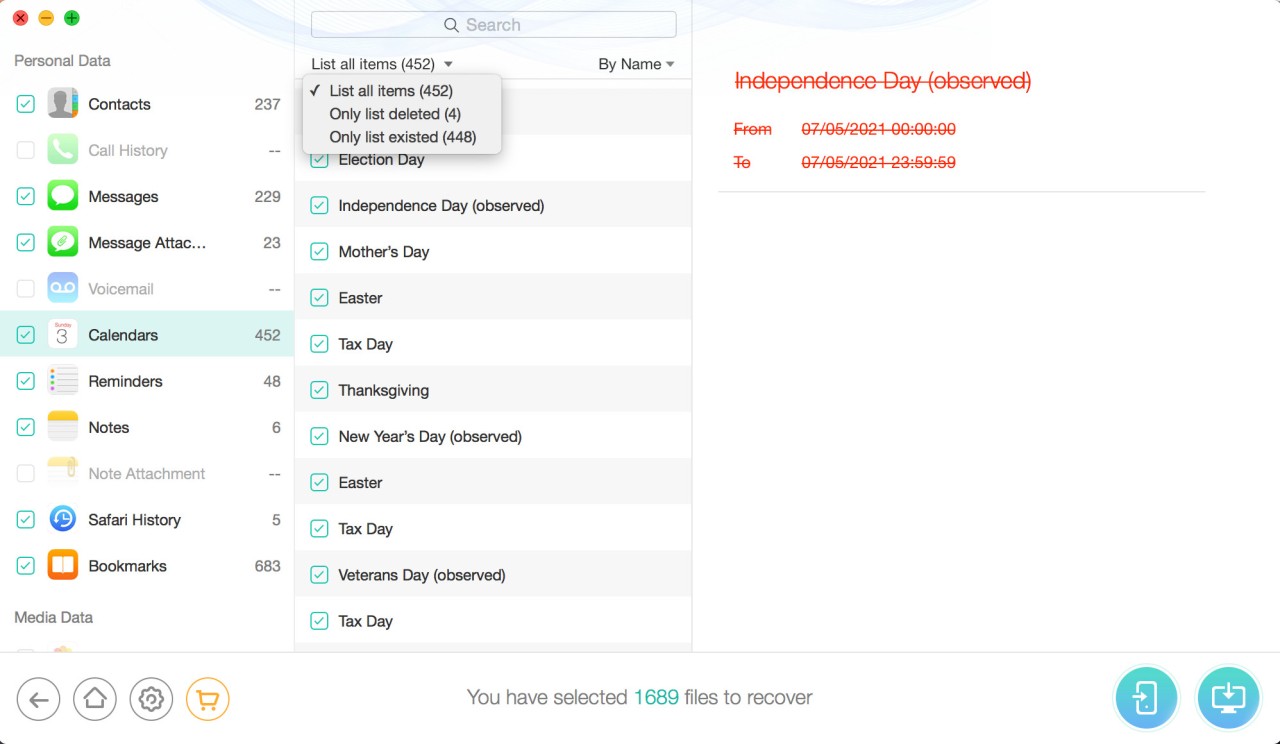
The ability of PhoneRescue iOS to extract data from unresponsive devices through its tools becomes useful when your Apple device gets stuck on the logo or has boot issues. Data recovery is accessible to all users, including those who are unfamiliar with technology, thanks to the program's simple interface and detailed instructions. Previewing recoverable files before restoration provides an additional benefit by allowing users to identify necessary data for recovery.
Why Should I Download PhoneRescue iOS?
Users who download PhoneRescue iOS will protect themselves from crucial data losses occurring at unexpected times. The software acts as a trustworthy tool that rescues lost data from iPhones after system update failures and accidental photo removals. It exists only to serve iOS users through practical data extraction methods that feel intuitive to operate.
The latest features of the software work effortlessly across different data loss scenarios. With its multiple recovery modes, the software enables people to retrieve their data from devices that are locked, broken, or present any other malfunctioning state. Protection against critical file loss comes from the multiple ways in which PhoneRescue iOS allows you to recover files through its flexible recovery modes.
One of the primary reasons for using PhoneRescue iOS is its ease of use in recovering phone data. Anyone who requires its functionality should not be concerned about needing technical knowledge. The program guides users through simple actions to perform most of the data restitution work. The interface's well-organized layout prevents you from getting lost as you navigate through recovery options. You can look at files ahead of time before recovering specific data, so you avoid wasting disk space on redundant information.
The developers of PhoneRescue iOS created this program to prioritize data safety. During data recovery, your current files remain untouched; hence, there is no risk of losing valuable information as you restore your data. This tool can retrieve app-specific data, including WhatsApp and Line messages, while offering detailed functions that make it suitable for wide usability. Your digital communication history holds equal value to photos and videos because PhoneRescue iOS retrieves all elements in your phone data.
The software demonstrates excellent compatibility features among its key advantages. The device operating system makes no difference because PhoneRescue iOS works flawlessly on both the most recent iOS version and slightly older versions. It serves as a crucial tool that helps users restore unavailable data files. The software provides a perfect solution for troubleshooting stuck boot loop problems and other common iOS issues through its handy capability to bypass those issues. It delivers far more advantages than basic data recovery because it achieves exceptional performance in difficult recovery situations.
Is PhoneRescue iOS Free?
The free trial version of PhoneRescue iOS lets users check what files their devices can recover after performing a scan. They need a purchased license to enable complete data recovery capabilities and access the saved information.
The paid version of PhoneRescue iOS grants maximum feature access, which enables users to recover any type of supported file with unlimited capabilities.
What Operating Systems Are Compatible with PhoneRescue iOS?
PhoneRescue iOS functions on both Windows and macOS platforms, so users who prefer different operating systems can still use its features perfectly.
PhoneRescue iOS is compatible with all current iOS versions and iPhone primary versions, as well as iPad and iPod touch devices. Its broad operating system support ensures ease of use on PCs, Mac, desktops, and laptops.
Note that PhoneRescue also exists in an Android version.
What Are the Alternatives to PhoneRescue iOS?
Customers who use PhoneRescue iOS will benefit from other data recovery software alternatives that offer distinct advantages.
UltData by Tenorshare stands out as a stand-in solution for data recovery needs. PhoneRescue provides effective data recovery features that extract information from iOS devices, iTunes backups, and iCloud backups. PhoneRescue iOS offers convenient handling of different data loss situations by letting users easily recover their data through its simple built-in interface. UltData uses intensive scanning techniques to investigate all storage locations on your devices in search of any missing files. Users can preview files before recovery using the preview tool in the software. The tool stands as an effective recovery option for people who need comparable power with a modified strategy for data restoration. Also exists for Android.
The software DroidKit serves as a solution for Android recovery but maintains limited functionality for retrieving data from iOS systems. The system provides end-to-end solutions by resolving boot loop and frozen screen issues and restoring erased data for users. This application provides less specialized iOS recovery, but it achieves versatility through its dual capability to recover data from both Android and iOS platforms. Among its features, DroidKit allows fixing device issues during your data recovery process, thus making this tool ideal for broken phones that require information retrieval.
Among the available choices, Dr.Fone for iOS and Android stands out as Wondershare’s versatile tool that provides users with outstanding device management capabilities and strong data retrieval features. Users can use this system to perform data backup and restore operations, as well as device unlocking functions, and find solutions to common iOS system issues. The data recovery features of Dr.Fone function by recovering files either through device access or iTunes and iCloud backups. This tool applies to managing various data formats, including photos together with messages, as well as call records and applications. Using Dr.Fone, you get an interface design that offers simple guidance through all steps for data recovery tasks.