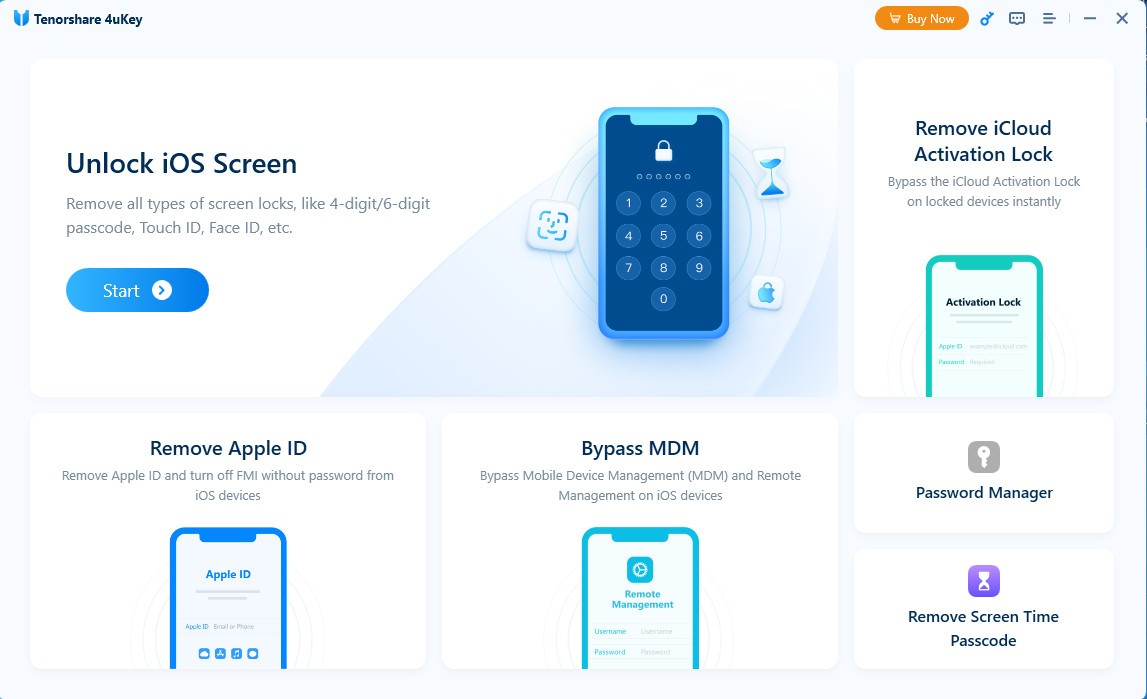
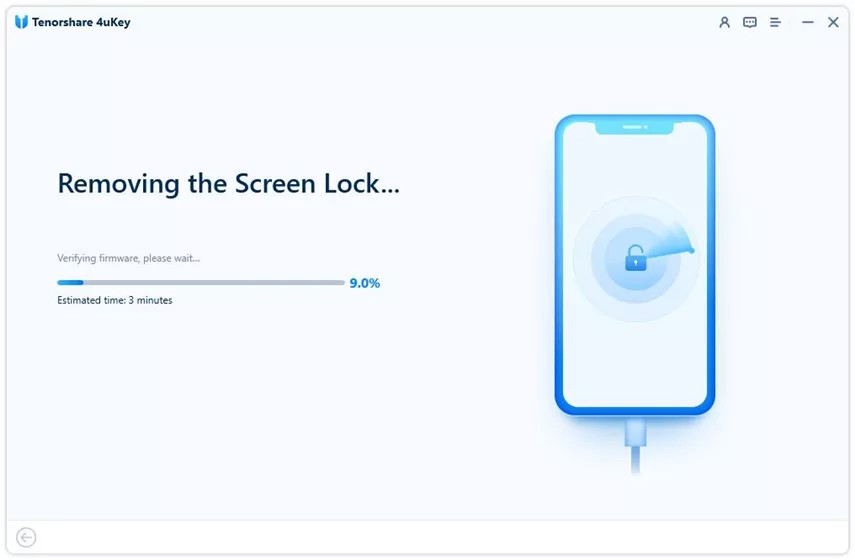
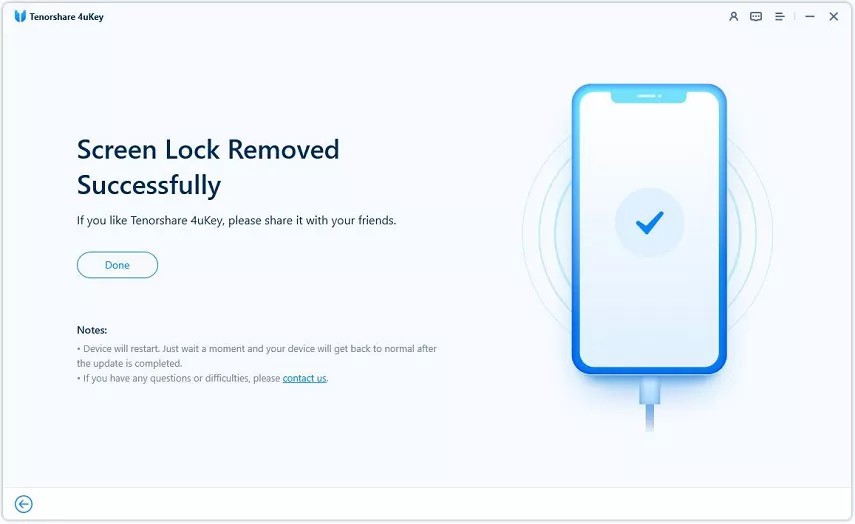
The specialized software Tenorshare 4uKey serves as an unlocking solution for iPhones, iPads, and other iOS devices, even when users lose access to their passwords. The software enables users to remove various lock protections, including password security measures, Face ID and Touch ID authentication systems, and Apple ID restriction rules (note that this will erase the phone’s memory).
You can remove any locked screen with this software, which provides an easy-to-follow guide for quickly resolving screen lock issues. People who experience iOS device lockouts can find relief with this tool, as it avoids complex Apple procedures and prolonged support waits.
The program performs passcode reset operations, removing existing passcodes from devices and granting access without requiring original credentials. The software enables users who obtained their phones from others or were mistakenly locked out to regain control without performing Apple ID recovery procedures.
4uKey guides its users through a clean, user-friendly interface to execute the process. Data wiping occurs during the unlocking process, allowing users to regain access and preventing their device from breaking, which is beneficial in most usage scenarios.
Why Should I Download Tenorshare 4uKey?
People find themselves in helpless situations with their devices at various times. Users who enter the wrong passcode or exceed lock screen attempts on their Apple ID devices find themselves in serious trouble. Better known as a total headache. The main role of Tenorshare 4uKey emerges at this point.
The tool provides users with quick access to their devices through methods that avoid time-consuming official support platforms. People usually end up with locked screens after repeatedly entering their passcodes, or when children handle their phones without sufficient experience. Users have a prompt alternative to abandonment or queuing at Apple stores through this tool.
Some individuals who maintain older phones lack easy access to Apple support services. Device control is in the hands of users thanks to Tenorshare 4uKey. Using this tool enables users to restore phone functionality rather than just access their device. The software provides crucial assistance to users who receive a used phone and cannot contact the previous owner. The software functions without requiring previous data. Using this software erases device information while restoring it to a fresh-out-of-the-box state.
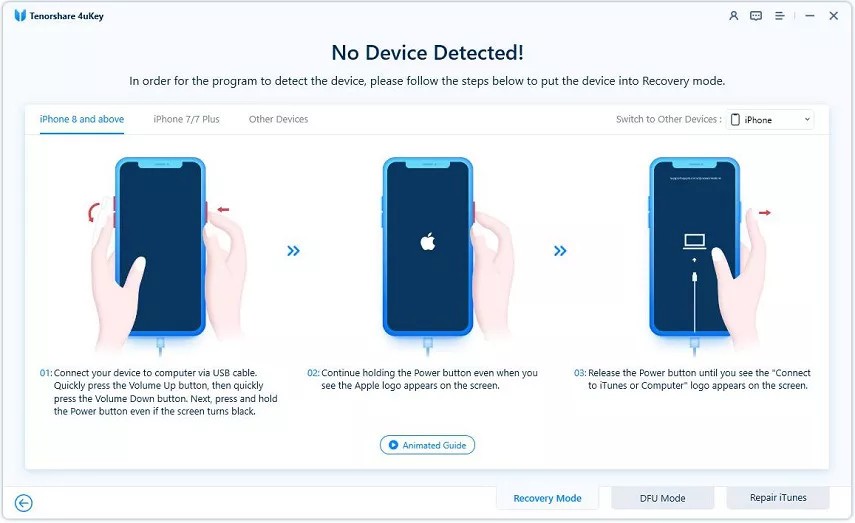
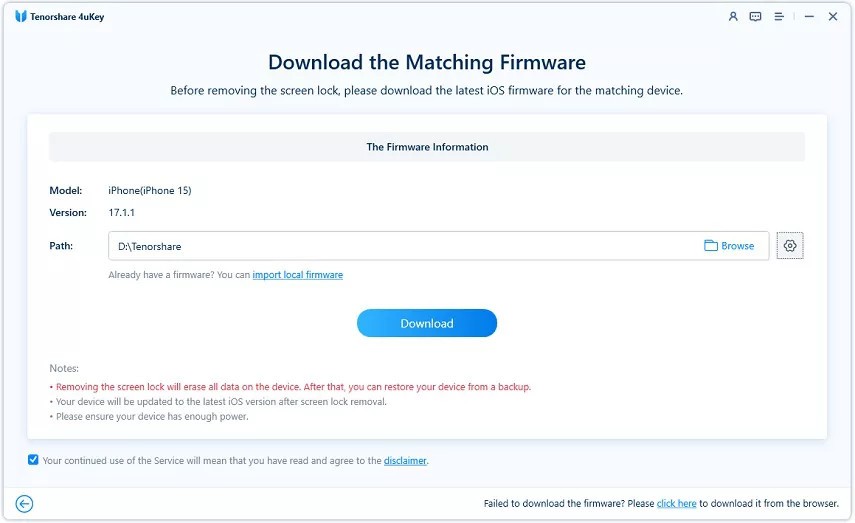
User-friendly steps are another key motivation for using this tool, since the software does not require technical knowledge from users. Each step in the procedure provides clear directions, supported by visual aids displayed on the screen. Firmware selection occurs after device connection, along with basic user clicks to complete device unlocking.
The tool presents basic steps for device restoration rather than teaching users about iOS internals, which they don't need to use a functional phone. Using this tool requires no coding and leaves your device unaltered, thanks to its protection against deeper modifications, with no jailbreak required. The entire unlocking procedure poses fewer risks than other available tools would.
The developers release regular software updates to support the most recent versions of iOS. Regardless of whether you use an iPhone 6 or an iPhone 14, you will receive software support through the system. The tool understands security structures perfectly well and makes adjustments to them with ease. The software developers keep their software up to date because they built a tool designed for long-term reliability beyond its initial project stage. A tool that works right out of the box gives true peace of mind when facing situations that grow more frustrating by the minute.
Is Tenorshare 4uKey Free?
Tenorshare 4uKey is not entirely free. The software lets users download it for free, and the initial device support scan functions are available at no cost.
The complete device unlocking and process finalization require a purchased license per Tenorshare 4uKey's terms. The basic free package lets you see compatible devices, but for full functionality, you need to upgrade to a premium version.
What Operating Systems Are Compatible with Tenorshare 4uKey?
Tenorshare 4uKey works on both Windows and macOS systems. The software runs on Windows 7 through Windows 11 and supports macOS versions starting with 10.13. Tenorshare 4uKey works with almost all iPhone and iPad devices running iOS, from iOS 7 to the latest versions.
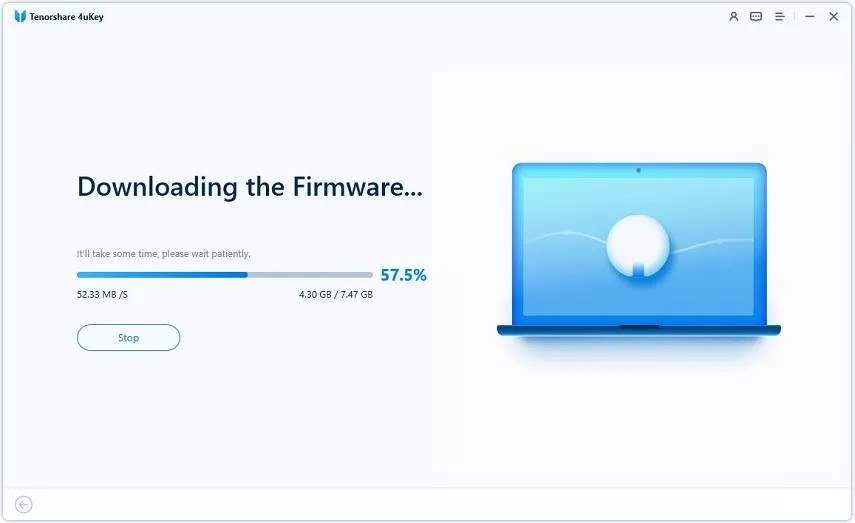
Users must maintain a secure USB link connection because the program needs available storage for firmware package downloads. The program runs exclusively on computer systems and requires installation before it can execute operations. Internet users can expect comparable functionality from these programs, since their setup operations run swiftly with minimal system requirements.
For Android users, note that Tenorshare has also made a 4uKey specifically for Android systems available.
What Are the Alternatives to Tenorshare 4uKey?
Several tools offer functionality similar to Tenorshare 4uKey, though they perform their tasks in different ways.
The highly recognized tool for screen unlock operations is Dr.Fone from Wondershare. This tool enables users to bypass device security by unlocking screens and removing Apple ID identities from all devices, without requiring passwords. The software supports many devices and enables users to recover data while moving phones through the same program interface. The all-in-one approach of Dr.Fone makes it a heavy tool for installation and navigation, yet it remains focused on device unlocking and other functions, unlike users who need specific features.
Numerous users turn to AnyUnlock by iMobie as a solution. The developers created this application for iPhone passcode recovery. The software unlocks screen passcodes, Apple ID accounts, MDM locks, and screen time passcodes. This tool presents a contemporary user interface that enables users to work with iOS devices running the latest versions. The price of AnyUnlock matches that of Tenorshare 4uKey, since the application deletes data during its operations. This unlocker application gives users complete access beyond standard lock-screen functionality when they need customized unlocking capabilities. The tool exists to serve users seeking an extensive solution.
PhoneRescue for iOS is the third locking option from iMobie (also available for Android). PhoneRescue started as a data recovery software but has since added screen locking, troubleshooting, and prevention of unsuccessful update failures as additional features. This application stands out because it focuses specifically on file recovery functions, both before and after performing device unlocks. The tool might meet your needs if you need to save data in addition to unlocking your device. Using the interface can be time-consuming and complex because the tool offers multiple features. A small group of users may benefit from the additional features in Gihosoft, but 4uKey remains the most suitable option for users who need a quick screen unlock solution.