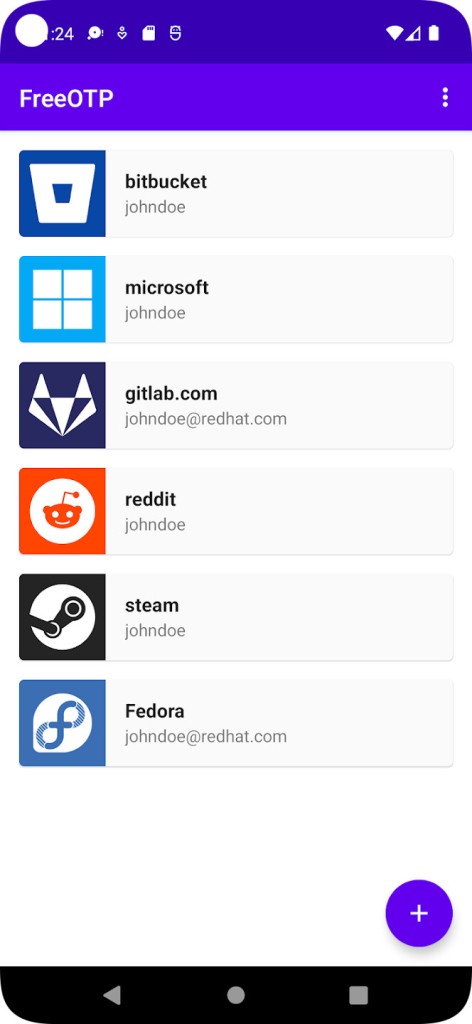
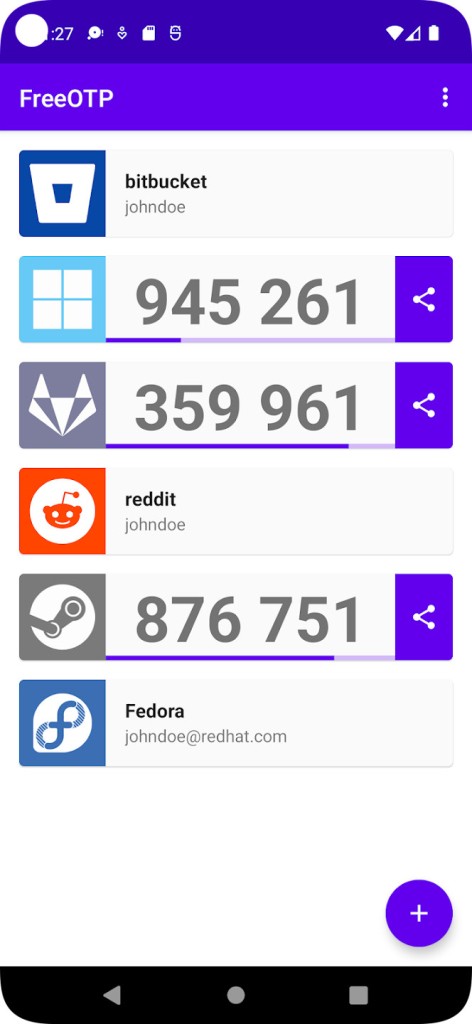
The authentication application FreeOTP functions as a tiny system that provides security extensions for users, protecting their digital accounts. The application generates temporary passwords based on the time required for login authentication.
The application prevents unauthorized account access when users have your login password. FreeOTP originates from the open-source community, and Red Hat developed it. The lightweight application functions as a simple device that perfectly generates authentication tokens for two-factor authentication.
The tool enables users to use standard two-factor protocols, TOTP and HOTP, to protect their accounts. Enabling two-step verification through a website QR code results in FreeOTP receiving this token for management. The tool requires you to provide a six-digit code that refreshes after thirty seconds during login attempts.
The second security barrier is the specific code. A setup completes the system so it operates entirely offline. It doesn’t try to be fancy. Security comes easily when you receive nothing extra from this system. This application requires zero registration process and functions without cloud dependencies. Just your device, your app, and your tokens.
Why Should I Download FreeOTP?
Everything became more convenient through the internet; however, this favorable change introduces security dangers to users. Two-factor authentication has become essential due to the inability of single-factor passwords to protect accounts, and it has become part of daily practice. You can obtain your second verification factor from FreeOTP without encountering any complications.
Users enjoy FreeOTP because it avoids superfluous design and forces users to use cloud storage or account-based systems. This simple application makes no noise until you launch it, but it generates new security codes whenever you need them. Simplicity is the main factor that attracts users to download this application.
FreeOTP is a strong choice for users who prioritize privacy and open-source software development. The system does not track your data nor establish outside server connections. Everything stays on your phone. Organizations do not require user registration to use FreeOTP. Your need for security, combined with your personal privacy, is the key reason to choose this solution.
FreeOTP works immediately after setup because it honors boundaries while avoiding unwanted advertisements and screen upselling. The application is free. Scanning the QR code completes the operation automatically. The application generates new codes automatically, which become available in less than a second each time.
FreeOTP provides an excellent choice because it operates with extreme efficiency. Your phone's speed stays normal, and the battery life remains steady thanks to this application. You will barely see it in operation. The application responds quickly to your needs whenever they arise, even with its fast startup time.
The authentication app functions with all services that use either HOTP or TOTP standards to generate authentication tokens. Using FreeOTP requires no difficult understanding because it operates on the principle of simplicity. FreeOTP presents itself to users by being unfussy in both form and function. The program rejects features for cloud synchronization or for tracking login records. It’s just you and your codes.
The application serves users best who prefer not to integrate their accounts into one interconnected network. The application asks users to authorize its data synchronization across different profiles while requesting email logins to establish server connections. Some users like the approach, but numerous others decide against it. FreeOTP avoids it entirely. Your phone security ensures complete protection for your token data.
The program operates without a cloud backup system, storing information. The system provides complete privacy before you make any changes. The main strength of FreeOTP lies in its basic security approach and built-in local operation. FreeOTP operates without aiming to become part of larger entities. The application operates without fuss and lets users finish their tasks for the day.
Is FreeOTP Free?
Yes, as its name suggests, FreeOTP is completely free. The application operates at no cost to users because its base version includes everything, with no hidden fees.
Users can access FreeOTP for free because it allows unlimited downloads and use of authentication token management services. Users can acquire this open-source application at no cost.
What Operating Systems Are Compatible with FreeOTP?
FreeOTP is available on all Android devices and iOS devices. You can run FreeOTP on any cellular device that supports modern applications from the Google Play Store or the App Store. The program requires minimal storage space while keeping its system requirements easy to handle.
It runs properly on mobile devices despite limited memory because FreeOTP has a streamlined design. The application remains efficient across all device types. Your phone serves as the software base for FreeOTP, so the application does not support desktop platforms, including Windows, macOS, and Linux.
What Are the Alternatives to FreeOTP?
People who need different features typically choose from the commonly used alternatives to FreeOTP.
The widely popular two-step authentication software is Google Authenticator. FreeOTP uses a similar algorithm to TOTP for generating time-based authentication codes. Users turn to Google Authenticator mainly because of its association with the Google platform and its comprehensive service integration ability. The open-source advantages of FreeOTP are missing from Google Authenticator, which is a non-open-source project, although recent updates have added missing features such as transfer and backup. Because of its basic functionality, Google Authenticator serves users who require prompt access without automatic cloud synchronizations unless users specifically enable it.
Microsoft Authenticator represents one of the top choices available. Among its features, Microsoft Authenticator provides push notifications for users with Microsoft accounts. There is no need to enter a code; simply tapping the approve button will work. Other accounts, such as Facebook and Google, can generate verification codes through this system. Microsoft Authenticator makes its ecosystem features the primary focus for authentication management. Through this system, Microsoft encourages users to establish Microsoft account connections alongside cloud backup management and to exercise complete system control through its interface. Microsoft Authenticator may overwhelm users who require ecosystem-driven integration, as it operates too closely with Microsoft's platform systems.
Authy stands out as a roadmap app with built-in backup and multi-device synchronization. While some users may find the cloud storage of Authy's encrypted tokens acceptable, others who value more data security may find it unreliable. The mobile backup system enables users to access their tokens by using any available device. Users who prefer localized token storage find the off-device approach concerning. Although users value the interface and solid performance, Authy offers cross-device access. People find Authy easy to use, yet its complexity might become bothersome for those who avoid complexity.